How Do I Preview My Guest Intake Form?
By following this guide, you can preview the Guest Intake Form to ensure accuracy before sharing it with guests.
1. Navigate to https://app.podup.com/home
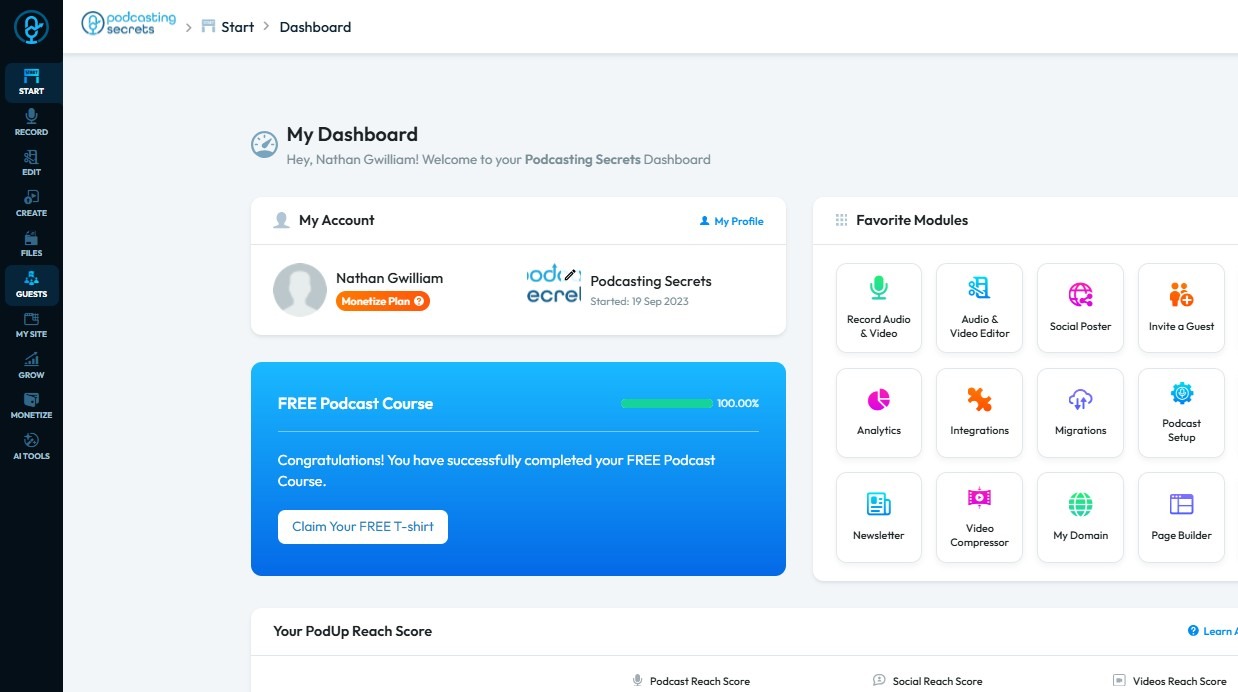
2. Click "Guests"
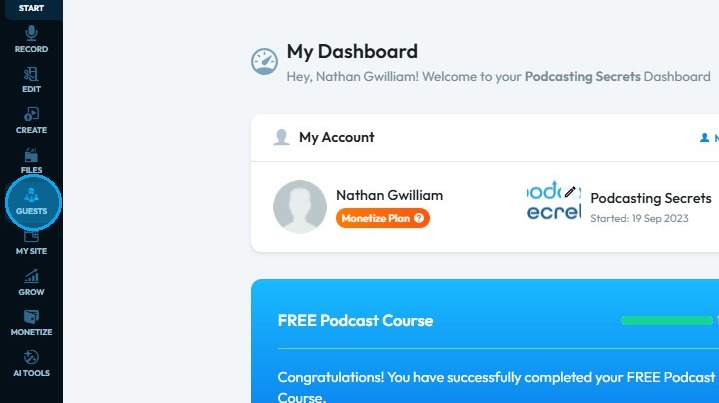
3. Select "Guest Inviter"
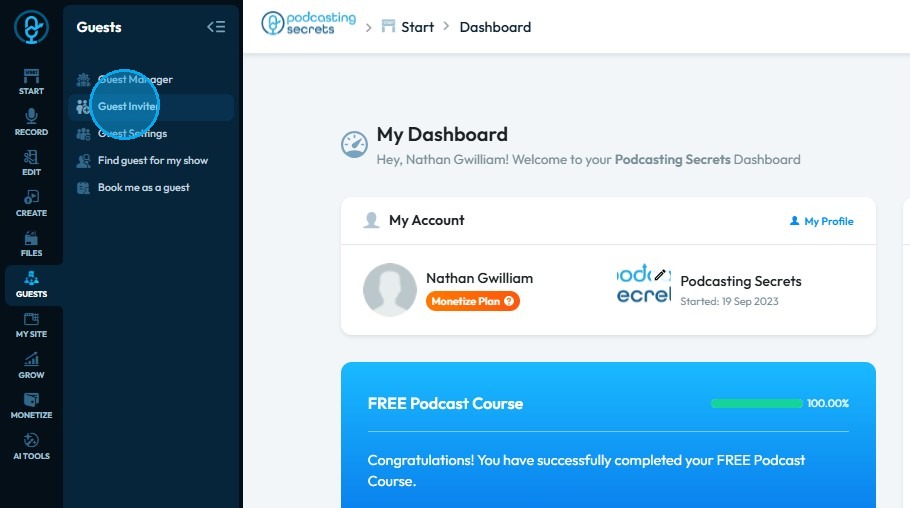
4. The ‘Guest Inviter’ page will open
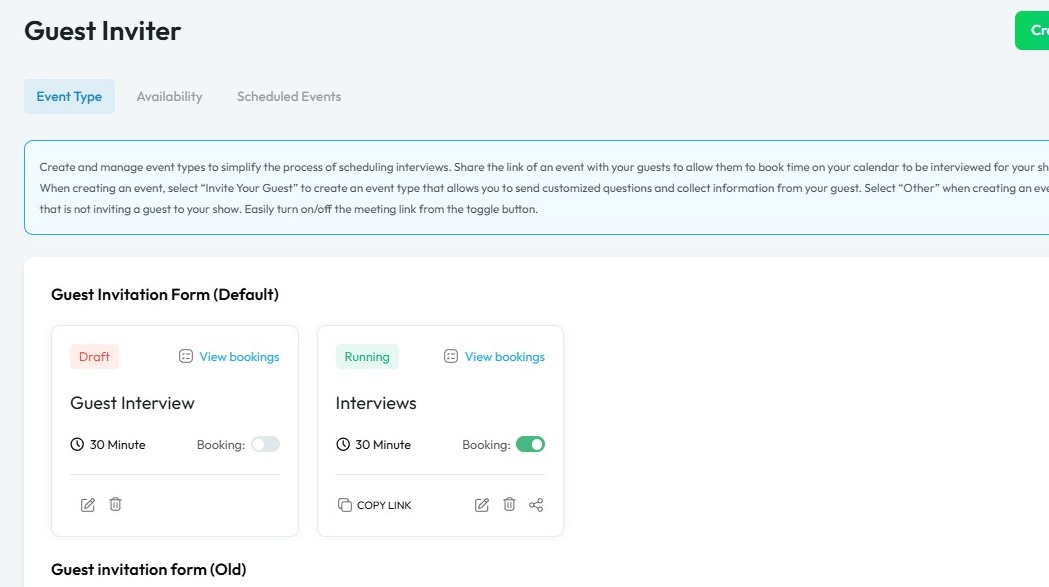
5. Click the ‘Edit’ icon
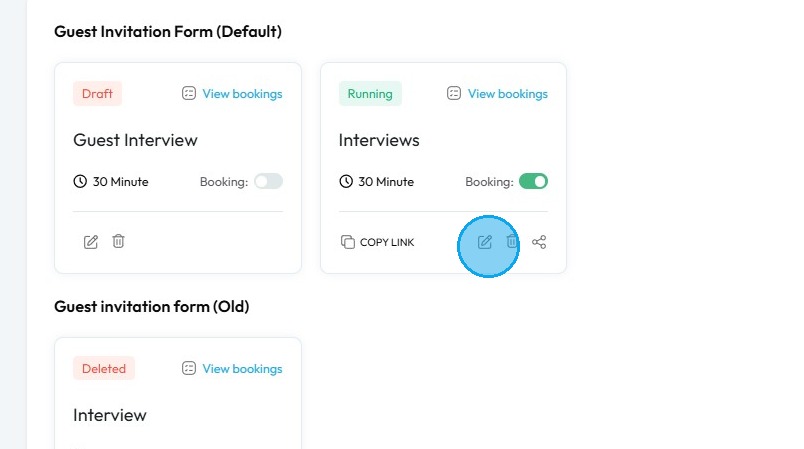
6. The ‘Event’ page will open
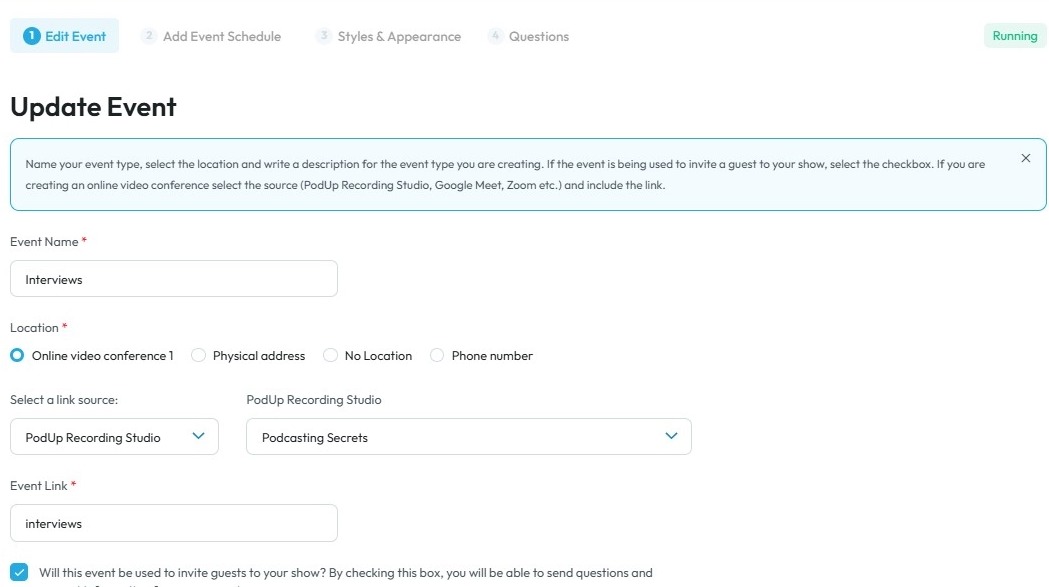
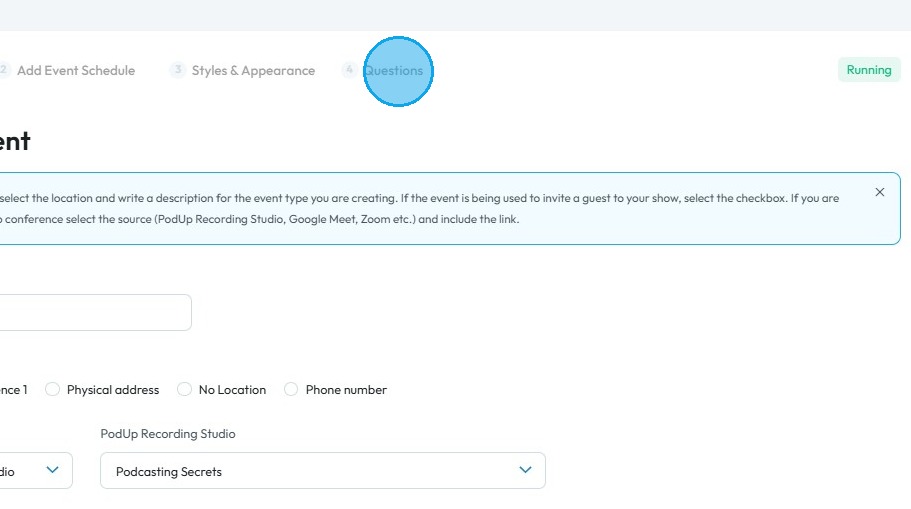
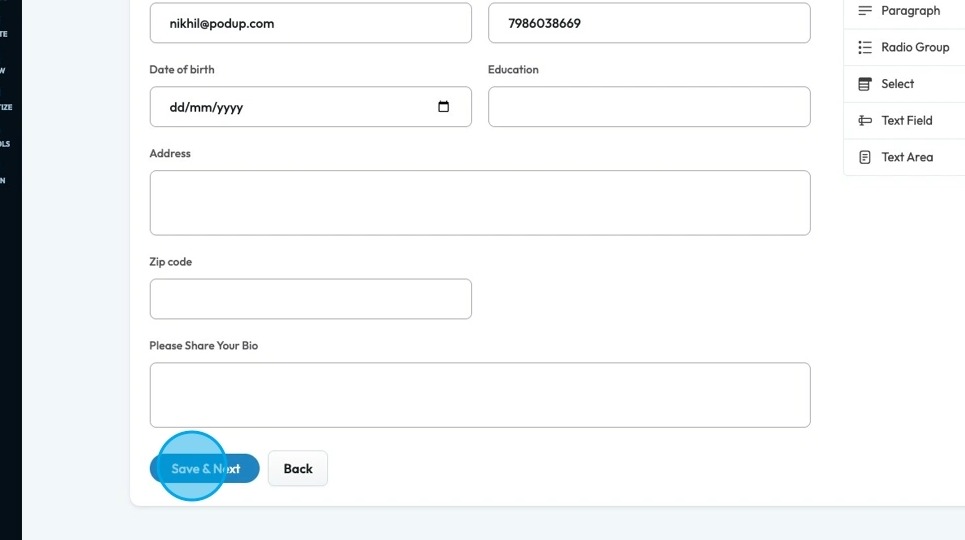
7. Select "Questions"
8. The ‘Guest Intake Form’ page will open
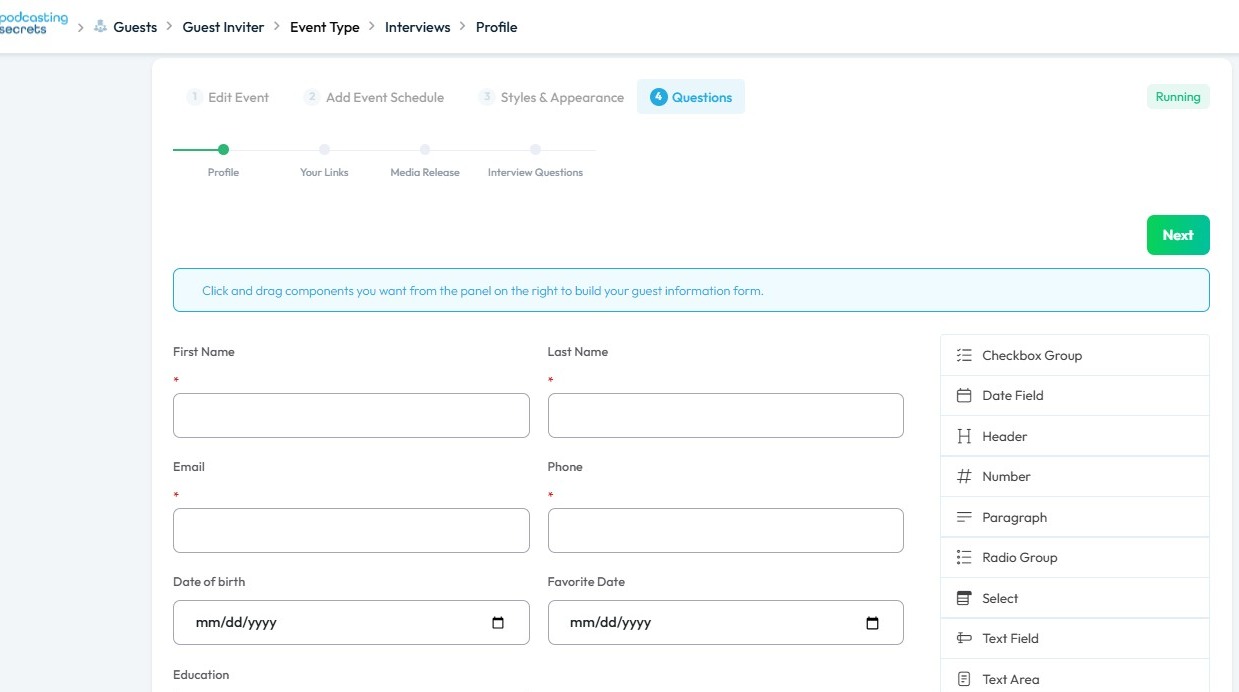
9. Click on Save & Next
Related Articles
How to Navigate Guest Manager (Detailed)
This guide provides a straightforward process for adding guests to the PodUp application, ensuring you can efficiently manage guest information and invitations. By following the steps outlined, users can easily input necessary details and customize ...How to edit my email template for my guest form?
By following this guide, you can edit your guest form email template to create professional, customized communications. 1. Navigate to app.podup.com 2. Click "Guests" 3. Click "Guest Manager" 4. Click "Add Guest" 5. Scroll down and select “Email ...How To Navigate Guest Settings (Detailed)
This guide is essential for anyone looking to create a customized guest intake form using PodUp's Guest Settings. It offers detailed instructions on how to navigate the platform, edit profile components, and tailor questions to fit specific needs. By ...How To Update Your Podcast Guest Profile
This guide is essential for podcasters looking to streamline the process of updating their guest profiles. It offers a step-by-step walkthrough on how to customize guest information, manage links to their social profiles, format a media release, and ...How To Book Yourself As A Podcast Guest
Submit a for to the PodAllies Guest Management team to request guest services for an added fee. This request will lead you to a strategy meeting with our team. For booking the creators on other shows we ask them in which niche podcast they would like ...