How do I let people select an option on my website
By following this guide, you can easily add radio buttons to your website using PodUp’s Page Builder, enhancing user interaction and streamlining option selection for your visitors.
1. Navigate to https://app.podup.com/home
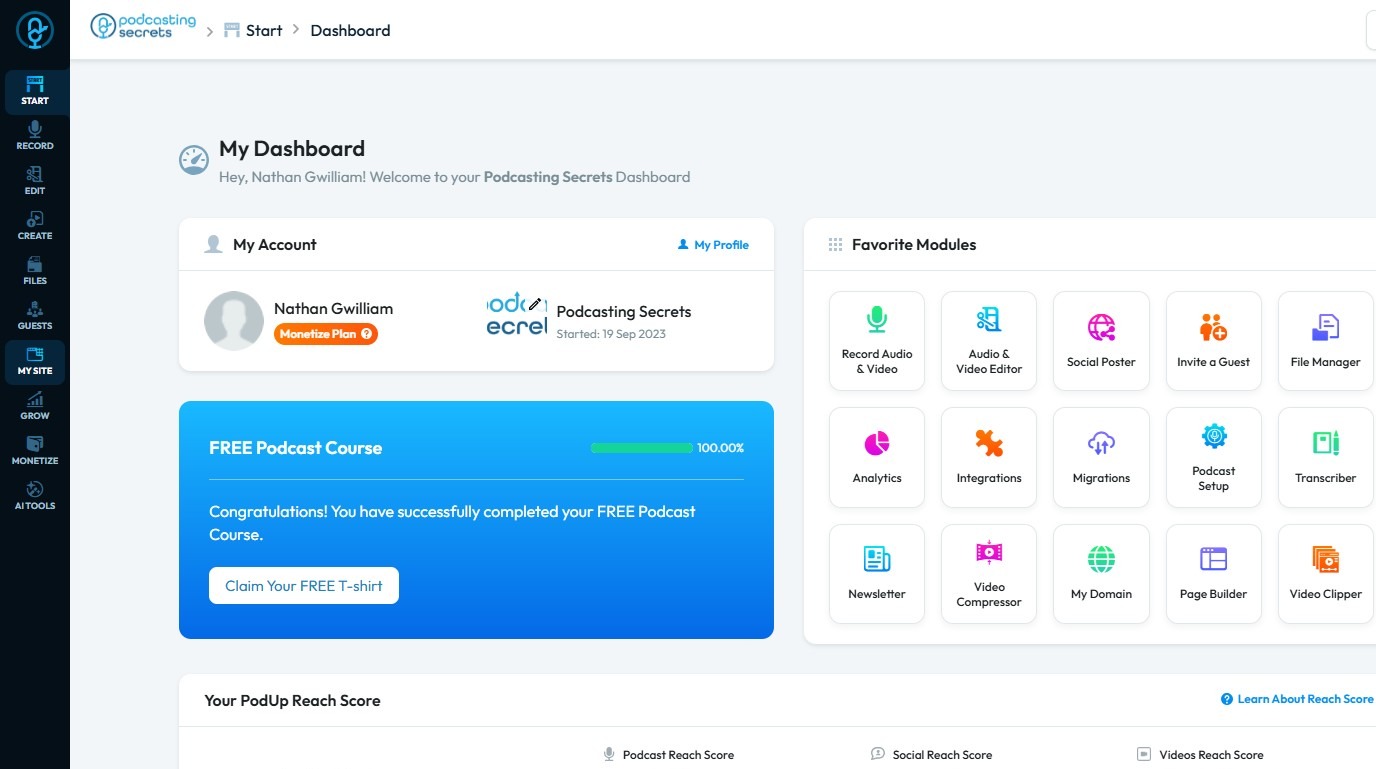
2. Click "My Site".
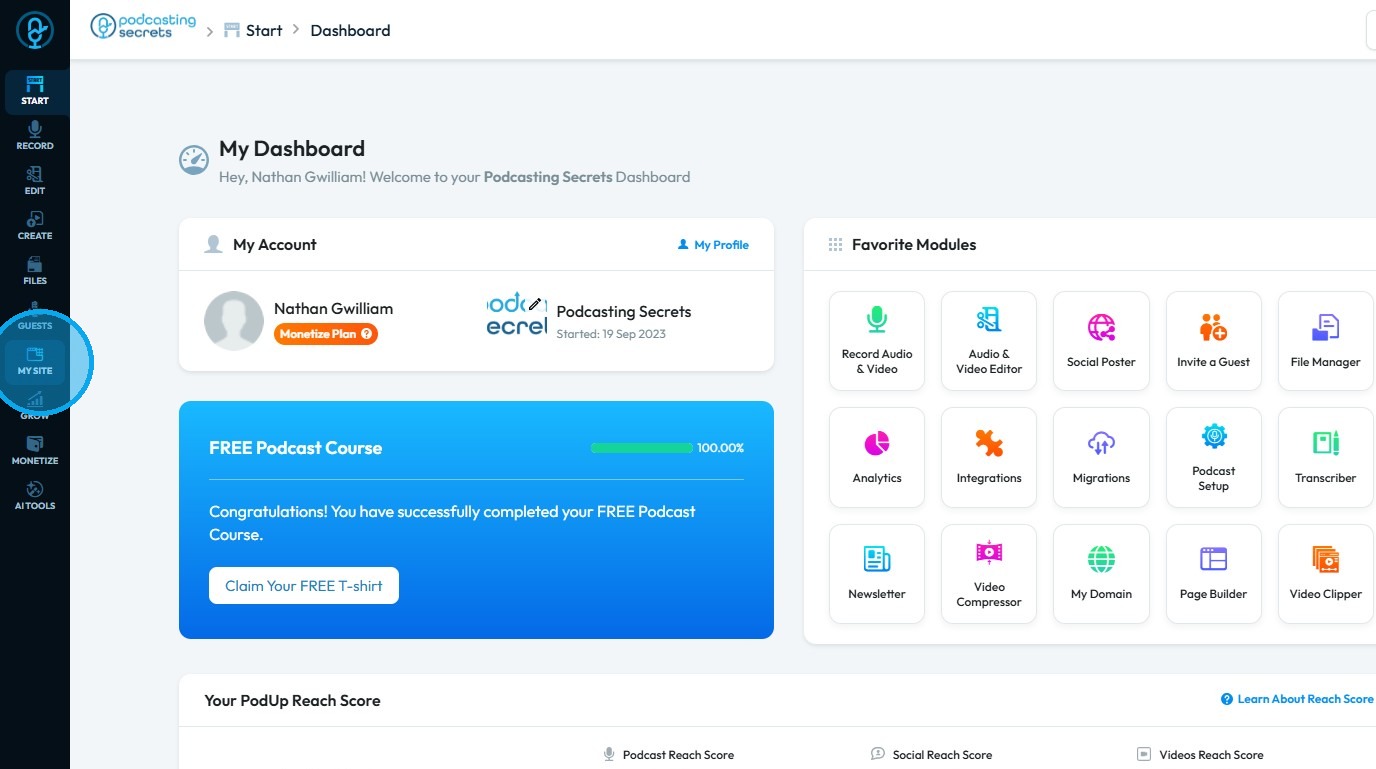
3. Select "Page Builder"
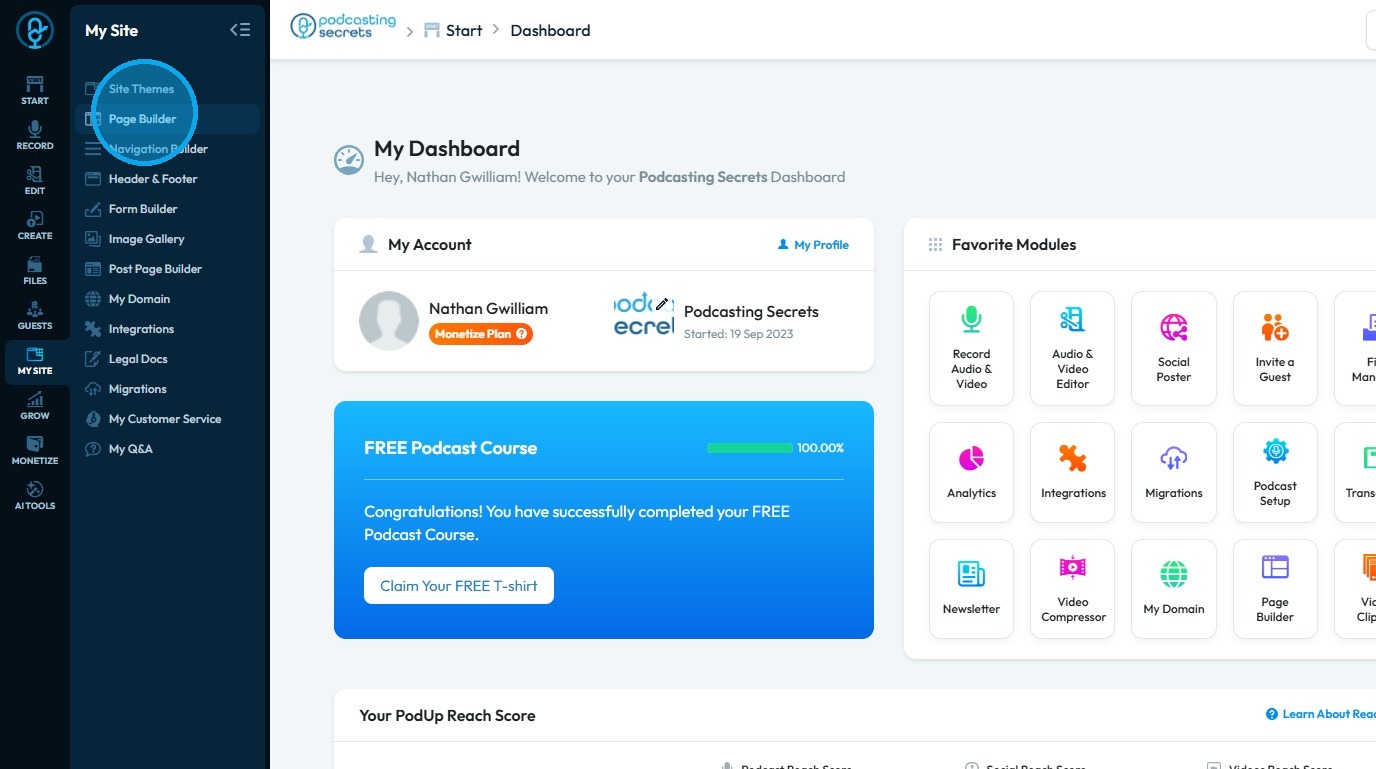
4. The Pages section will open, displaying all your pages
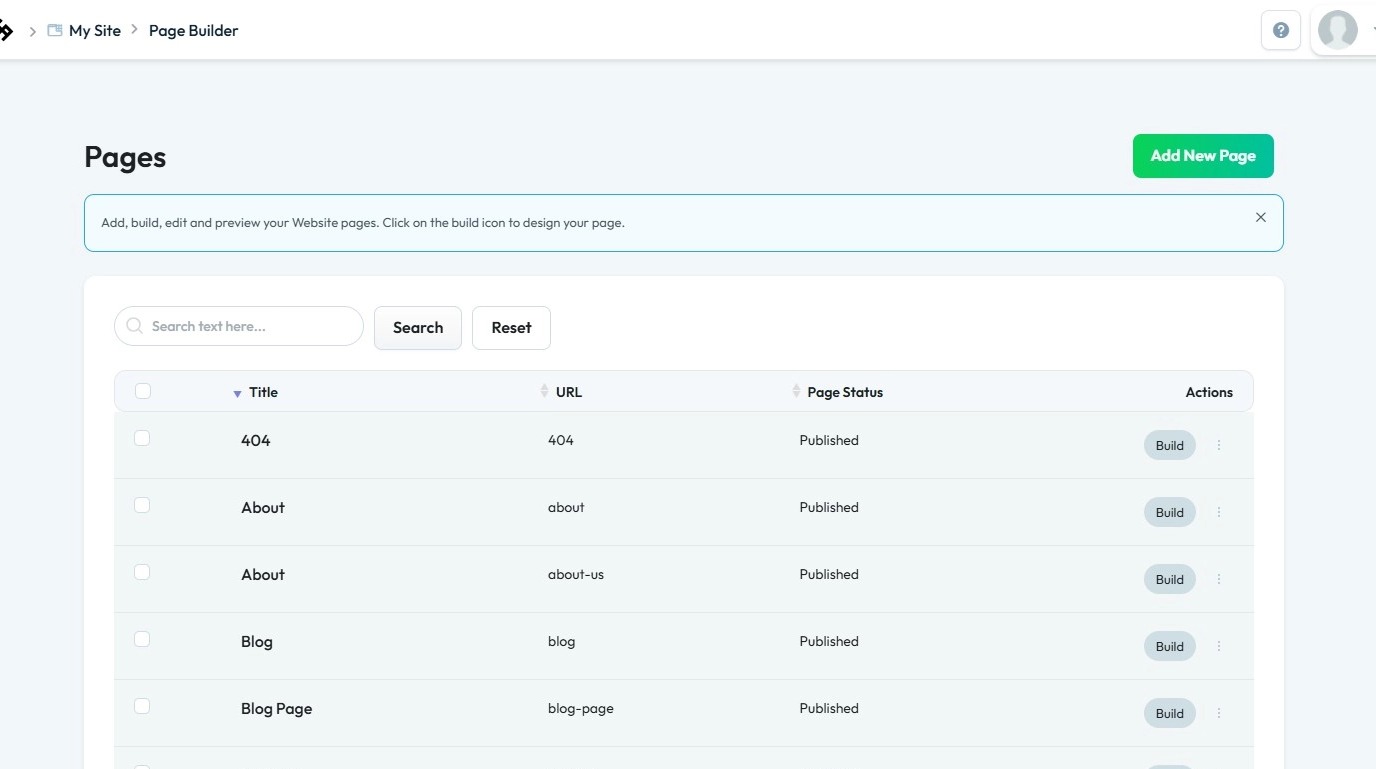
5. Click the “Build” button for the page where you want to add radio buttons
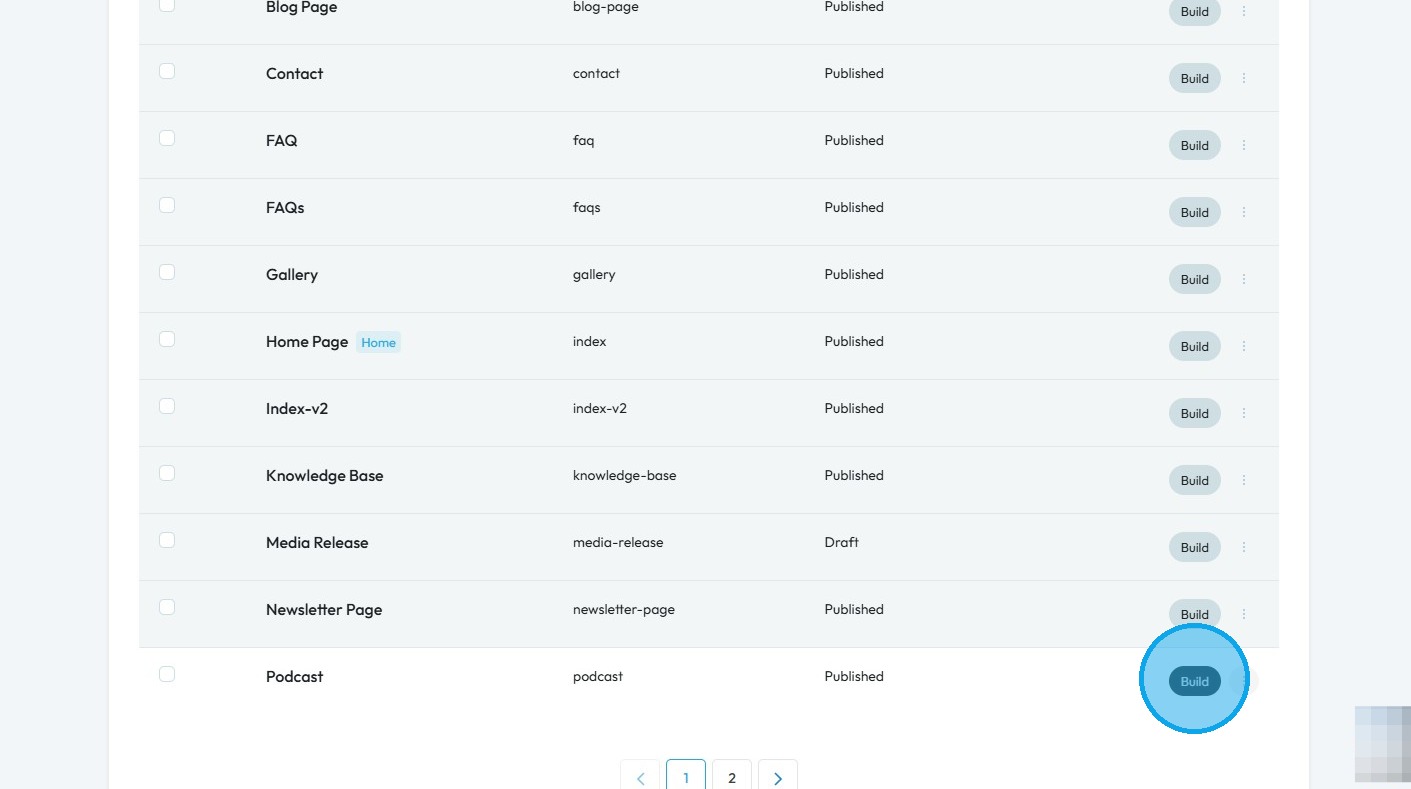
6. The PodUp Page Builder will load
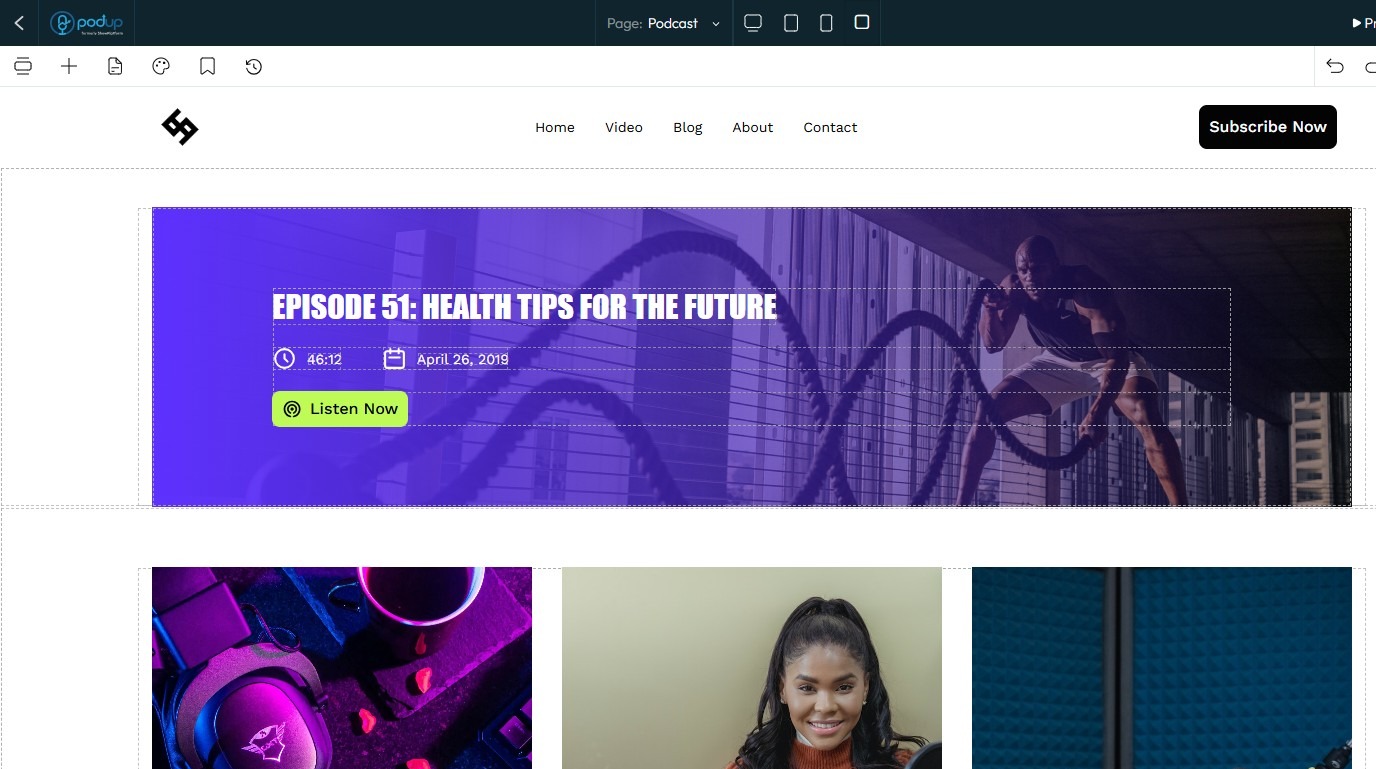
7. Click the "Block" icon.
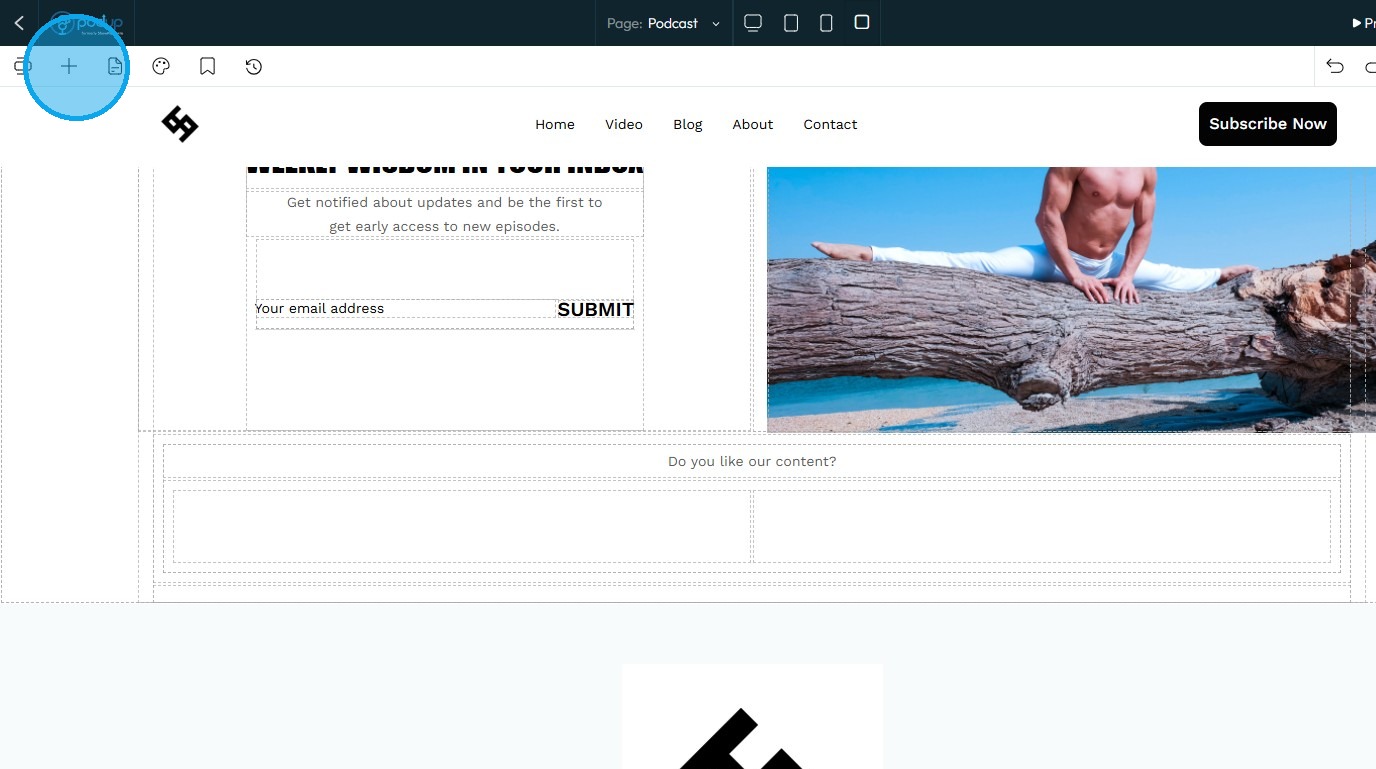
8. Select "Radio"
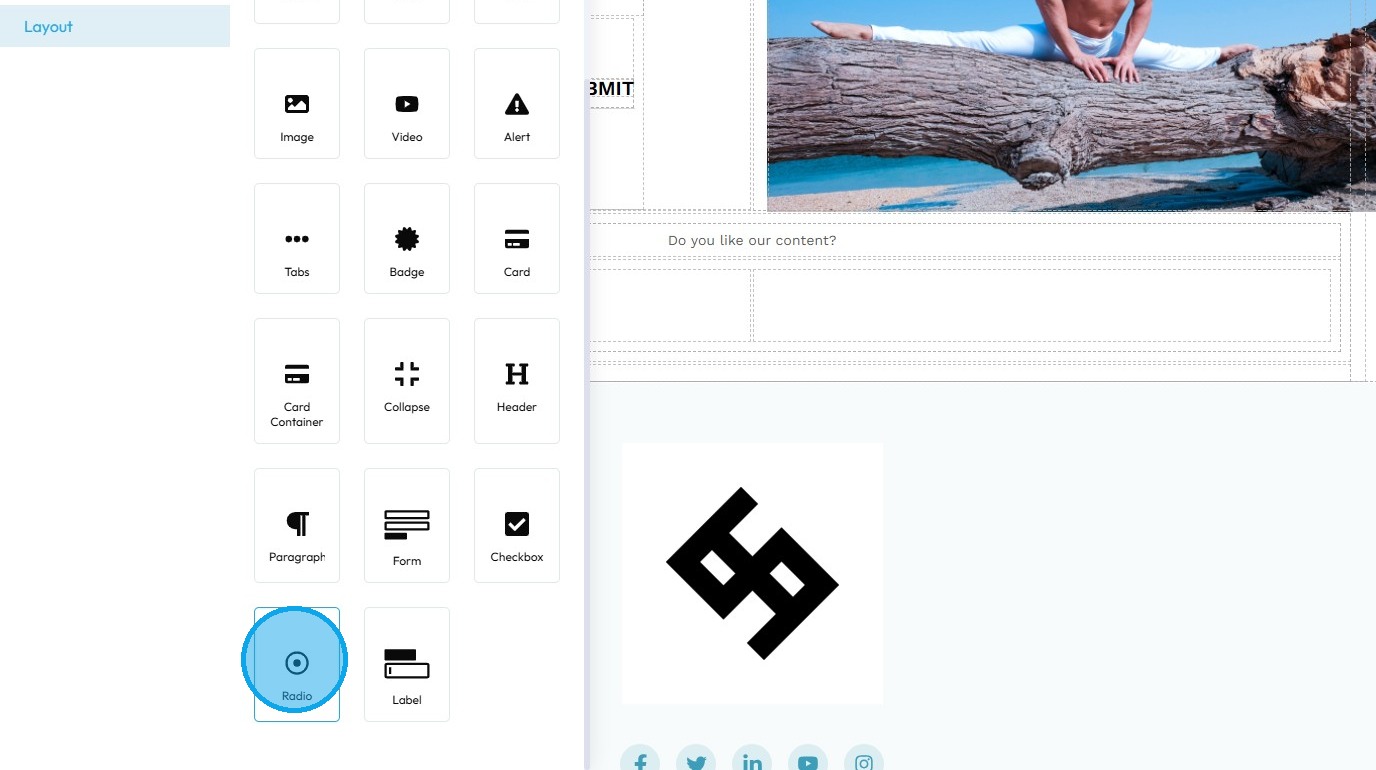
9. Drag and drop “Radio” into the desired section
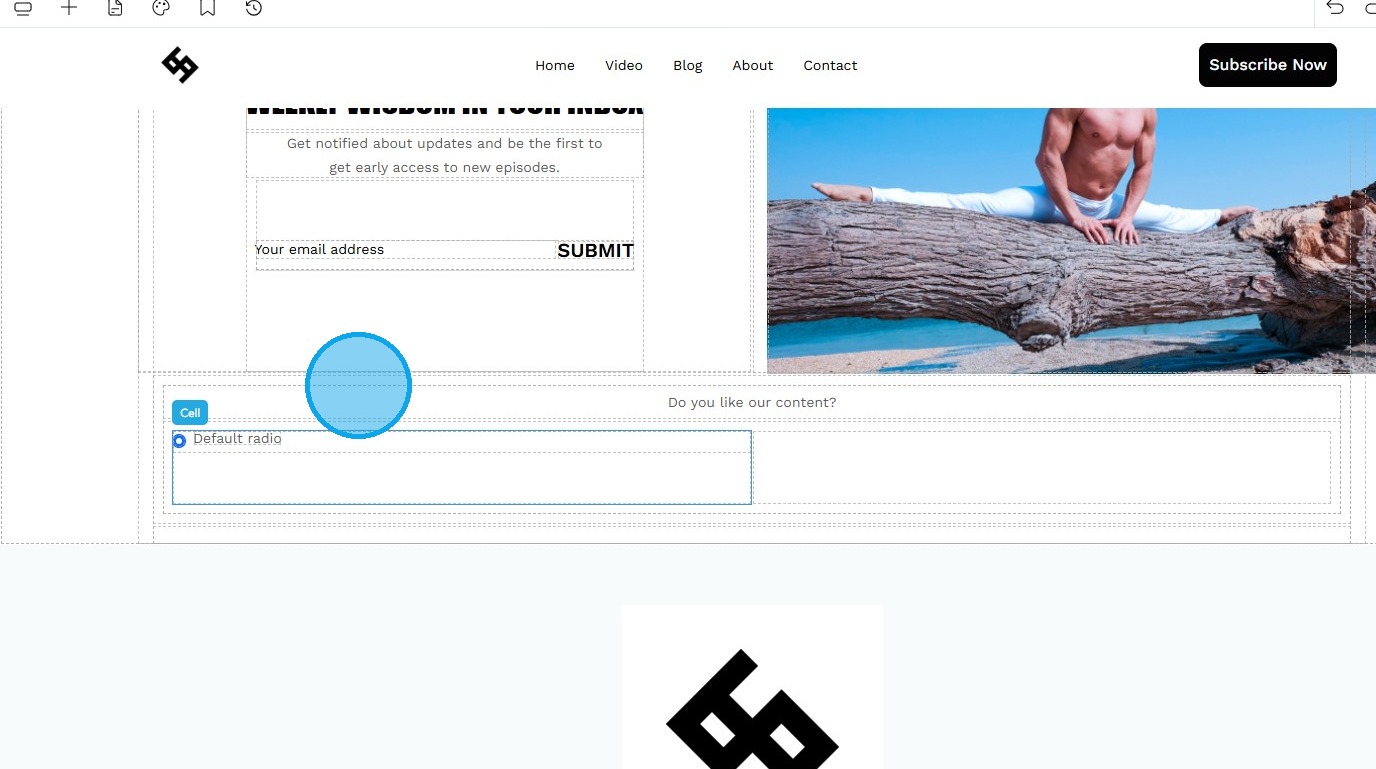
10. Once you have completed the customization,
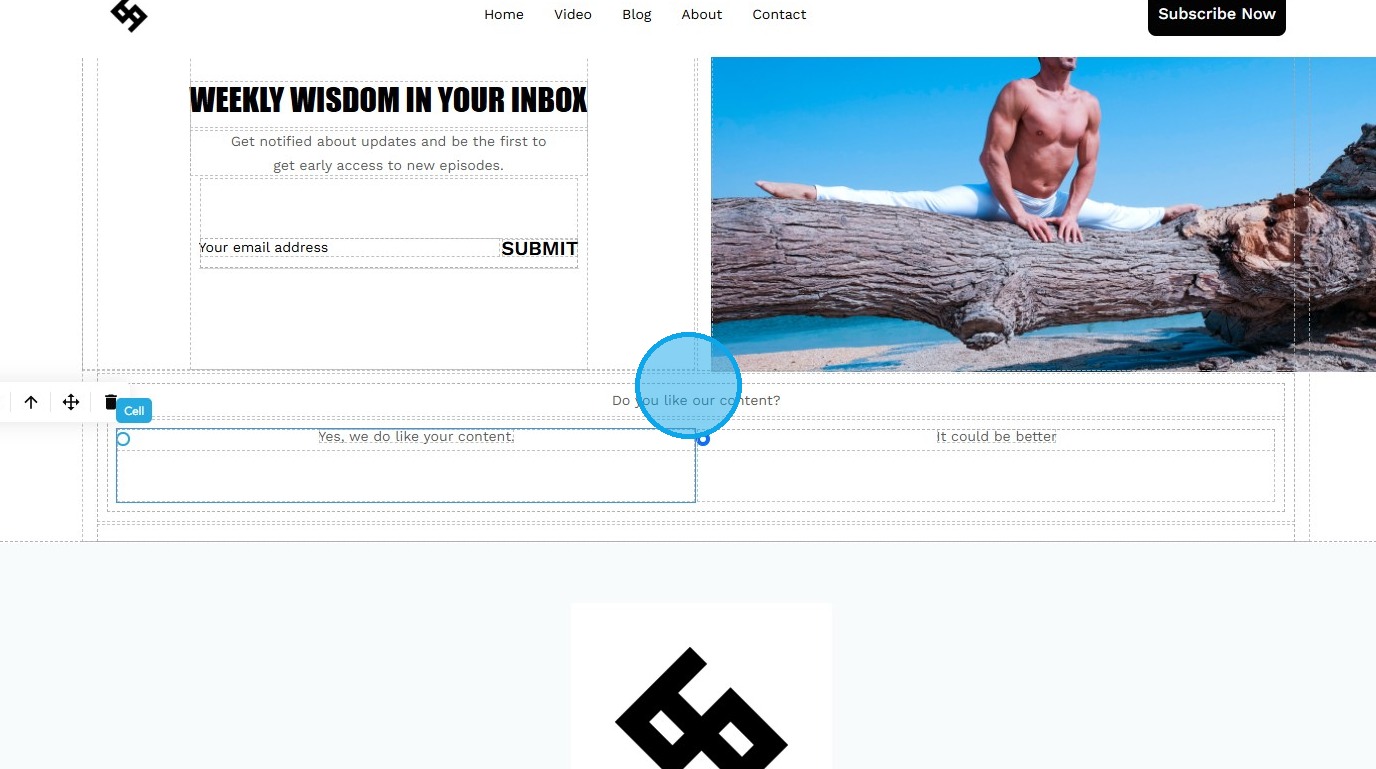
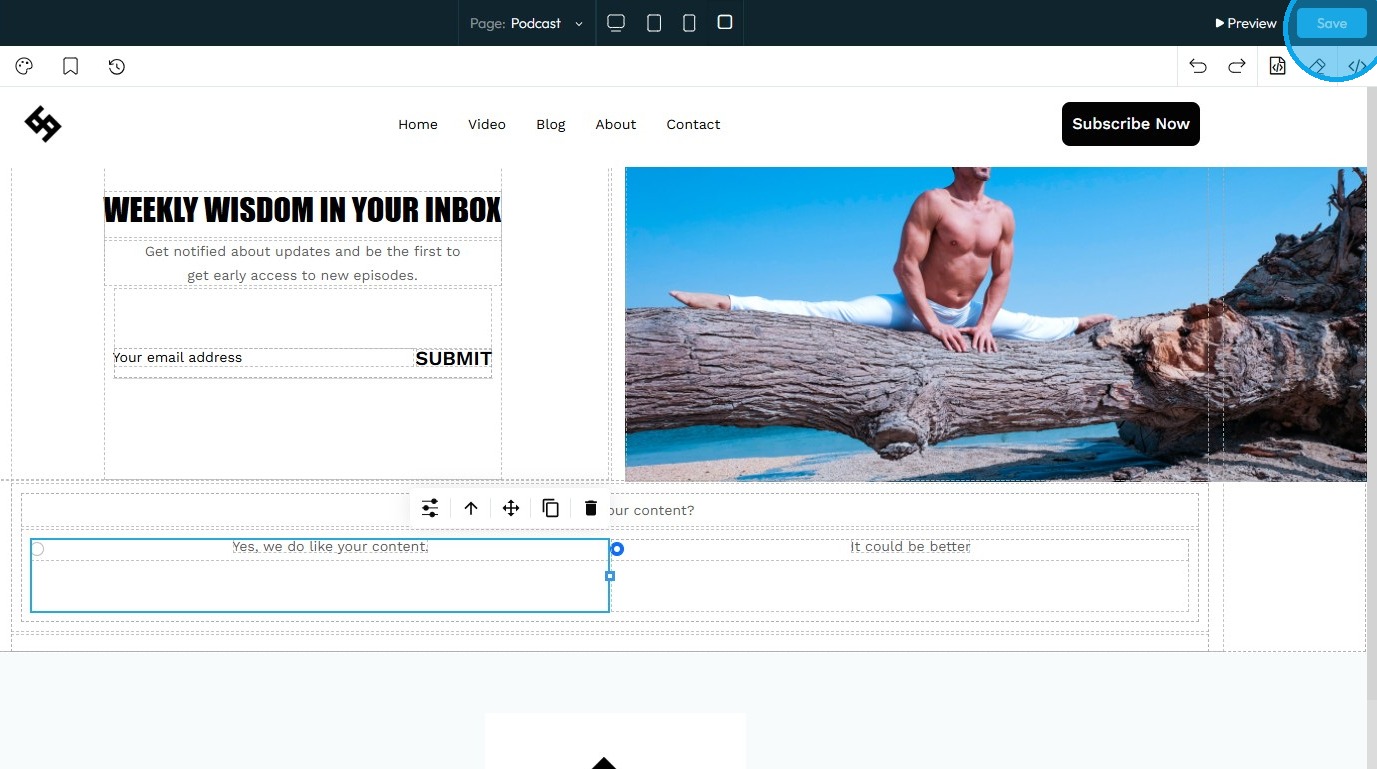
11. Click “Save” in the top-right corner
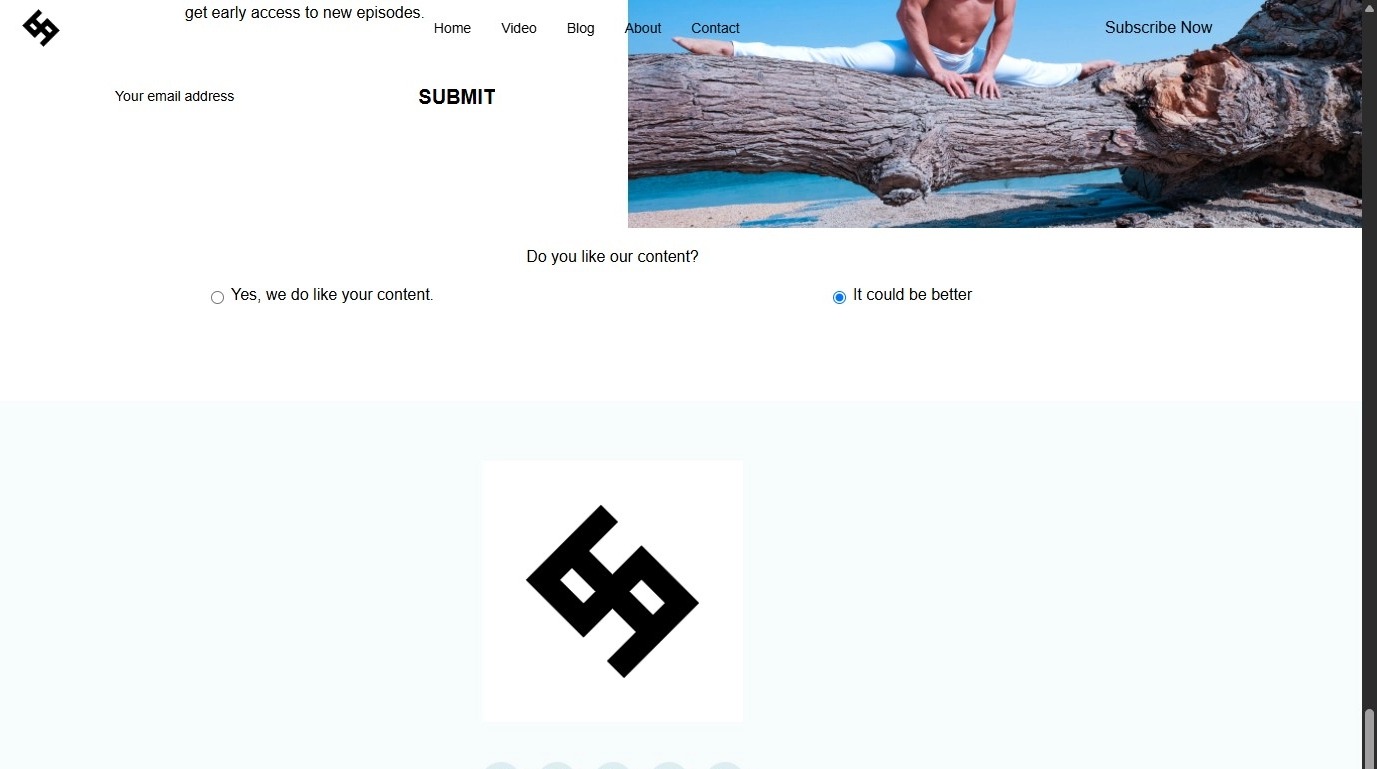
12. Your radio buttons are now successfully added to your site
Related Articles
How to Add Code to My Website
This guide offers a straightforward process for adding custom code to your website using Podup's Page Builder. It breaks down the steps clearly, making it accessible even for those with minimal technical knowledge. By following this guide, you can ...How do I hide a page from my website
By following this guide, you can easily hide pages on your PodUp website, ensuring only relevant content remains visible for a clean, focused user experience. 1. Navigate to https://app.podup.com/home 2. Click "My Site". 3. Select "Navigation ...How Do I Add Tabs to My Website
By following this guide, you can easily add tabs to your website using the PodUp platform to improve organization and enhance user experience. 1. Navigate to https://app.podup.com/home 2. Click "Page Builder" 3. Select the page on which you want to ...How to Add a Map to Your Website
By following this guide, you can easily add a map to your website using the PodUp platform through simple, step-by-step instructions. 1. Navigate to https://app.podup.com/home 2. Click "Page Builder" 3. Select the page on which you want to add a map ...How to Add a Form to My Website.
By following this guide, you can easily add forms to your website to enhance user interaction and collect information, with simple steps suitable for all skill levels. 1. Click "My Site" 2. Click "Page Builder" 3. Navigate to the page where you want ...