How do I Label things on my website
By following this guide, you can easily add and customize labels on your website using PodUp’s Page Builder, improving both design clarity and overall user experience.
1. Navigate to https://app.podup.com/home
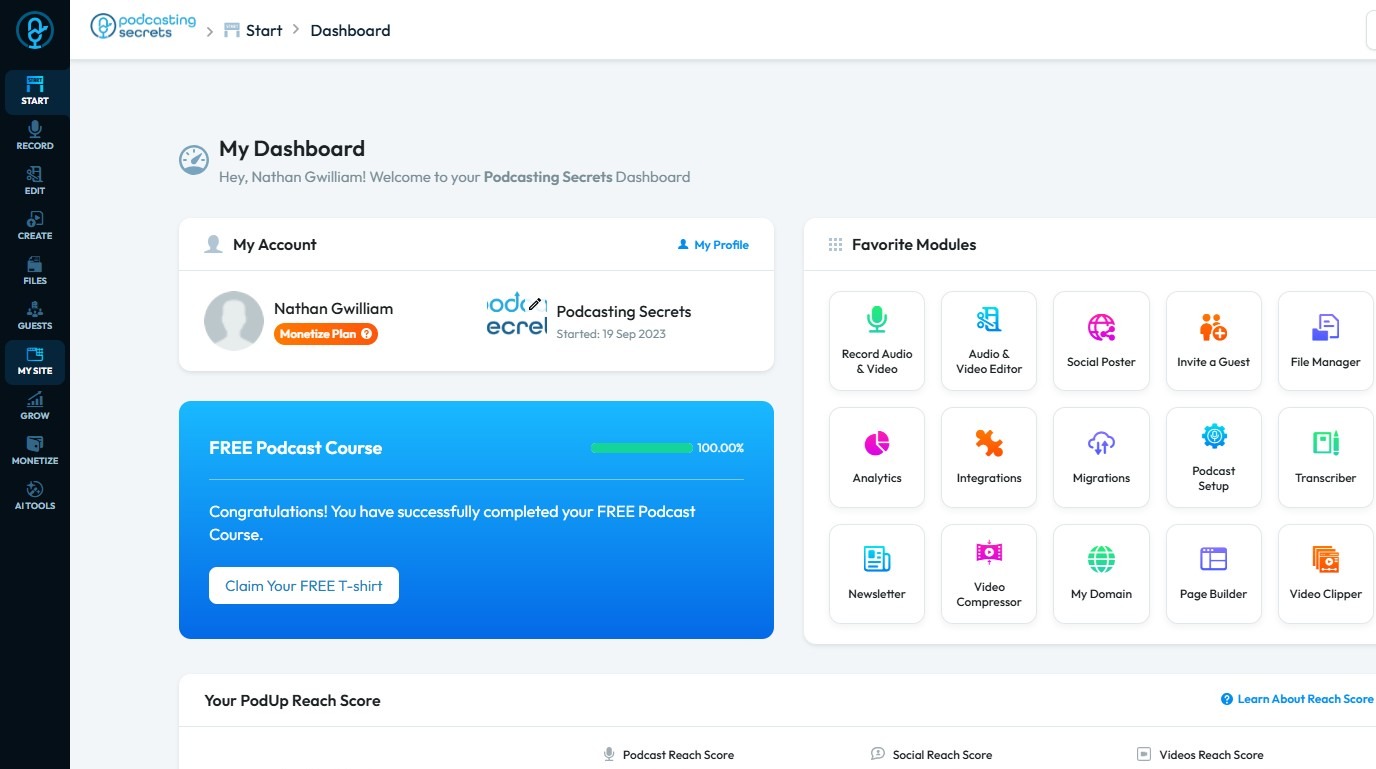
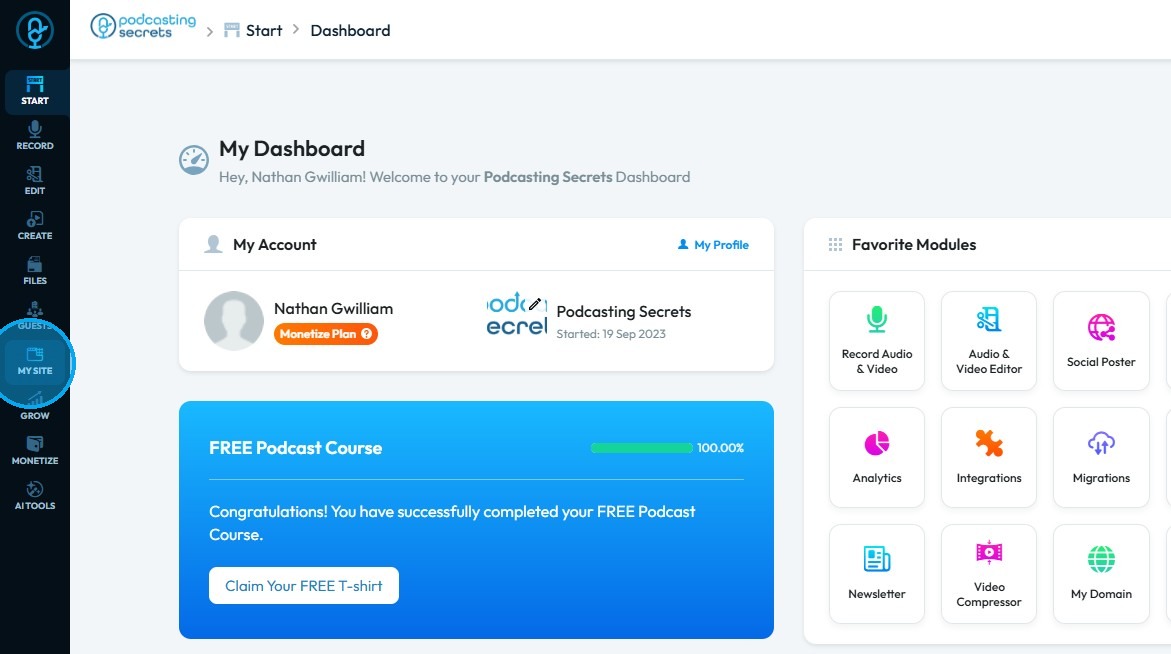
2. Click "My Site"
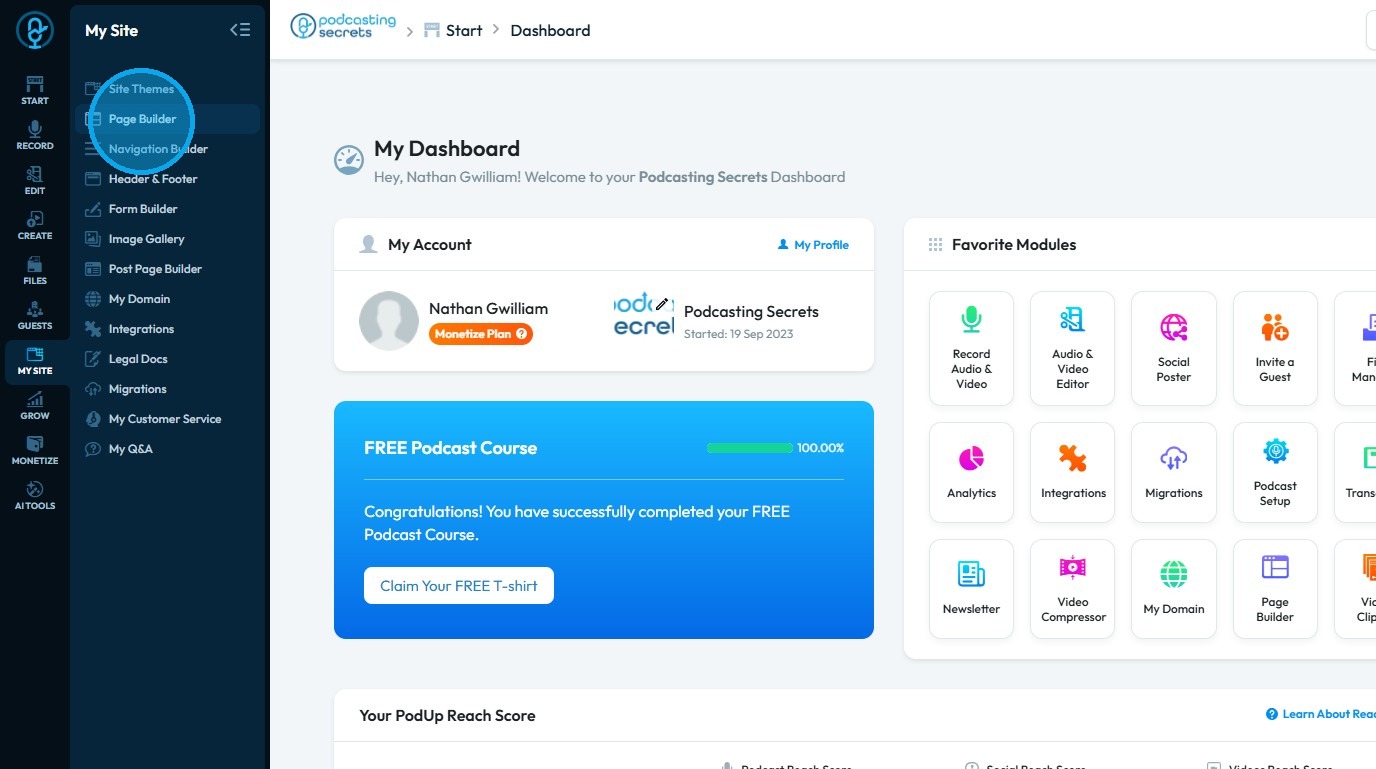
3. Select "Page Builder"
4. The list of all website pages will appear
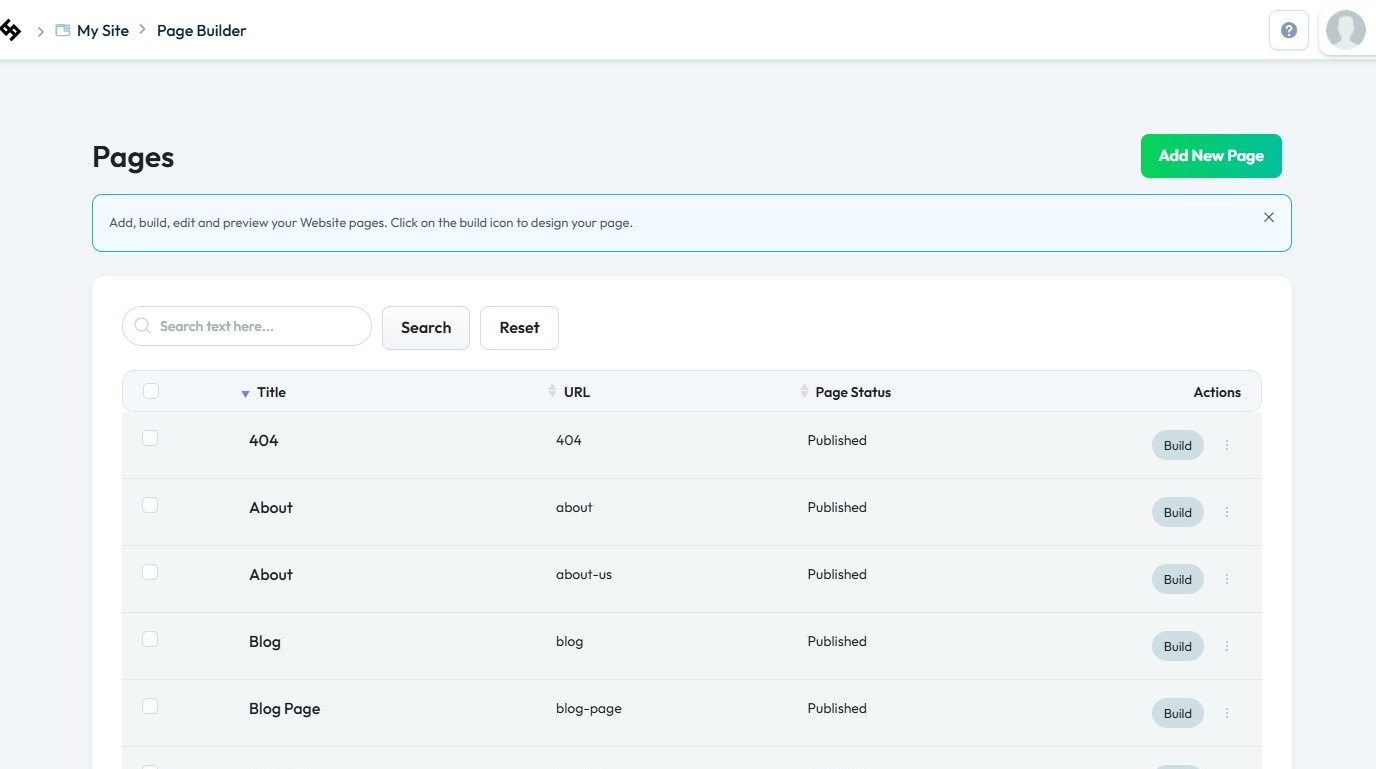
5. Click the “Build” button for the page where you want to add a label
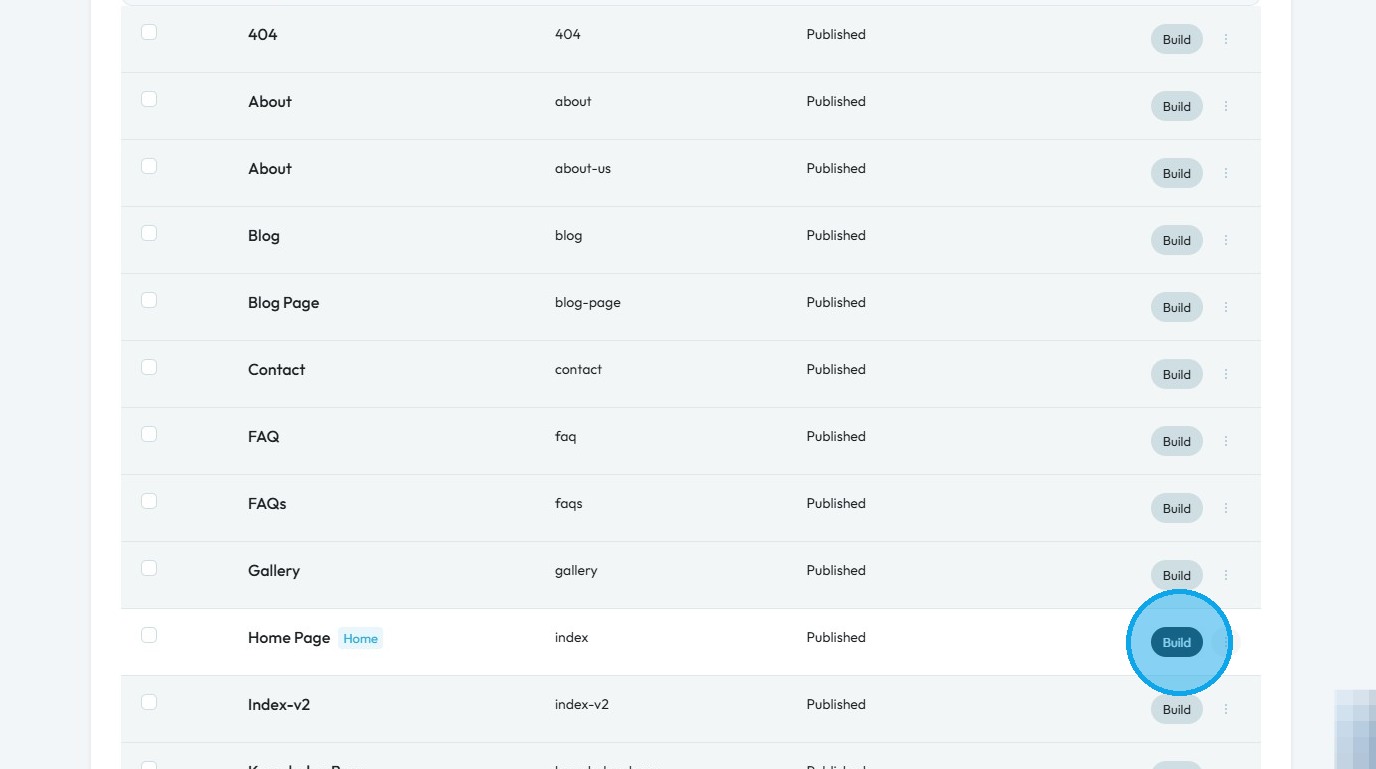
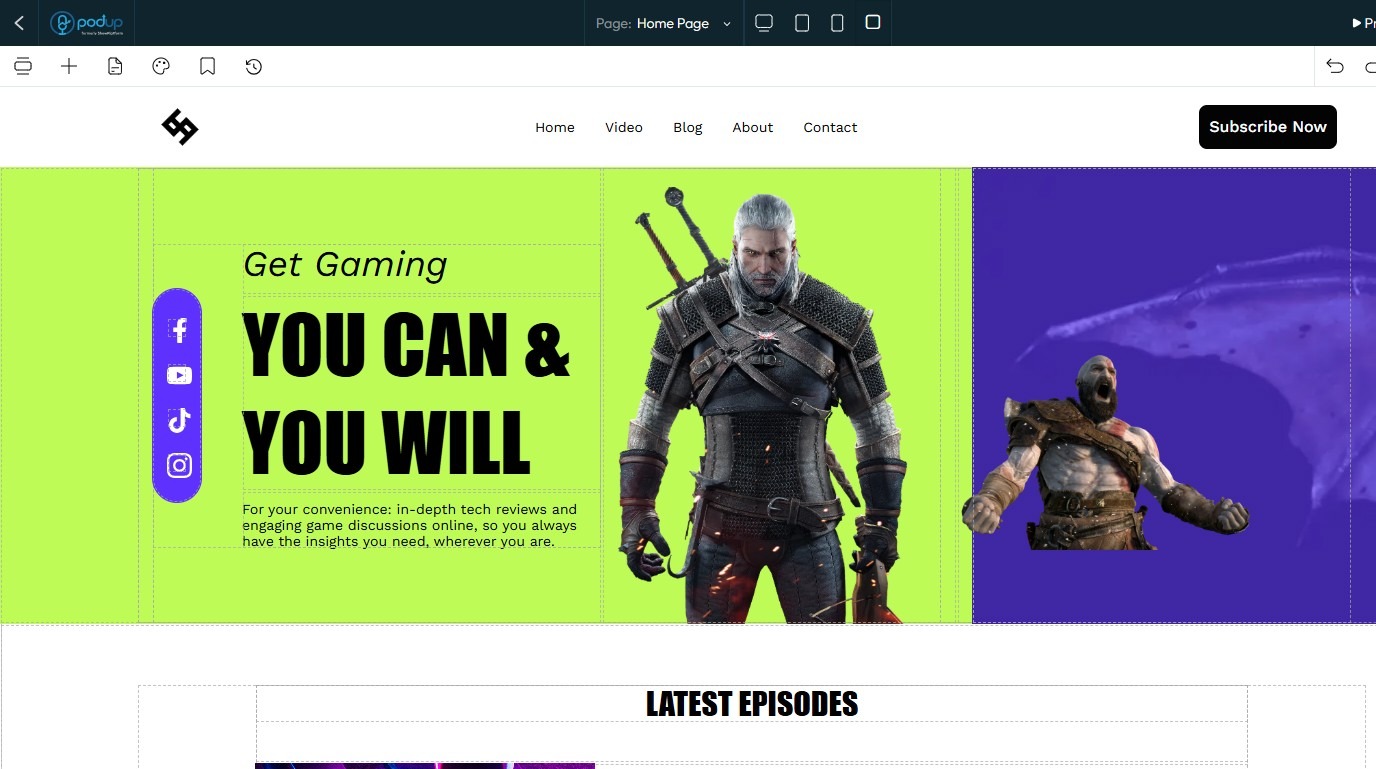
6. You will be redirected to the PodUp Page Builder
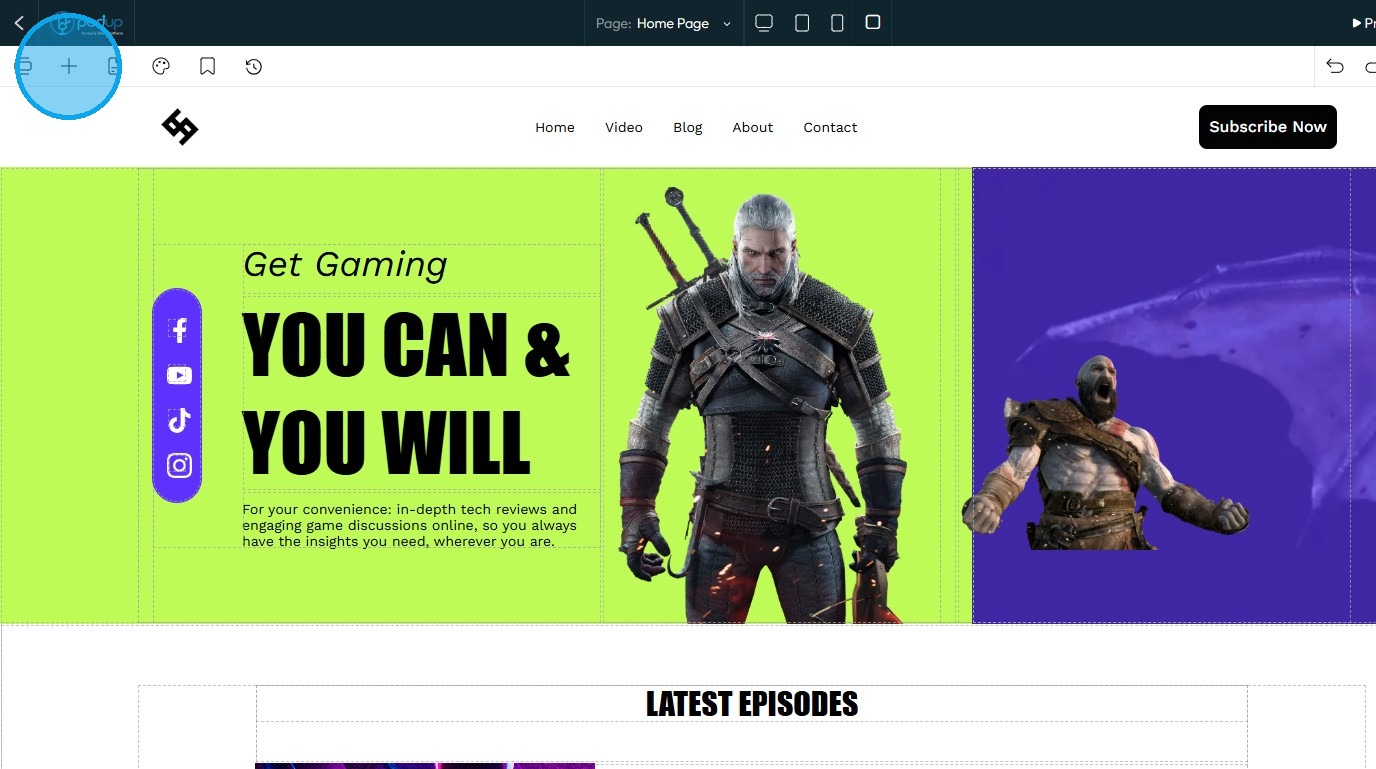
7. Click on the "Add Block" icon
8. Drag and drop the “Label” block onto the page
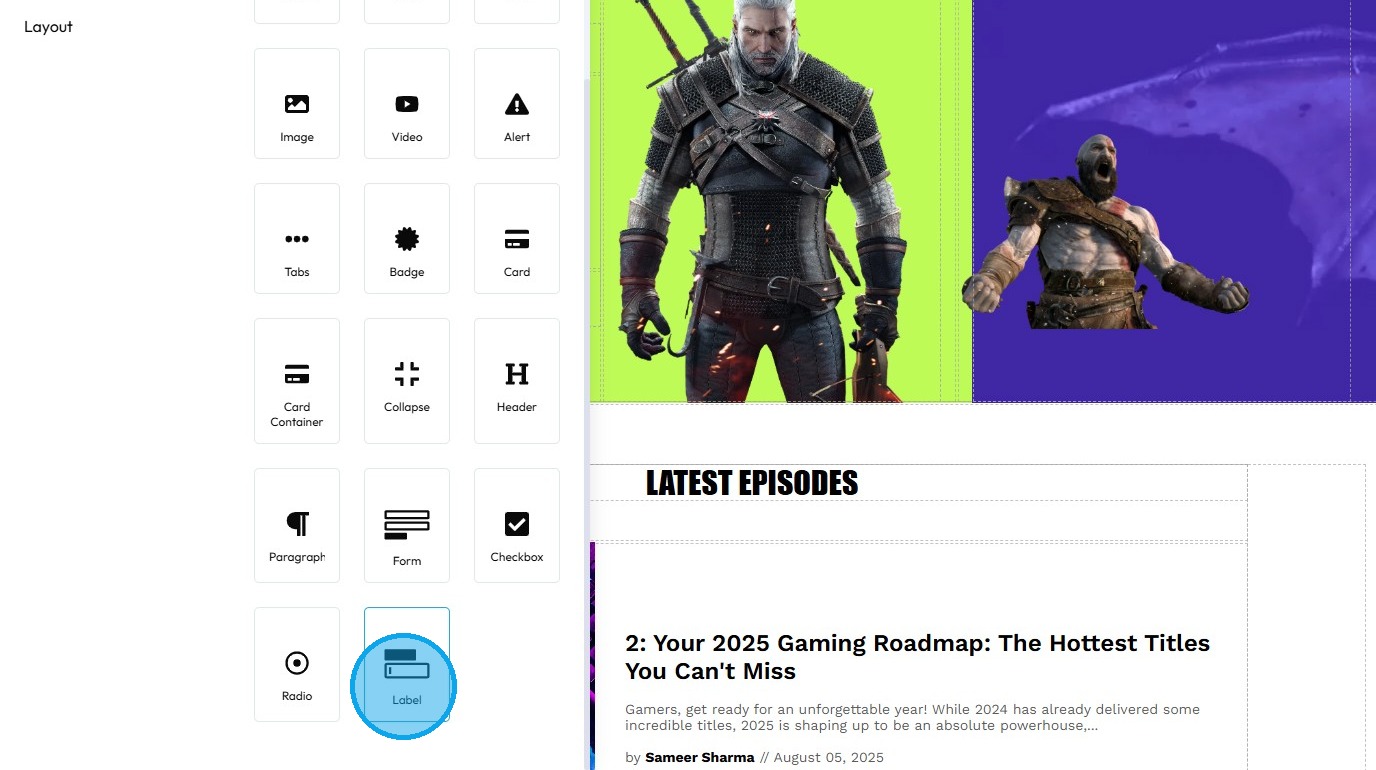
9. The label has been added to your desired location on the page
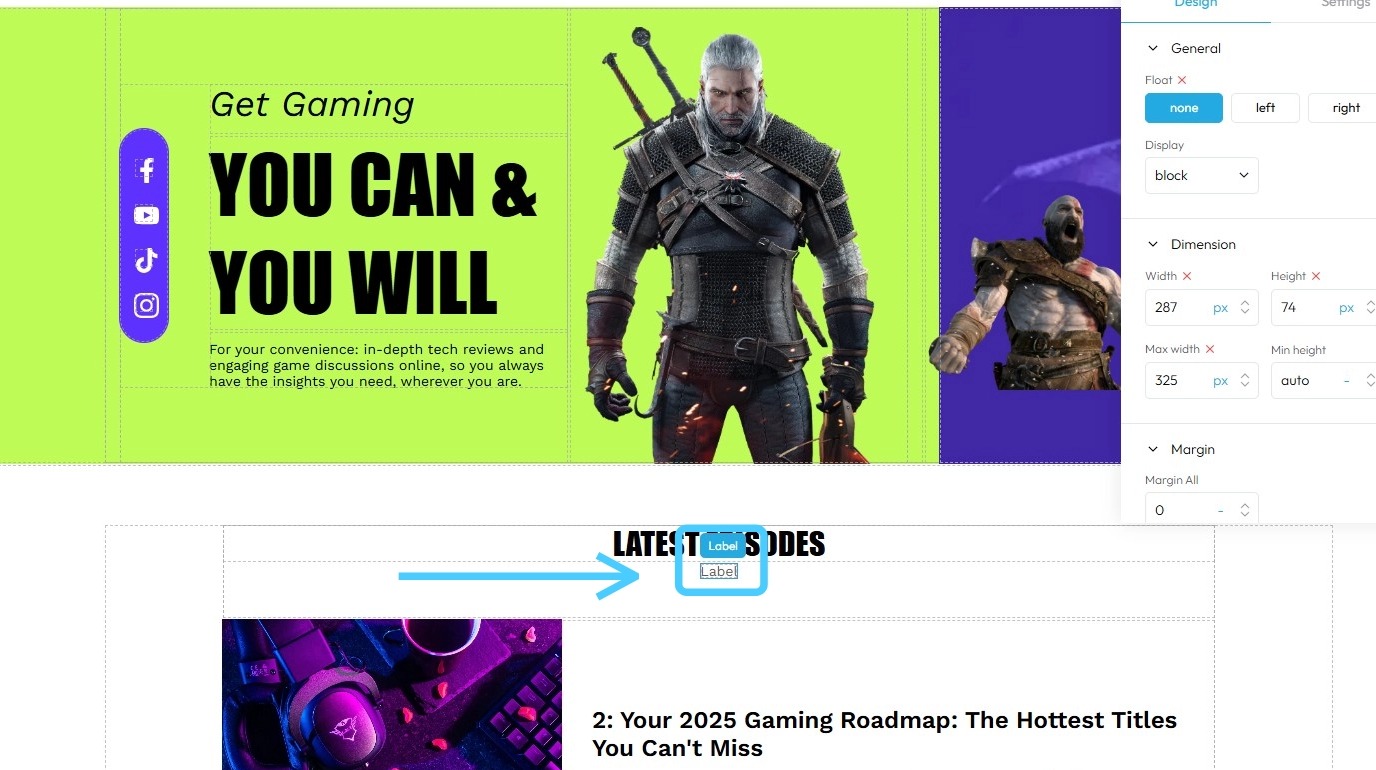
10. To edit the label, click on it
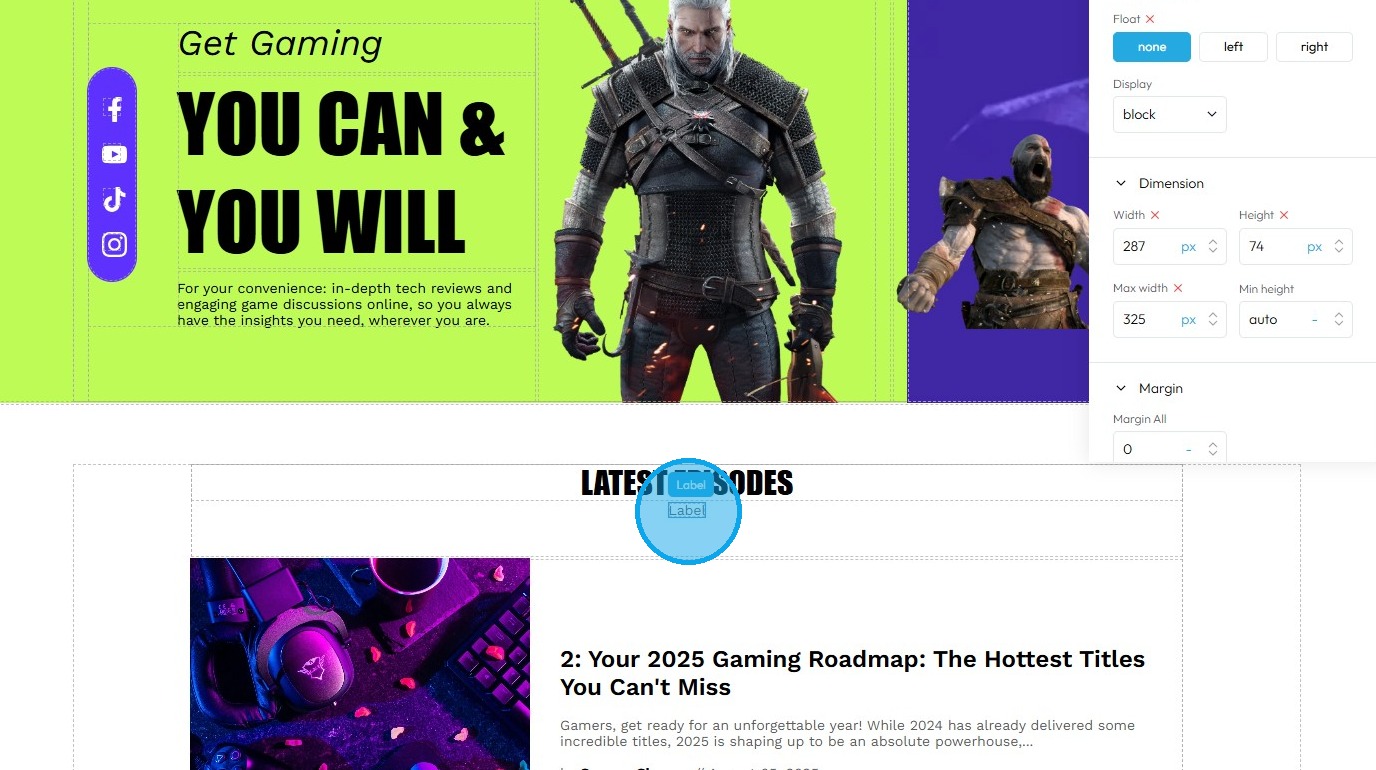
11. Click on the "Settings" icon to summon properties panel.
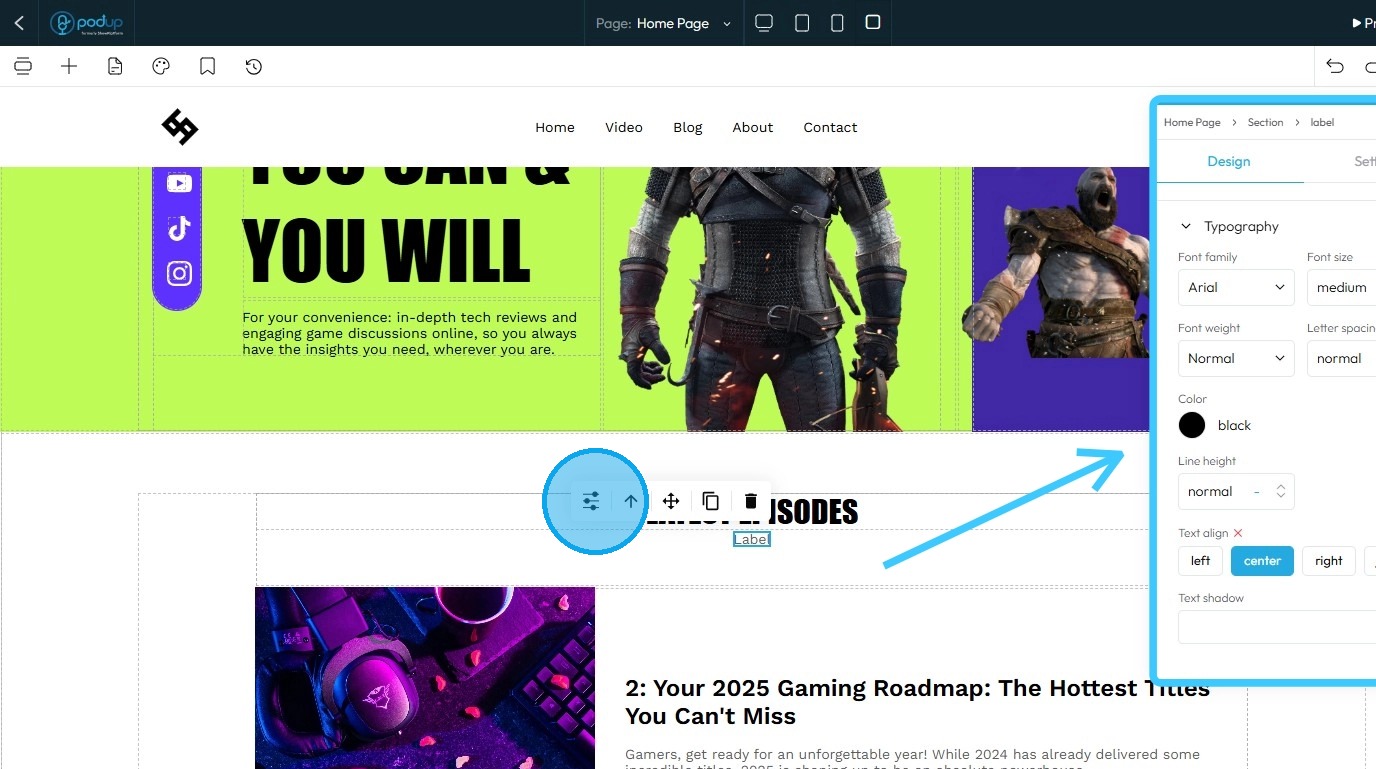
12. Edit the label as needed
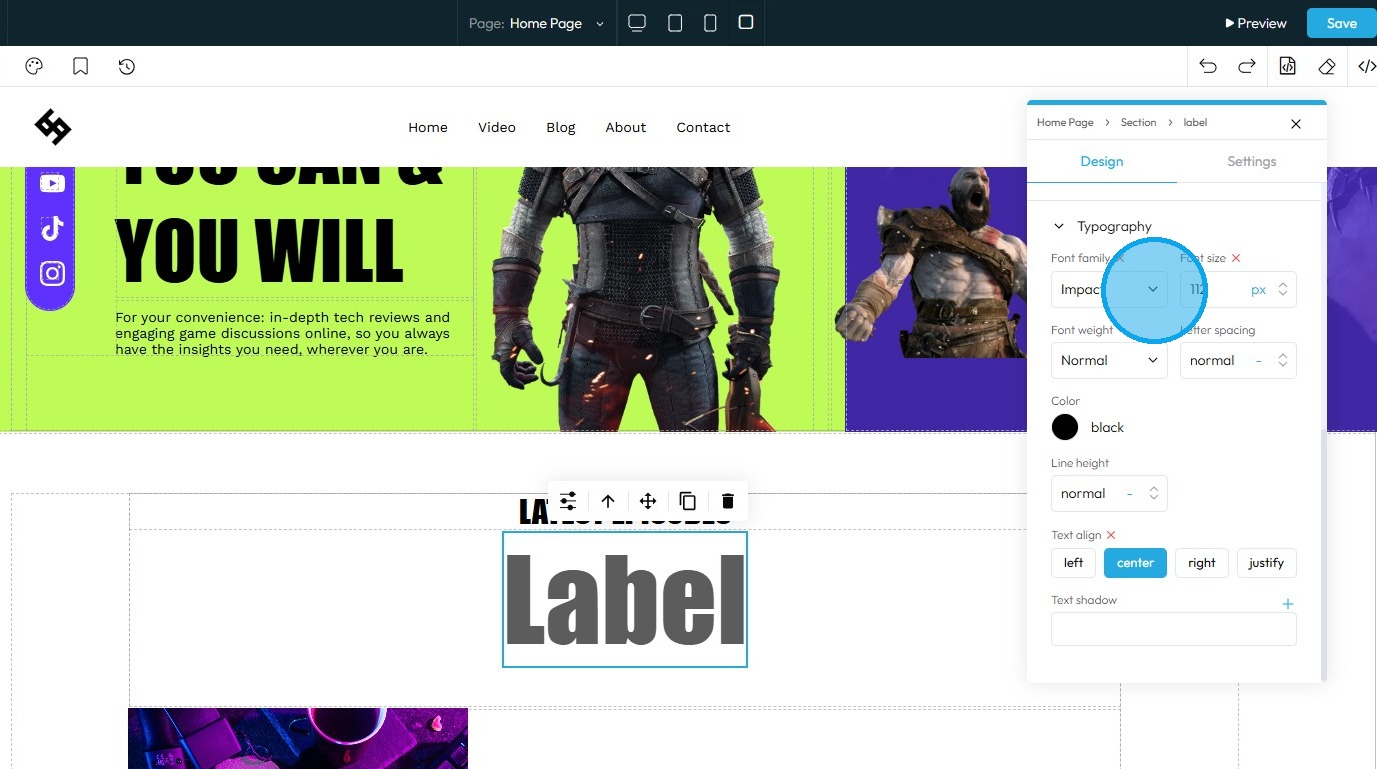
13. Once you have completed the edits, click "Save" in the top-right corner
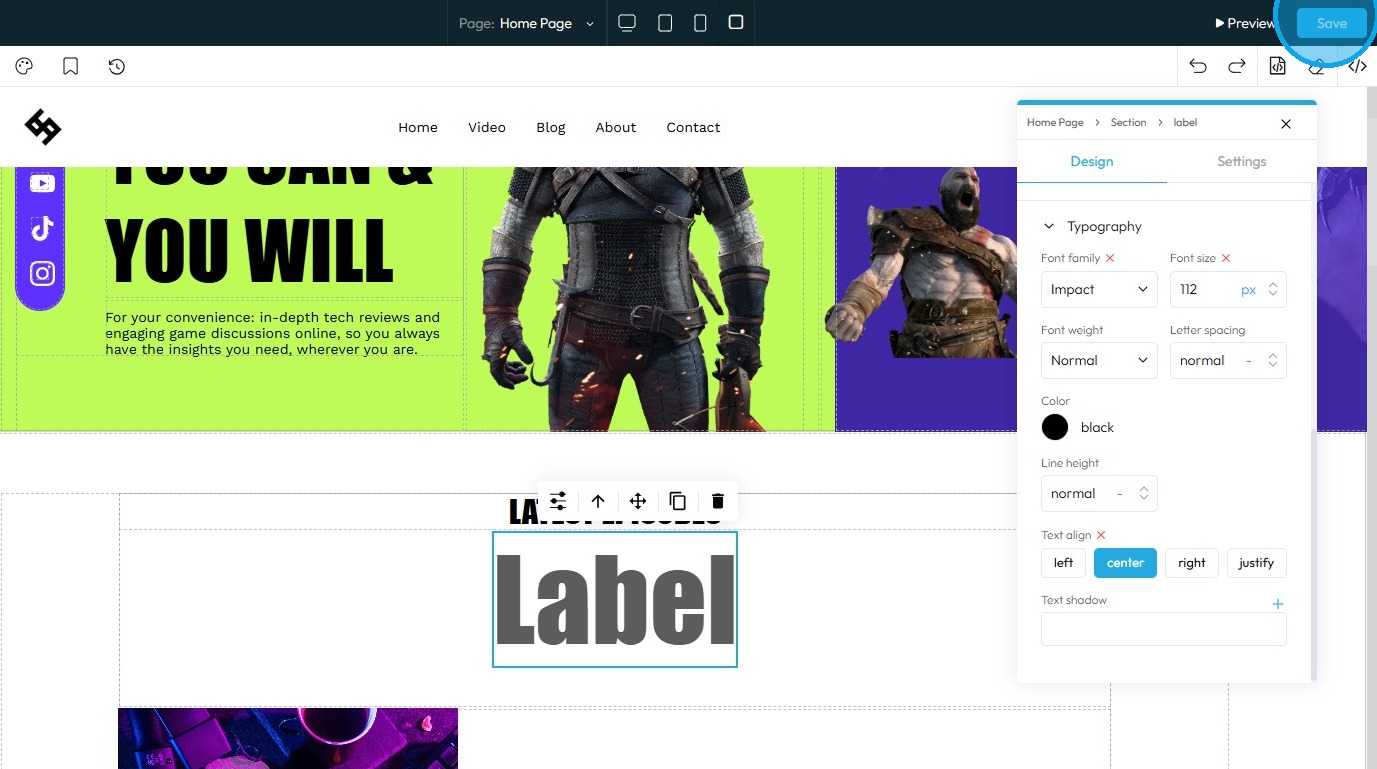
14. The "Label" will be successfully added to your website

Related Articles
How do I customize Web builder Quick Add (Detailed) - Label
By following this guide, you can easily customize the Quick Add Label feature in the PodUp Web Builder to create visually appealing and interactive elements that enhance your website’s design and user experience. 1. Navigate to ...Website Templates Overview
By following this guide, you can explore and select the best theme for your genre with ease. Tip: Tip! [[PodUp offers a diverse selection of templates for every type of creator.]] 1. Navigate to https://app.podup.com/home 2. Click "My Site" 3. Select ...Difference Between the Website Templates
By following this guide, you can explore industry-specific website templates and choose the best design for your needs. 1. Best-selling book theme: A Best Selling Book theme is a pre-designed, specialized website template built with features and ...How to navigate to my Published website?
By following this guide, you can quickly and easily access your published website without any confusion. 1. Navigate to https://app.podup.com/home 2. Click the Profile Icon located in the top-right corner 3. Select "View My Website" 4. You will be ...How to Edit Your Website Title
By following this guide, you can edit your website title on PodUp to strengthen your branding and visibility. 1. Navigate to https://app.podup.com/home 2. Click "Start" 3. Select "Podcast Setup" 4. The ‘Podcast Setup’ page will open 5. Click "Edit" ...