How do I improve SEO for my website
1. Navigate to https://app.podup.com/home
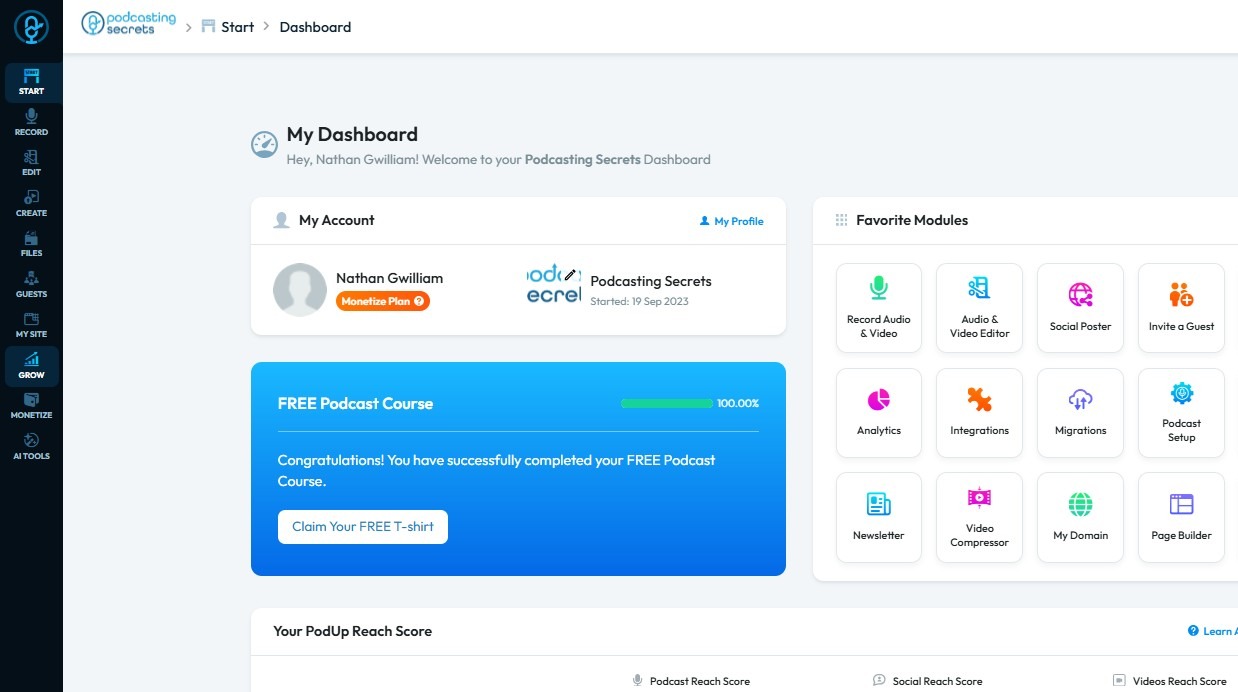
2. Click "Grow"
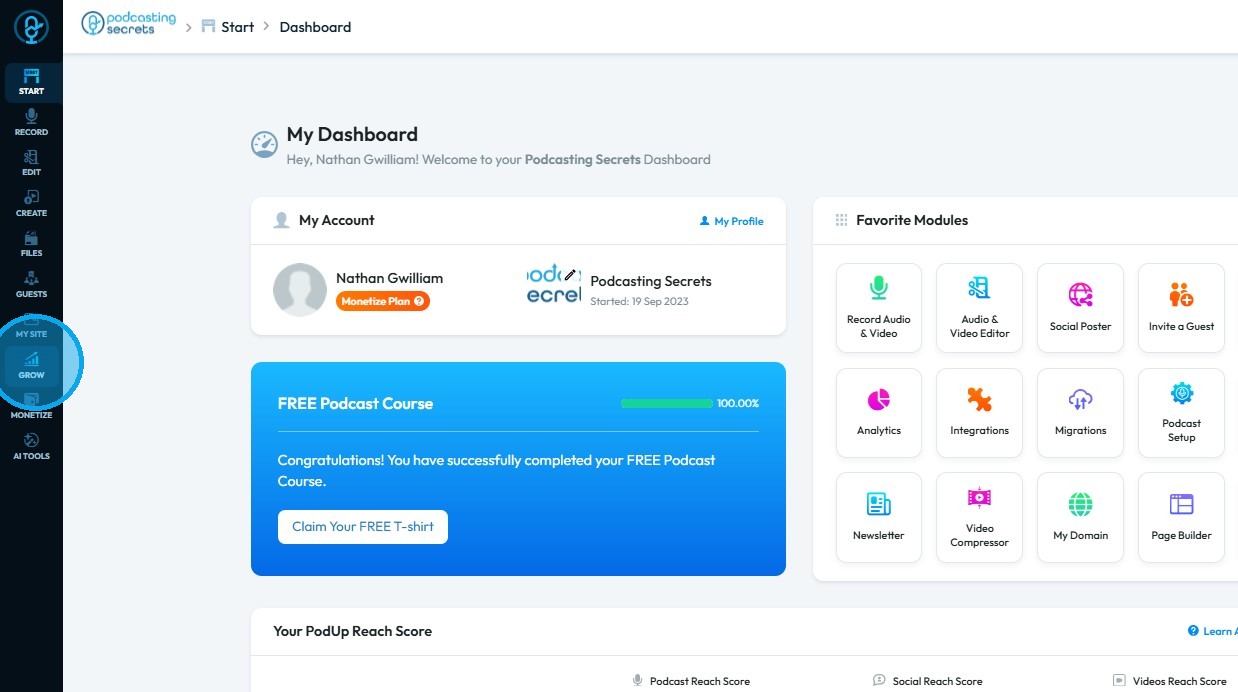
3. Click "SEO"
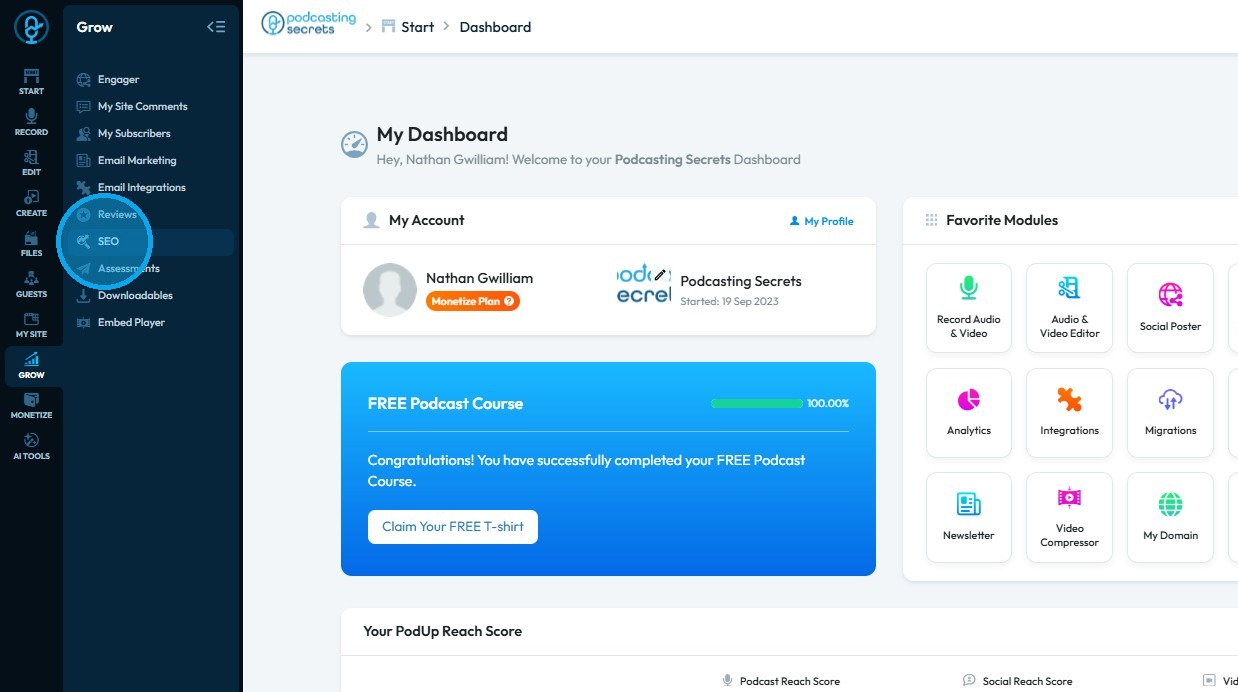
4. The ‘SEO’ page will open
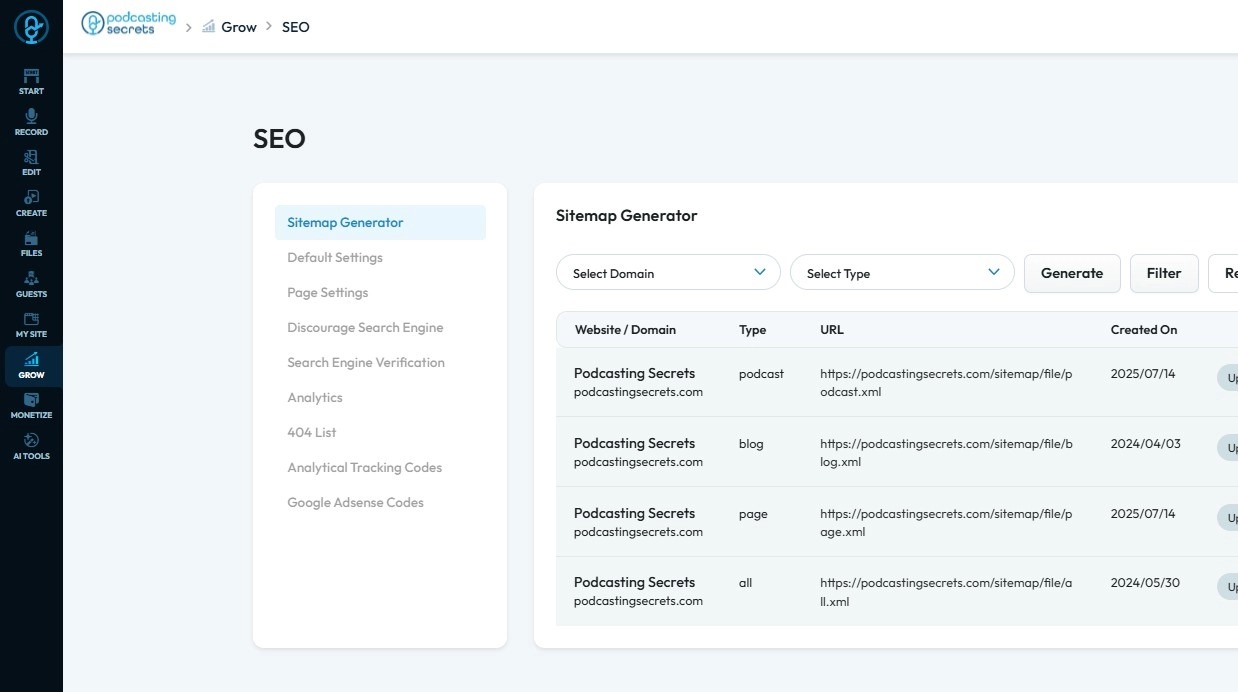
5. Click "Generate Filter Reset"
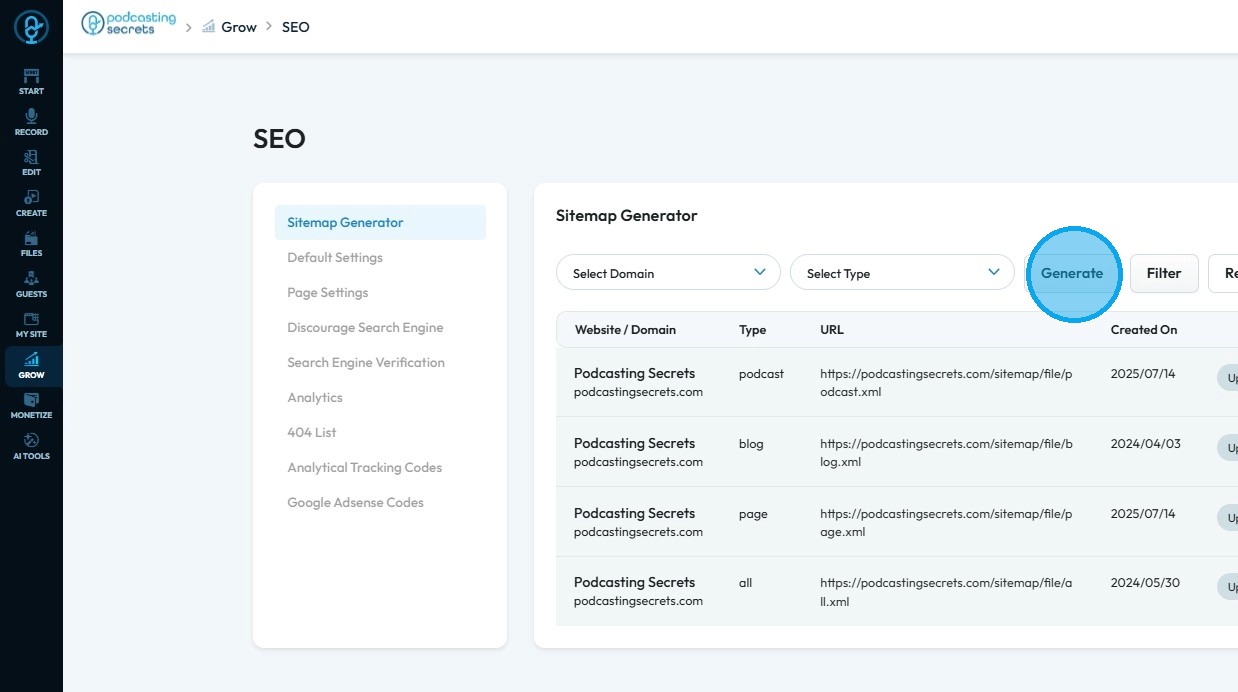
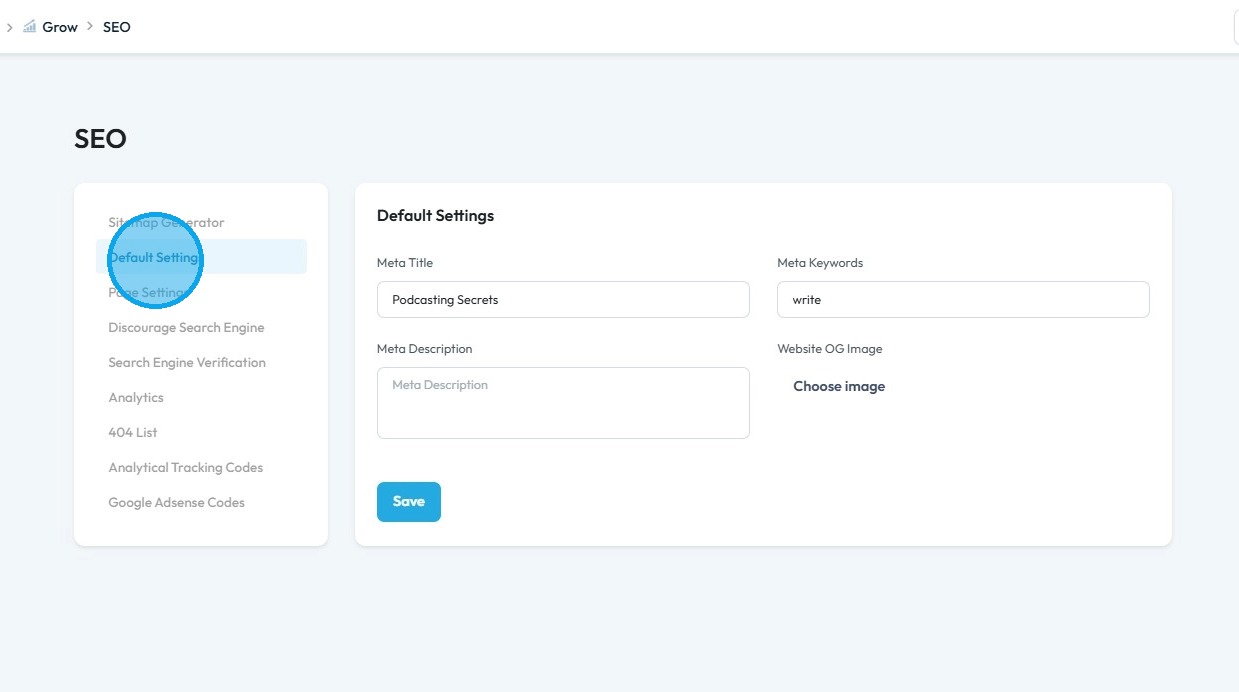
6. Click "Default Settings"
7. Select "Page Settings"
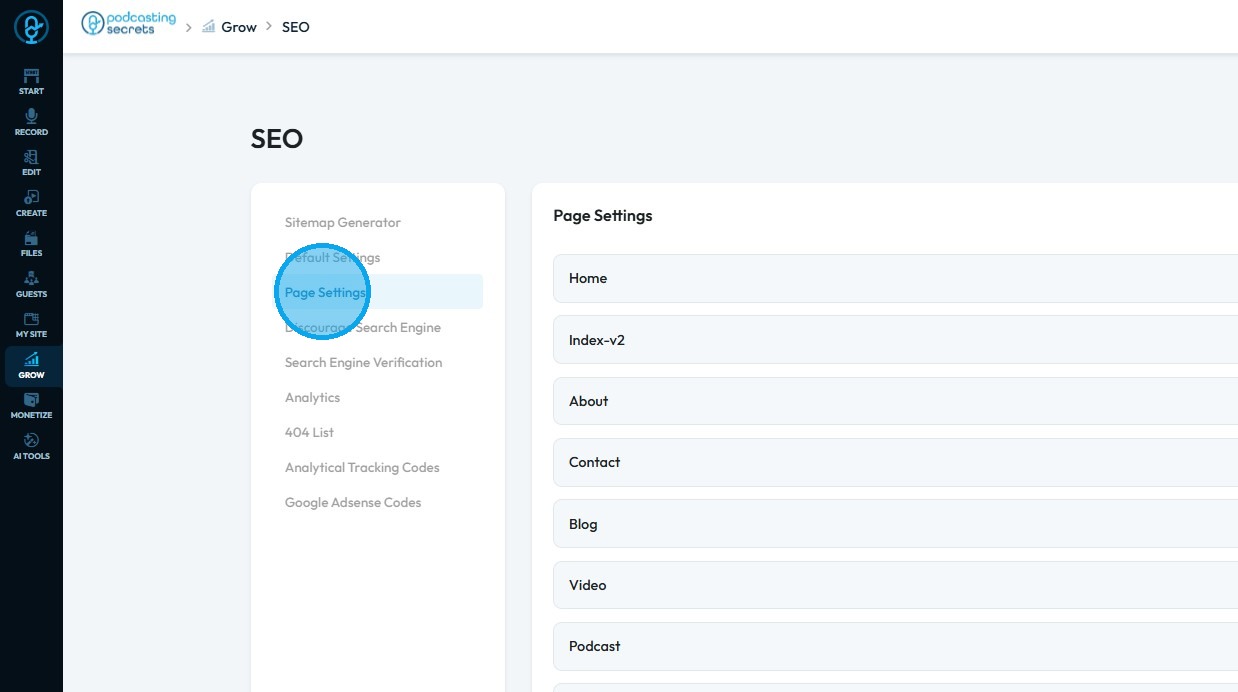
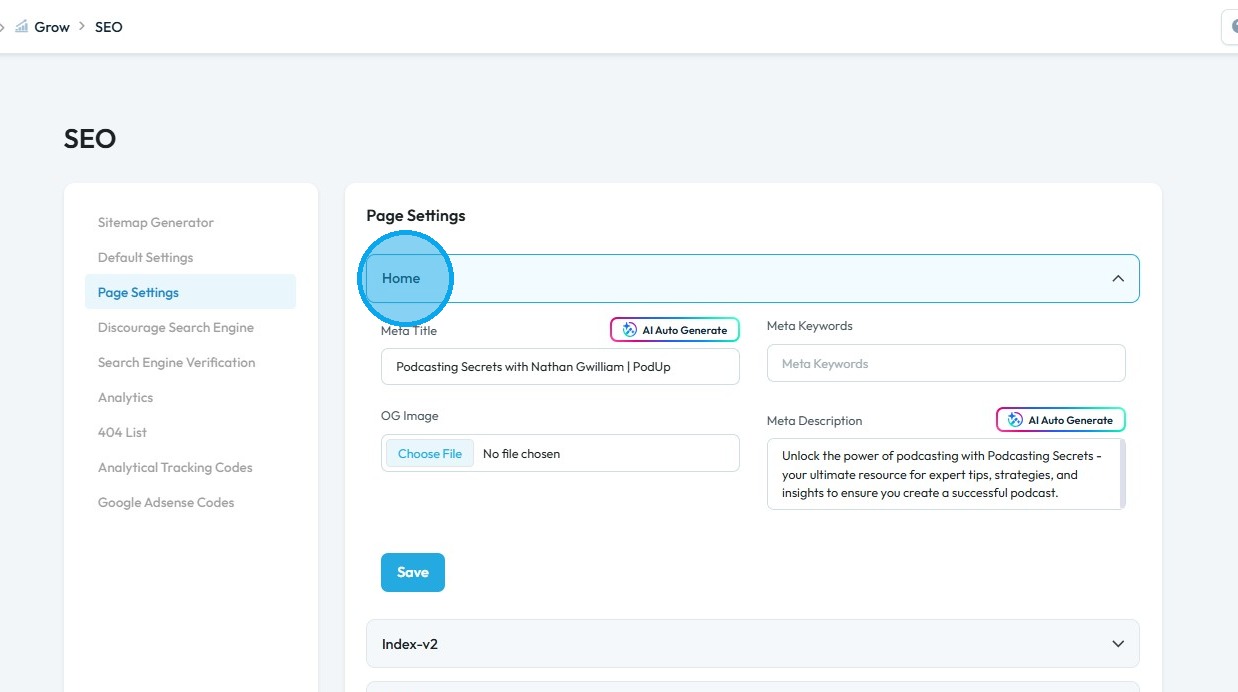
Tip: Tip! Leverage "AI Auto Generator" to generate Meta Title, Meta Keywords and Meta Description.
8. Select "Home" to include Meta Title, Meta Keywords, and Meta Description
9. Click "Search Engine Verification"
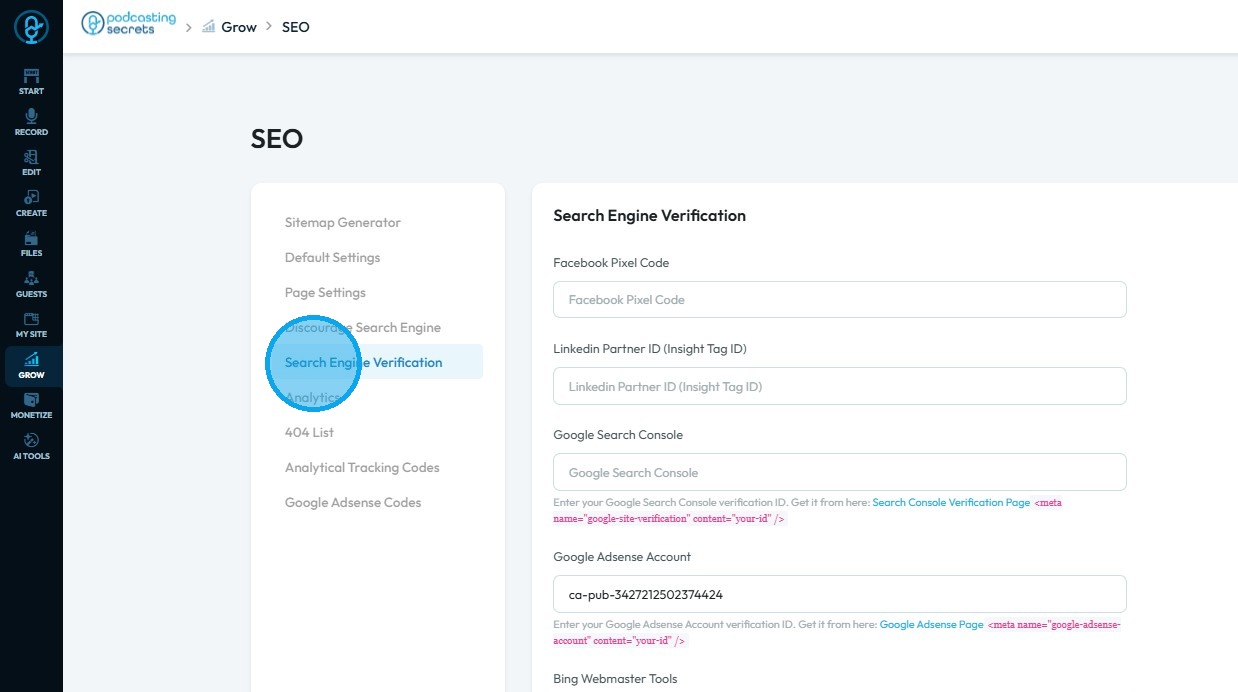
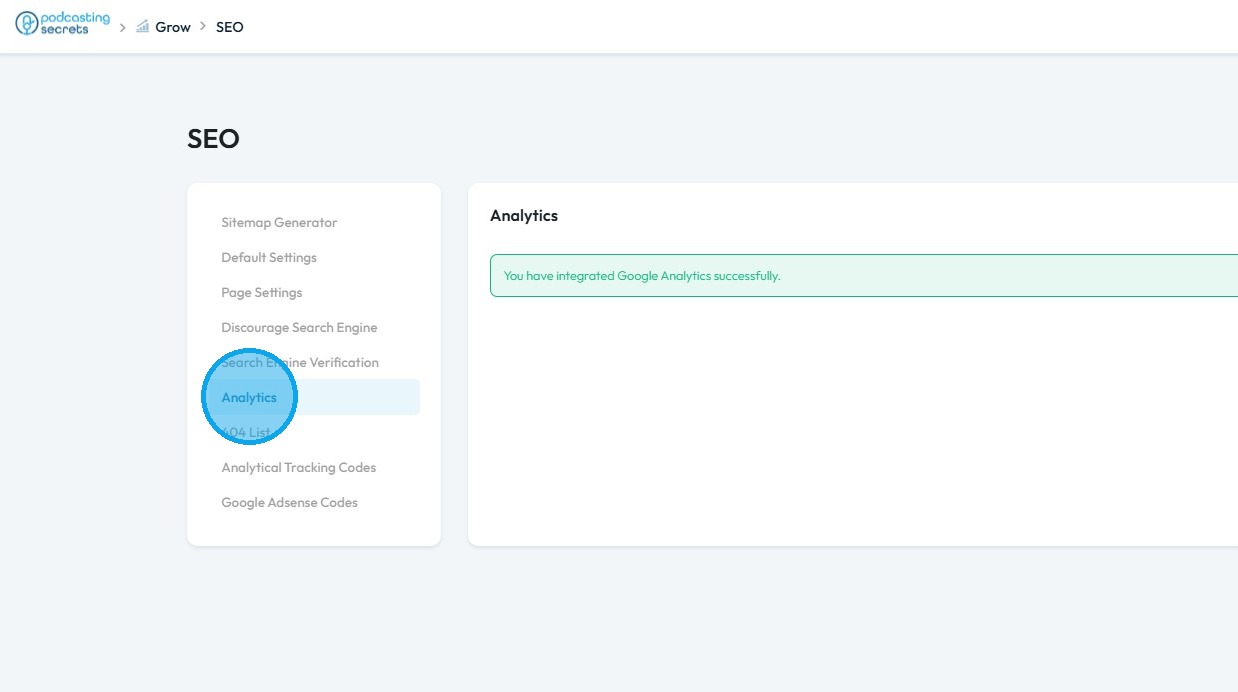
10. Click "Analytics" and integrate the Google Analytics associated with the account
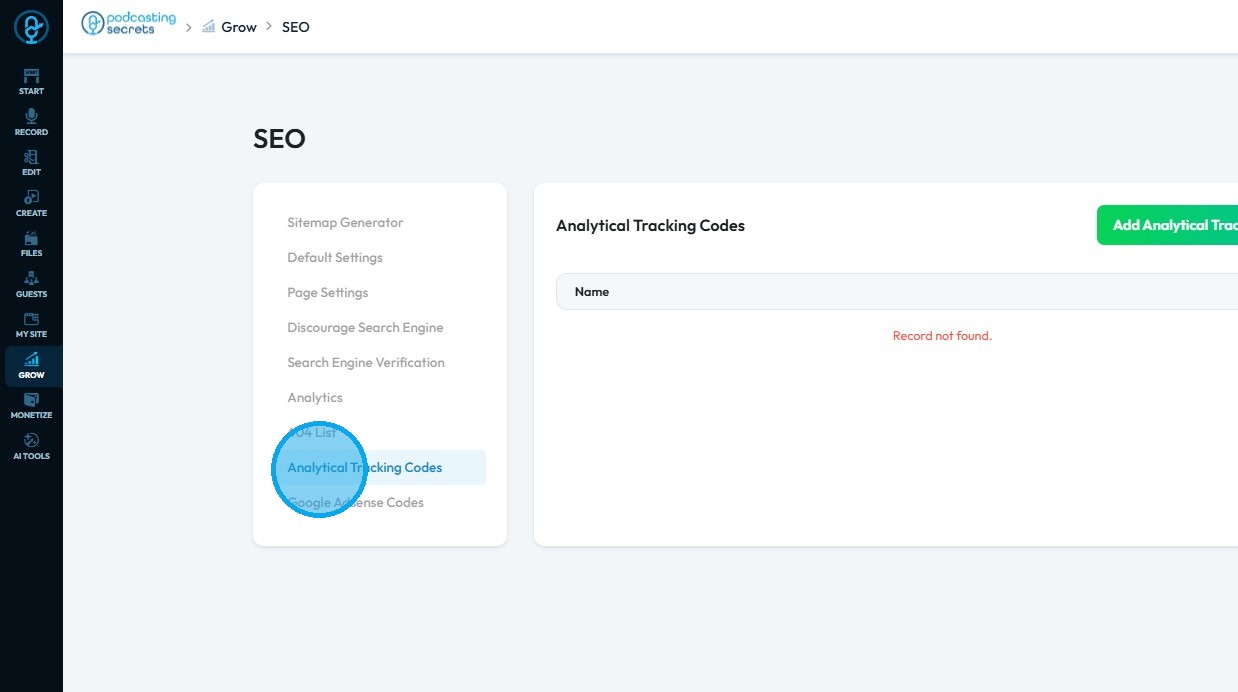
11. Click "Analytical Tracking Codes"
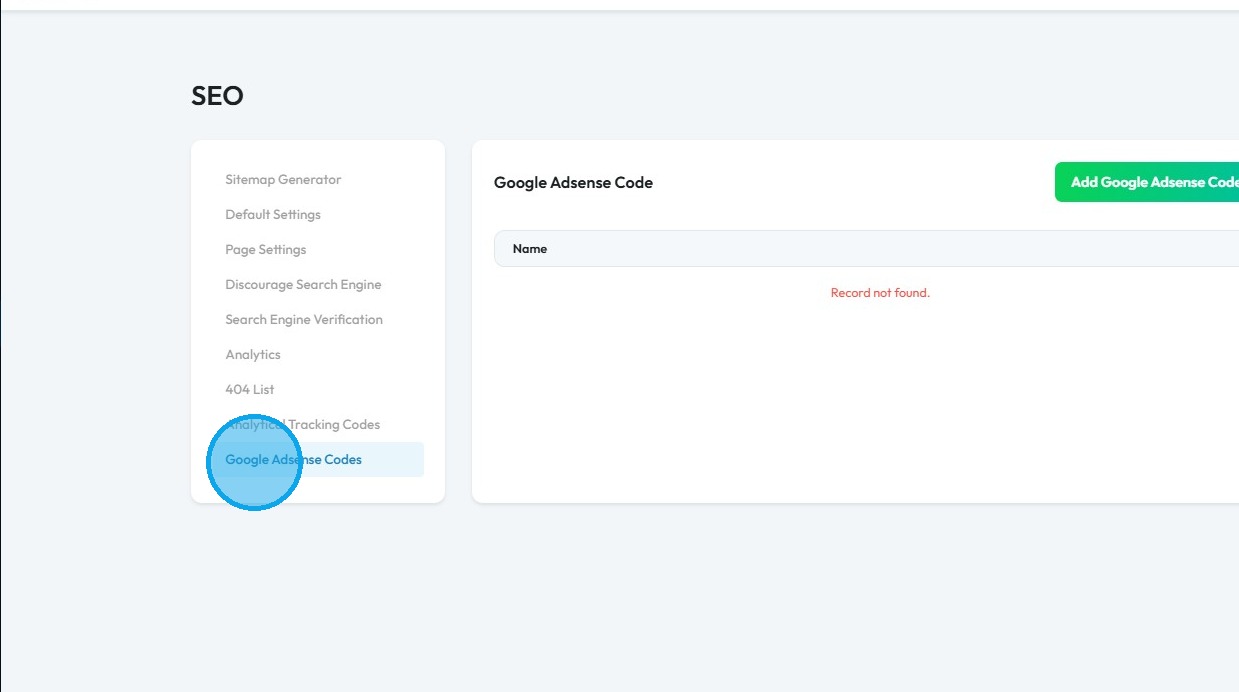
12. Click "Google Adsense Code" and add the Google Adsense code name record
Related Articles
How to Navigate SEO (Detailed)
This guide offers a comprehensive approach to optimizing your podcast website for SEO, crucial for increasing visibility and attracting more listeners. It details essential steps, such as generating sitemaps, crafting effective meta titles and ...How to Speed Up My Website's Loading Time
By following this guide, you can improve your website’s loading speed through optimization techniques for better UX and SEO. 1. To speed up a website built with PodUp website builder, here are some effective strategies: 2. Optimize images by reducing ...How do I Improve SEO for my Video Episode?
This guide offers a straightforward approach to enhancing the SEO of your video episodes, making it easier for your content to reach a wider audience. Utilizing AI-generated suggestions for titles and descriptions, save time and improve episode's ...How do I Improve SEO for my Podcast Episode?
This guide offers a straightforward approach to enhancing your podcast's visibility through AI-driven SEO optimization. You can generate compelling titles and descriptions that attract more listeners. 1. Navigate to https://app.podup.com/home 2. ...How Do I Add Tabs to My Website
By following this guide, you can easily add tabs to your website using the PodUp platform to improve organization and enhance user experience. 1. Navigate to https://app.podup.com/home 2. Click "Page Builder" 3. Select the page on which you want to ...