How do I hide a page from my website
By following this guide, you can easily hide pages on your PodUp website, ensuring only relevant content remains visible for a clean, focused user experience.
1. Navigate to https://app.podup.com/home
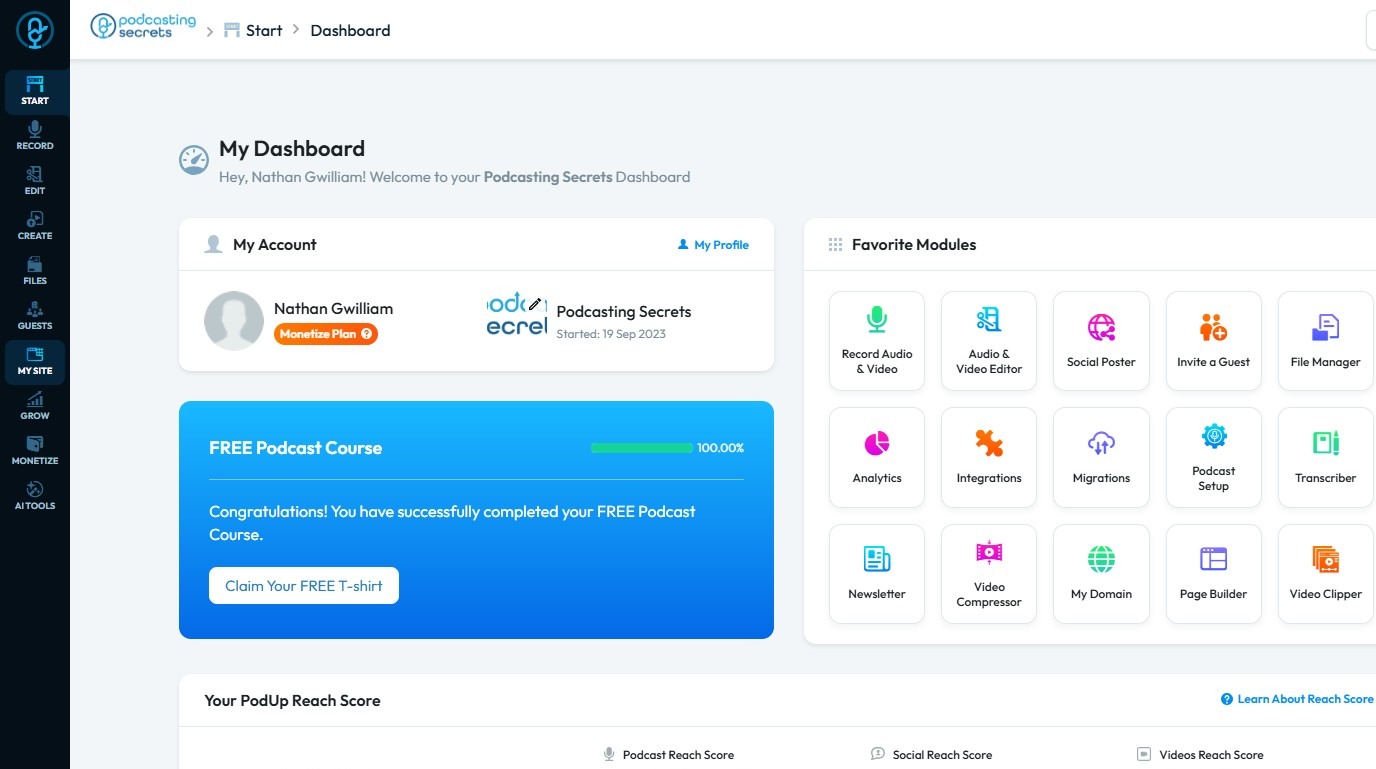
2. Click "My Site".
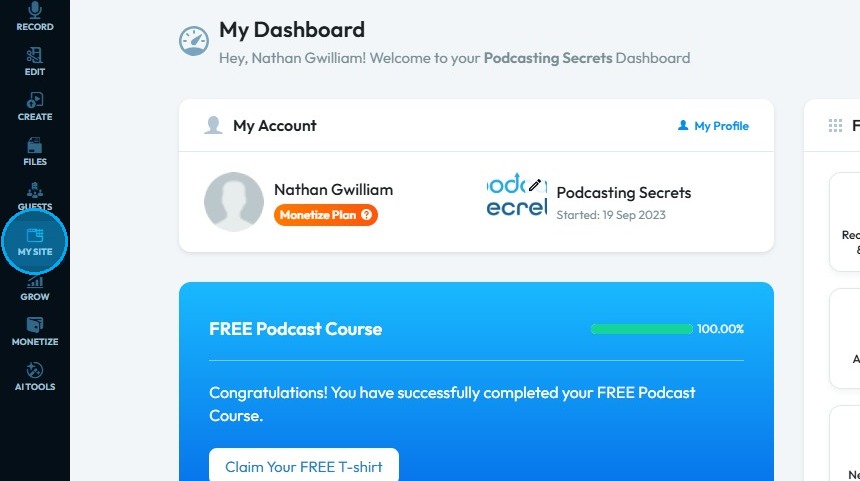
3. Select "Navigation Builder"
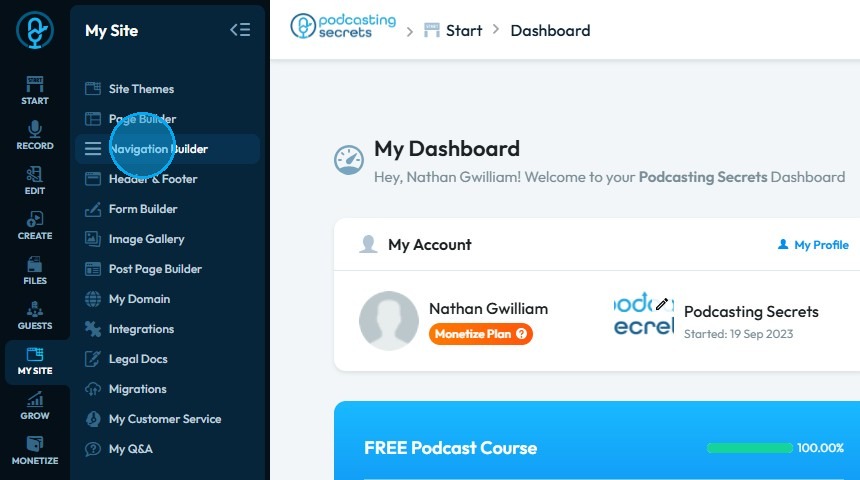
4. In the "Navigation" section, click the "Build" button next to the active header
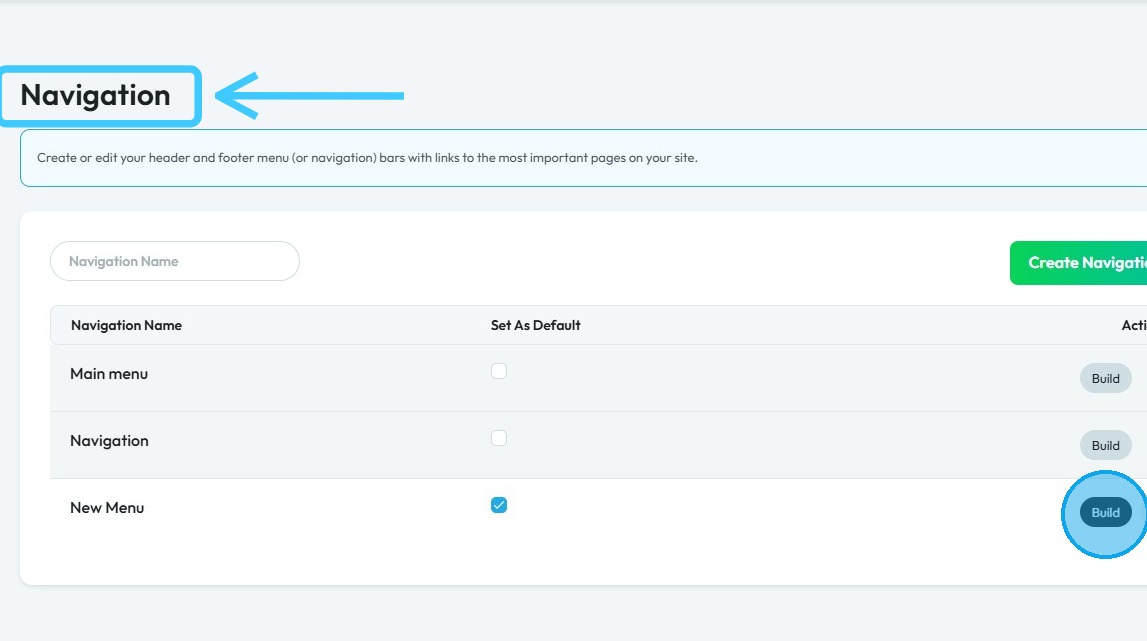
5. All pages listed under "Navigation Structure" are visible on your website
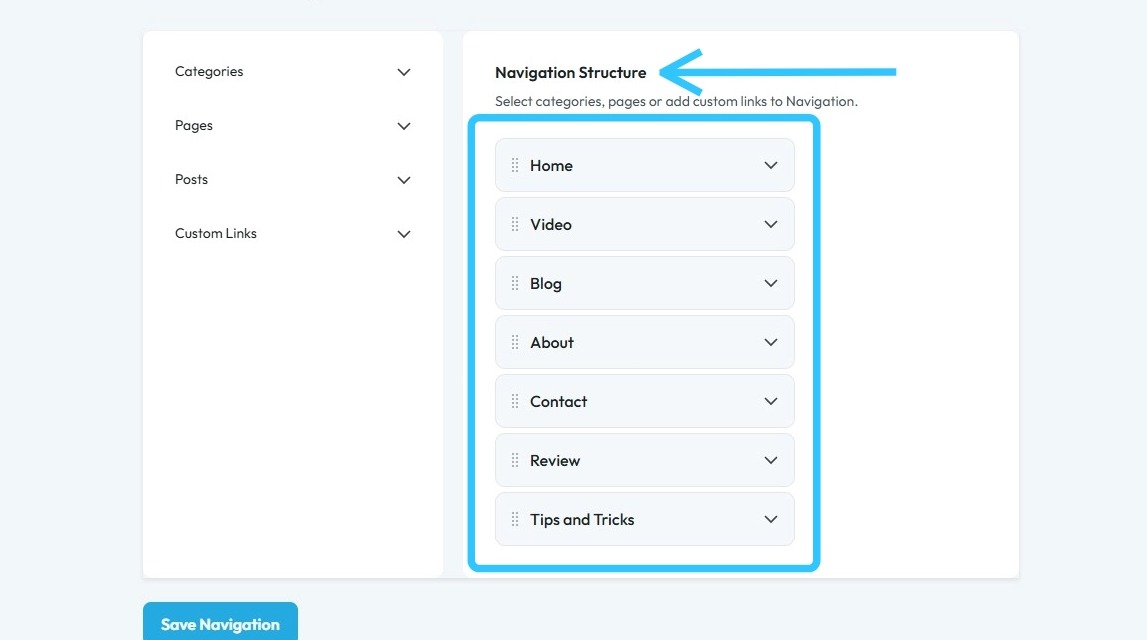
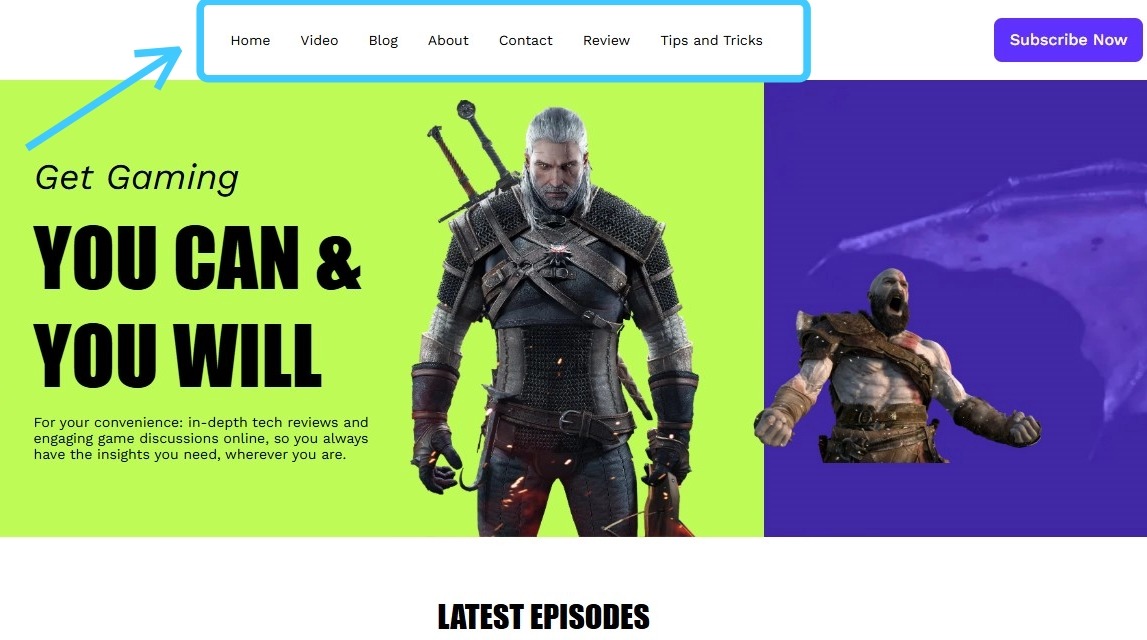
6. These same pages will also be accessible on the website
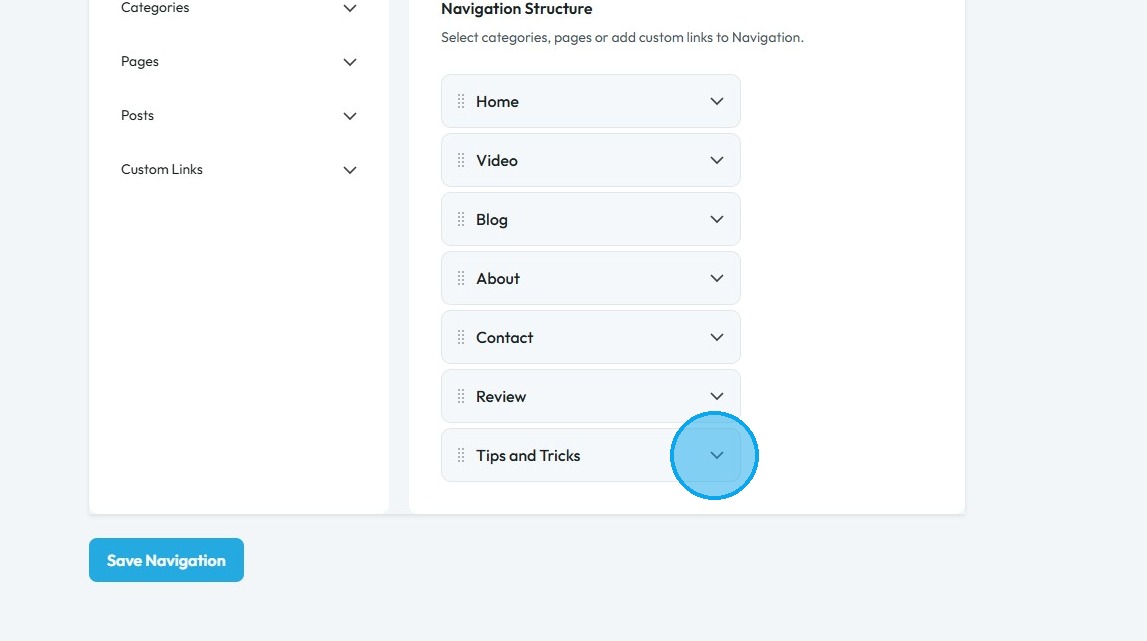
7. To hide a page, click the dropdown arrow
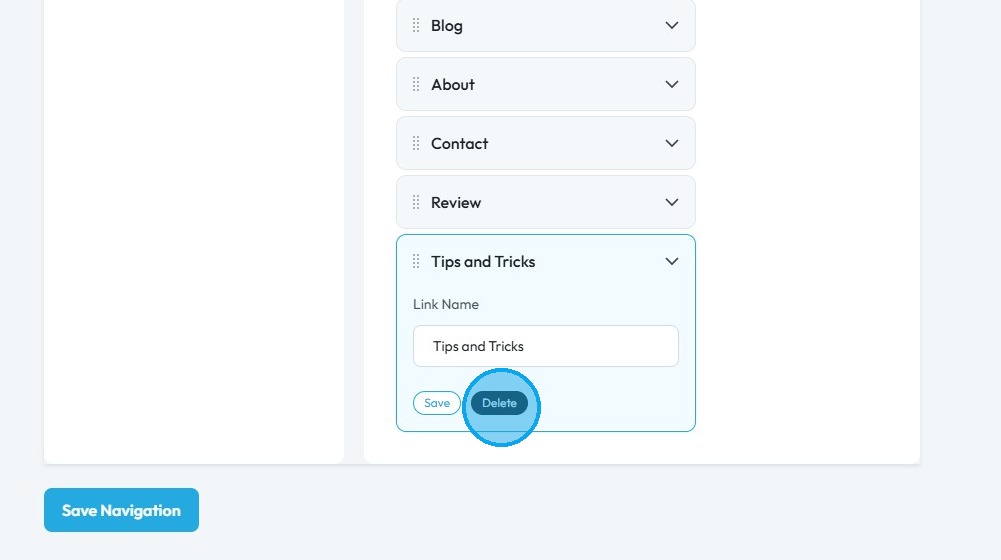
8. Click "Delete"
9. Select "OK"
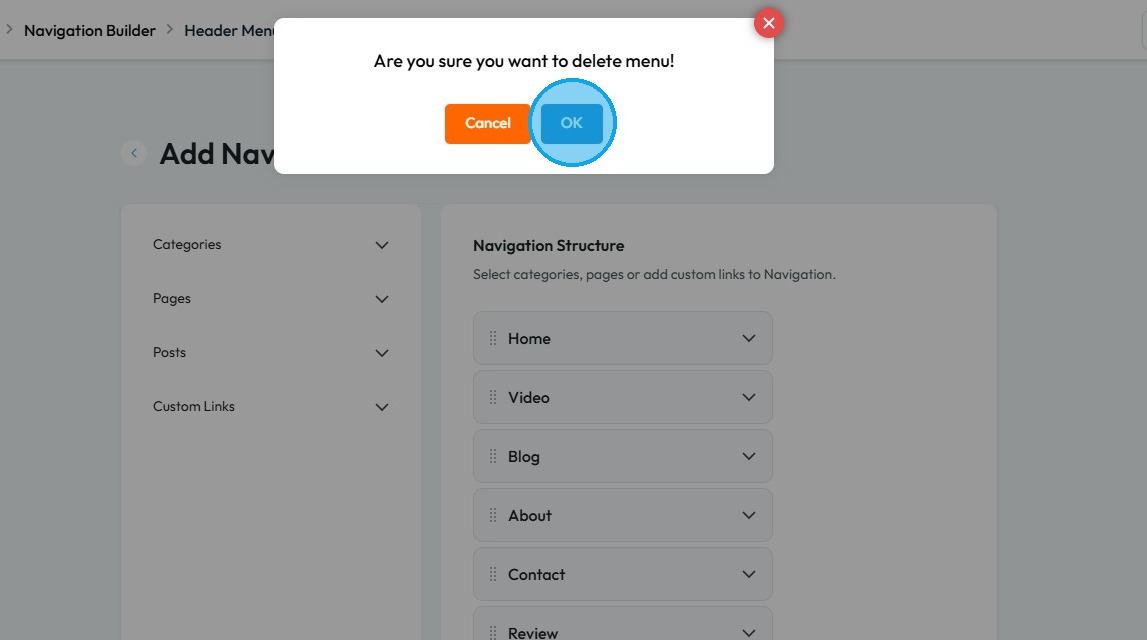
10. Click "OK"
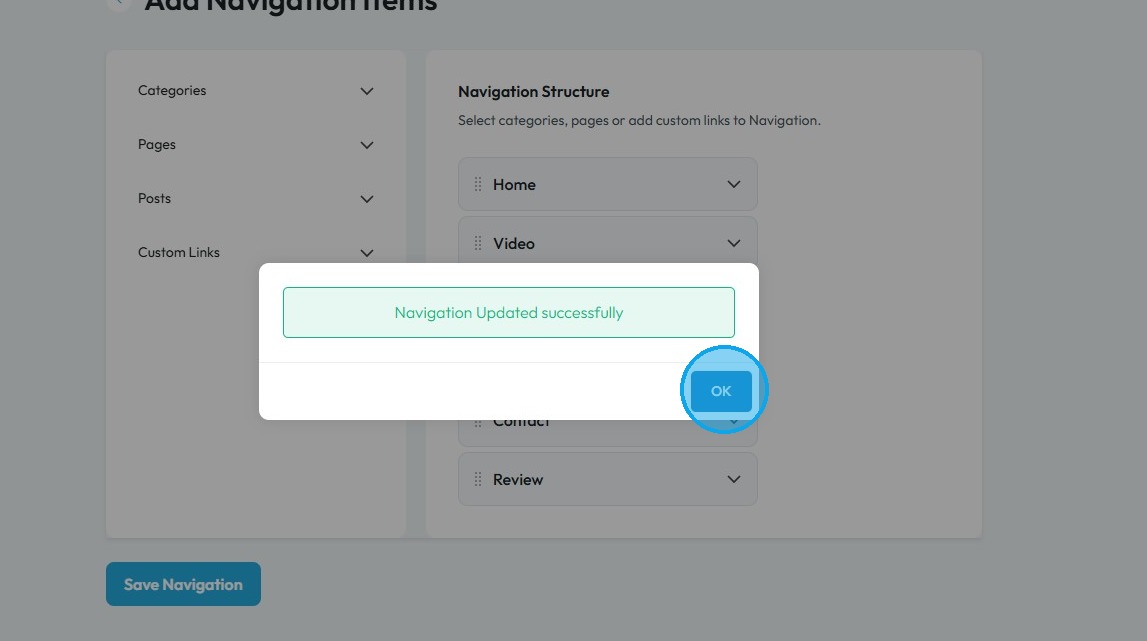
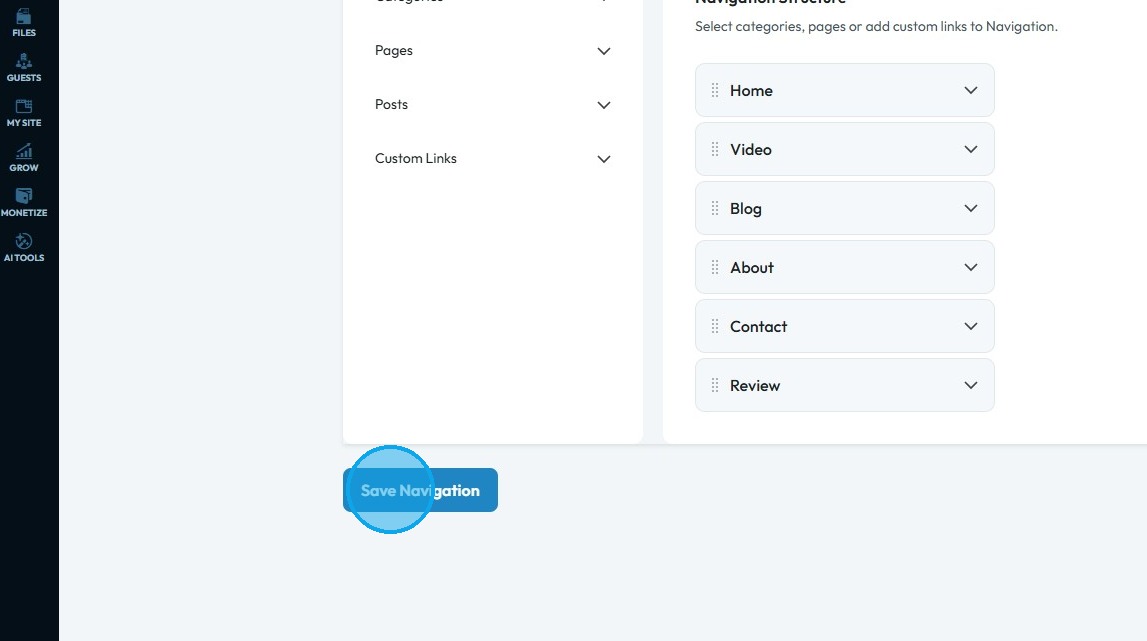
11. To apply the changes, click “Save Navigation.”
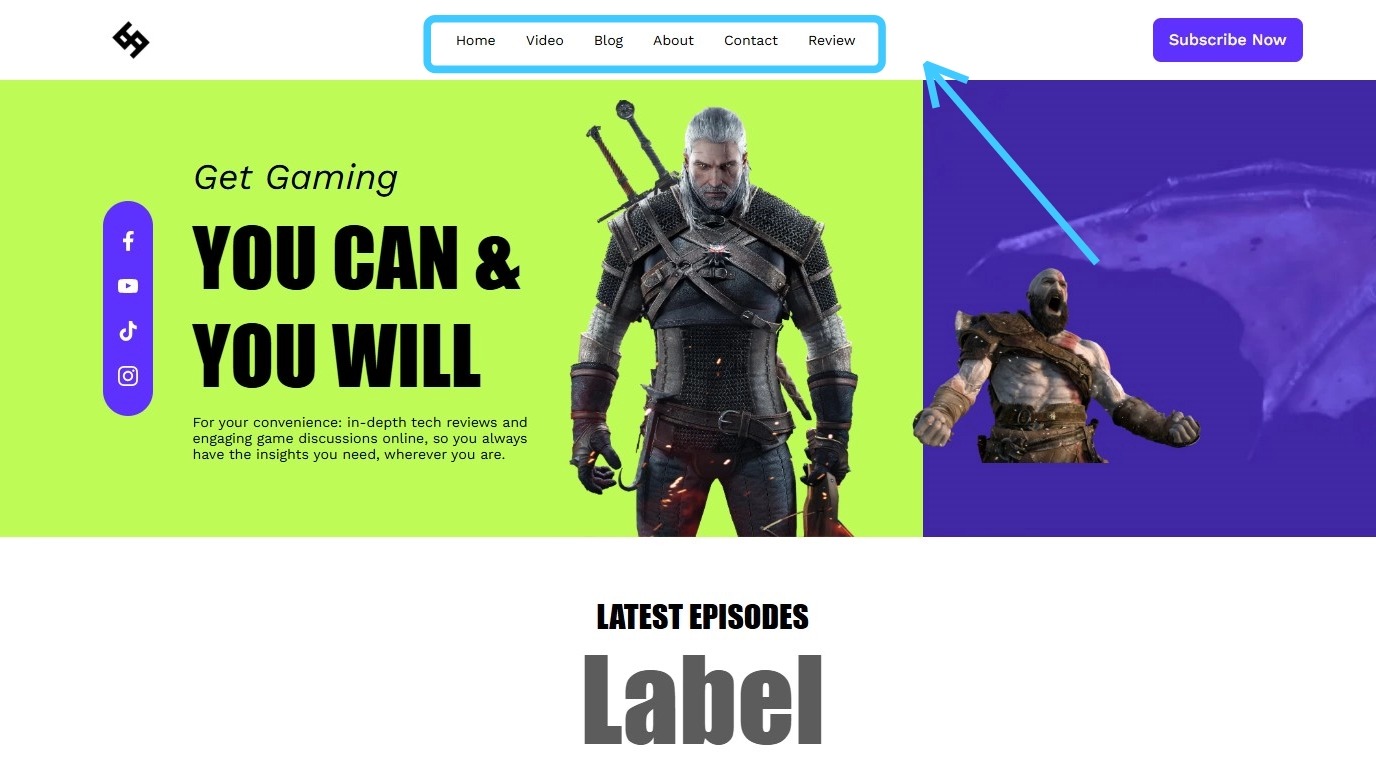
12. On the website, the 7th page option has been removed
Related Articles
How to Make Sure That My Website Page isn't Published
By following this guide, you can keep your website page unpublished to control visibility and refine content before launch. 1. Navigate to https://app.podup.com/home 2. Click "My Site" 3. Select "Page Builder" 4. This section displays all the pages ...How to Navigate Page Builder (Detailed)
This guide provides a straightforward method for creating and customizing website pages using PodUp's Page Builder, making it ideal for users of all skill levels. It outlines each step in the process, from accessing the page builder to editing ...How to Navigate Post Page Builder (Detailed)
This guide offers a straightforward approach to creating and customizing post pages using PodUp's Post Page Builder, making it ideal for bloggers, video creators, and podcasters. It provides step-by-step instructions for adding and enhancing post ...How to Customize Format of Design Elements in PodUp Page Builder (Detailed)
This guide offers comprehensive instructions on customizing design elements in the PodUp Page Builder, making it essential for anyone looking to enhance their website's appearance. With step-by-step explanations on adjusting dimensions, margins, ...Creating a Podcast Page For Your Website with Podup
By following this guide, you can easily create a customized podcast page for your website on PodUp for each episode 1. Navigate to https://app.podup.com/home 2. Click "My Site" 3. Select "Page Builder" 4. Click "Add New Page" 5. The "Add New Page" ...