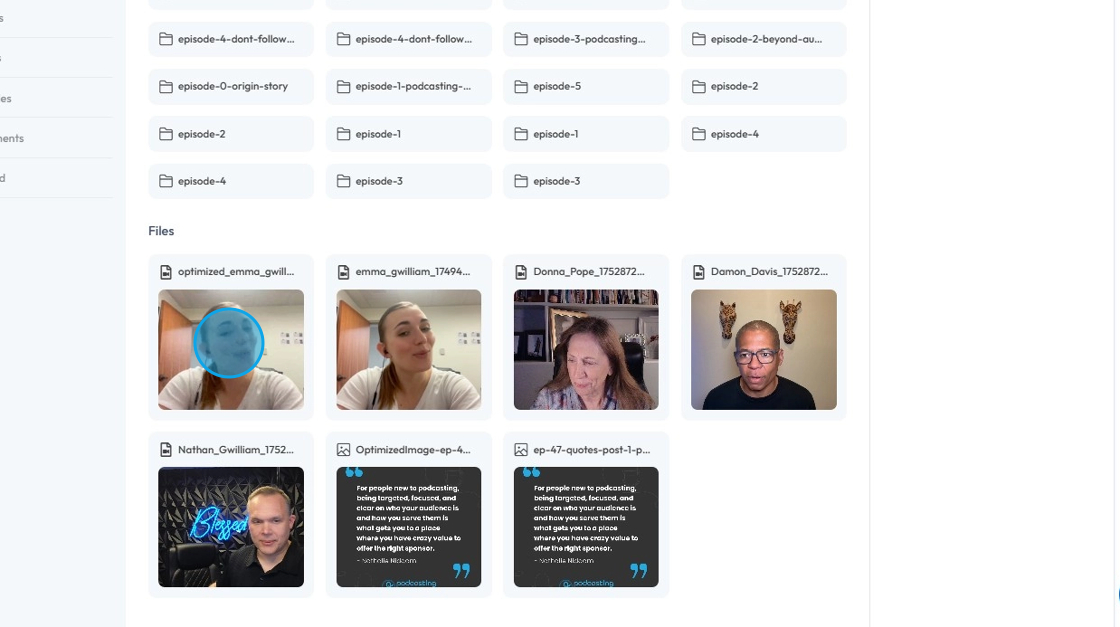
How Do I Find My Recent Files?
This guide shows you how to quickly find your recent files on PodUp, helping you save time and stay organized.
1. Navigate to https://app.podup.com/home
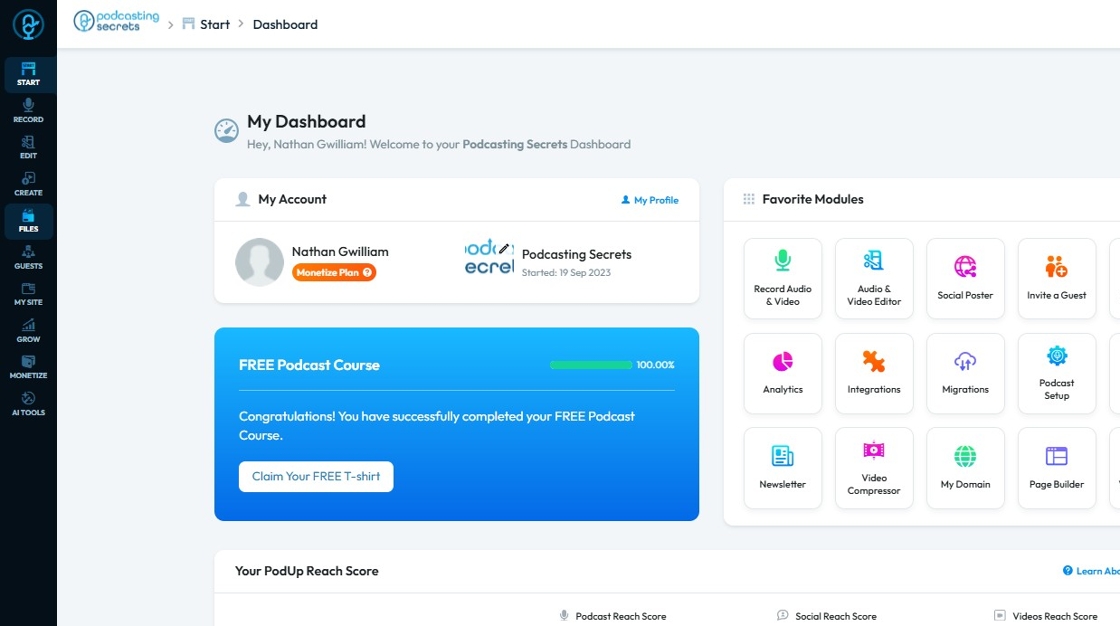
2. Click "Files"
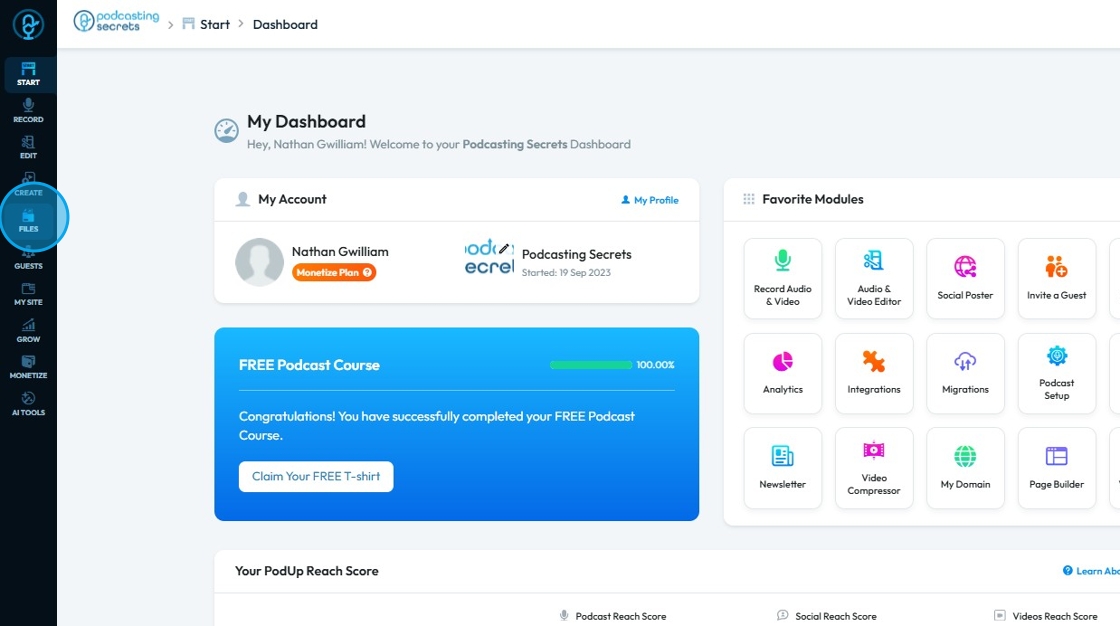
3. Click "Recent"
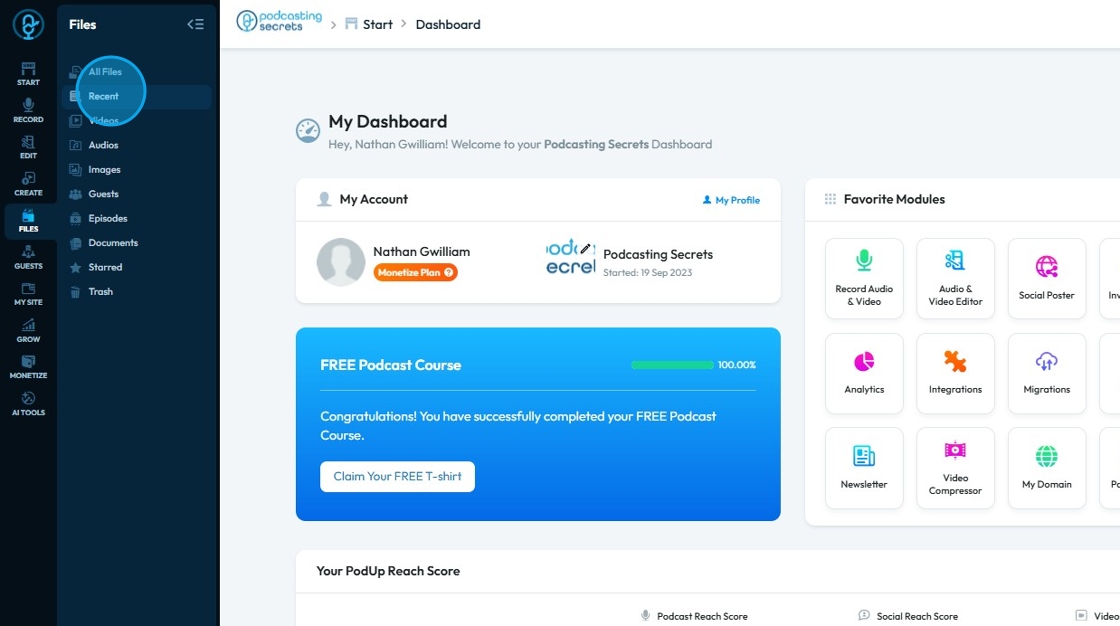
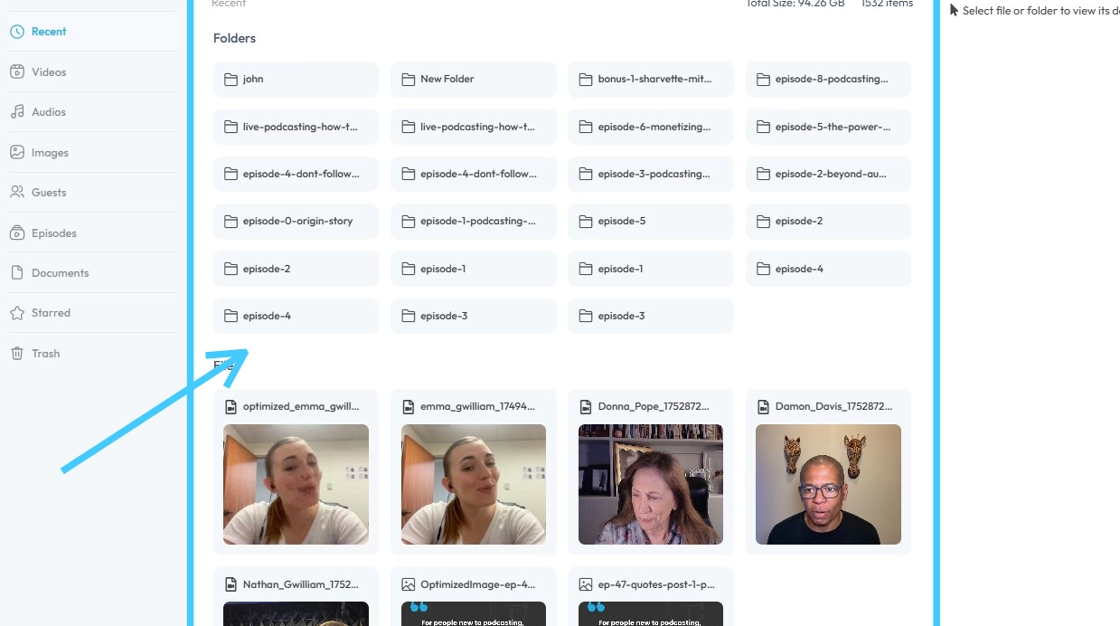
4. You will see all your "Recent Files".
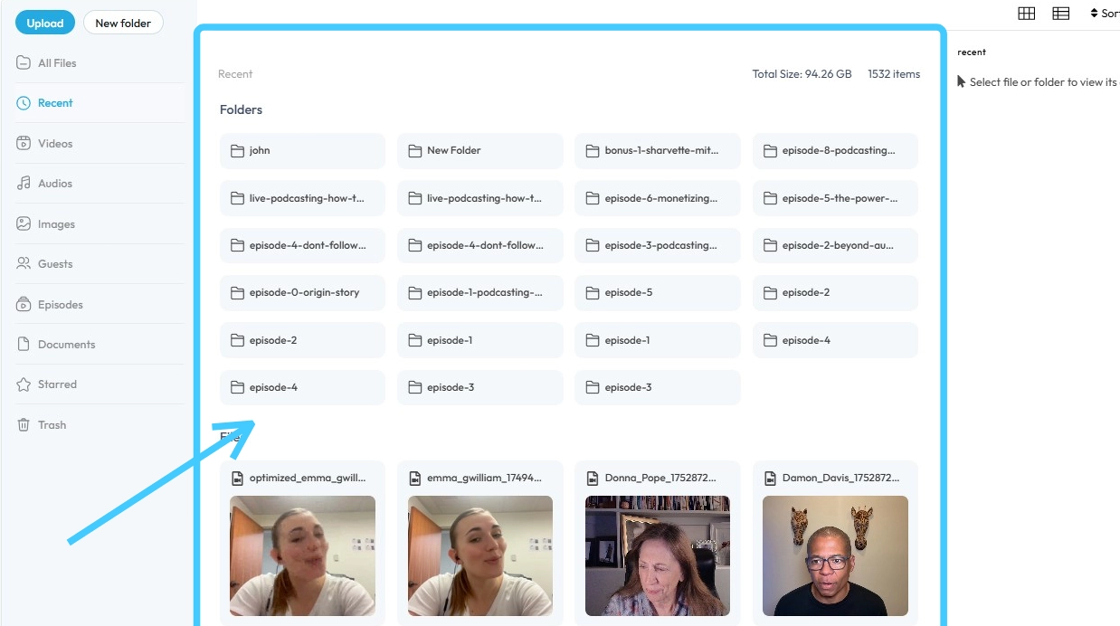
5. You will see all your "Recent Files".
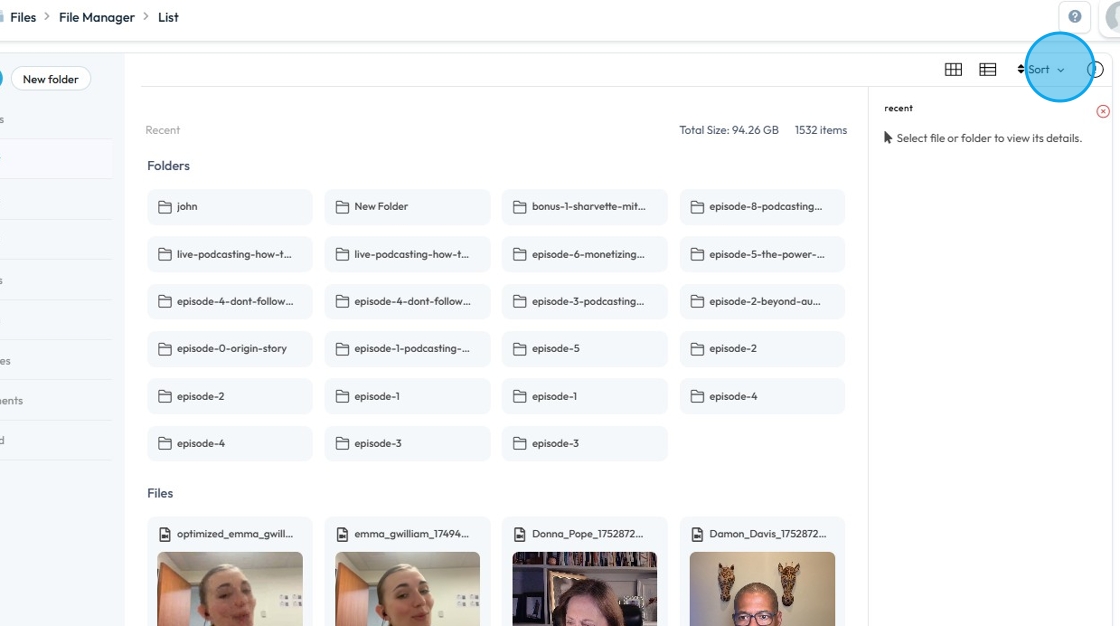
6. To filter down even further, click "Sort".
7. Click "Time Descending", this will show you the latest file at the top.
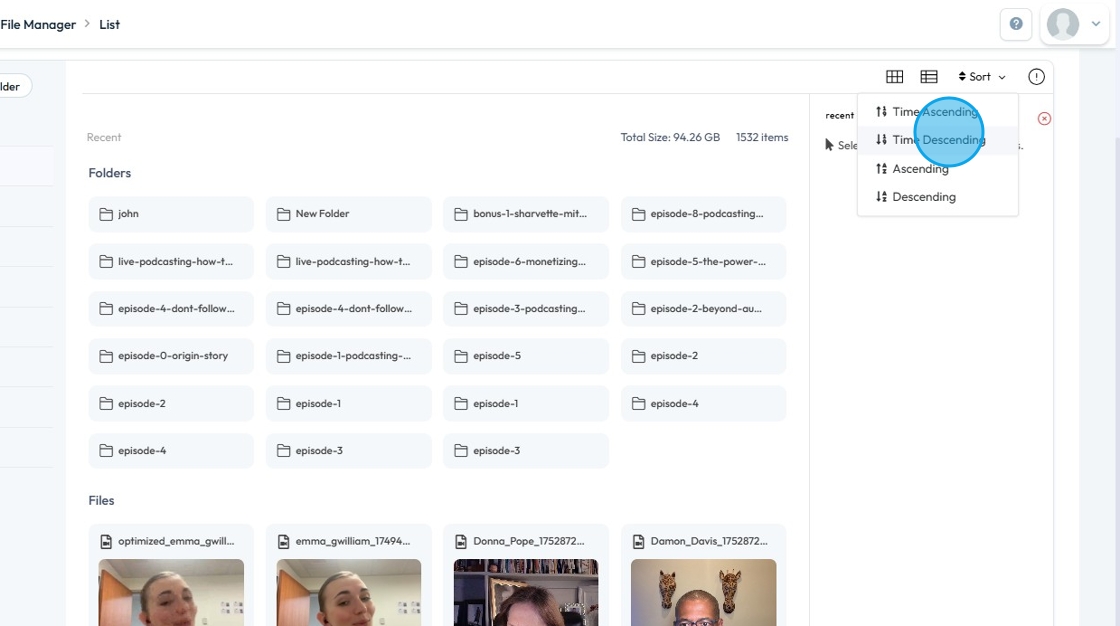
8. Click "Time Descending", this will show you the latest file at the top.