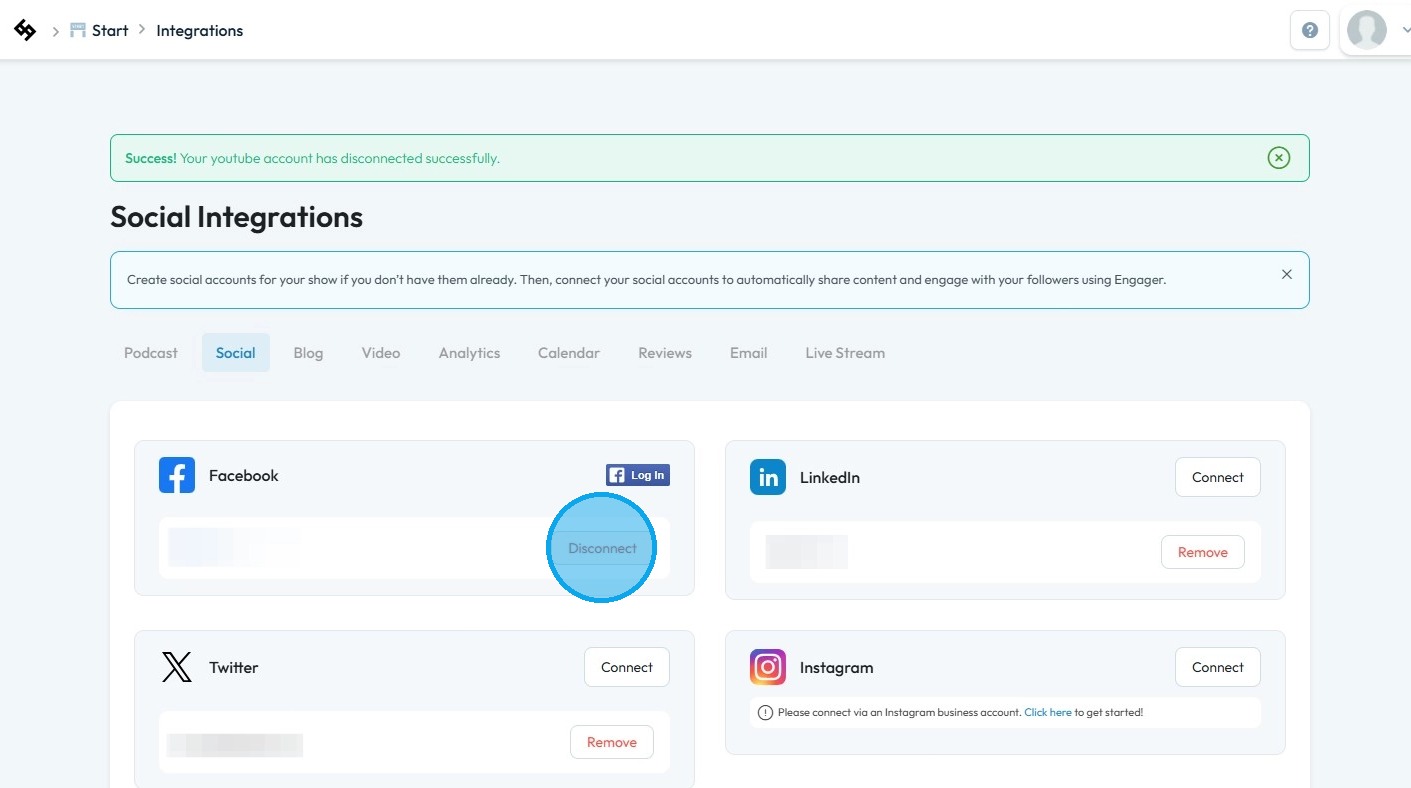
How do I disconnect my account from my integrated channels?
By following this guide, you can easily disconnect your account from integrated channels on PodUp, enabling effective management of your integrations.
1. Navigate to https://app.podup.com/home
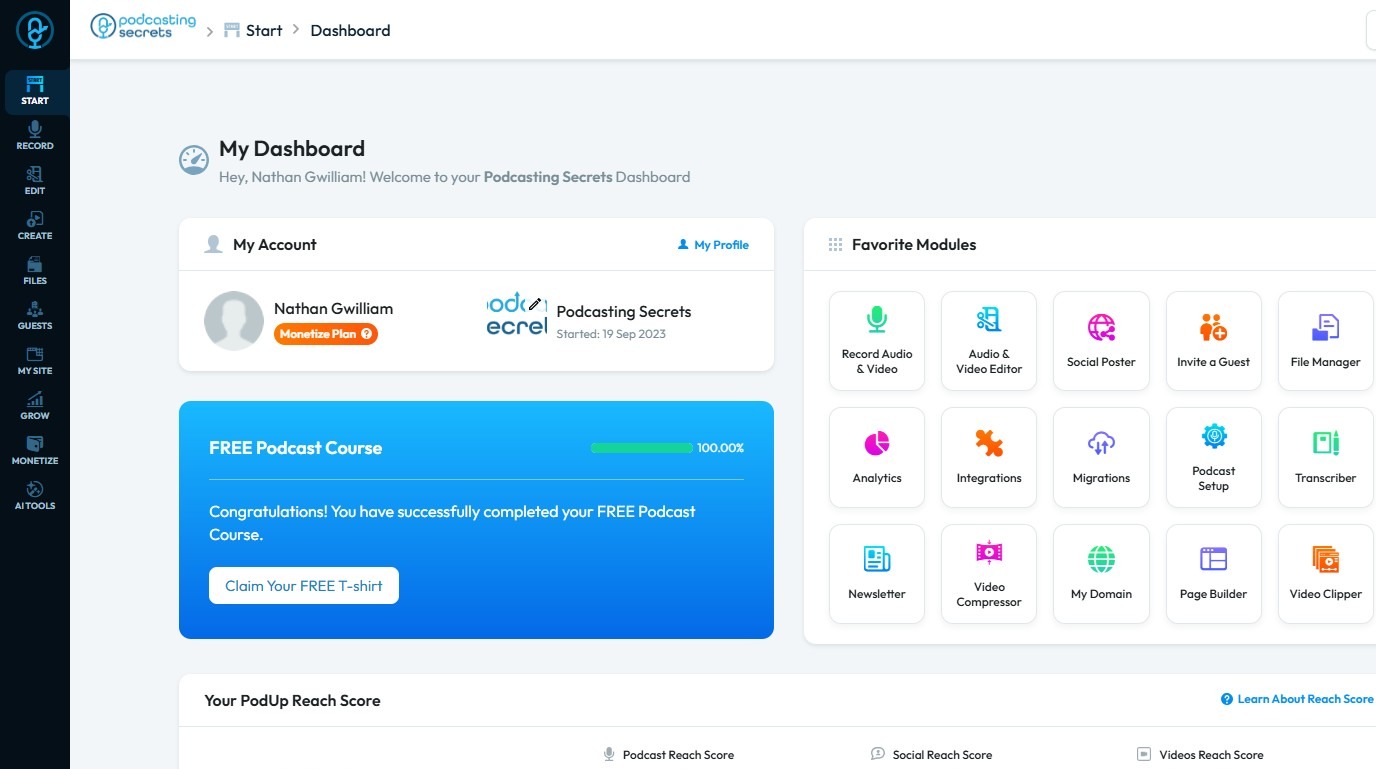
2. Click "Integrations".
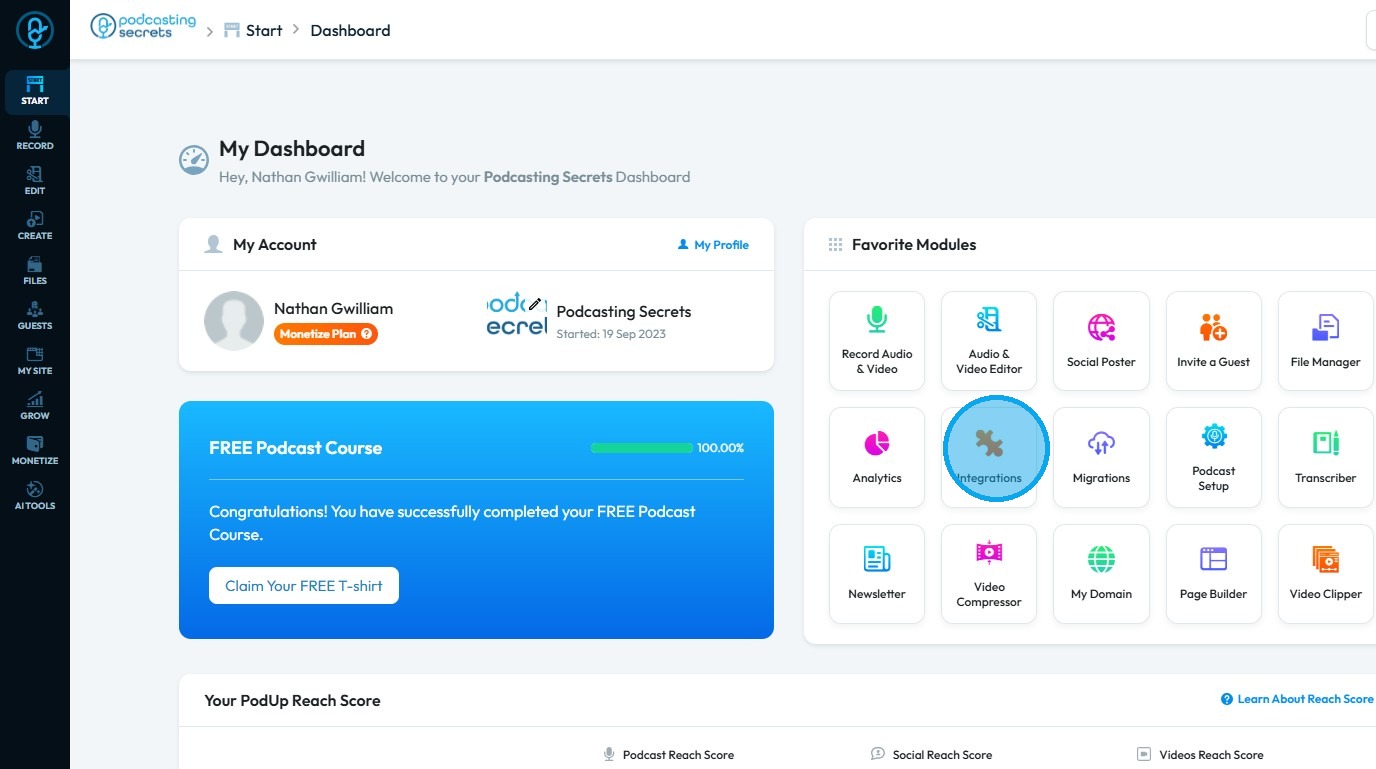
3. You will be directed to the Podcast Integrations page
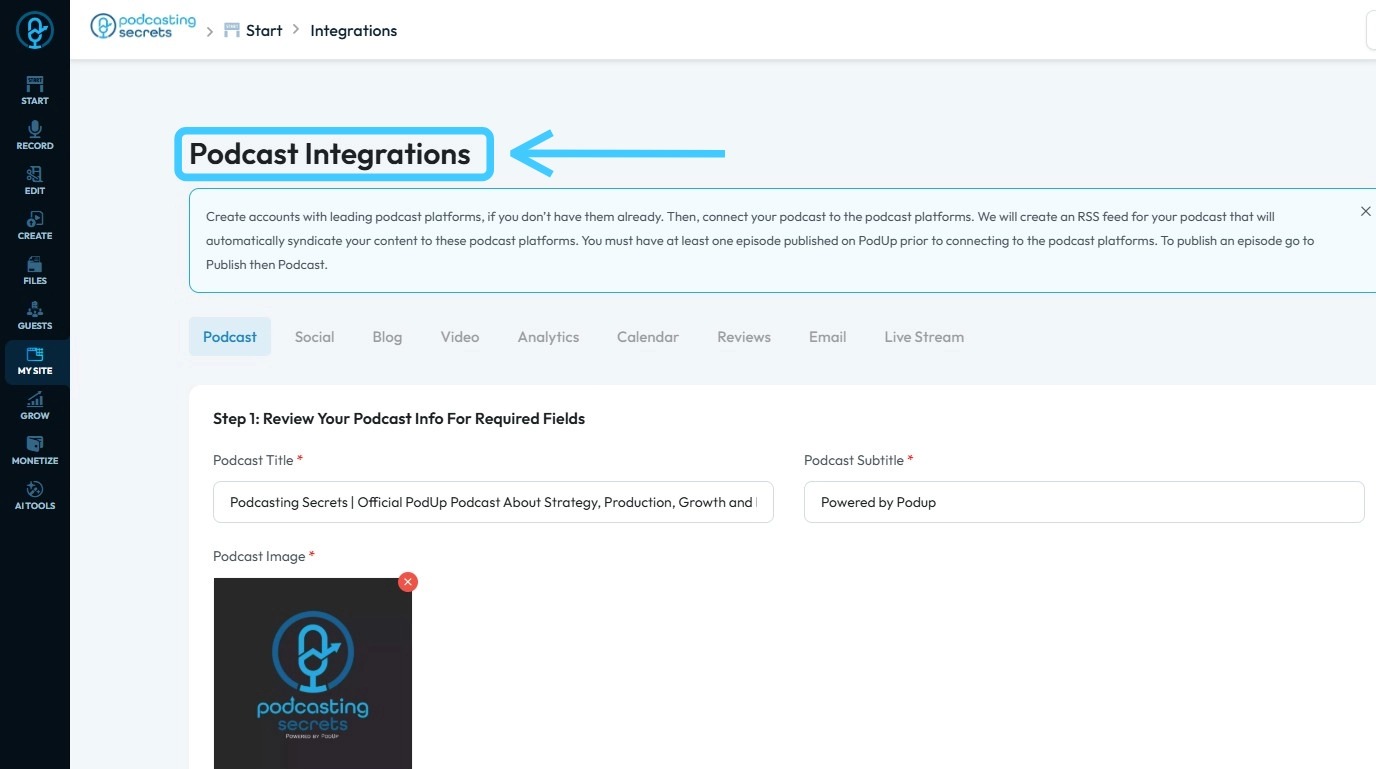
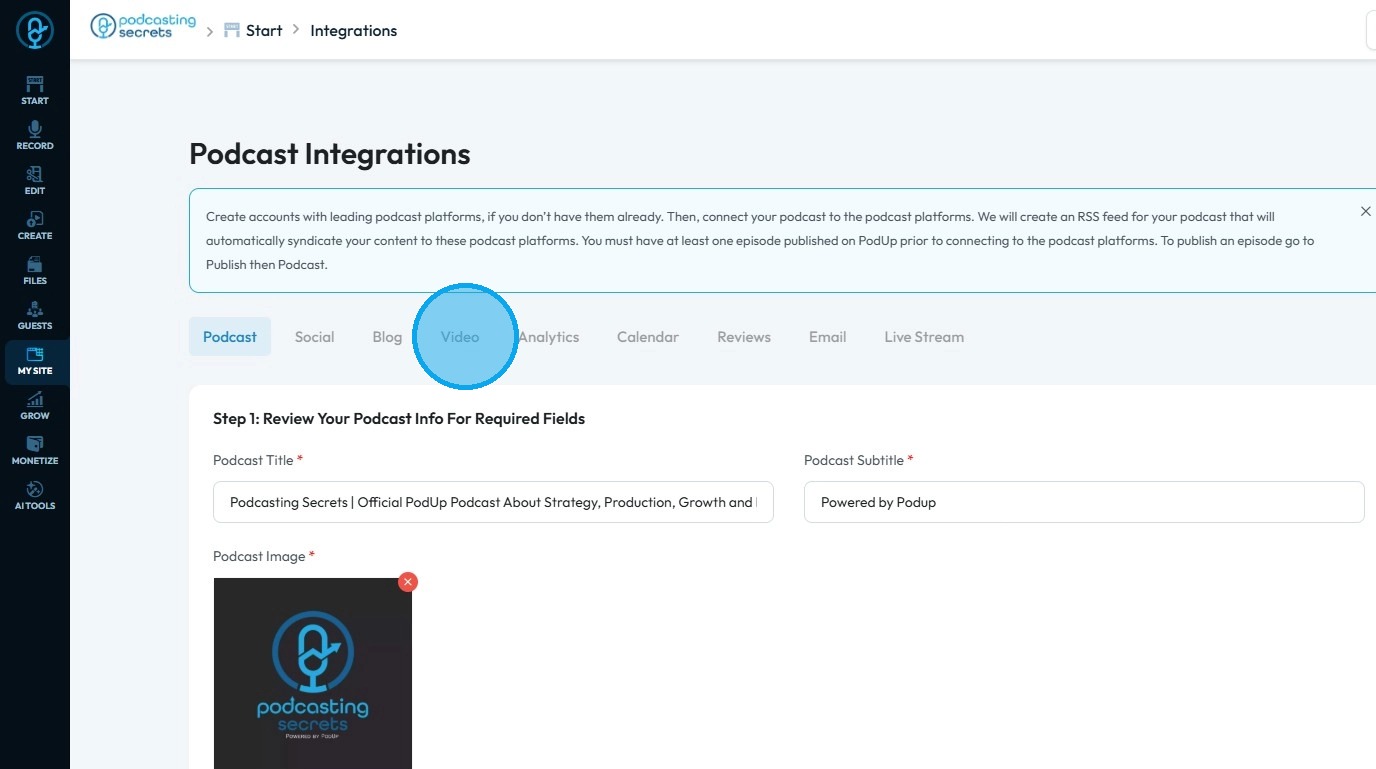
4. Select "Video"
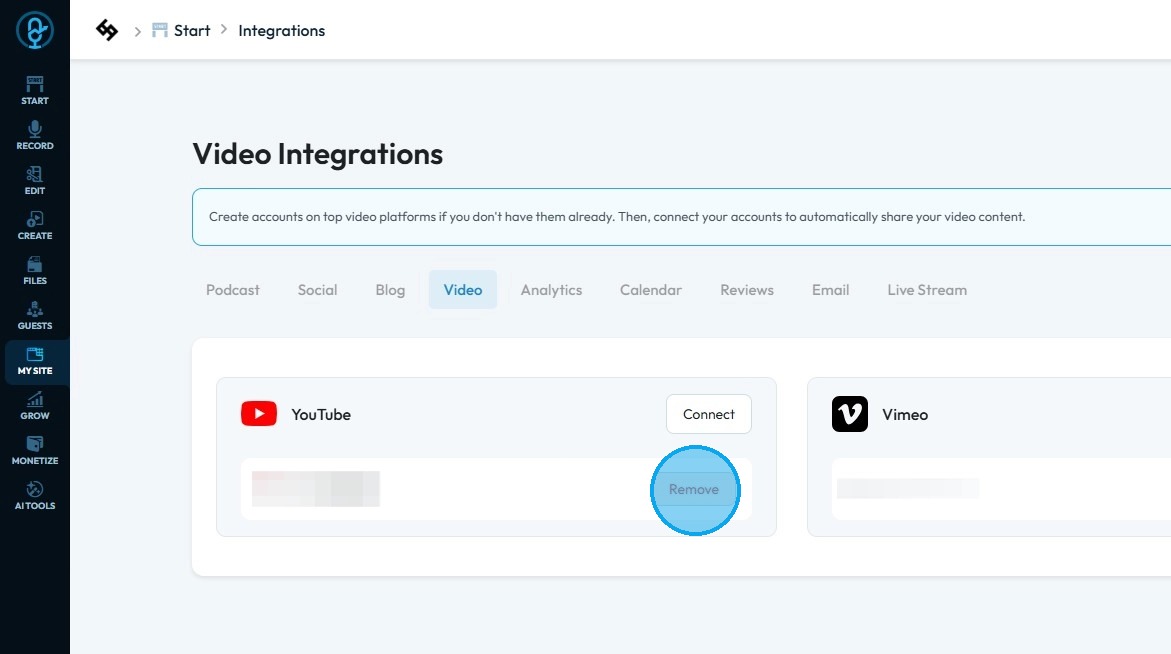
5. Click "Remove" to disconnect the selected channel
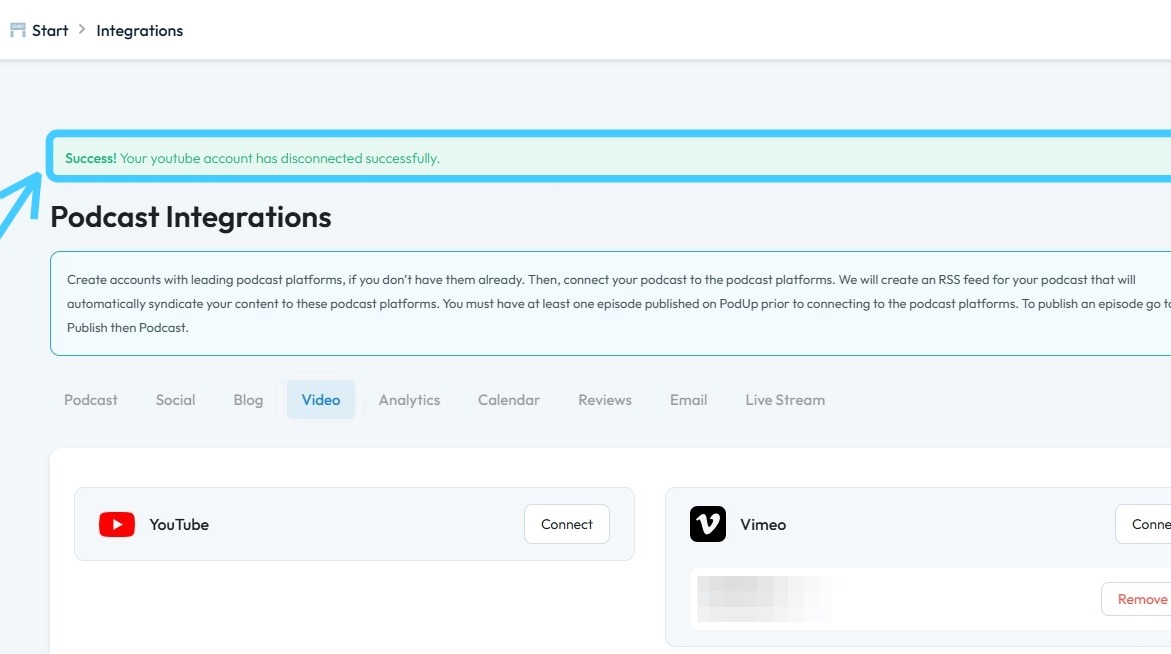
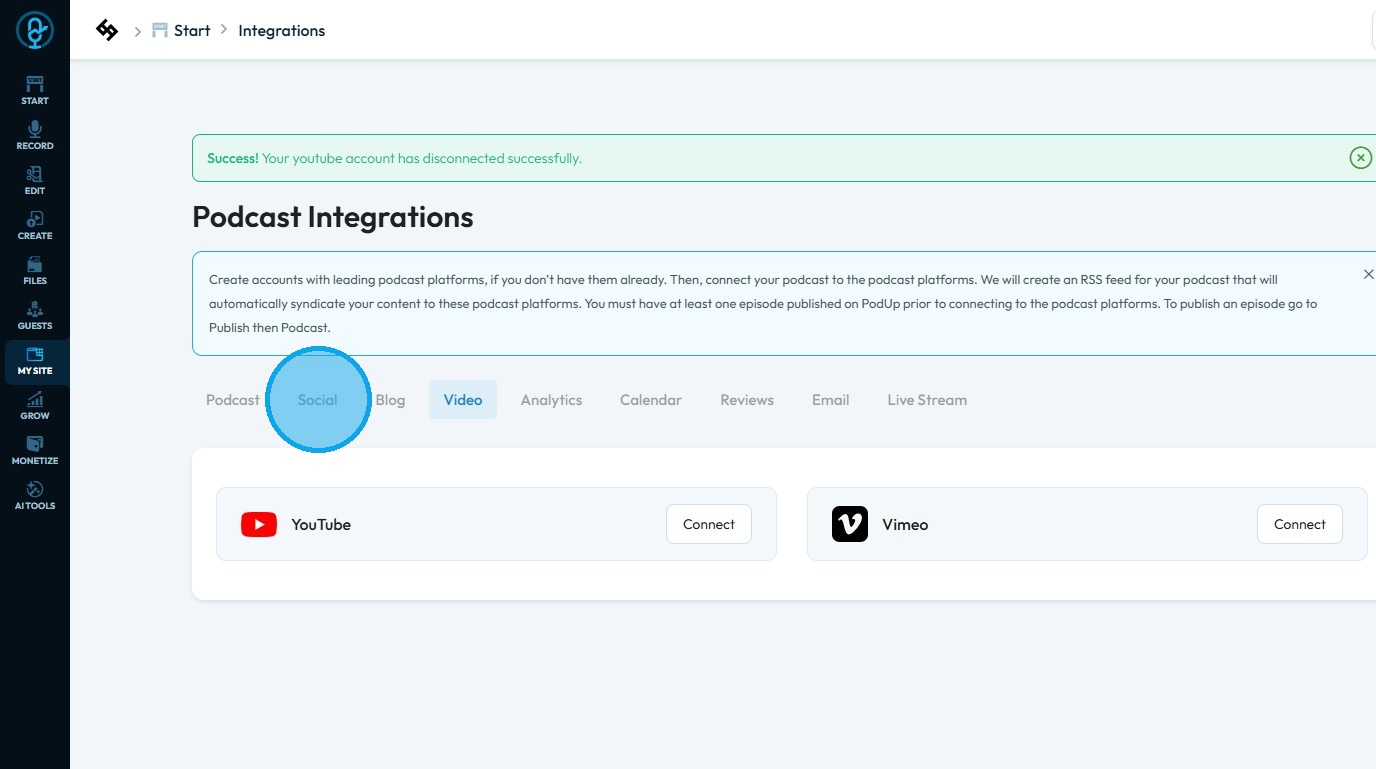
6. Once the integration is disconnected, a green confirmation box will appear displaying the message: "Success! Your YouTube account has been disconnected successfully."
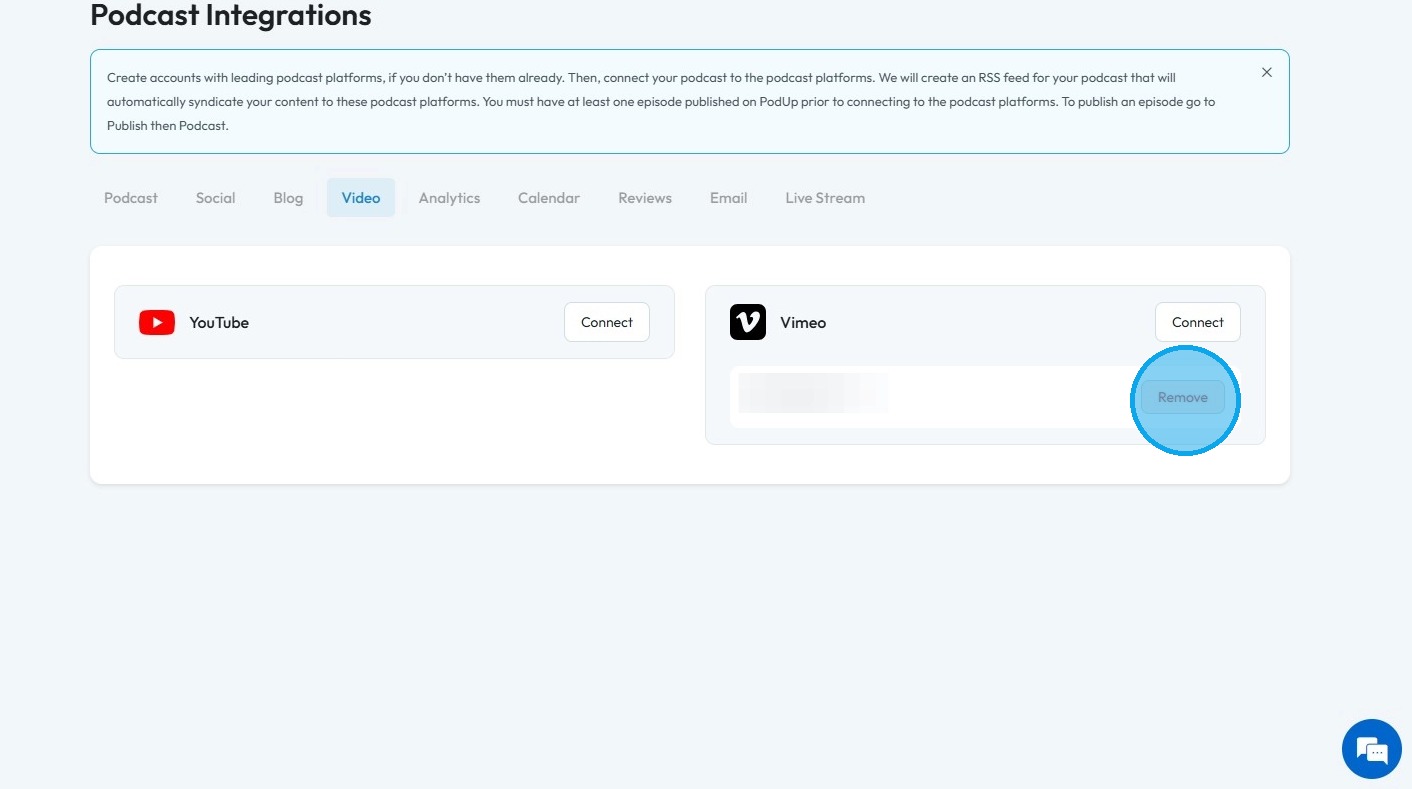
7. Click "Remove" to disconnect any additional integrations
8. Click "Social"
9. Click the "Disconnect" button for the platforms you wish to remove.