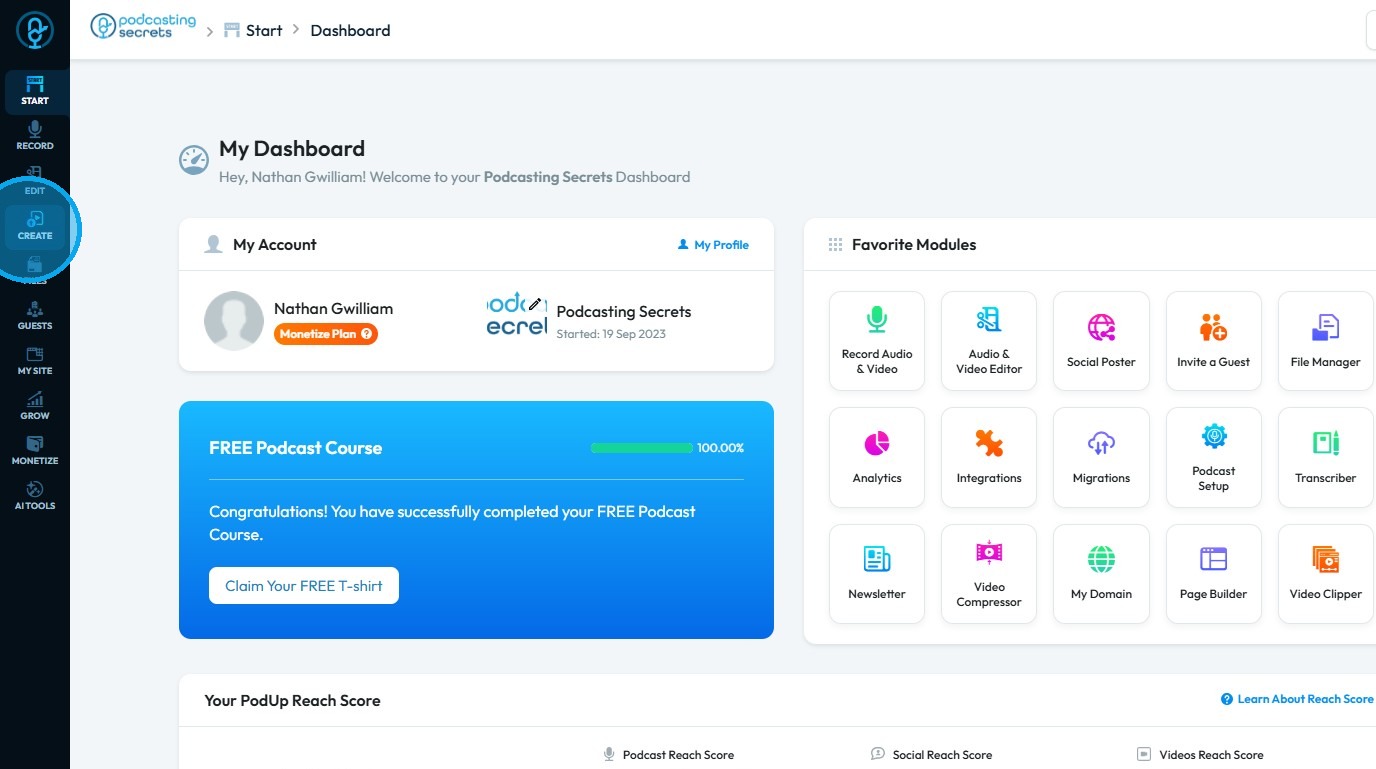
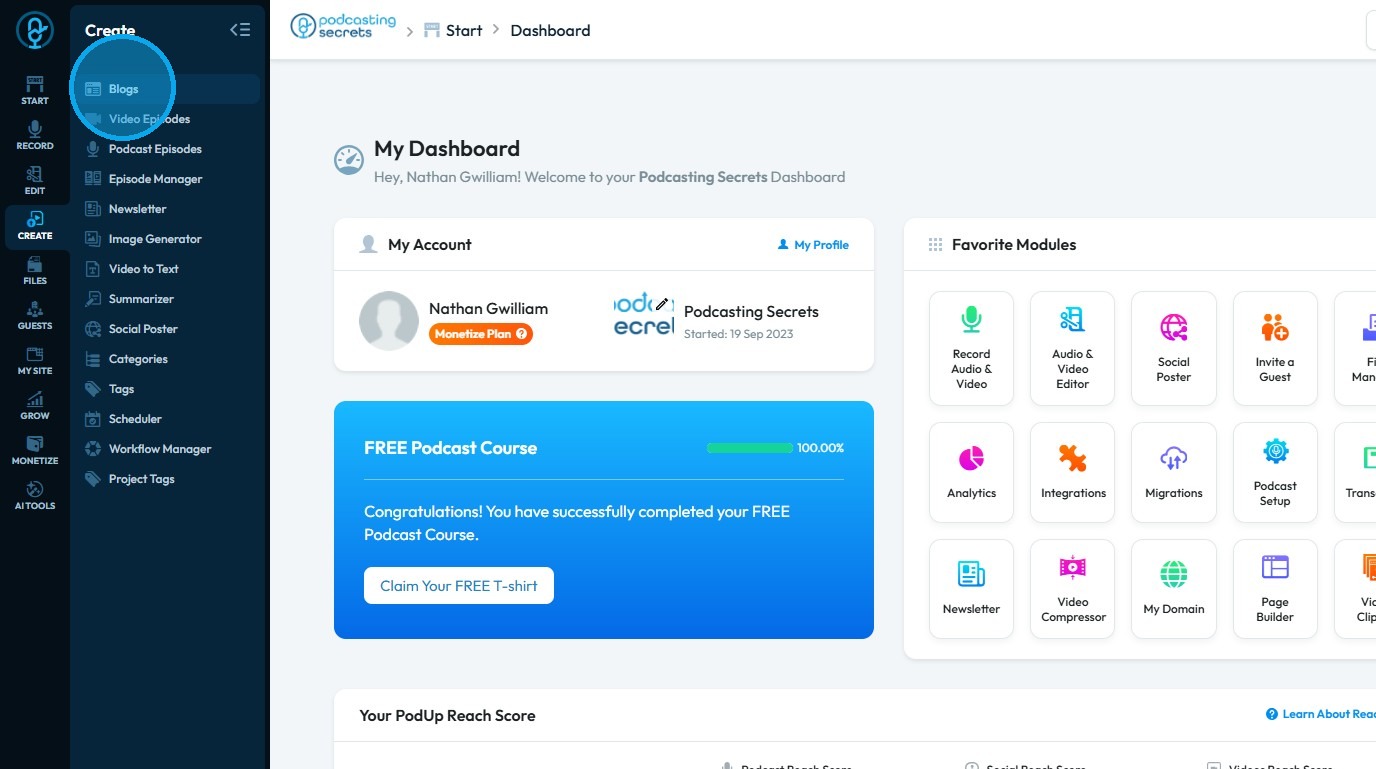
How do I configure SEO and share settings for my blog?
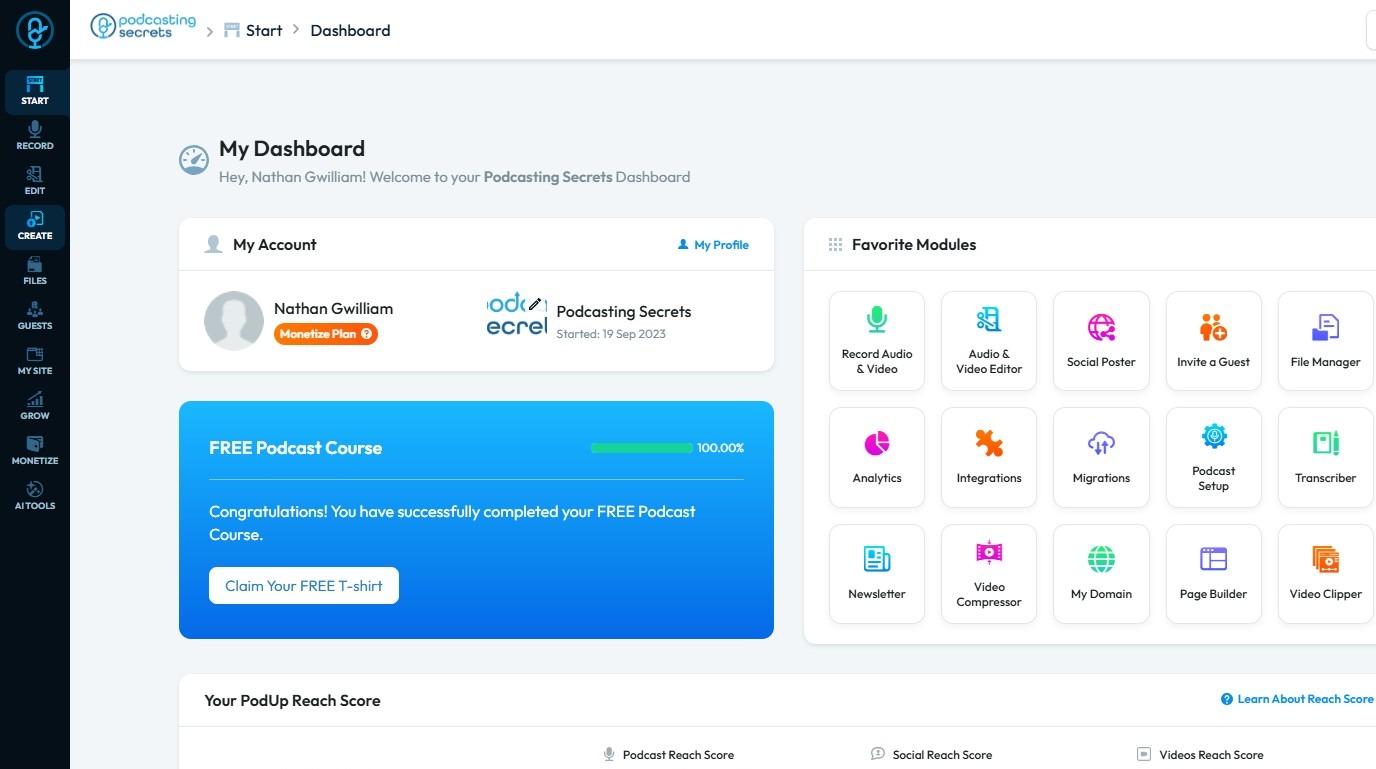
Use this guide to optimize your blog’s SEO and sharing settings, boost titles and descriptions, and attract more traffic from social media


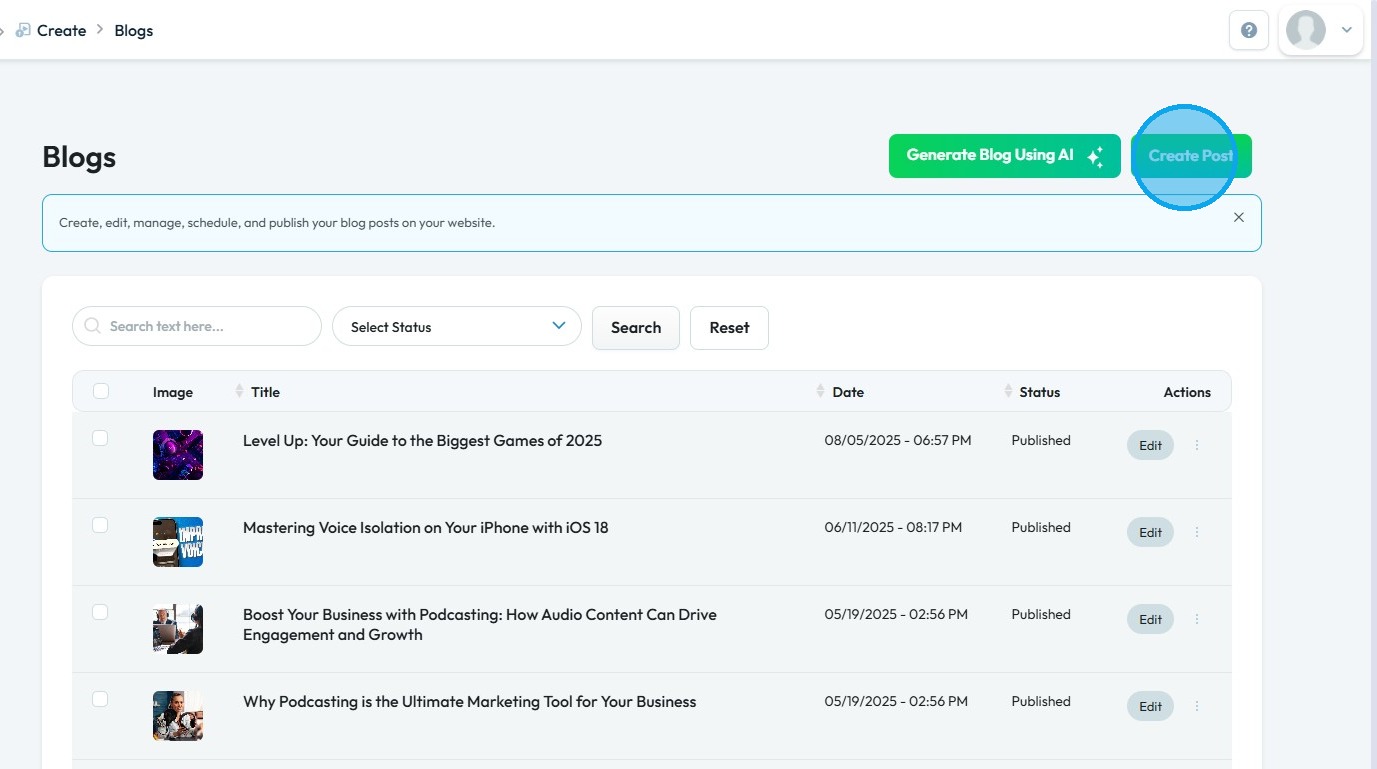
4. You will be directed to the “Blogs” page.
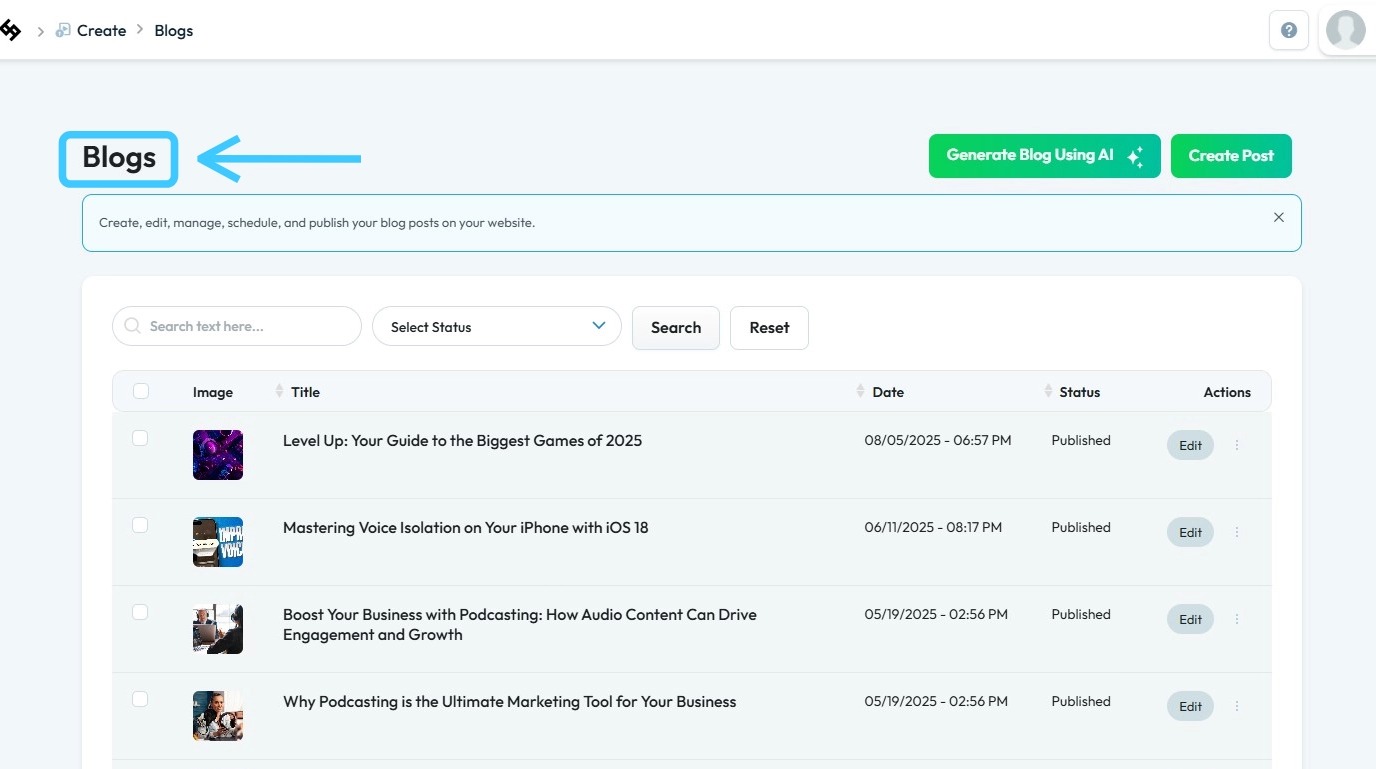
5. To create a new blog post, click “Create Post”
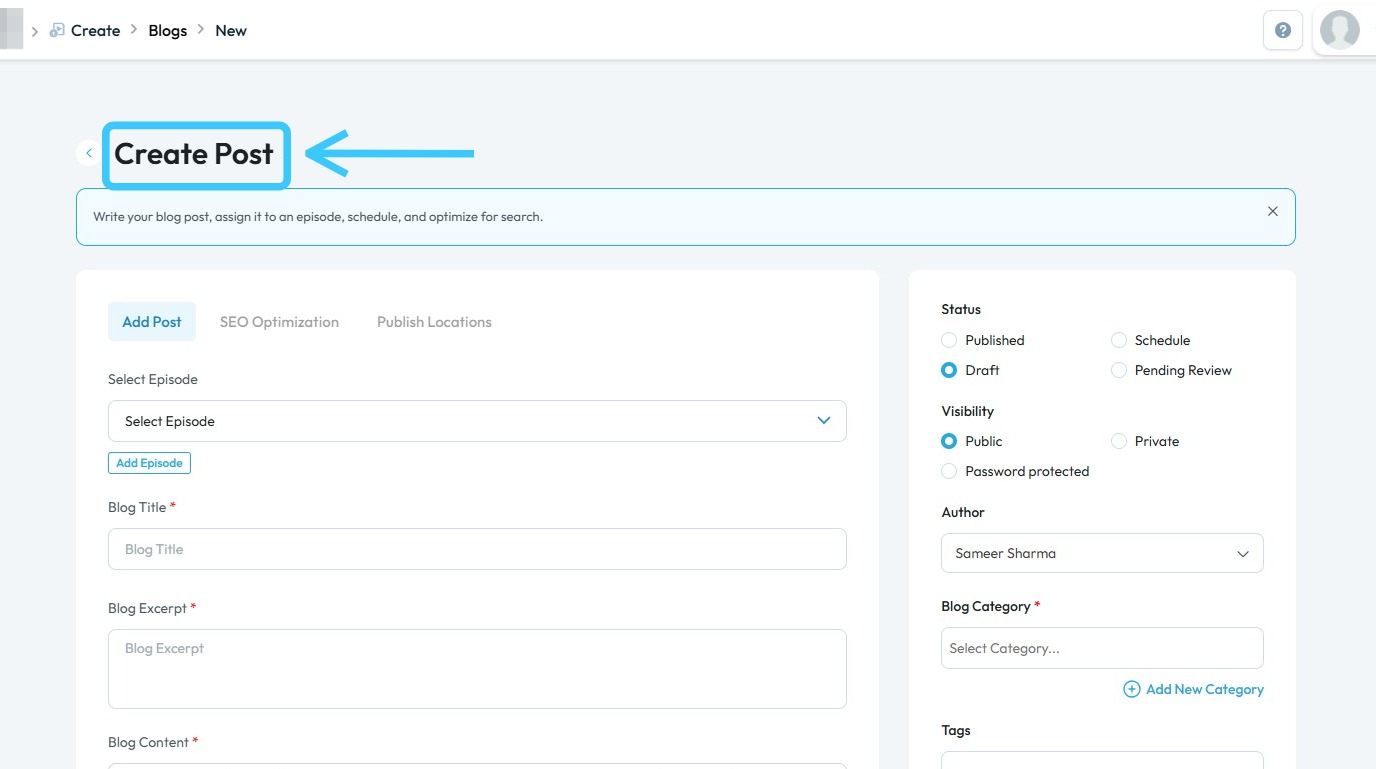
6. The “Create Post” page will load
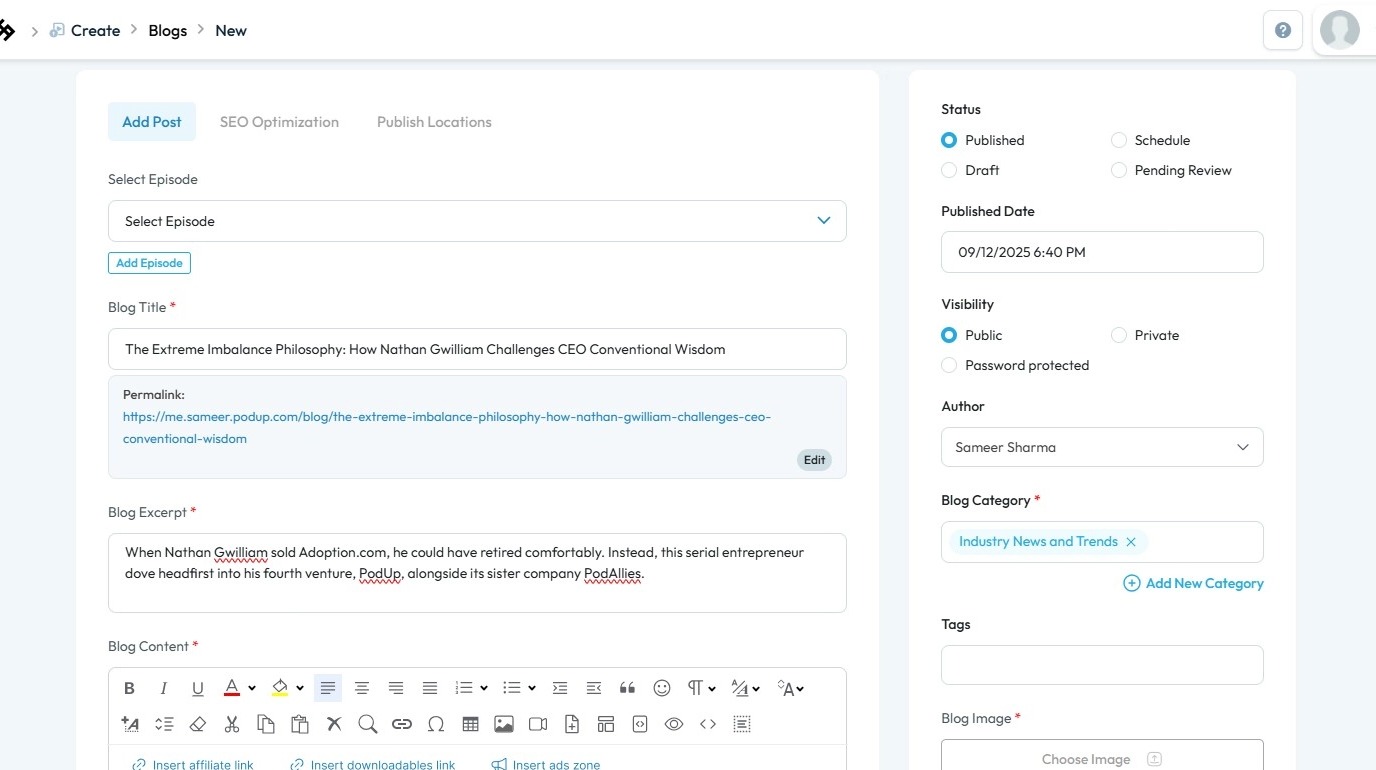
7. Ensure that all required fields are completed
8. Click “SEO Optimization” to configure SEO settings for your blog
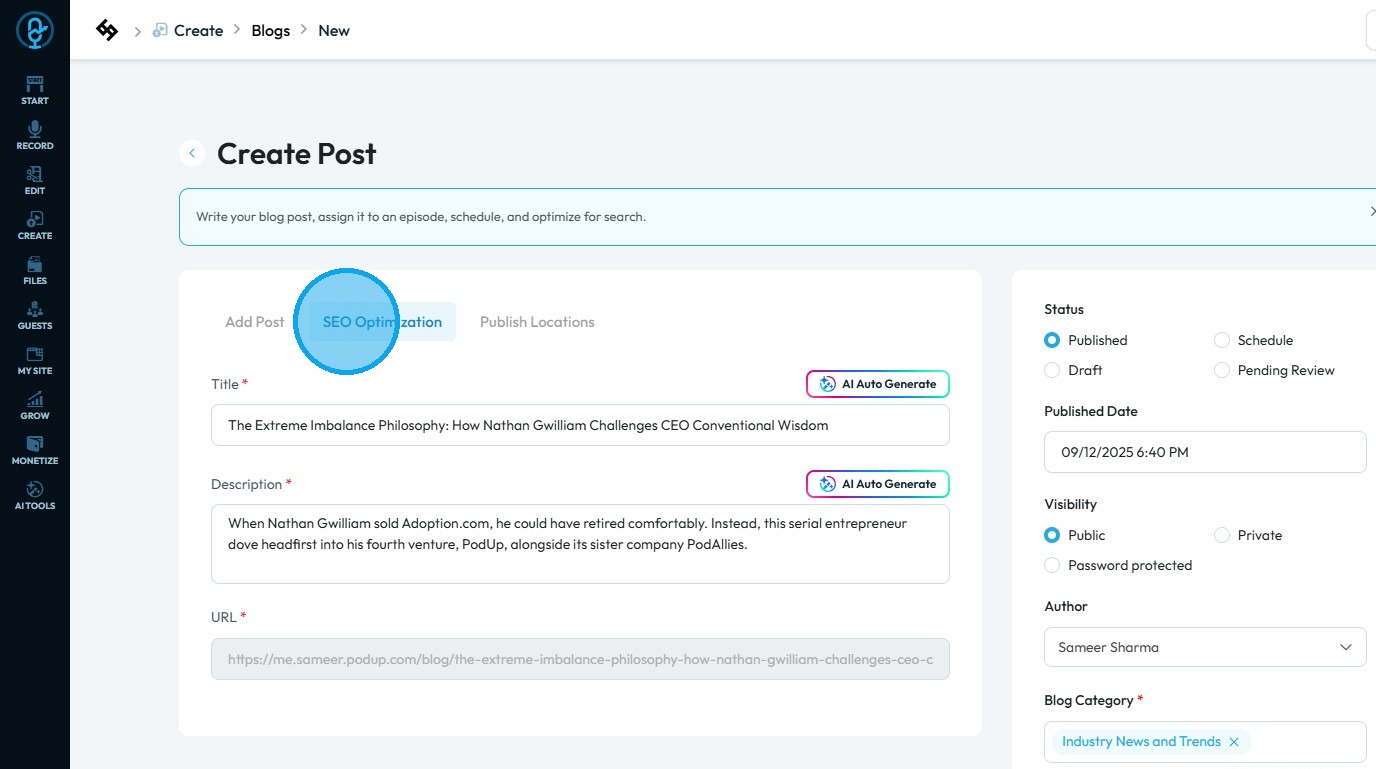
9. Click “AI Auto Generate” to create SEO-optimized titles and descriptions automatically
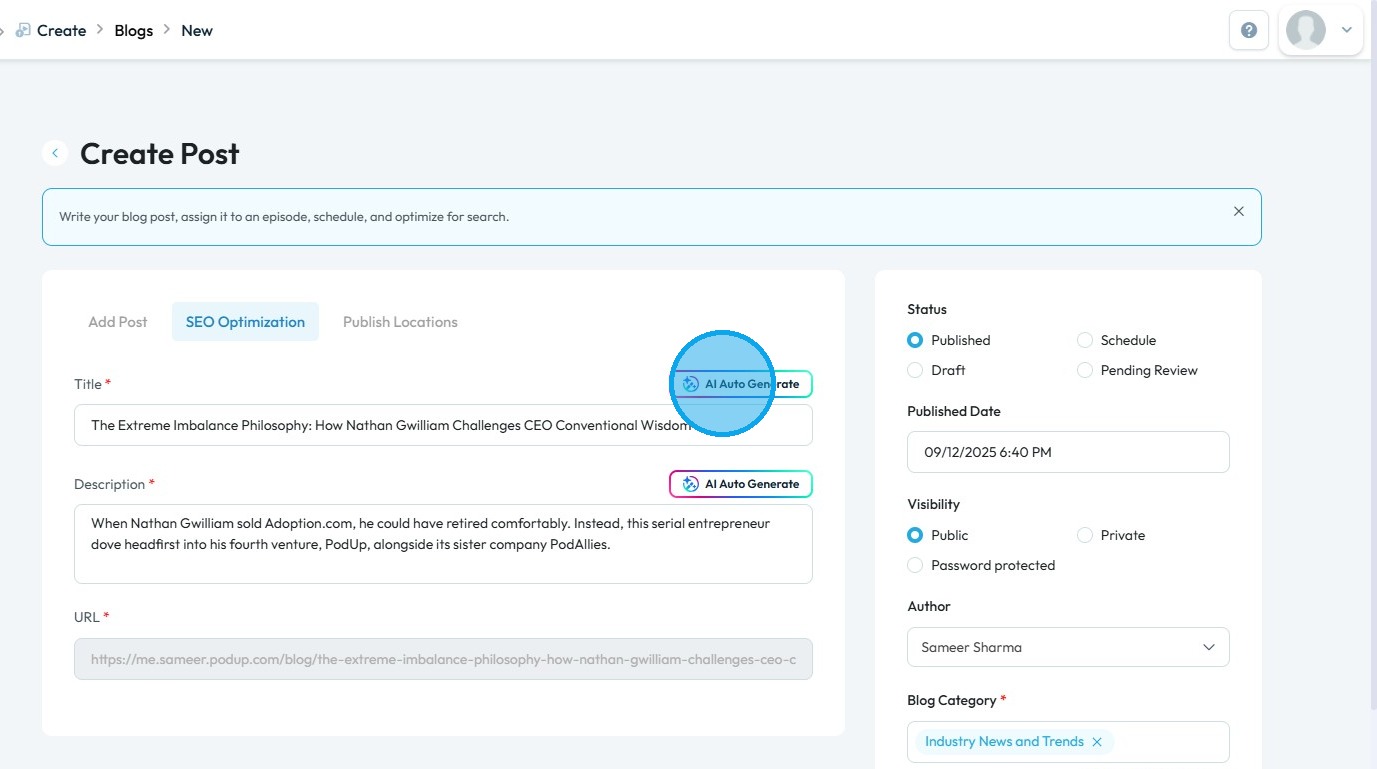
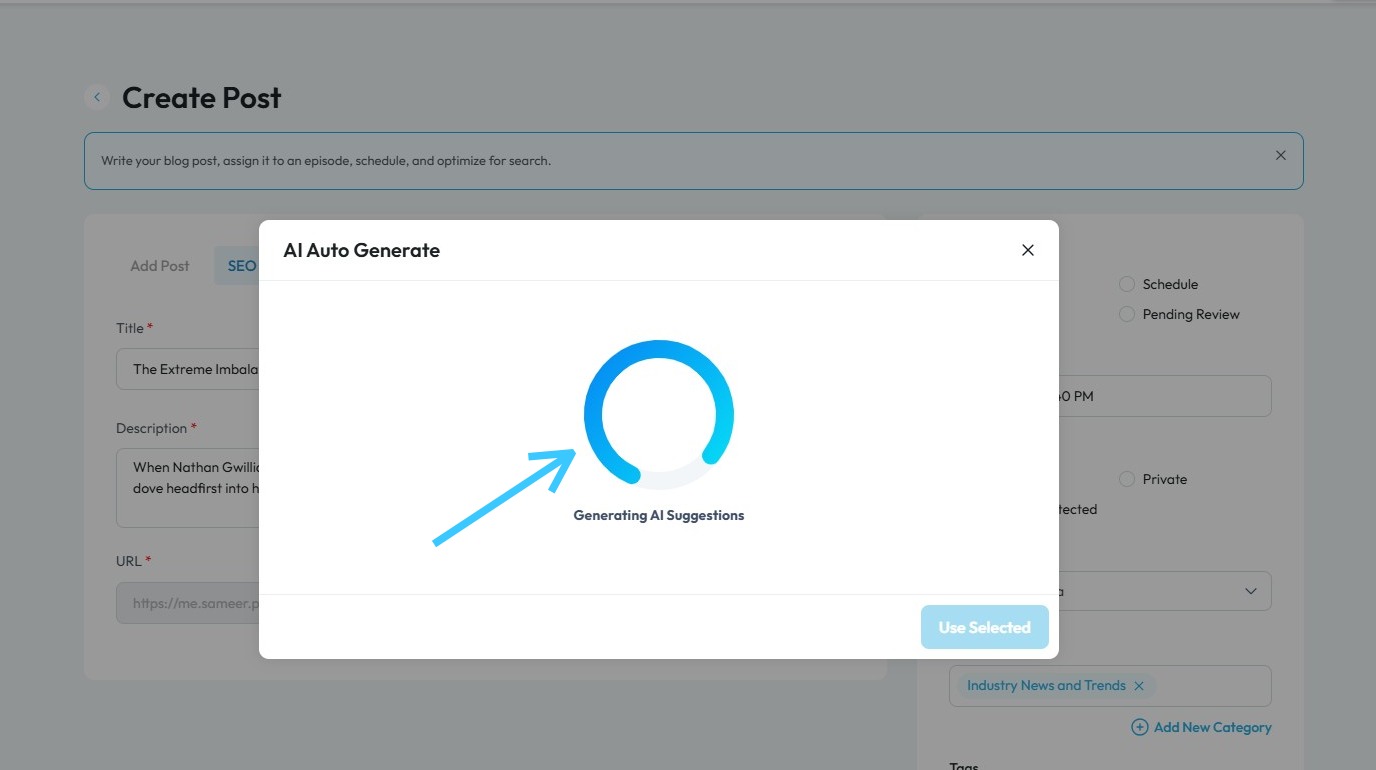
10. PodUp will begin generating the titles and descriptions
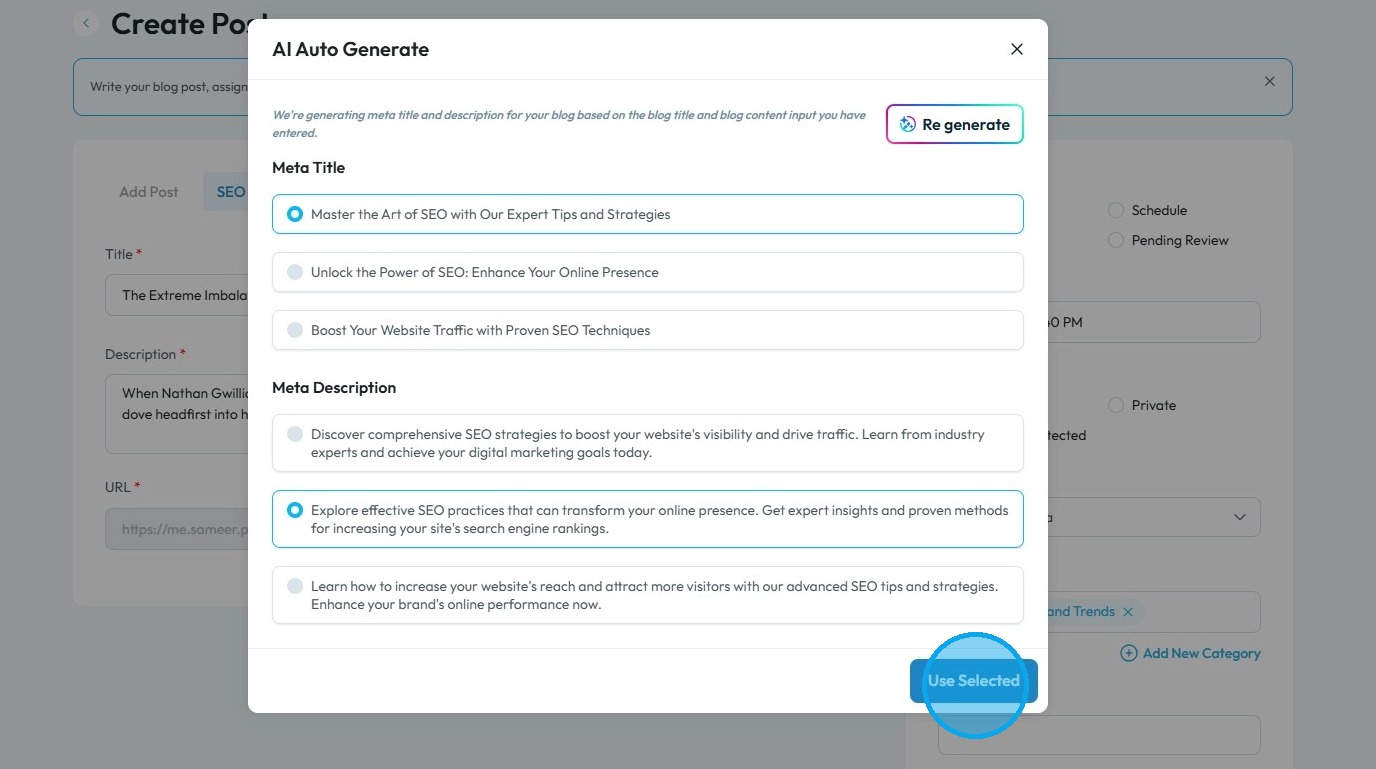
11. Select the preferred Meta Title and Meta Description then click "Use Selected" to move forward
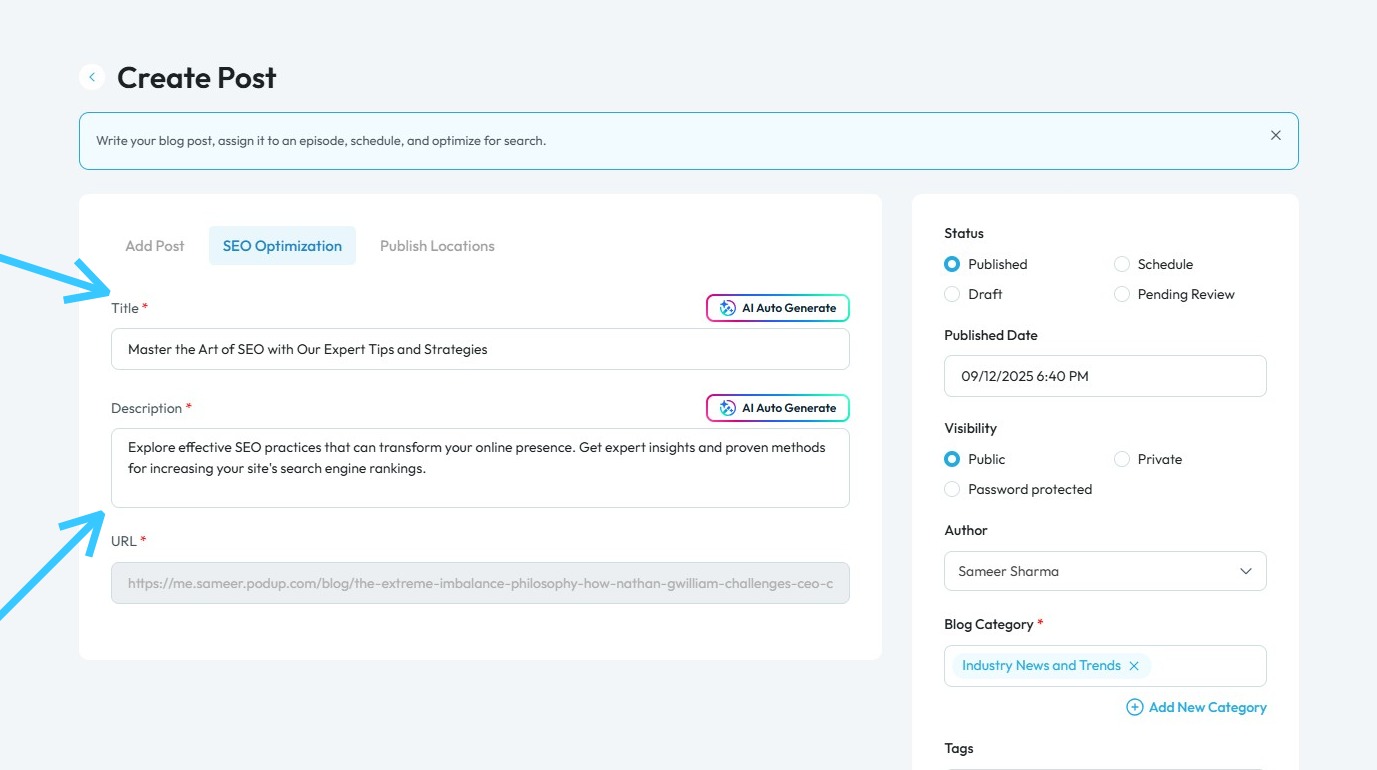
12. The selected meta title and description will be applied automatically
13. To configure share settings, click "Publish Locations"
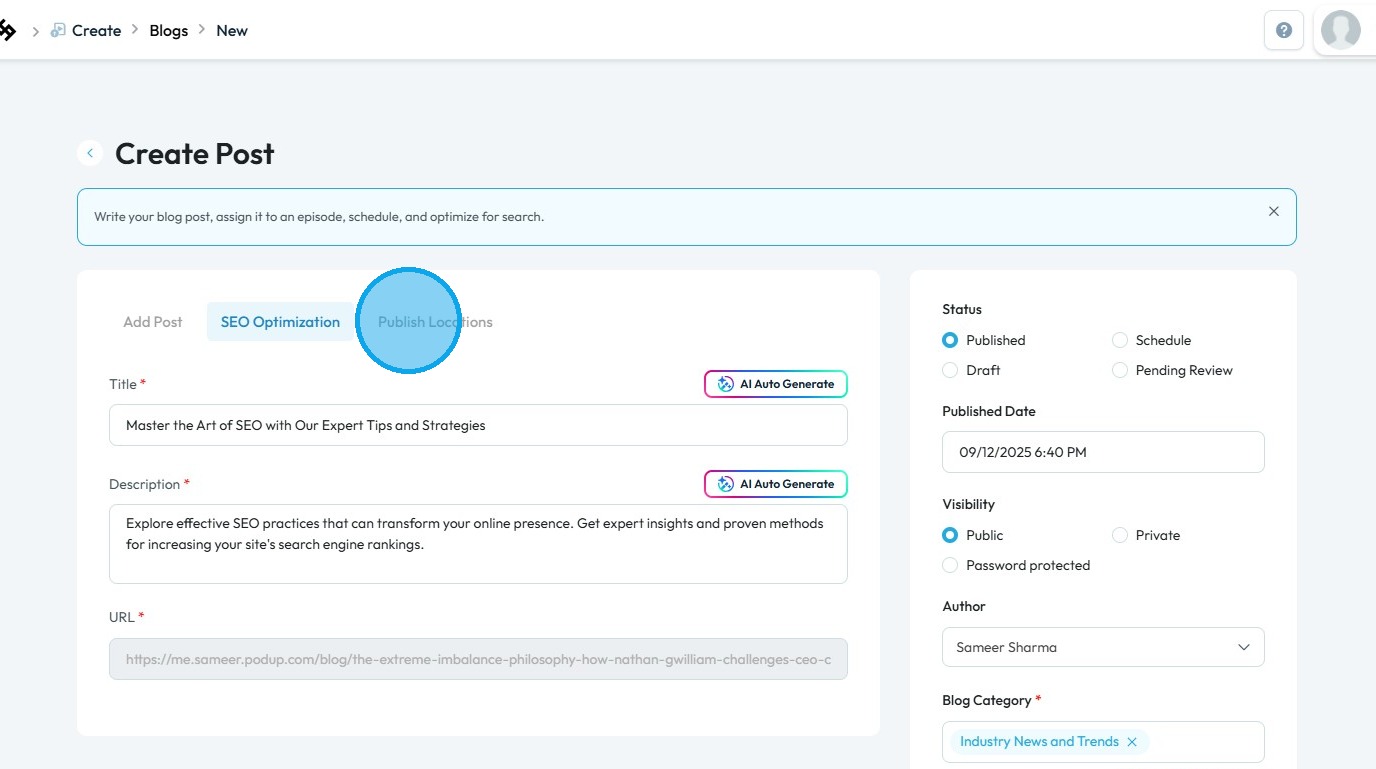
14. Select the social media accounts where you want to share your blog post
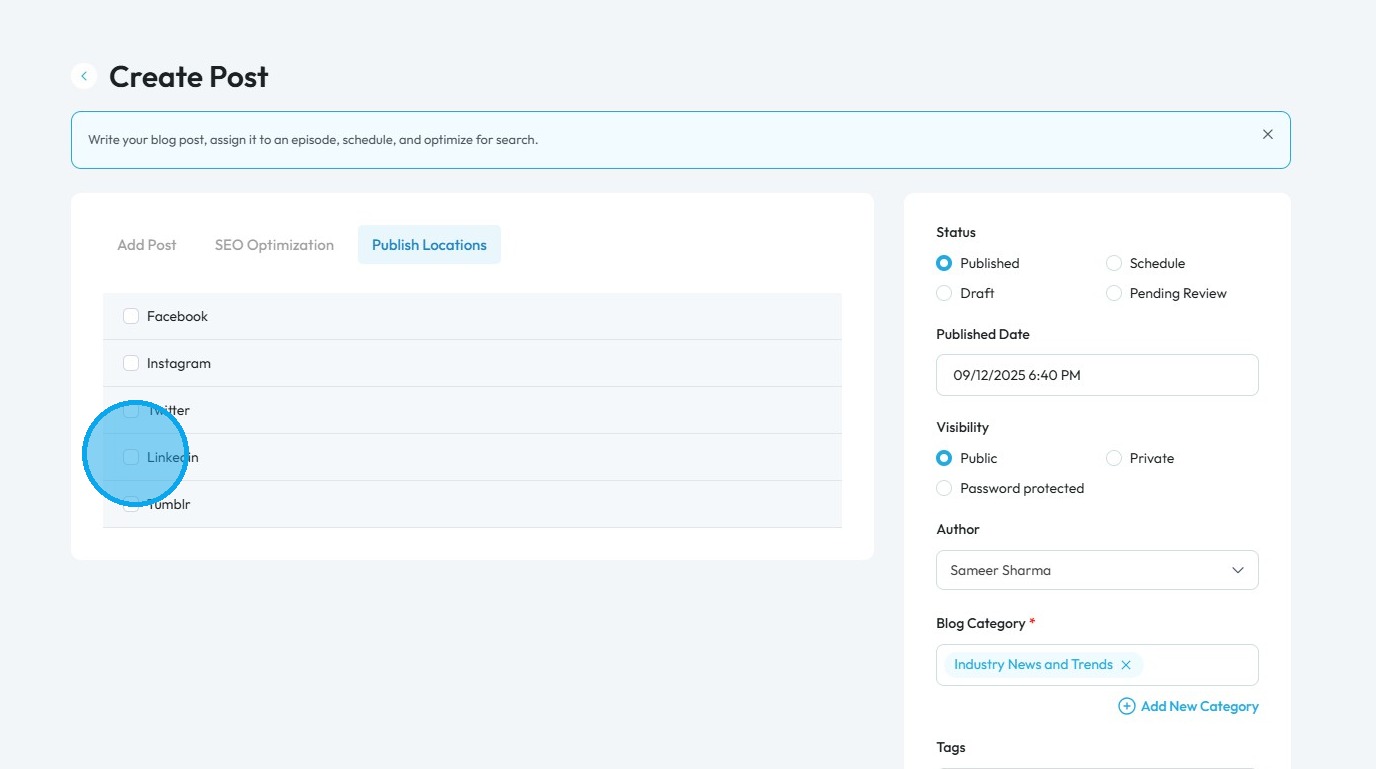
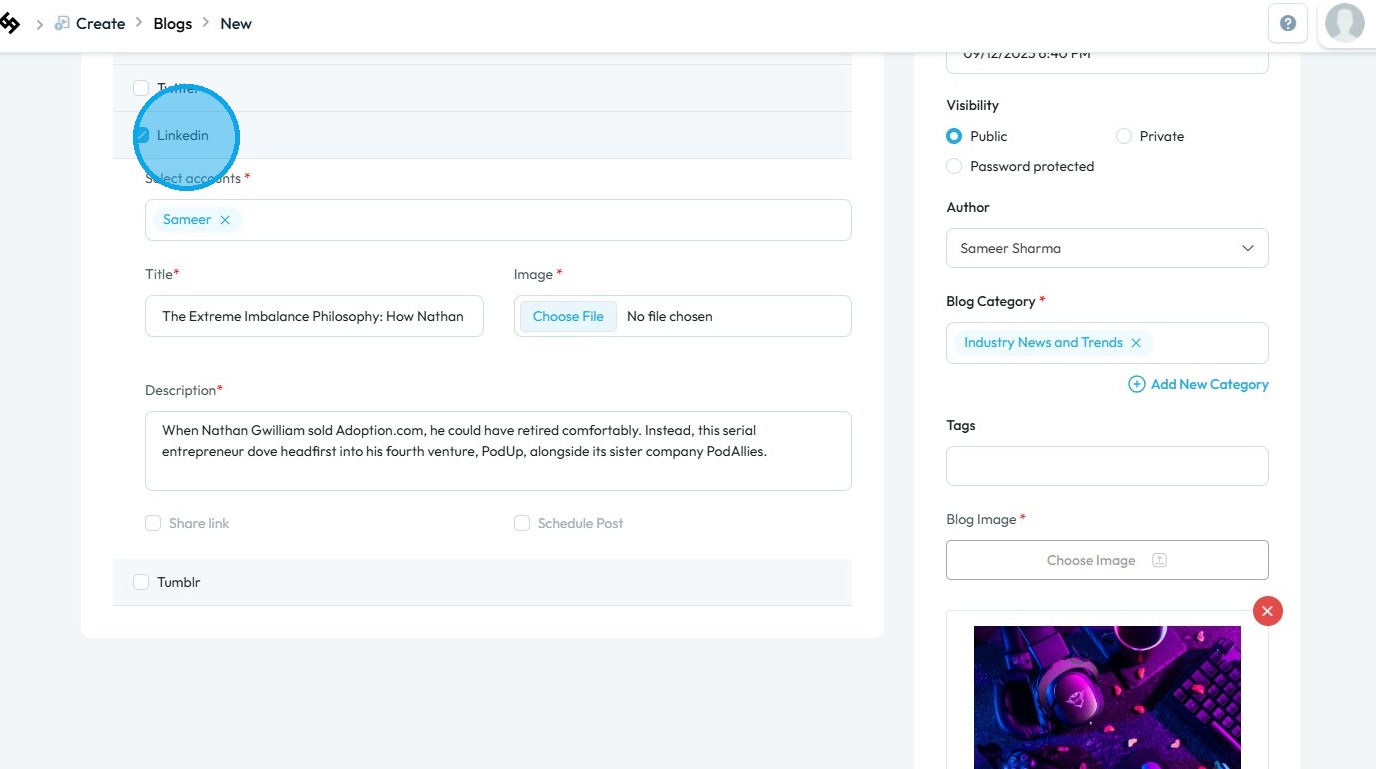
15. Review the Entries section and ensure all required fields (marked with a red *) are completed
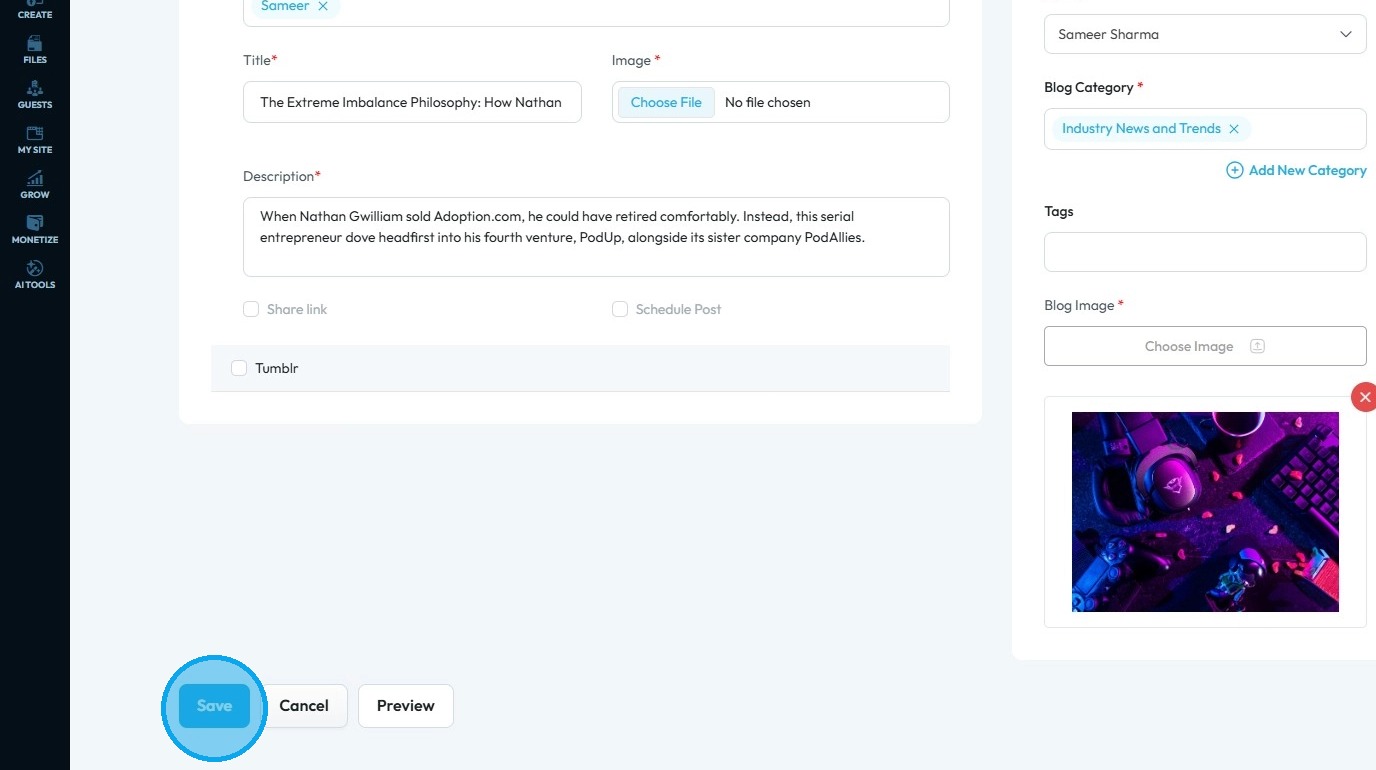
16. Scroll down and click “Save” to apply the changes and publish your blog
Related Articles
How Do I Configure Share Settings For My Blog Episode?
By following this guide, you can easily customize how your blog is shared, enhancing visibility and engagement. It simplifies the setup, making it accessible and efficient. 1. Navigate to https://app.podup.com/home 2. Click "Create". 3. Select ...
How Do I Configure Share Settings For My Video?
By following this guide, you can easily select the right accounts and platforms to maximize your video's reach. 1. Navigate to https://app.podup.com/home 2. Click "Create" 3. Click "Video Episodes" 4. Click "Create Video" 5. This is what the ‘Create ...
How do I configure share settings for my podcast?
By following this guide, you can easily publish your episodes on various social media channels, enhancing your podcast's visibility and engagement. 1. Navigate to https://app.podup.com/home 2. Click "Create" 3. Click "Podcast Episodes" 4. Click ...
How to Navigate SEO (Detailed)
This guide offers a comprehensive approach to optimizing your podcast website for SEO, crucial for increasing visibility and attracting more listeners. It details essential steps, such as generating sitemaps, crafting effective meta titles and ...
How Do I Create a Blog Post
This guide shows you how to create a blog step by step. It covers SEO, categories, and social sharing to help you reach more people and grow your online presence. 1. Click "Create" 2. Click "Blogs" 3. Click "Create Post" to write your own blog or ...