How do I change the language in PodUp?
1. To change the display language of PodUp
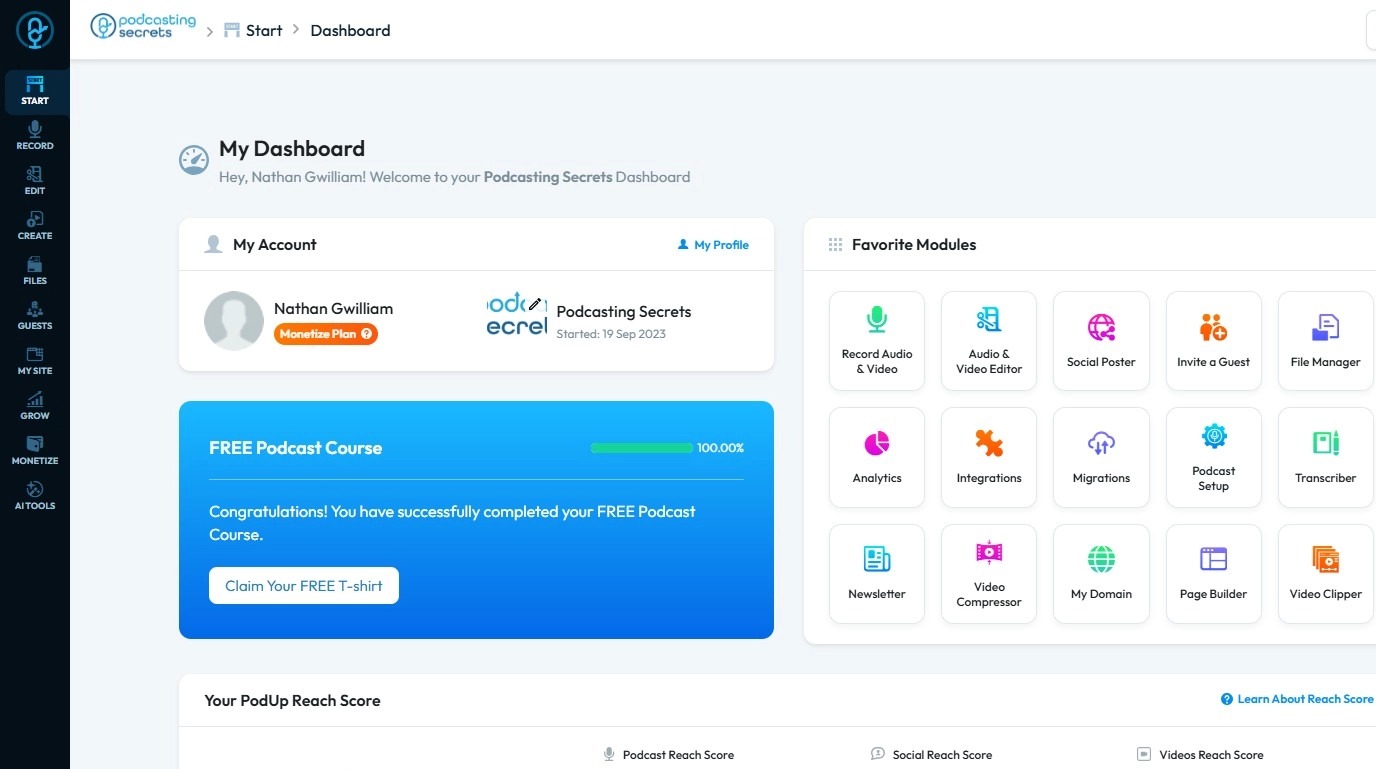
2. Navigate to https://google.com/
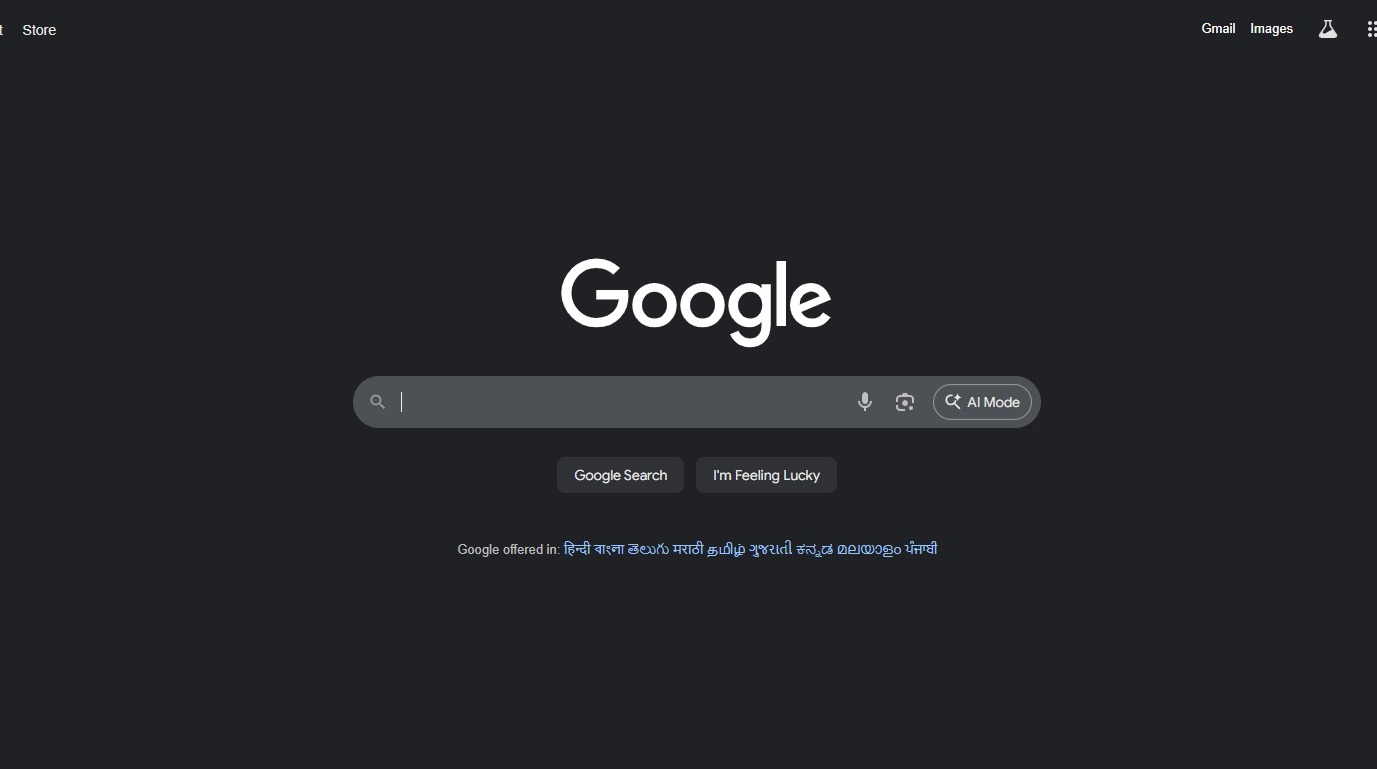
3. Search for “Chrome Extensions”
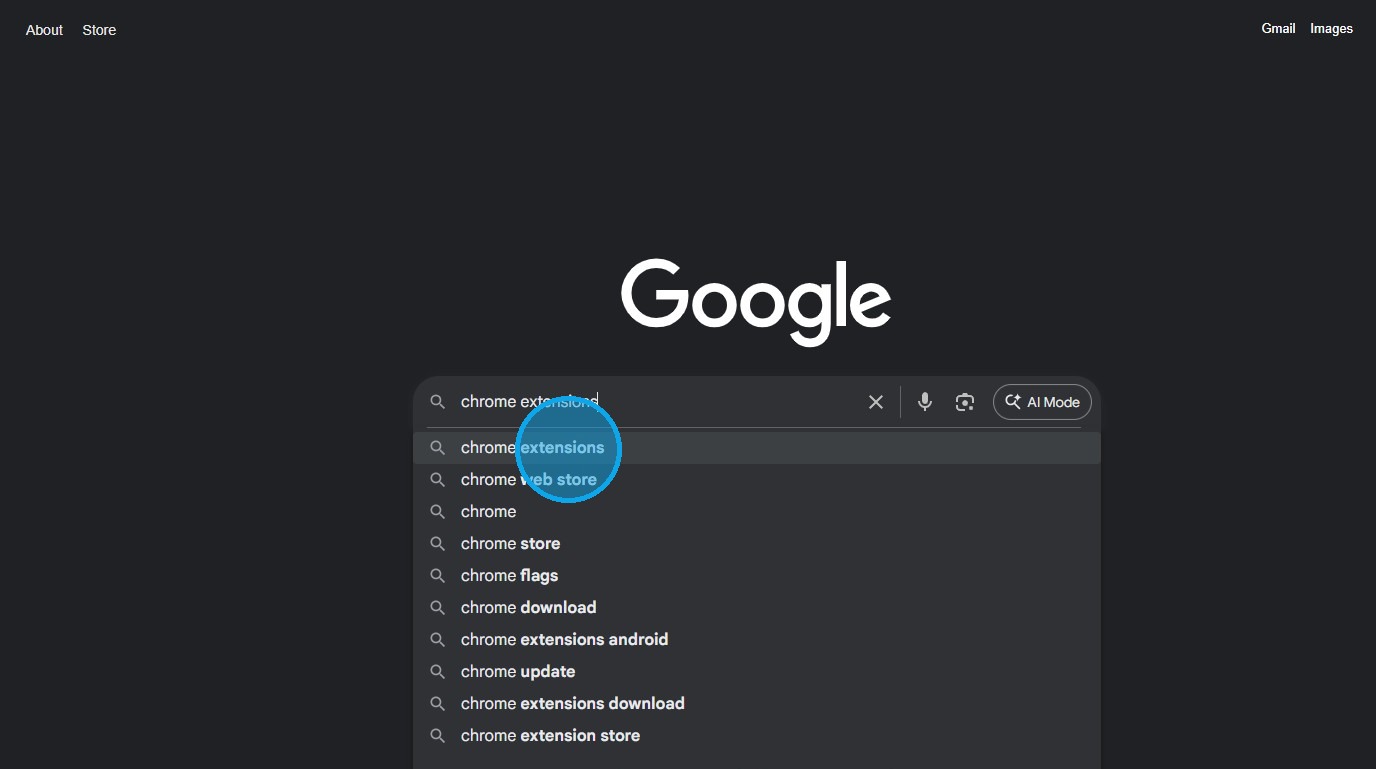
4. Click “Extensions – Chrome Web Store”
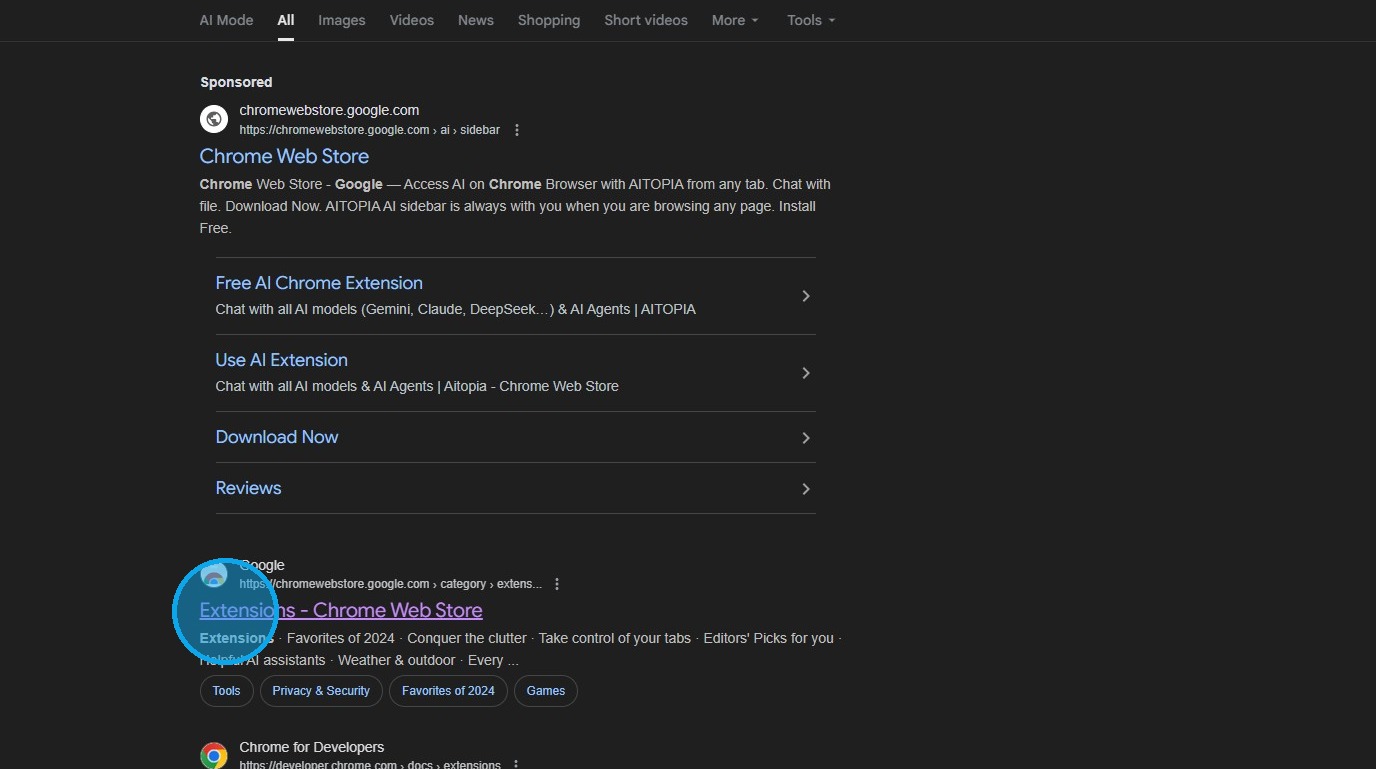
5. The Chrome Web Store page will load
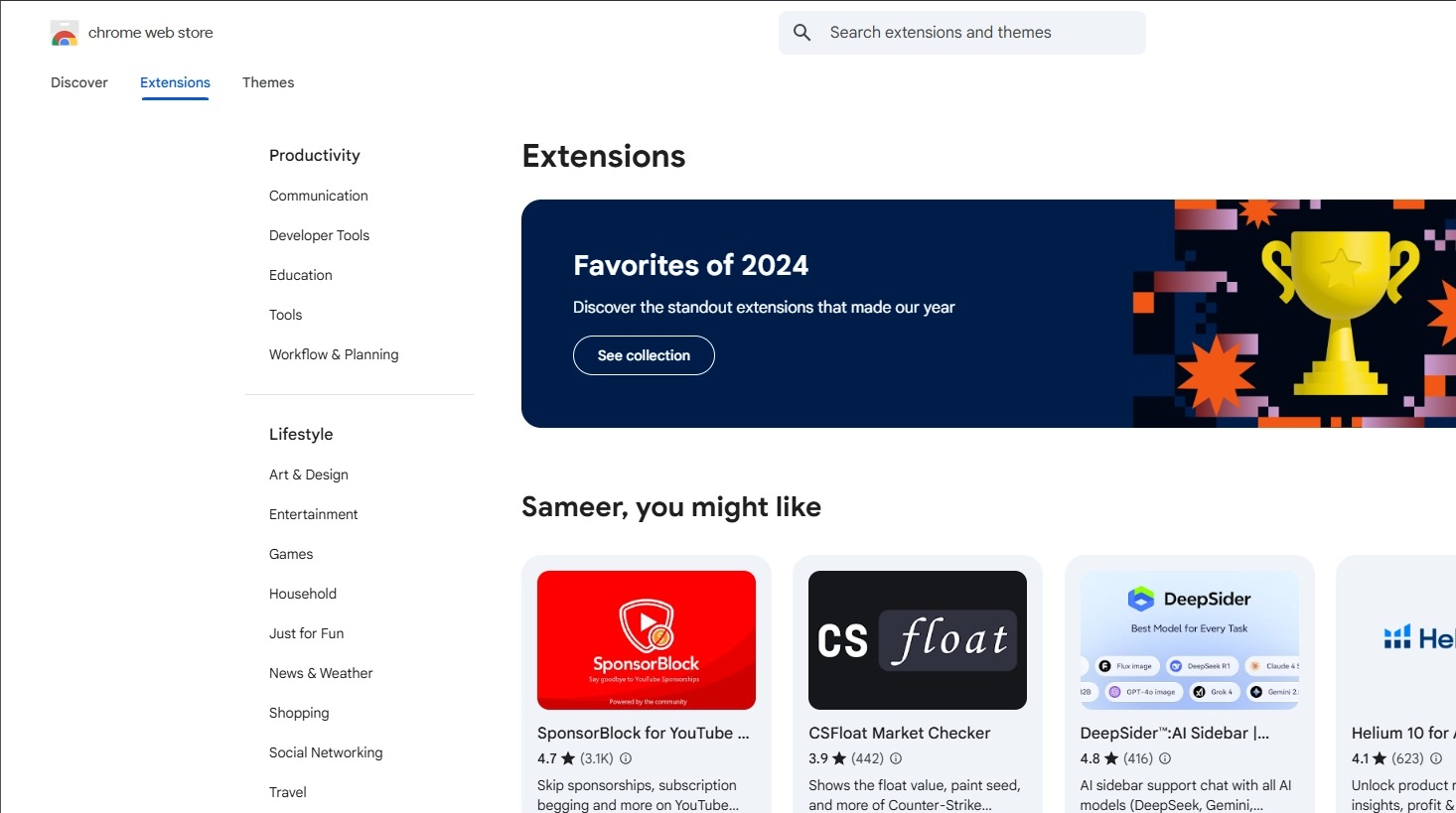
6. Click on the search bar and enter “Immersive Translate”
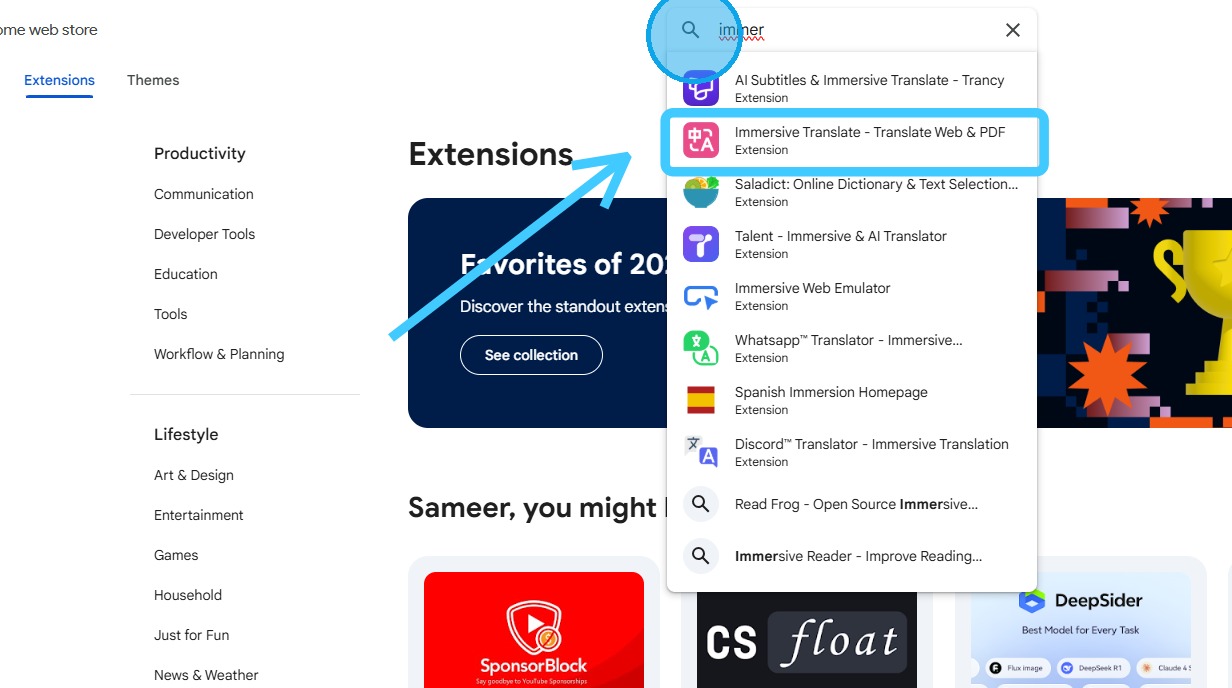
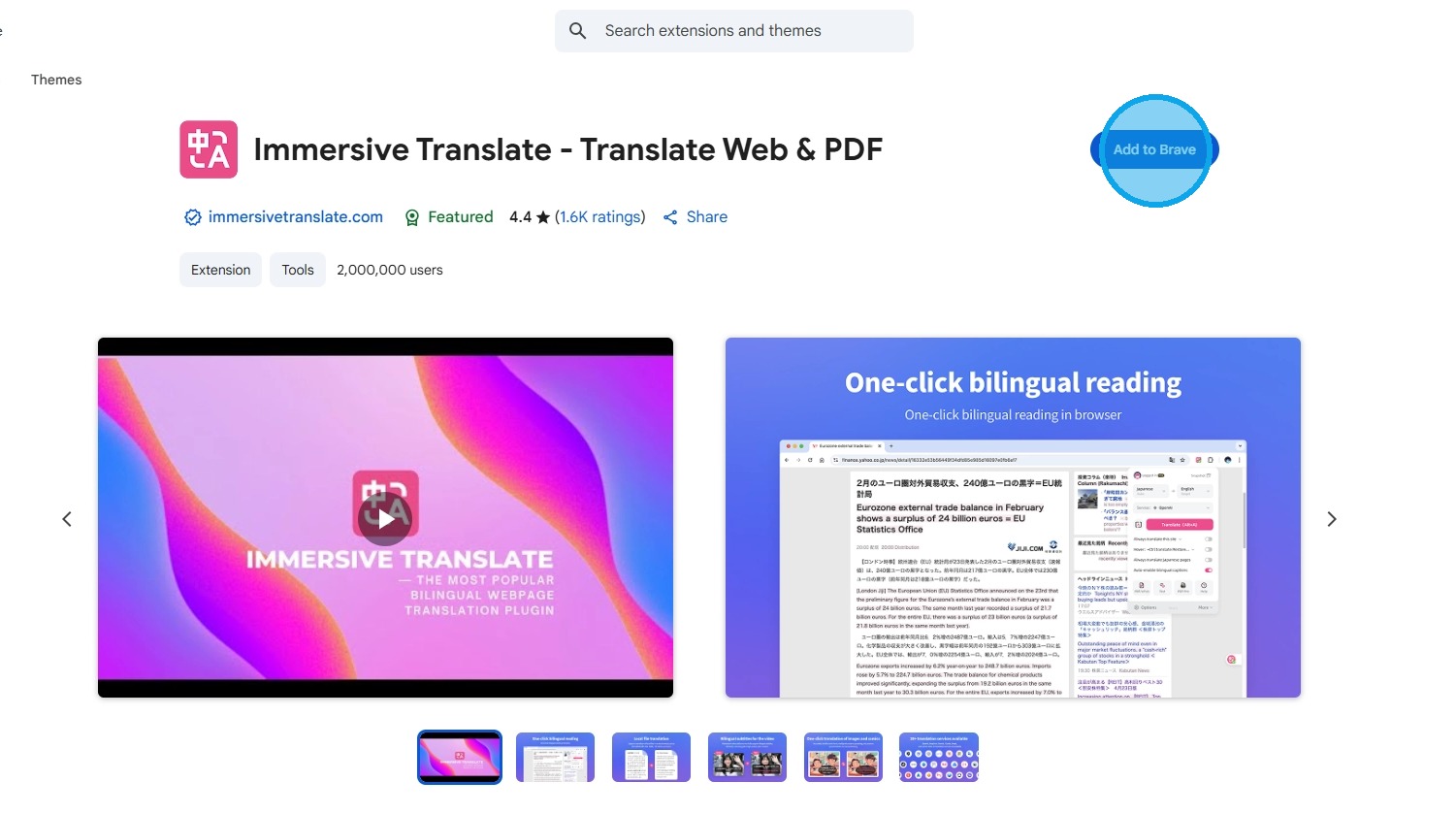
7. Immersive Translate is an extension that needs to be added to your browser.
Click “Add to Browser” (in this case, Brave)
Note: Extensions are supported only on Chromium-based browsers
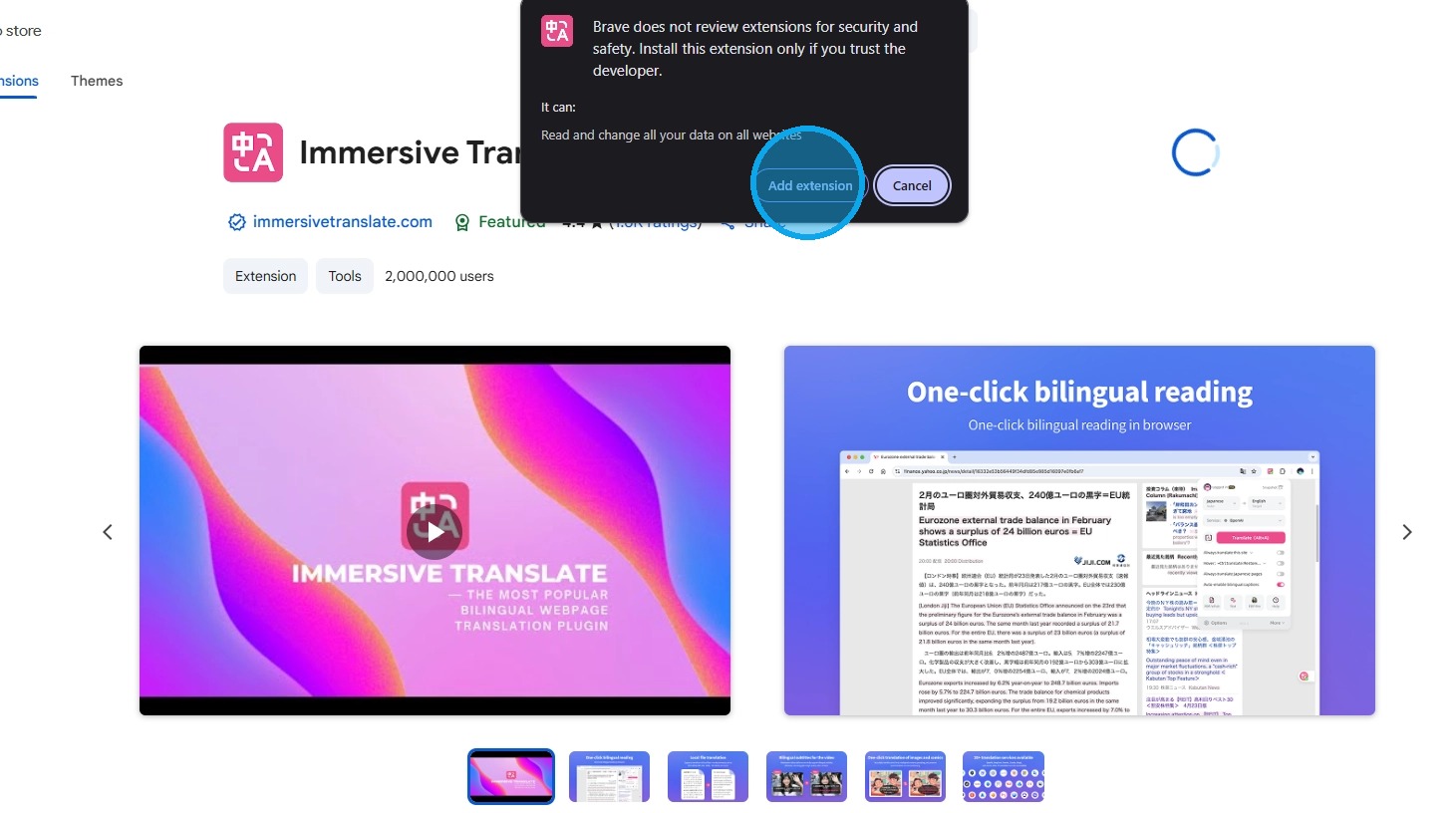
8. Click “Add Extension”
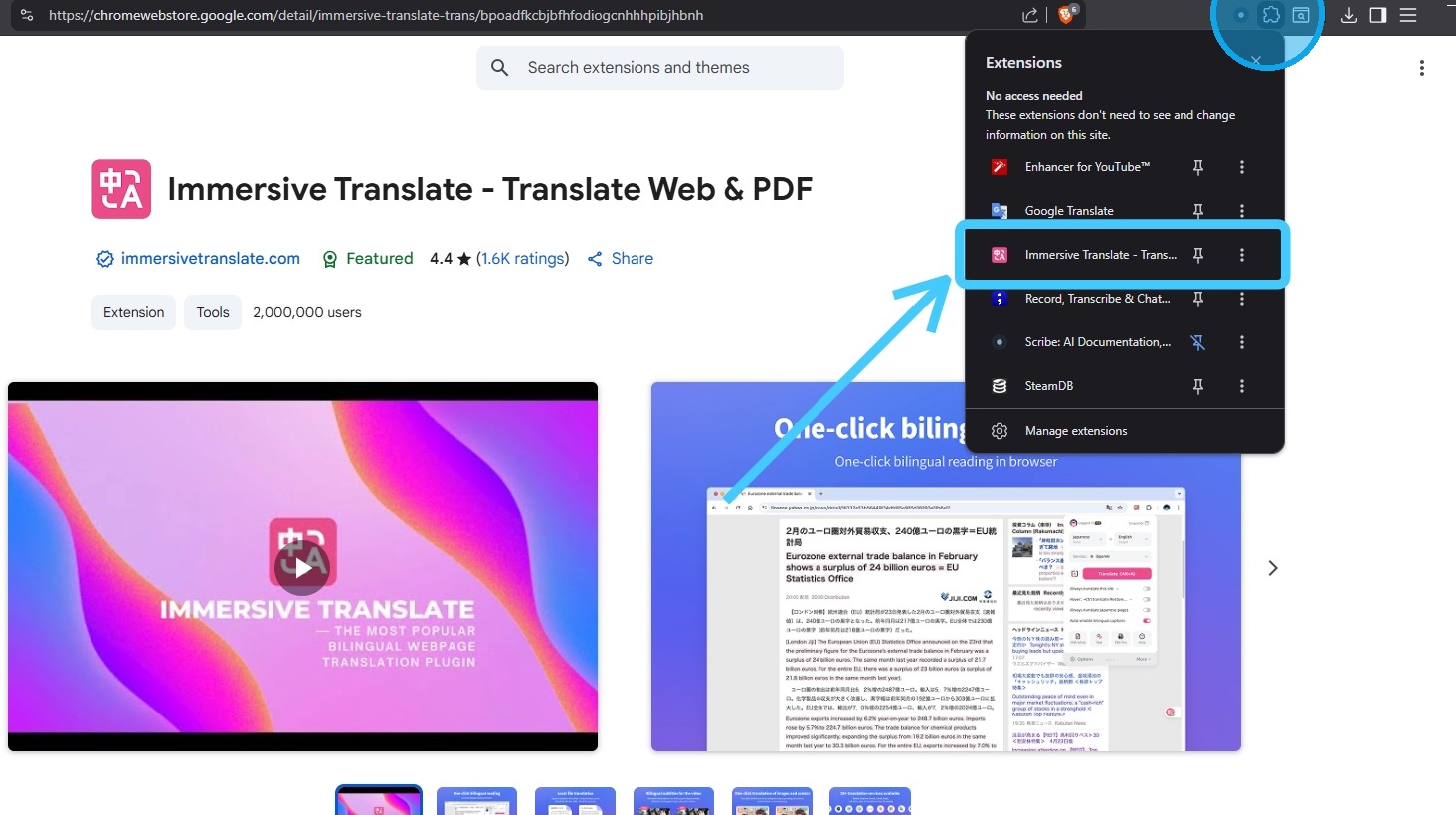
9. Click the “Extensions” icon in your browser to verify that it has been installed
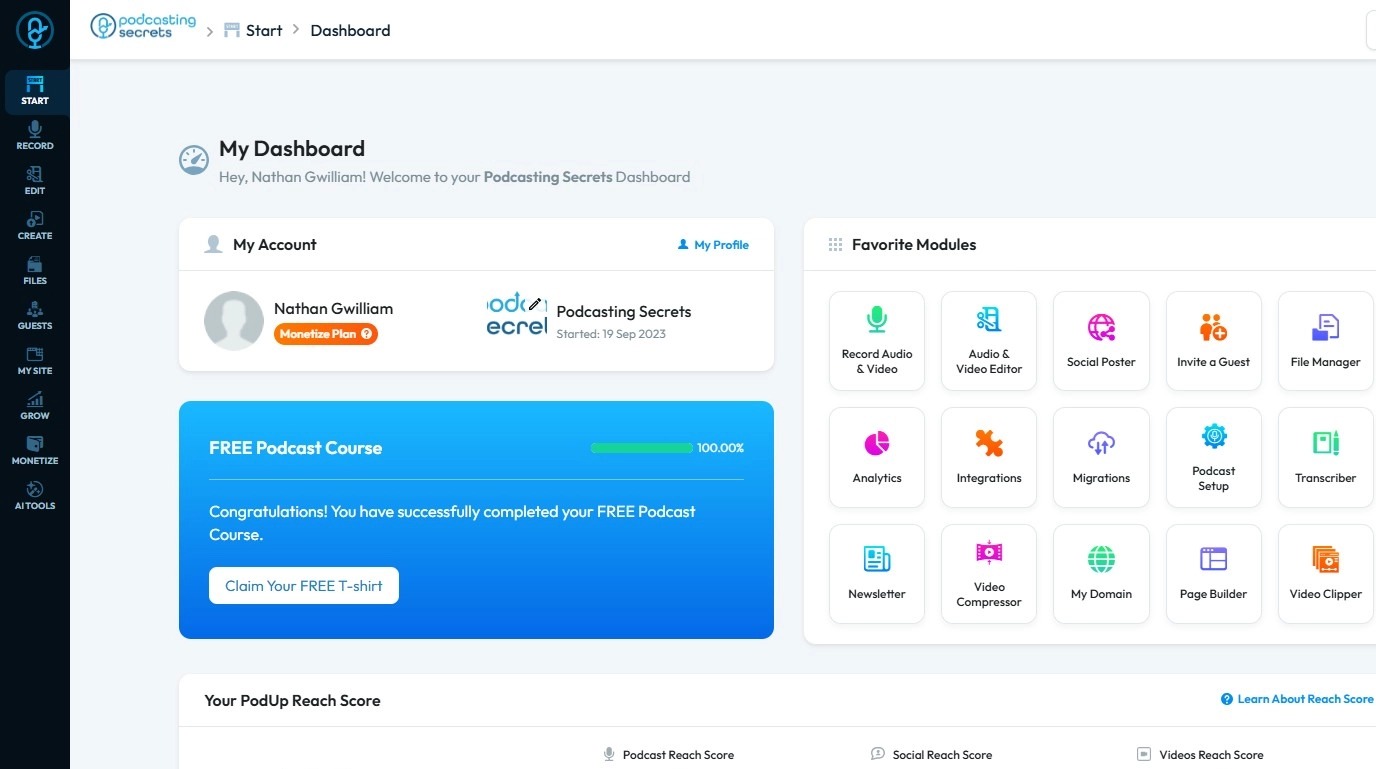
10. Return to the PodUp page
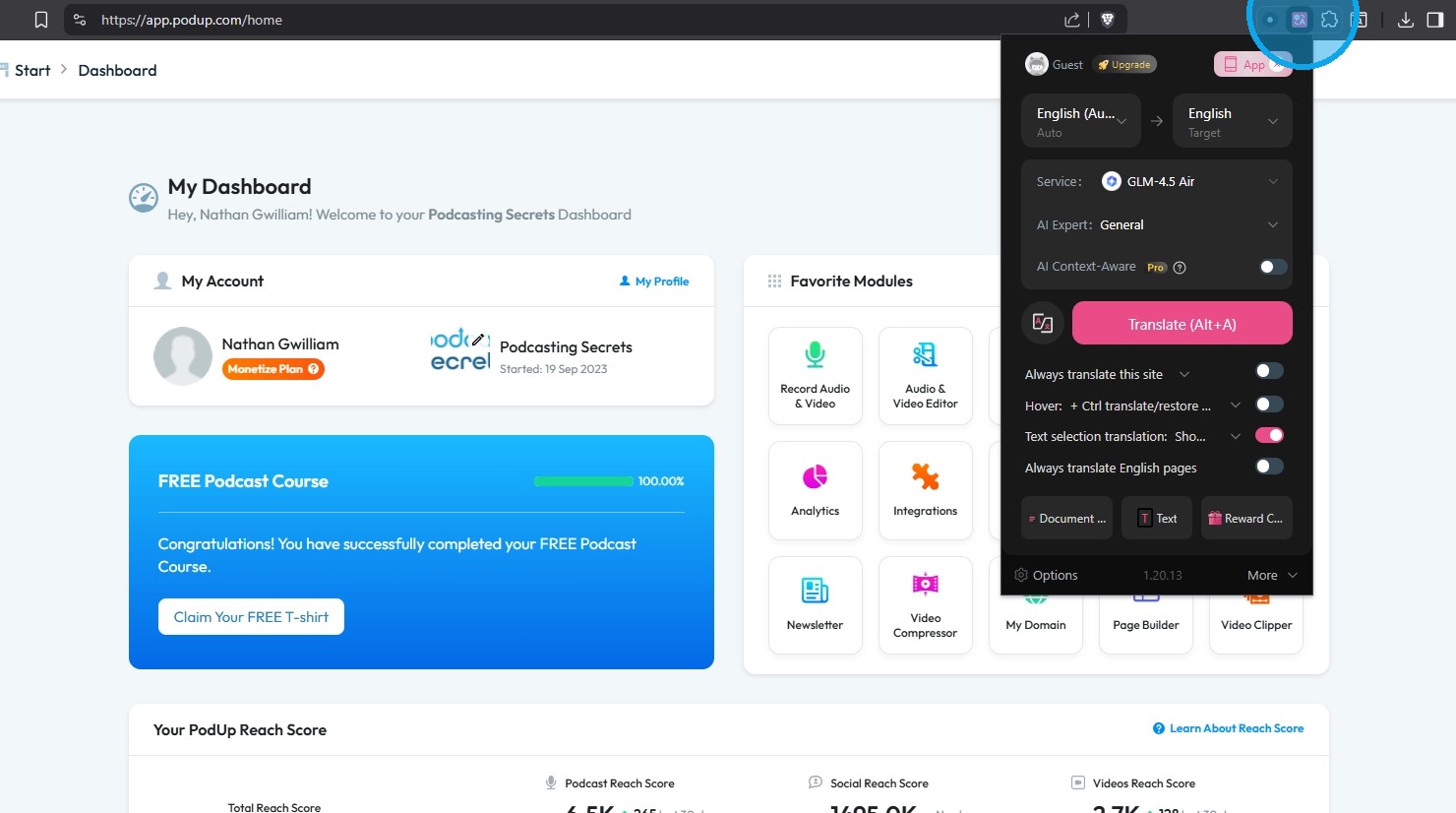
11. Click the “Immersive Translate” extension to access and customize its settings
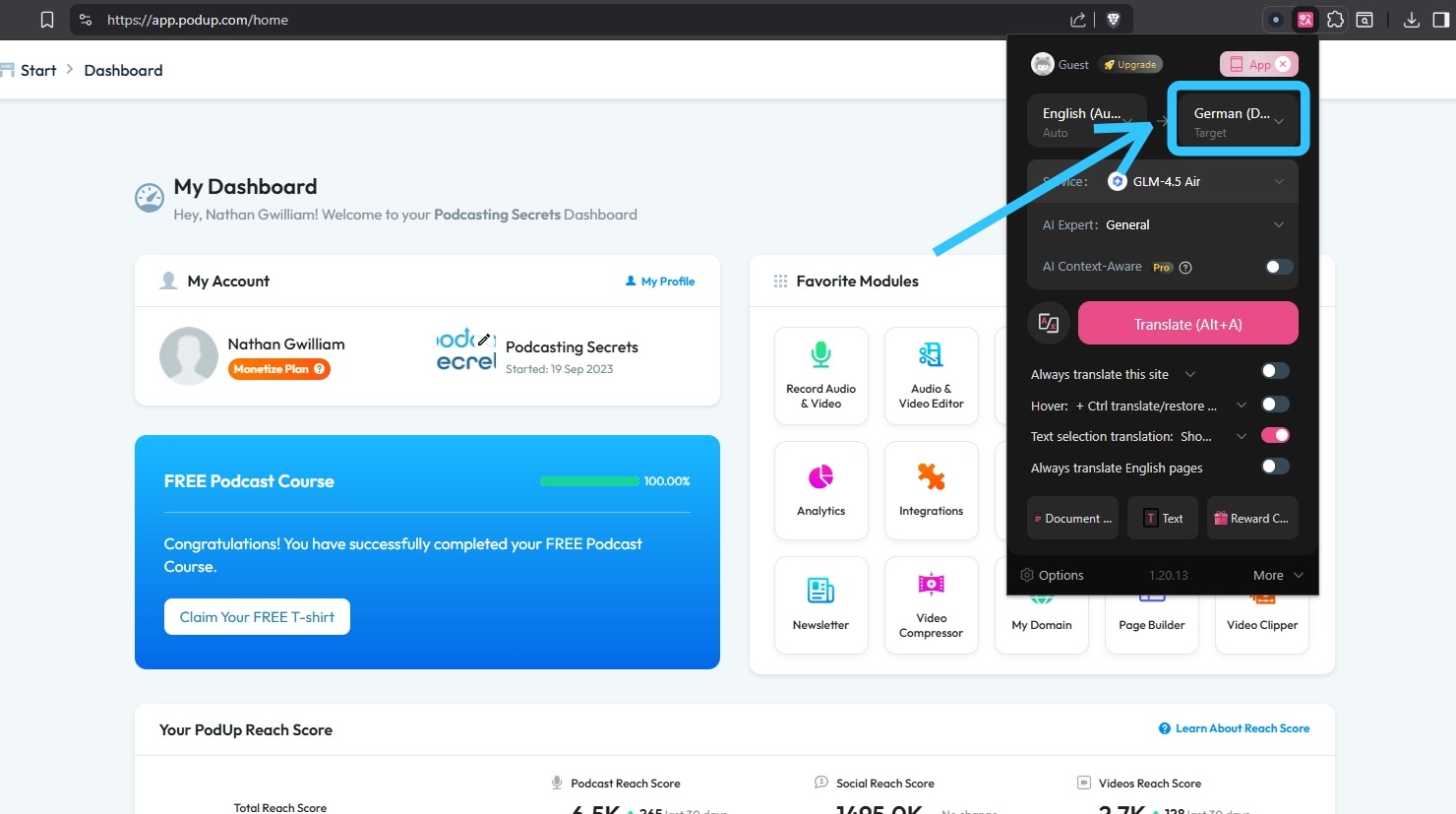
12. Select your preferred language in Immersive Translate, then refresh the page
13. Click the “Immersive Translate” bubble to begin the translation
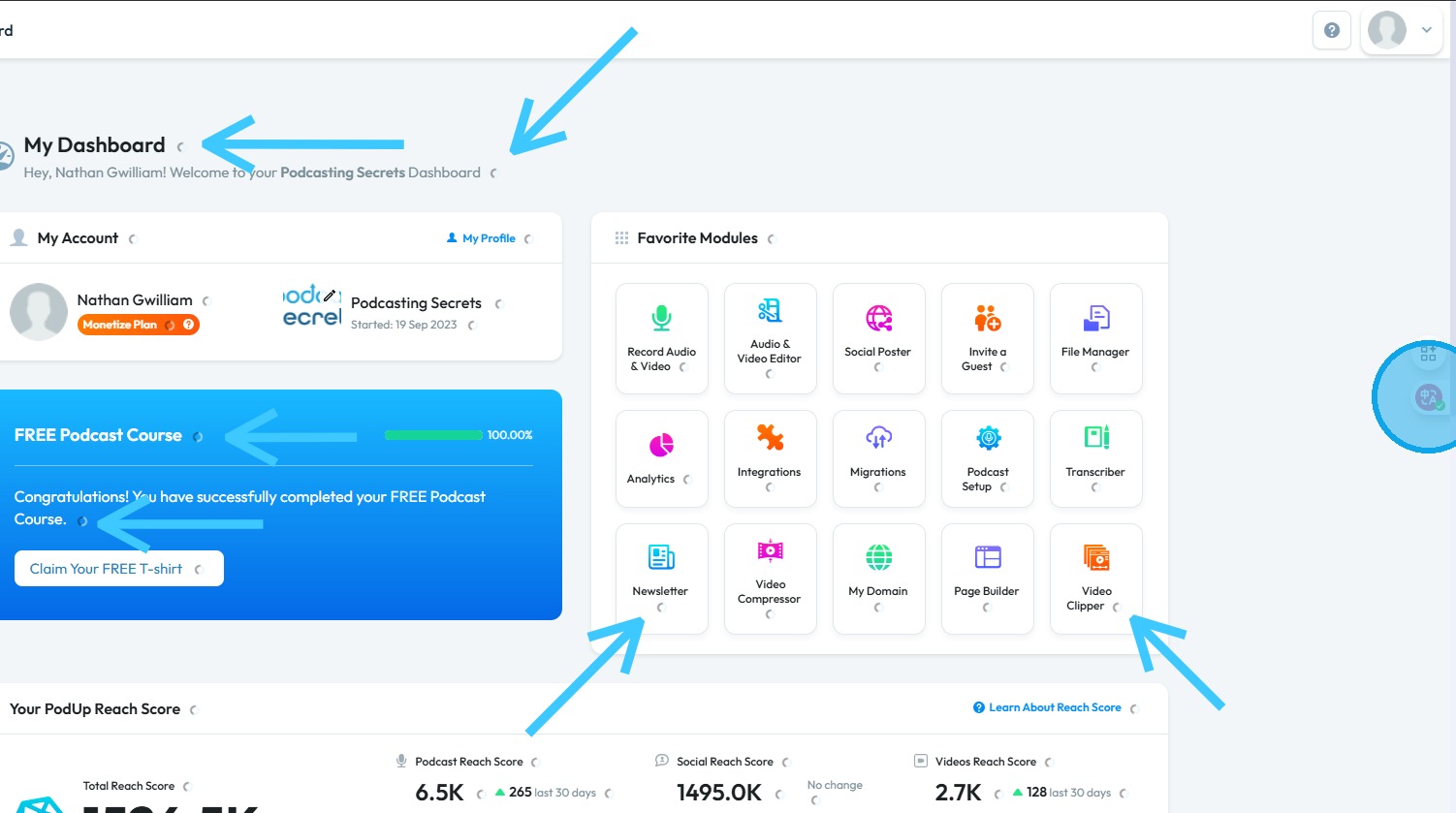
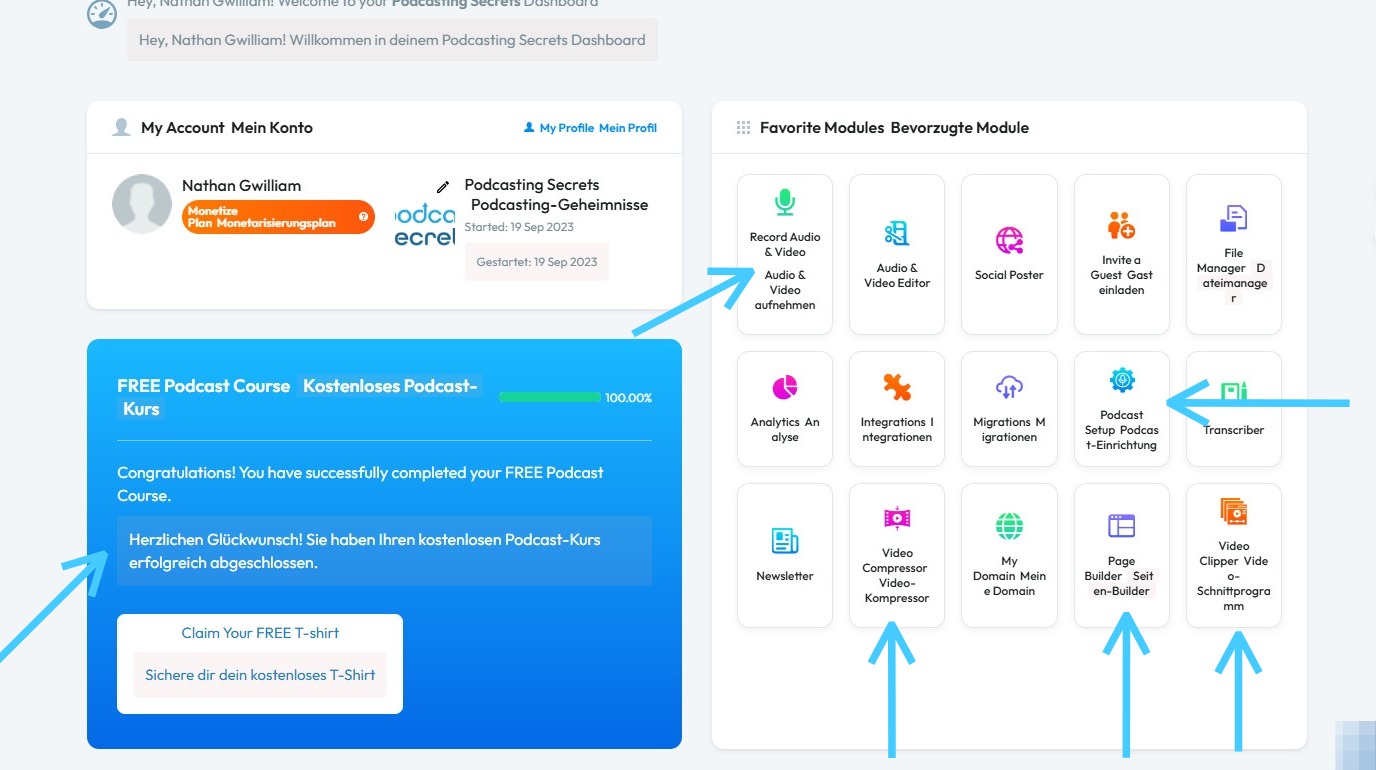
14. The language of your PodUp interface will now be updated to your selected language
Related Articles
How to Change Video Episode Category on PodUp
This guide offers a comprehensive overview of changing the category of video episodes on PodUp, ensuring accurate classification for greater audience reach. 1. Navigate to https://app.podup.com/ 2. Click "Create" 3. Click "Videos" 4. The “Video” page ...How to change account settings?
This guide shows you how to update your PodUp account settings so your profile stays current and reflects your personal information. 1. Navigate to https://app.podup.com/home 2. Click your "Profile" icon in the top-right corner 3. Select "Edit My ...How to Change Your Site Theme on PodUp
By following this guide, you can easily change your PodUp site theme to match your brand and enhance user experience. 1. Navigate to https://app.podup.com/home 2. Click "My Site" 3. Select "Site Themes" 4. The ‘Site Themes’ page will load 5. The ...How to change my homepage
Use this guide to change your PodUp homepage and improve your site’s experience 1. Navigate to https://app.podup.com/home 2. Click "My Site" 3. Select "Page Builder" 4. All your website “Pages” will open 5. Click the "3 Dots" button of the page you ...How To Change Your Subscription
This guide provides a straightforward process for changing your subscription plan on PodUp, ensuring you can easily navigate the options available. It outlines two methods for accessing your subscription settings and details how to view both annual ...