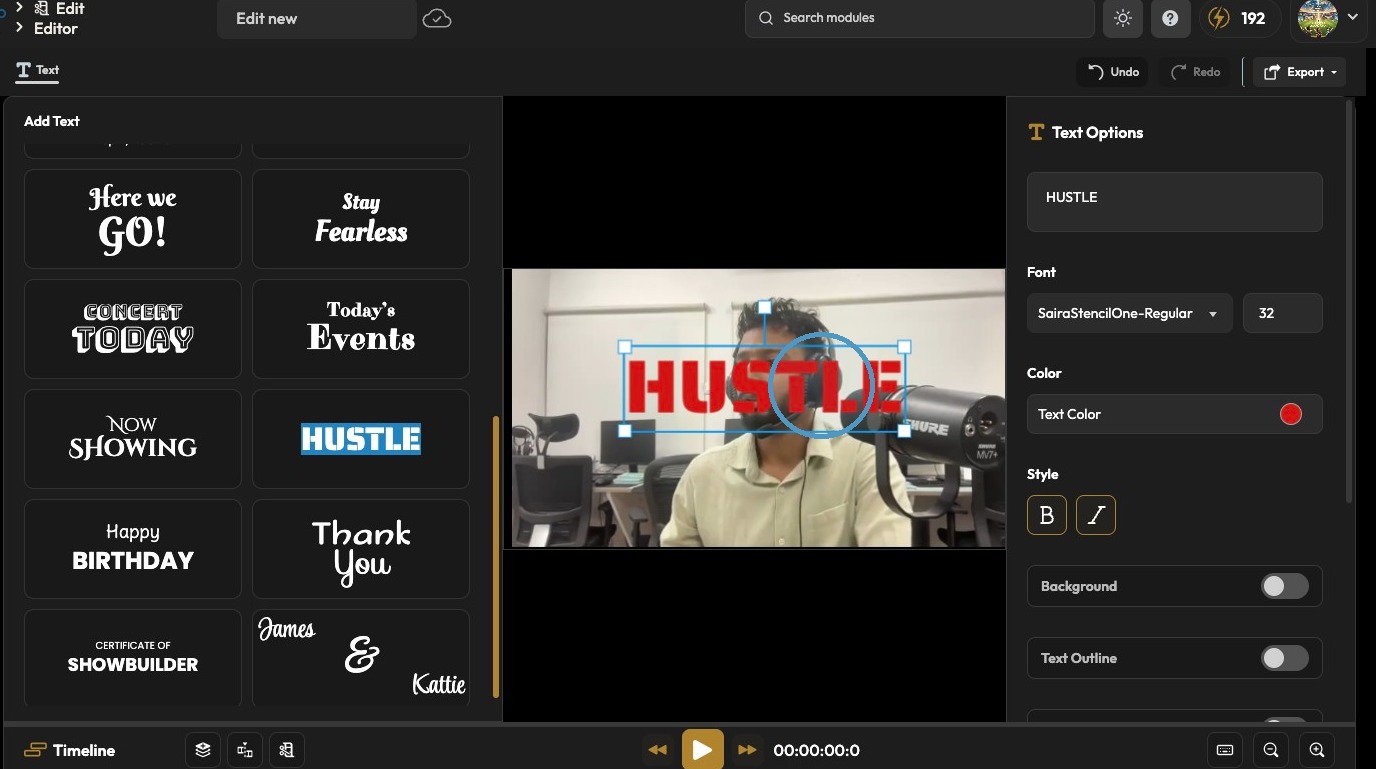
How Do I Add Text to My Video?
This guide shows how to add text to videos in PodUp, with simple steps for uploading, editing, and customizing text. Great for making your message clear and videos more engaging.
Open PodUp
1. Navigate to https://app.podup.com/home
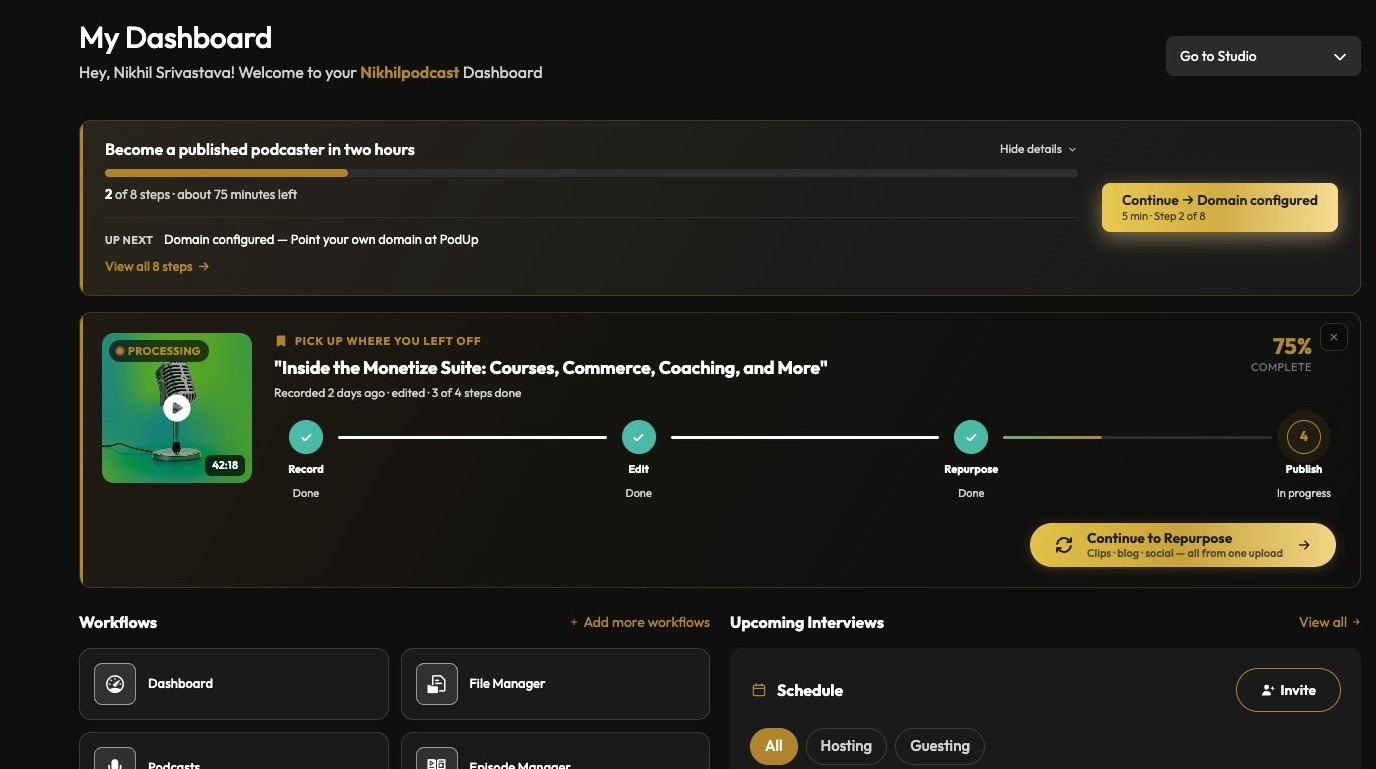
2. Click Edit in the left navigation
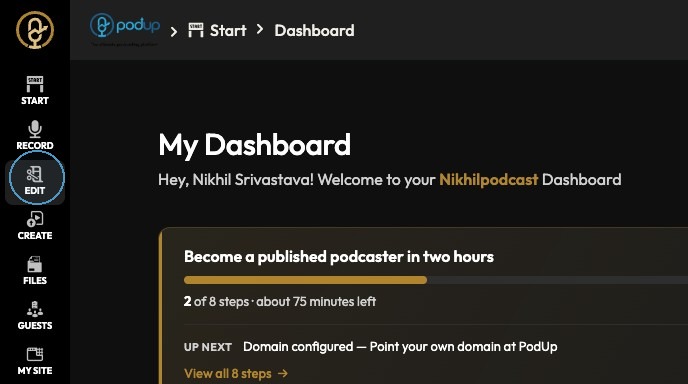
Open the Editor
3. Click "Editor Wizard"
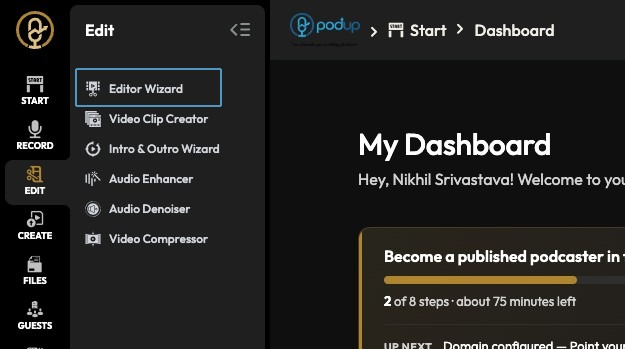
4. Click View Project
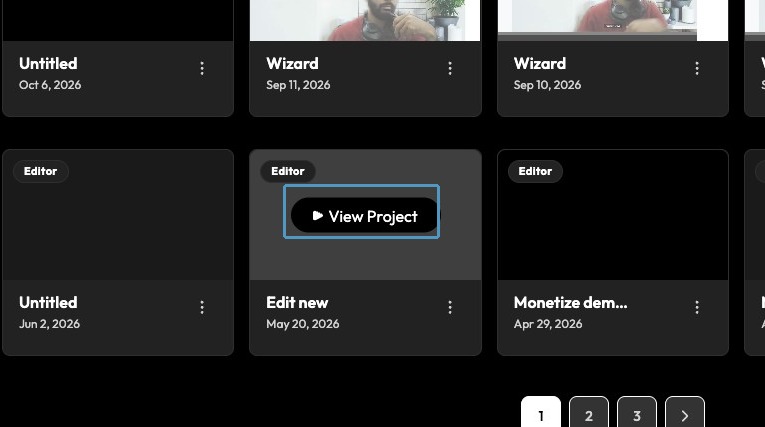
5. Open the project in the editor
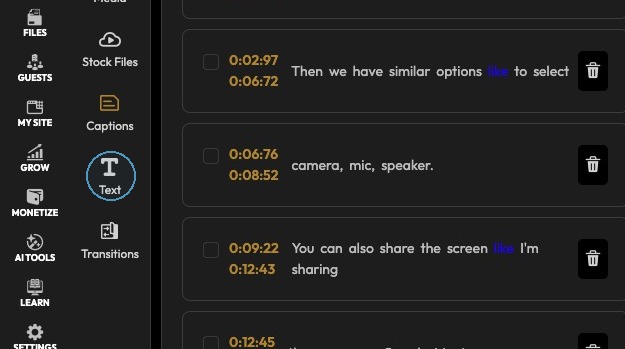
Add Text Overlay
6. Select the template
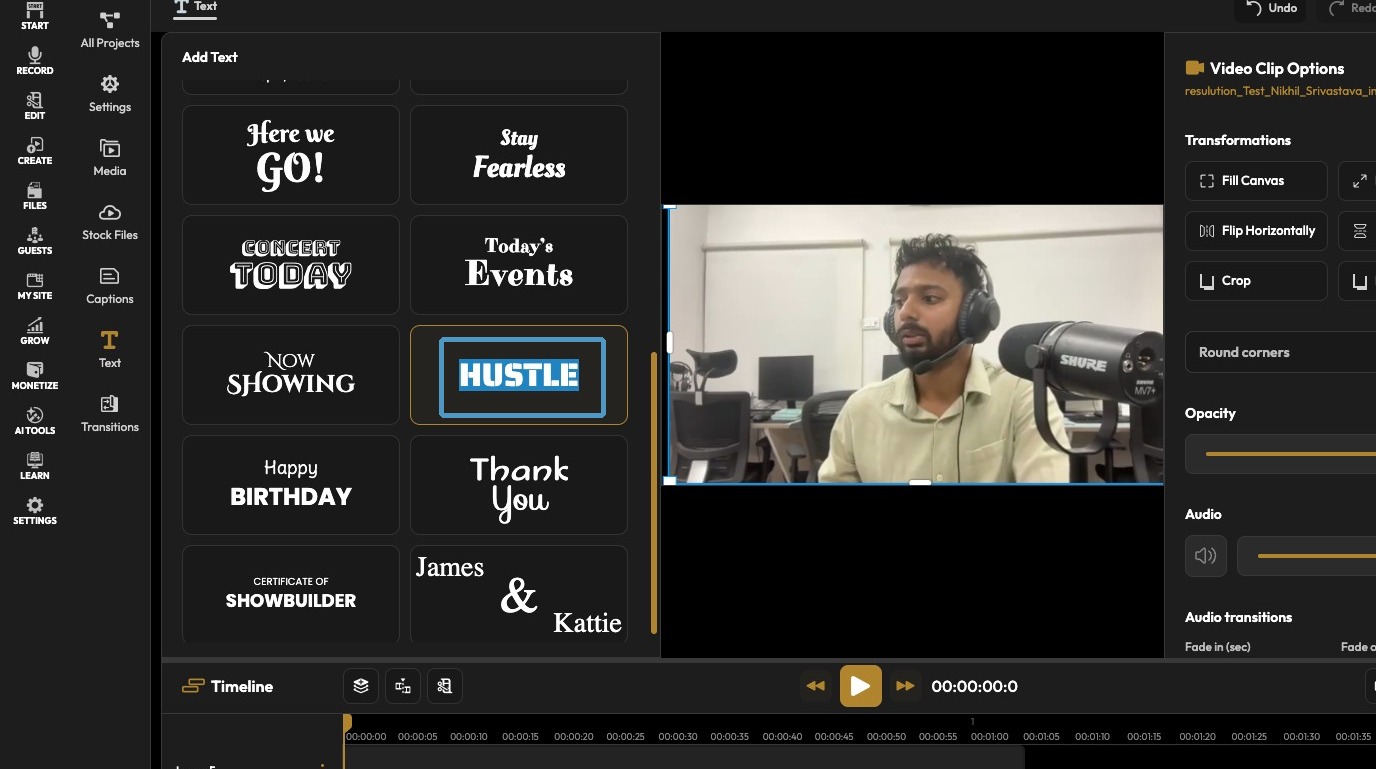
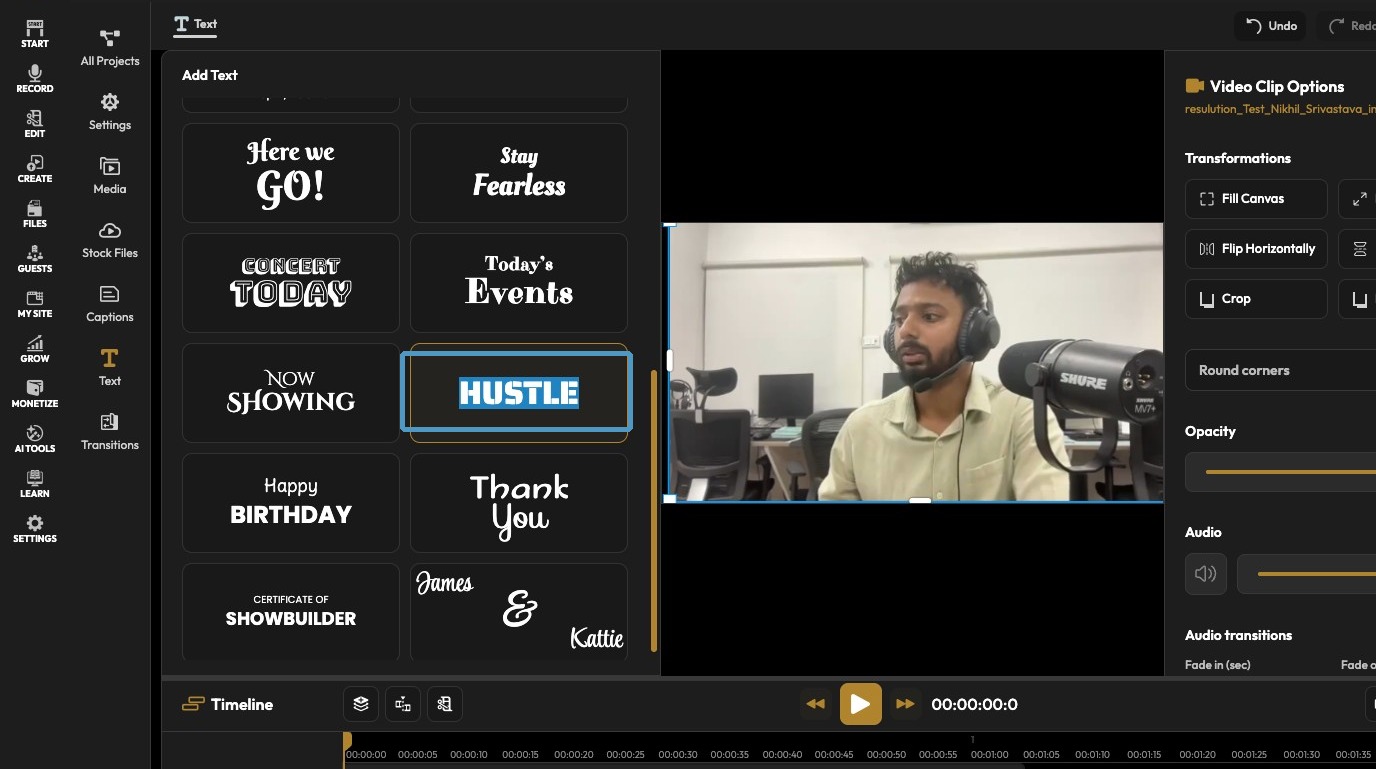
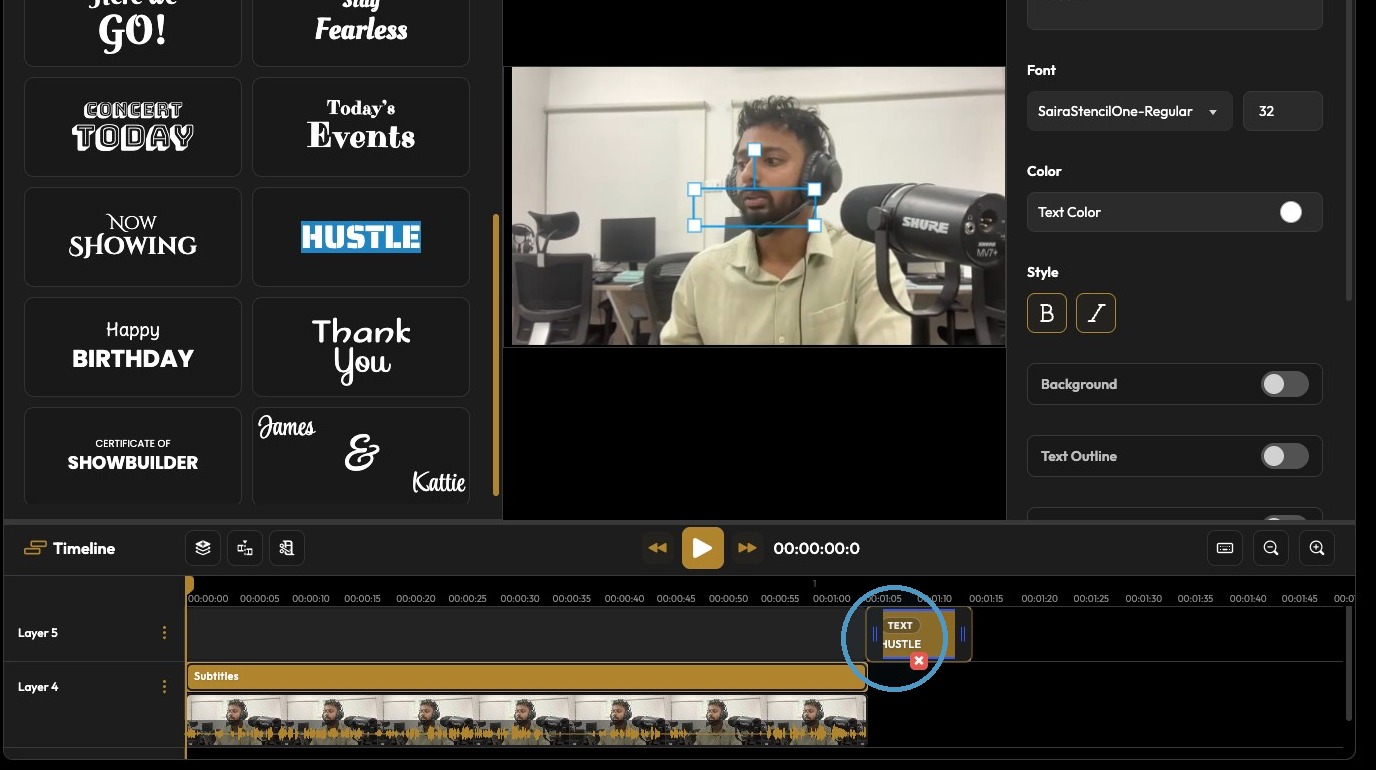
7. Click the text content field
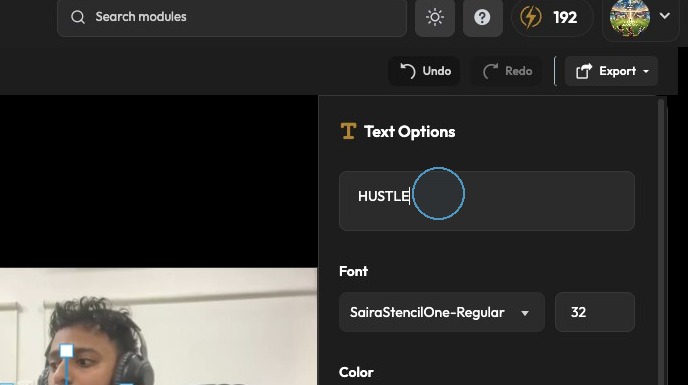
8. Text has been added on the video