How do I Add an Alert to My Webpage
By following this guide, you can easily add alerts to your webpage using the PodUp platform through simple, step-by-step instructions.
1. Navigate to https://app.podup.com/home
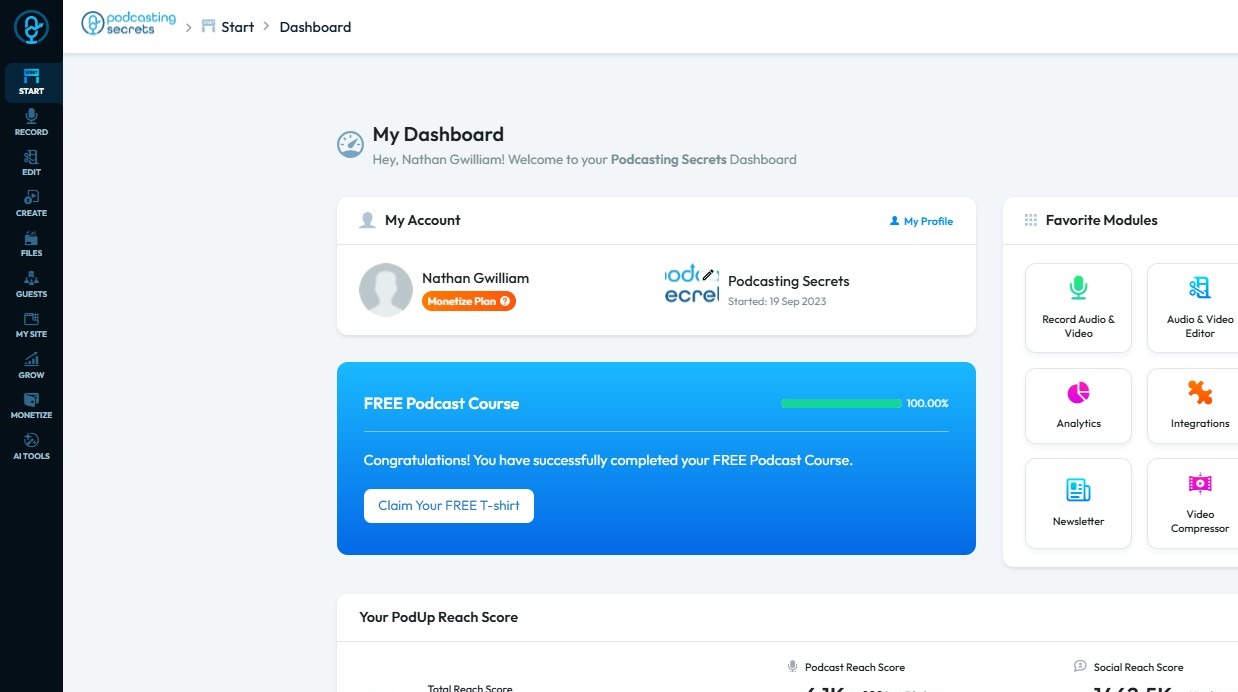
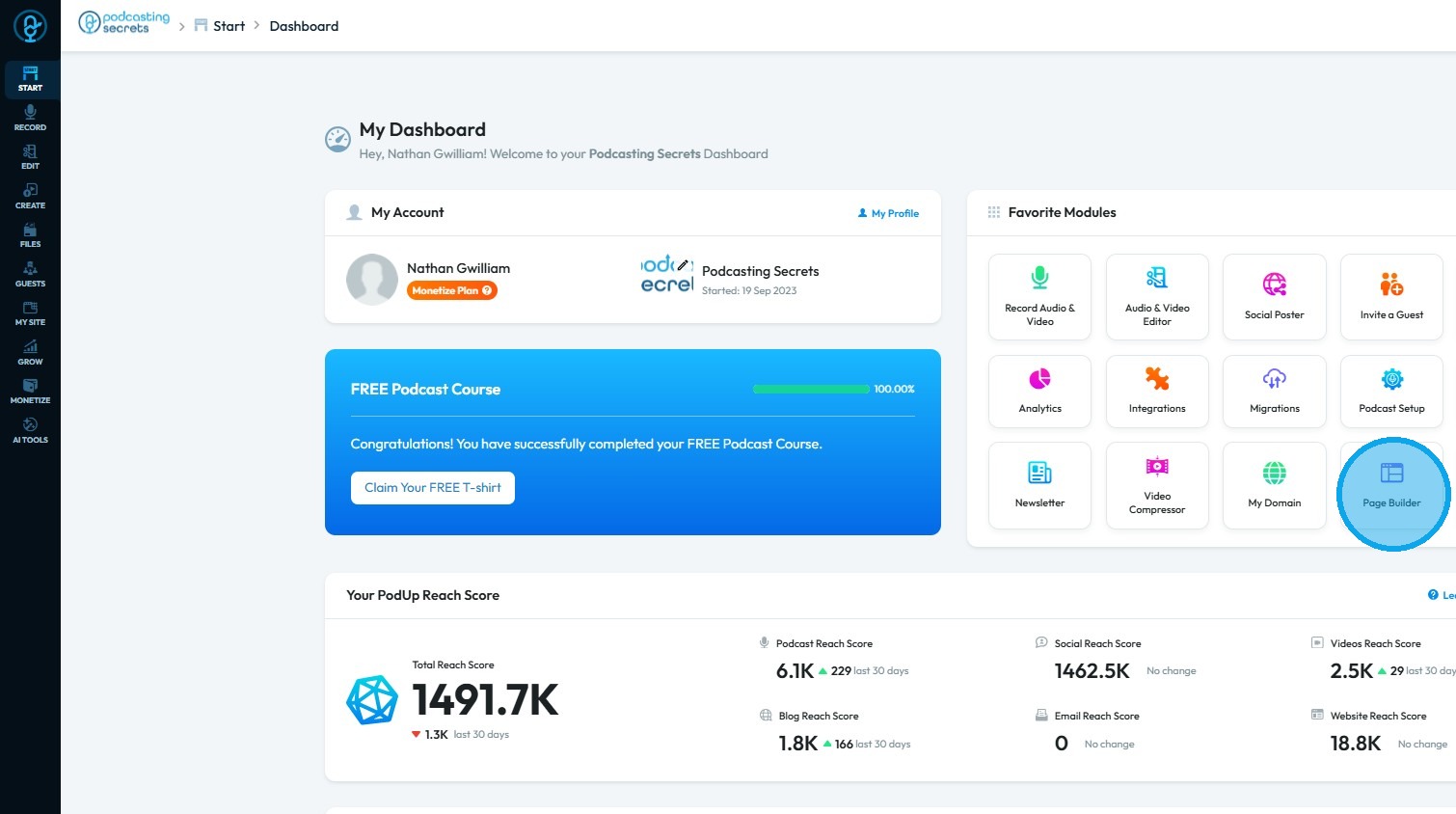
2. Click "Page Builder"
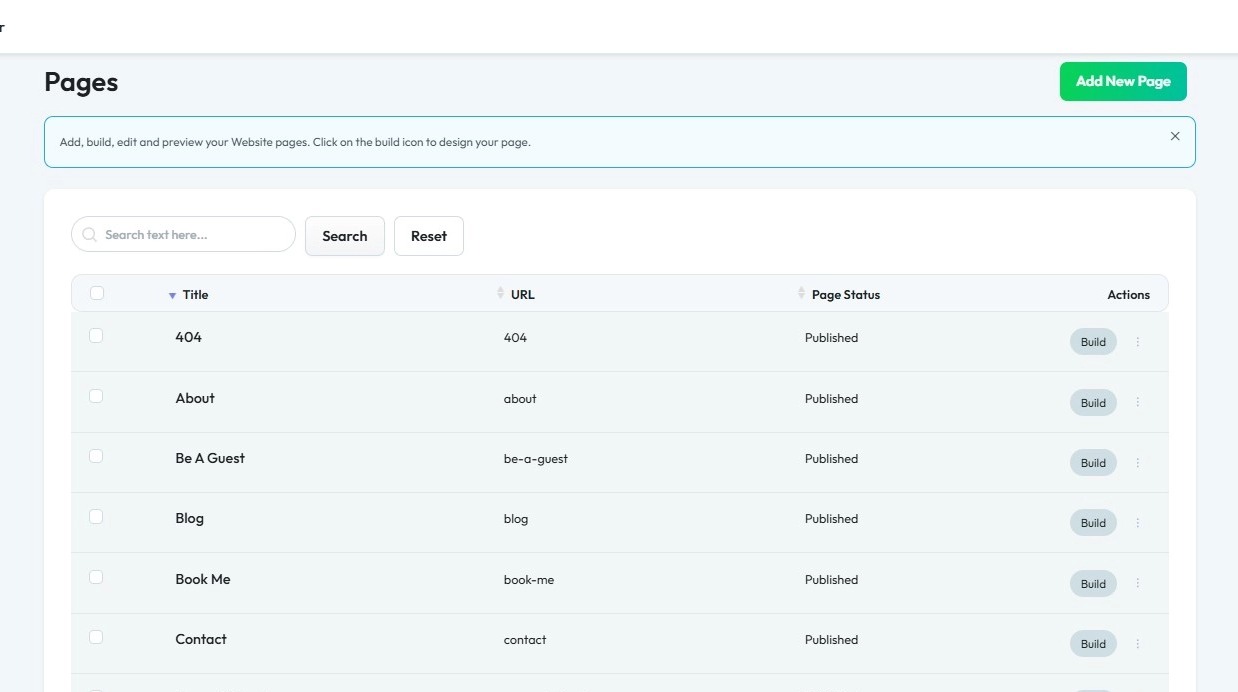
3. Select the page on which you want to add an alert
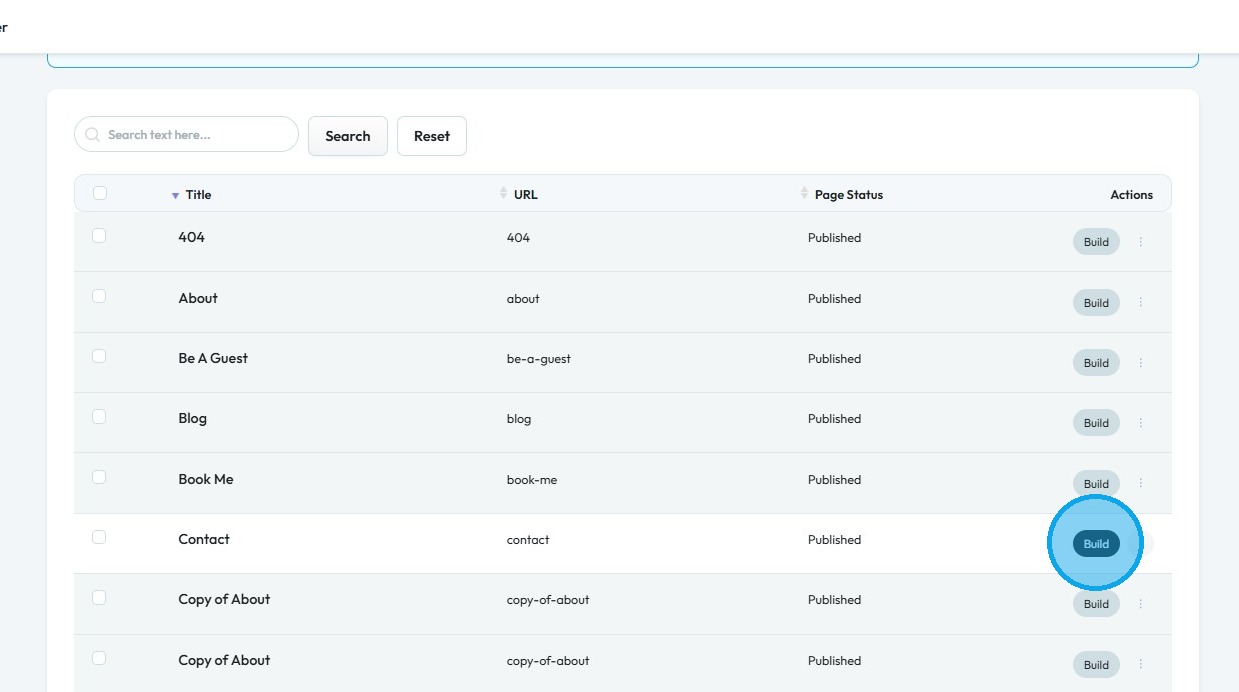
4. Click "Build"
5. The Page Builder will open
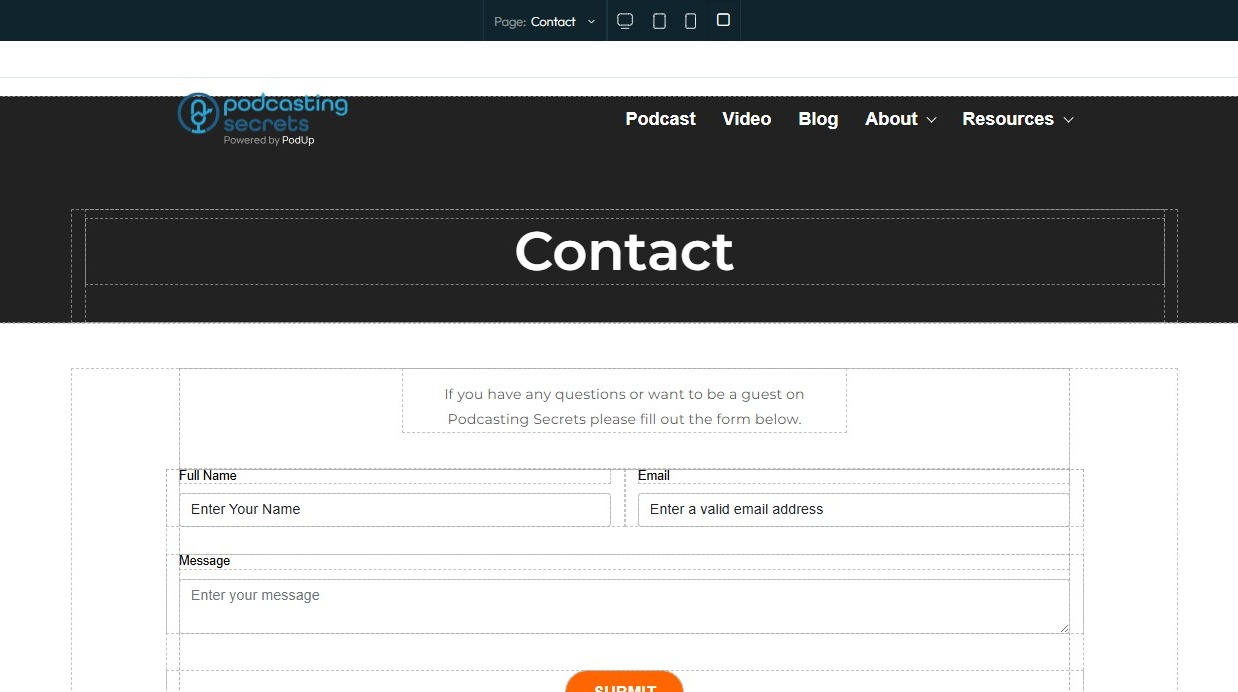
6. Click "Blocks" (+ icon)
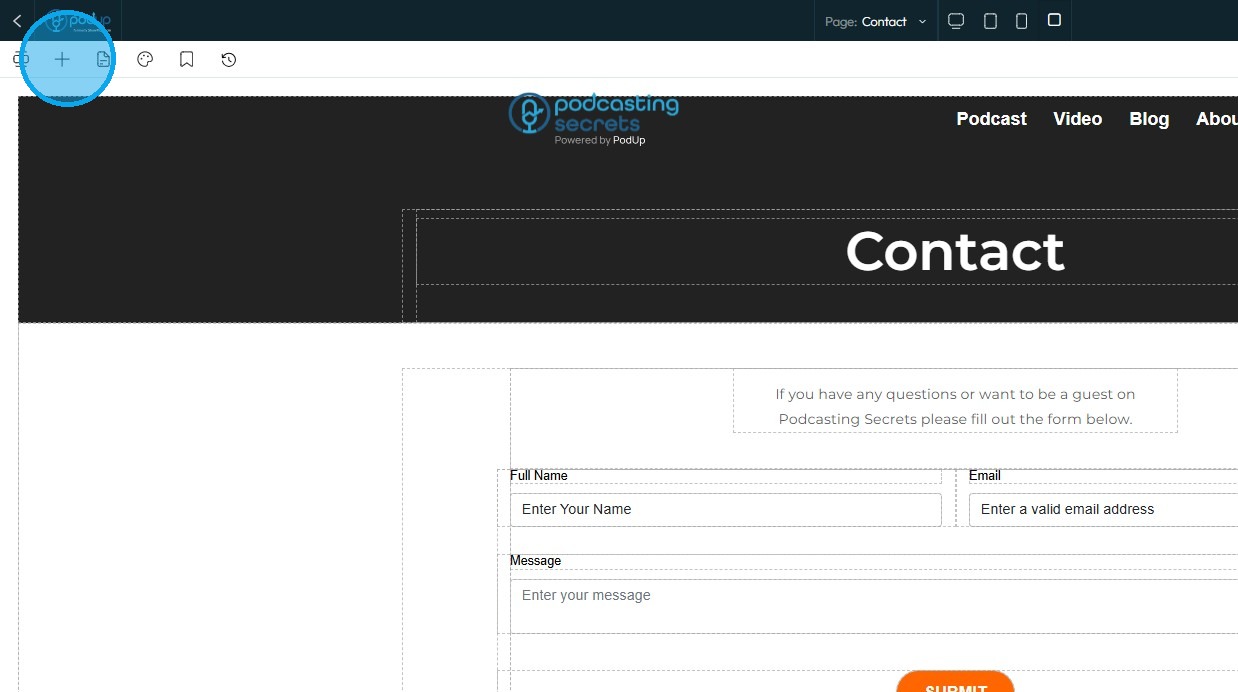
7. Under "Add Elements," click "Quick Add," then drag the "Alert" option onto the page where you want it added
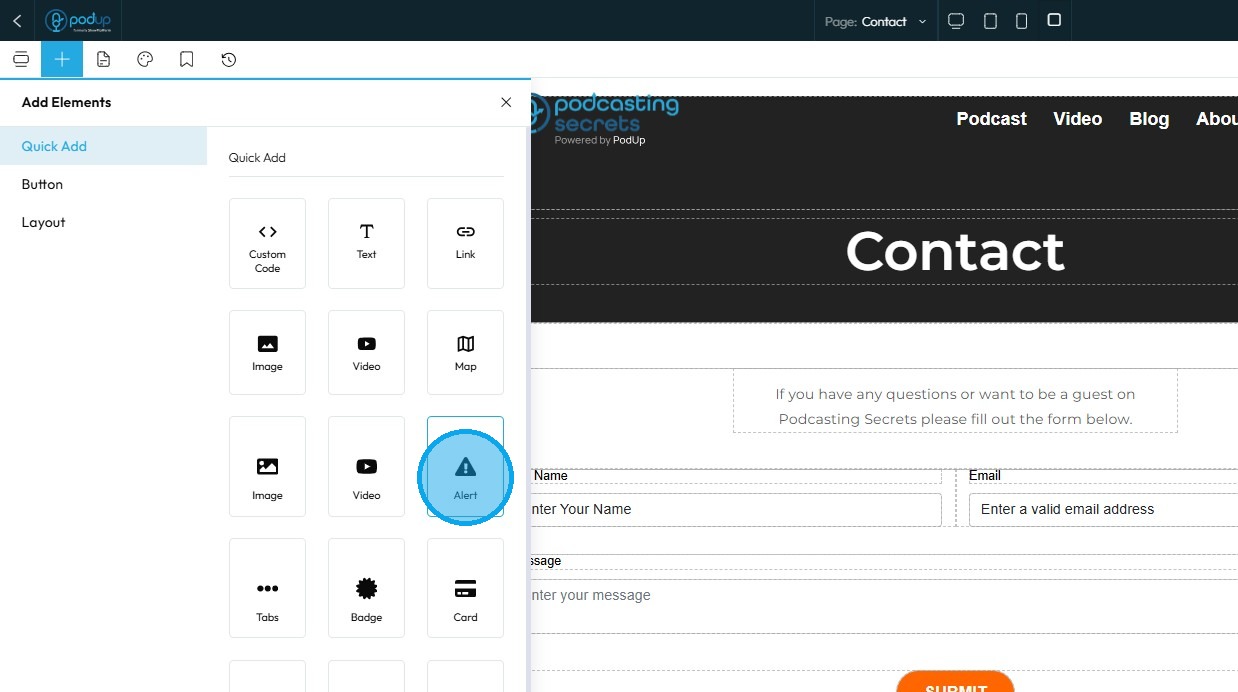
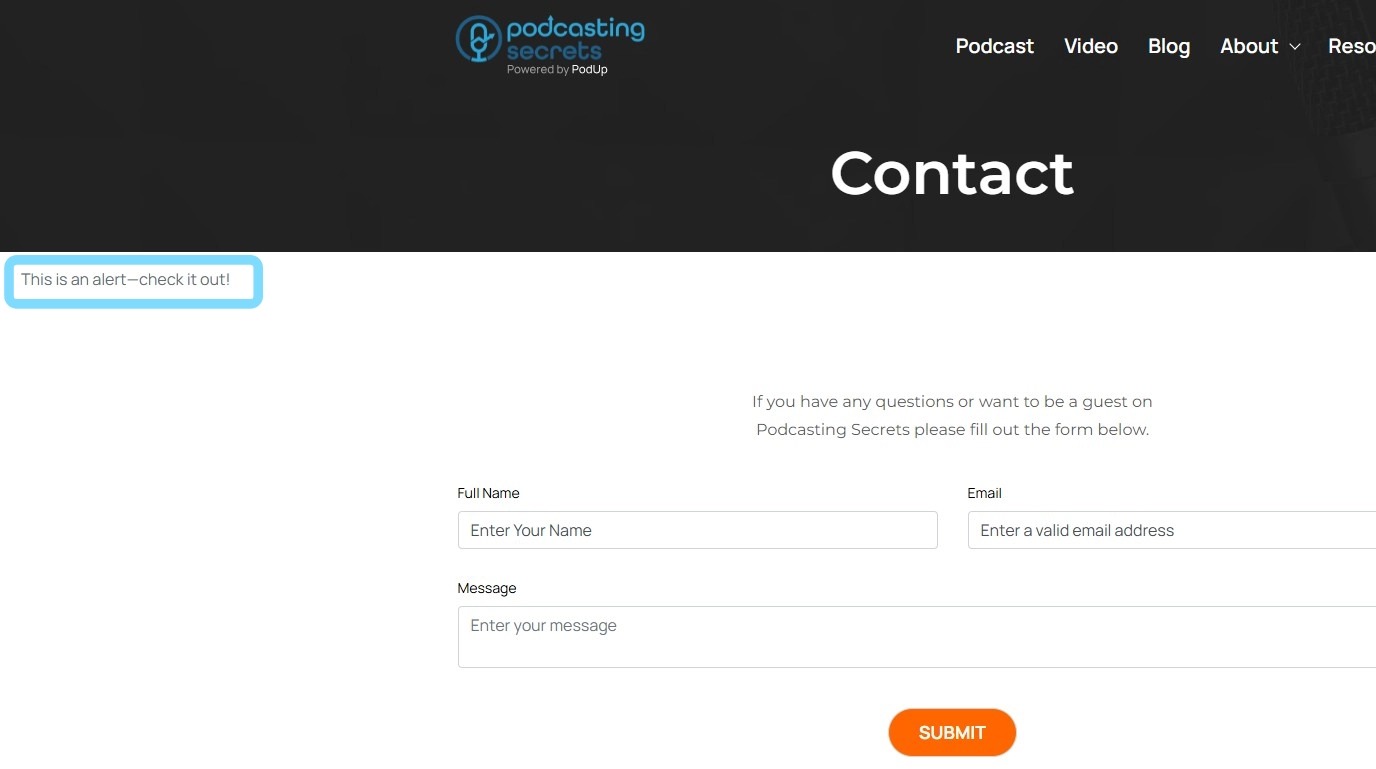
8. The alert will appear in the location where you placed it. Customize it as needed
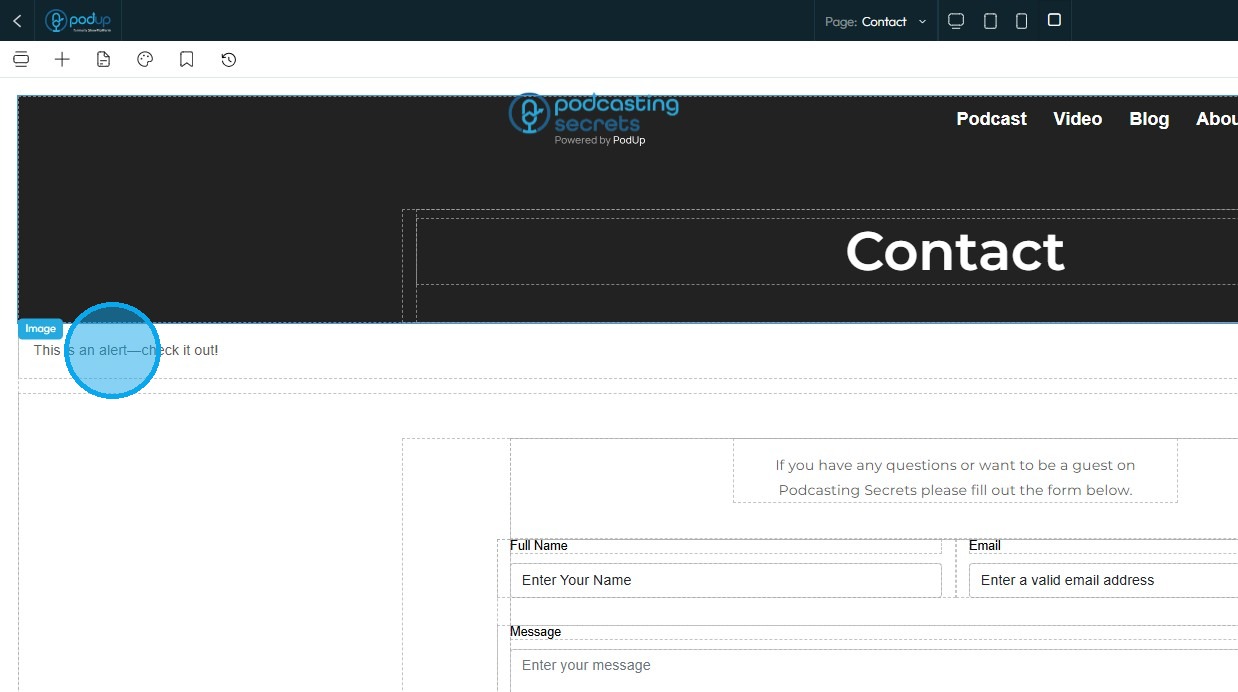
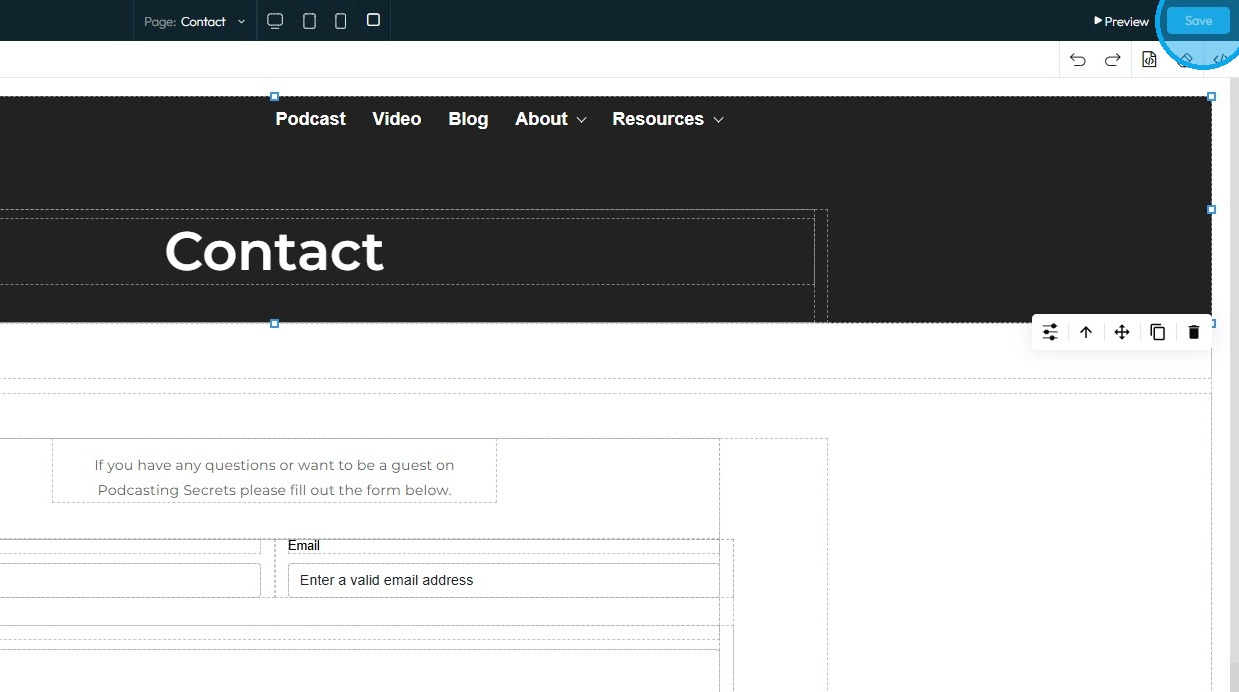
9. Click "Save" in the top-right corner
10. Once you publish the changes, they will be reflected on your website
Related Articles
How to Restore a Previous Version of a Webpage
This guide provides a straightforward method for restoring a previous version of a webpage using Podup's Page Builder. It simplifies the process into easy-to-follow steps, ensuring users can quickly revert to a desired backup without hassle. By ...How to Add a Section to my Page
This guide provides a straightforward approach to enhancing your webpage by adding new sections using Podup's Page Builder. It simplifies the process into easy-to-follow steps, making effective customization accessible for users of all skill levels. ...How to add embed player to your site
Use this guide to add an embed player to your site and share audio or video content. 1. Navigate to https://app.podup.com/home 2. Click "Grow" 3. Select "Embed Player" 4. Click "Get Embed Code" for the embed player you wish to add to your webpage 5. ...How to Add a Footer to my Page
This guide offers a straightforward approach to adding a footer to your webpage, emphasizing its importance for user experience and SEO. It provides step-by-step instructions for customizing your footer with logos, colors, and templates, making it ...How do I customize Web builder Quick Add (Detailed) - Tabs
By following this guide, you can easily customize the Quick Add Tabs feature in PodUp Web Builder to enhance your website’s functionality and design. 1. Navigate to https://app.podup.com/home 2. Click "Page Builder". 3. Click the "Build" button for ...