How can I upgrade my package?
This guide provides a straightforward process for upgrading your subscription package on Podup, ensuring you can easily access enhanced features and benefits. By following the simple steps outlined, you can quickly navigate the platform and make the necessary changes to your account. Whether you're looking for more storage, additional tools, or improved services, this guide will help you achieve your goals efficiently. Don't miss out on maximizing your experience with Podup!
1. Navigate to https://app.podup.com/home
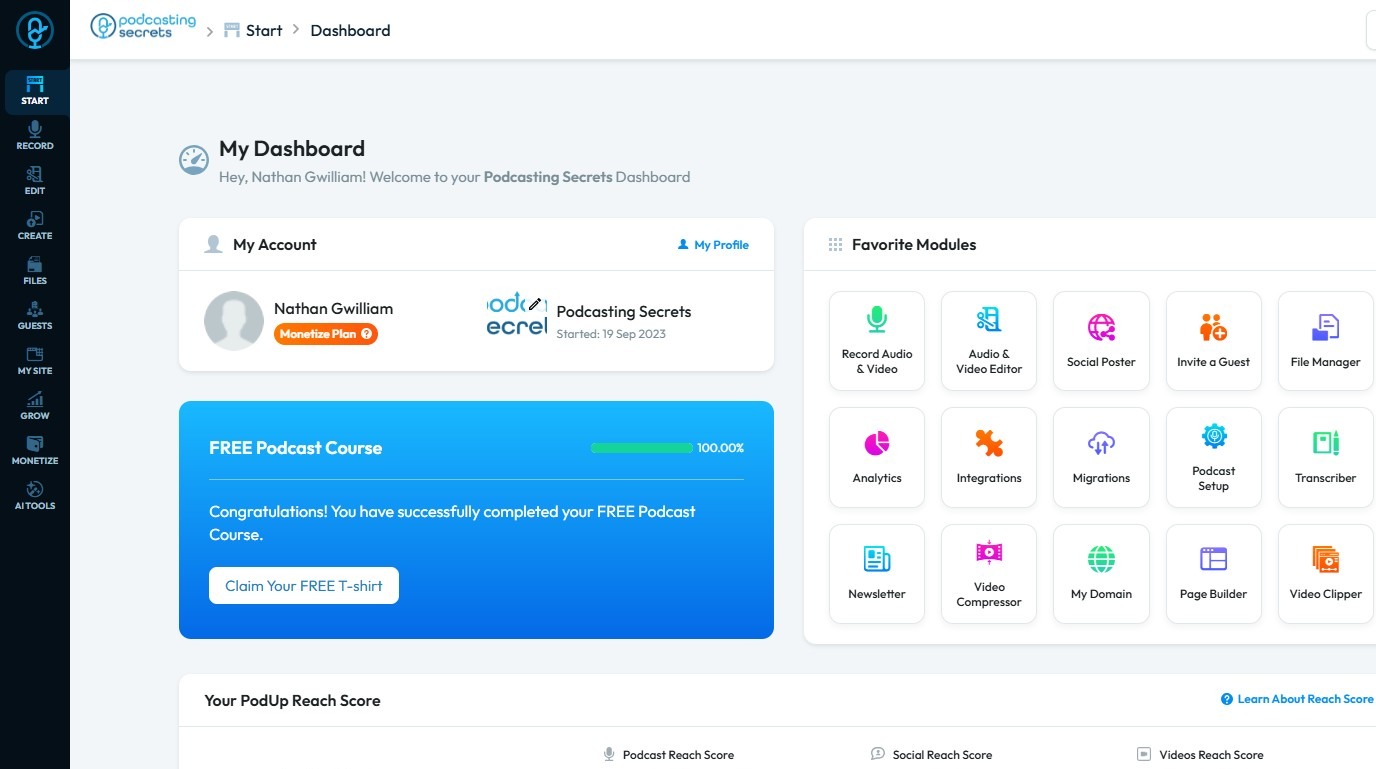
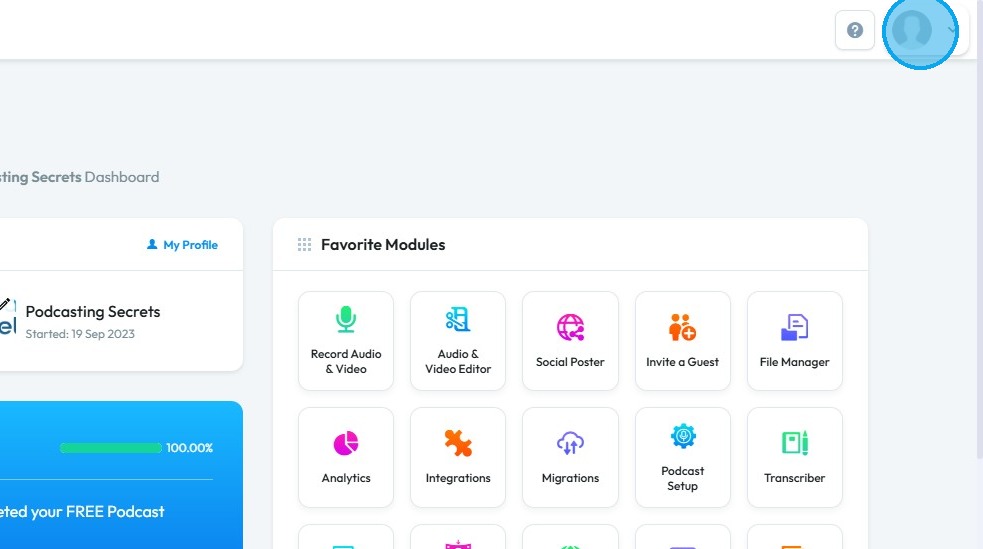
2. Click on your profile image.
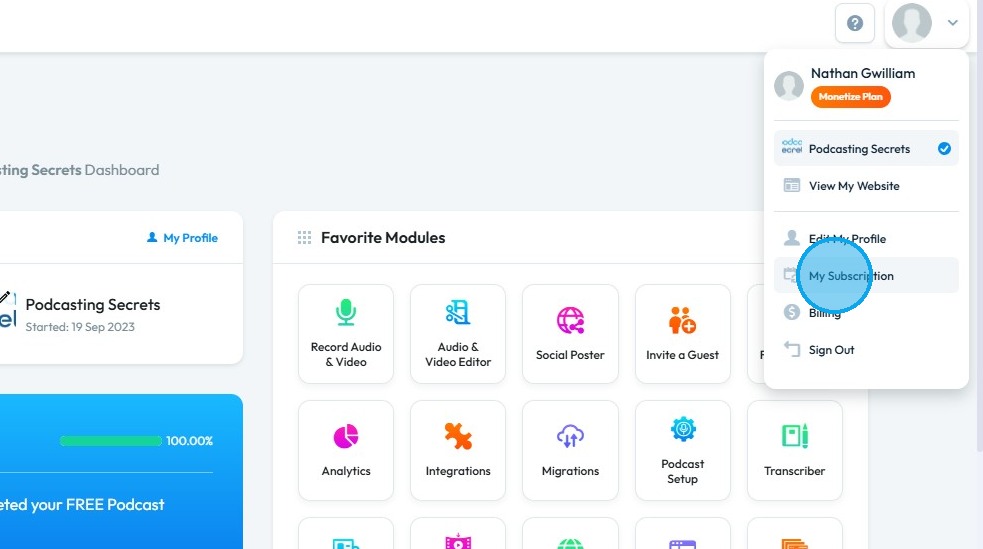
3. Click "My Subscription"
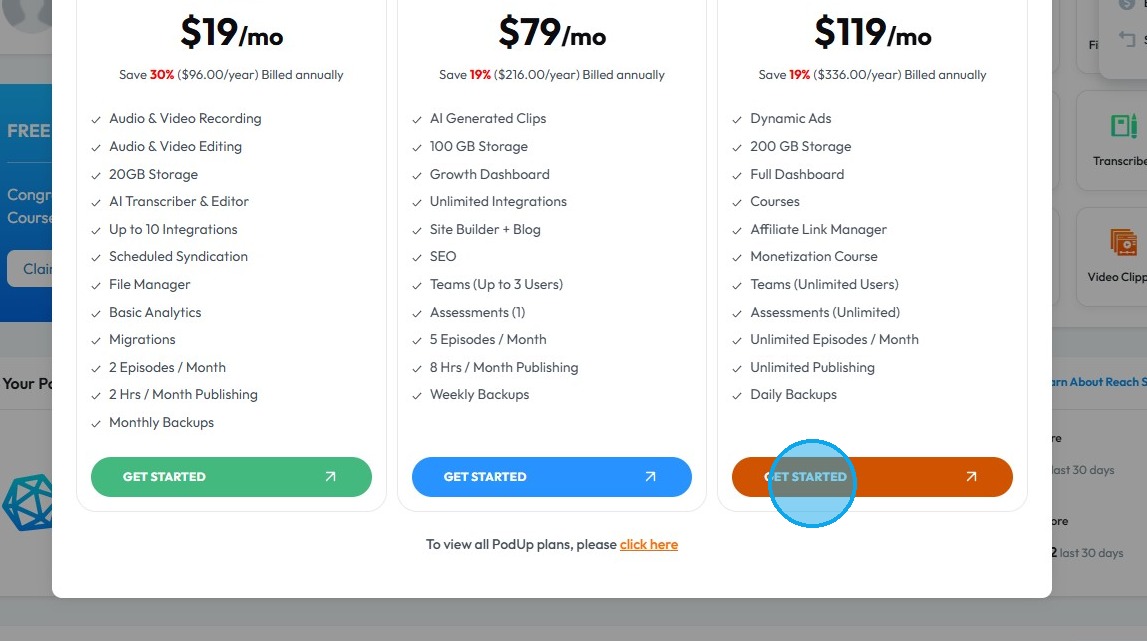
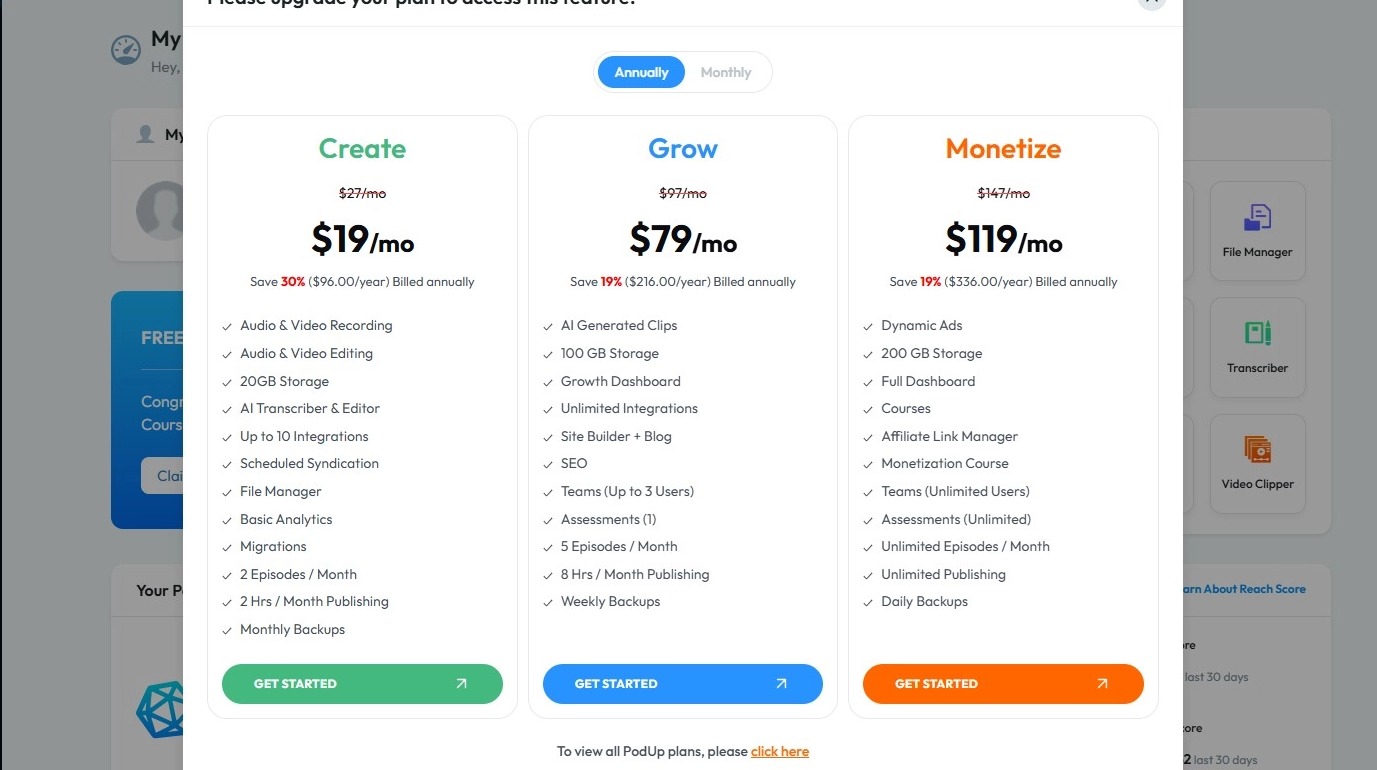
4. Click "Get Started" of a plan you want to upgrade to.
5. Click "OK"
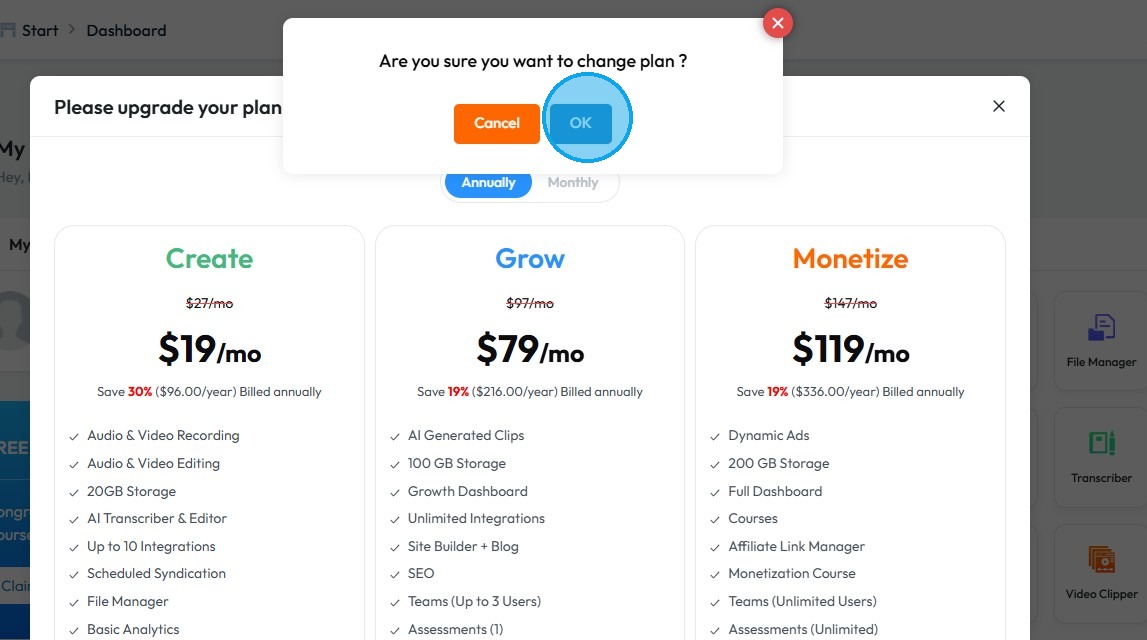
6. Your plan will be upgraded.
Related Articles
What is contained in the monetize package?
This guide provides a comprehensive overview of the Monetize package, highlighting its extensive features designed to enhance podcasting and content creation. With offerings such as unlimited episode creation, advanced analytics, AI tools for editing ...What is contained in the create package?
This guide provides a comprehensive overview of the Create package, detailing its extensive features designed for podcasters, including a Podcast Launch Course, storage, editing tools, and AI capabilities. It highlights the benefits of easy episode ...What is contained in the grow package?
The Grow package offers a comprehensive suite of tools for podcasters, including a Podcast Launch Course, extensive storage, and advanced analytics. Users benefit from AI features such as audio enhancement and video compression, as well as support ...What is the difference between the packages?
1. PodUp.com Packages: Key Differences PodUp offers a range of tiered packages designed for different podcasting needs, from beginners to professionals and agency clients. 2. ## Key Package Differences Create: Adds advanced analytics, more exports, ...How To Change Your Subscription
This guide provides a straightforward process for changing your subscription plan on PodUp, ensuring you can easily navigate the options available. It outlines two methods for accessing your subscription settings and details how to view both annual ...