How can I import existing guest info to PodUp?
Use this guide to import and manage guest information in PodUp.
1. Navigate to https://app.podup.com/home
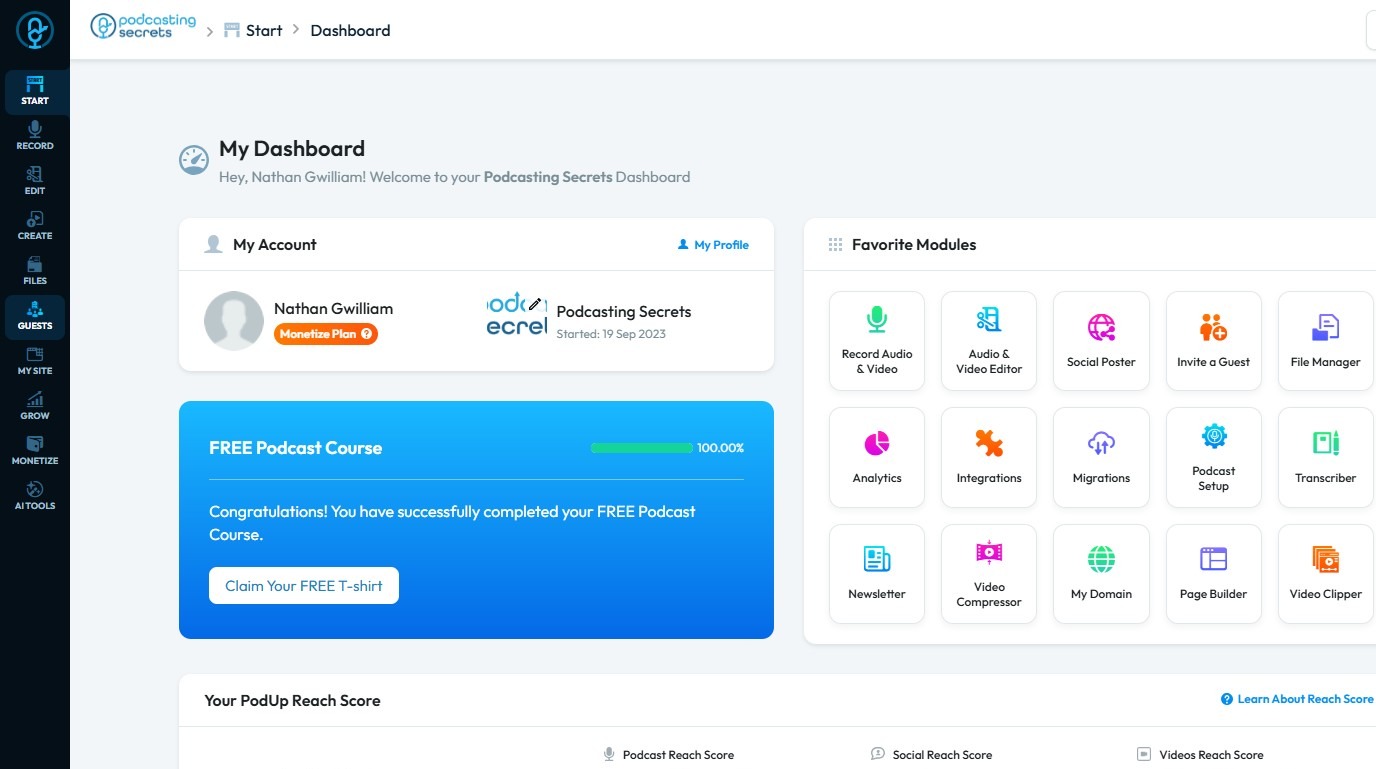
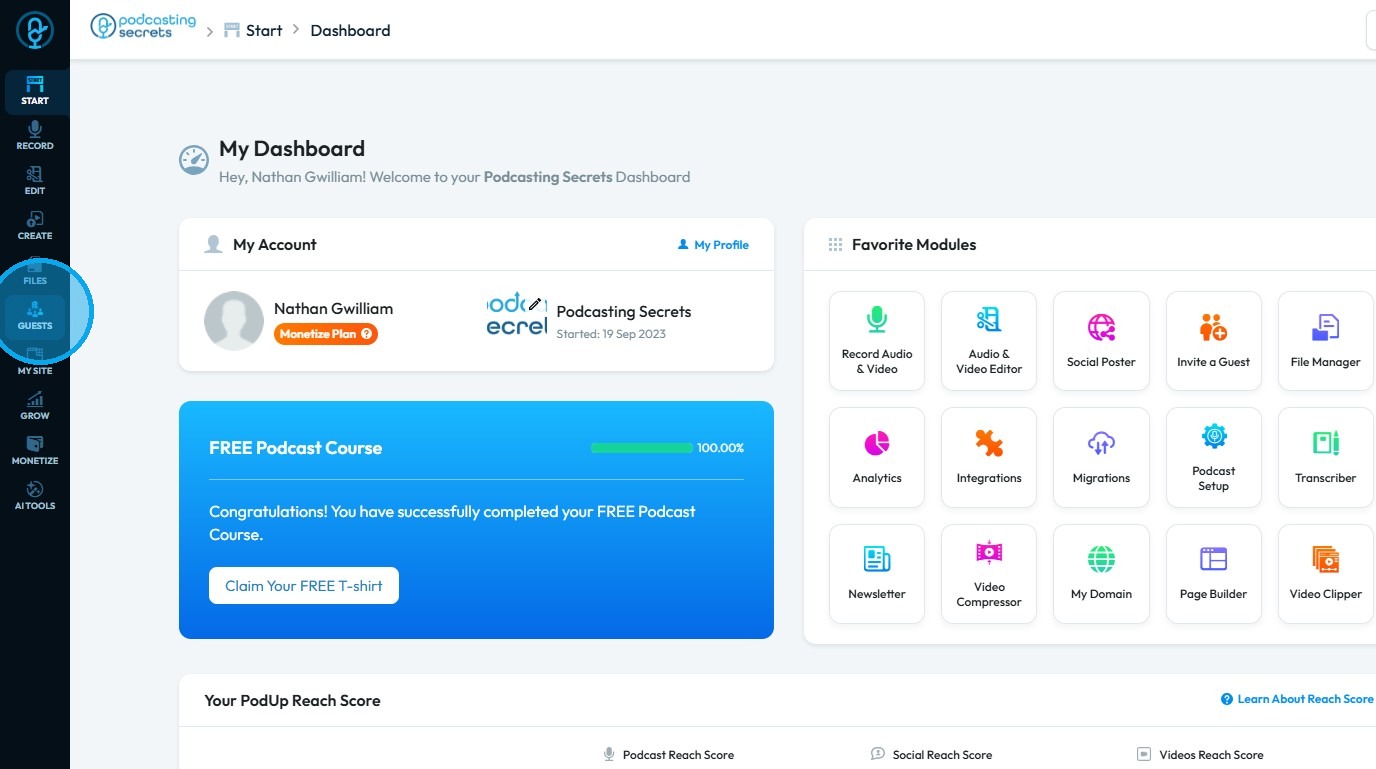
2. Click "Guest"
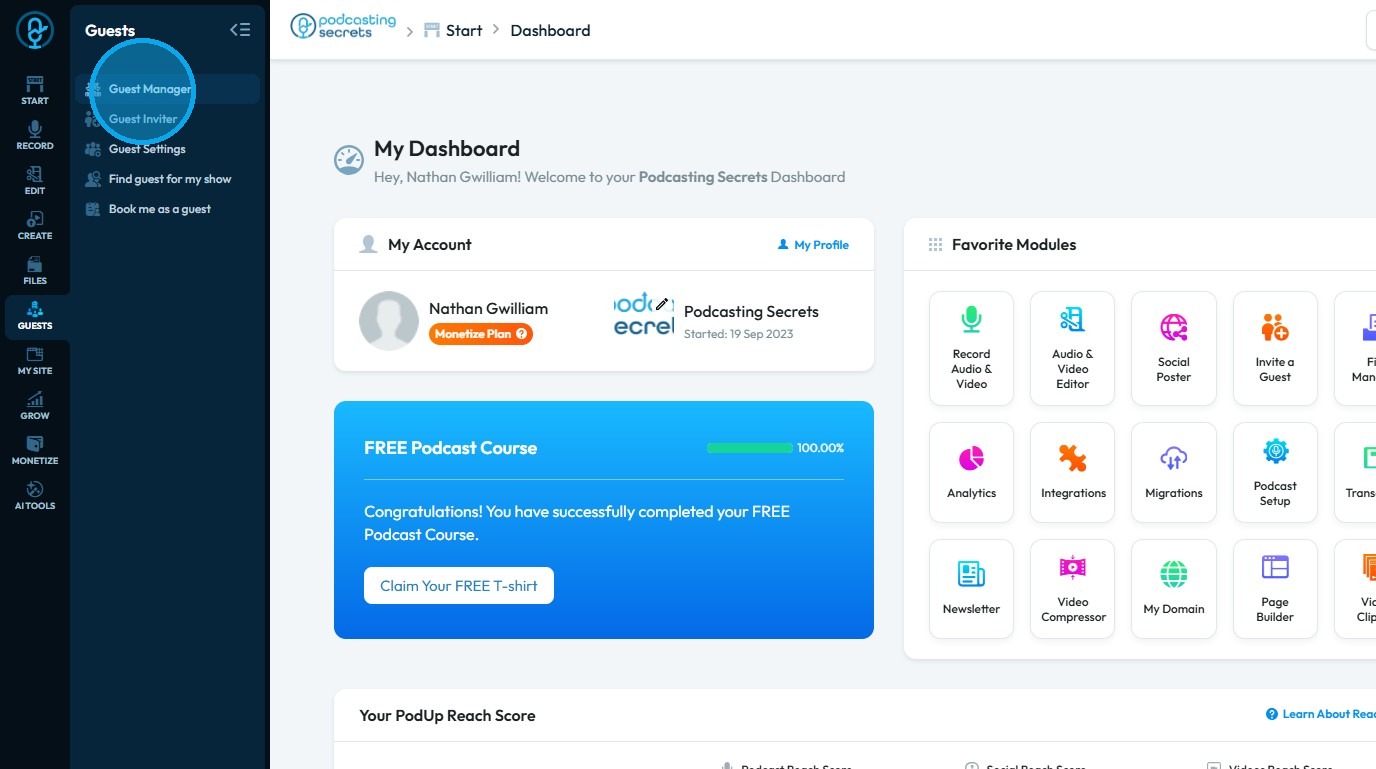
3. Choose "Guest Manager"
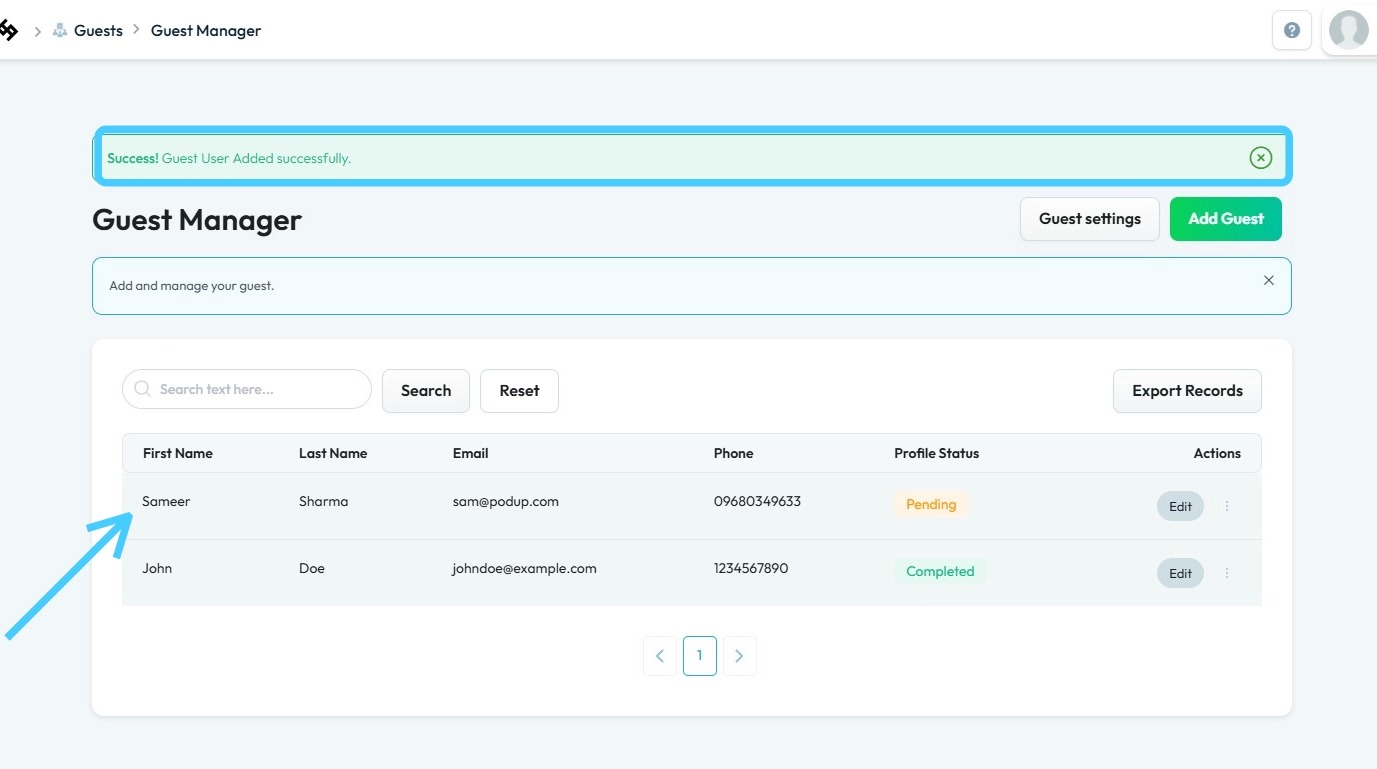
4. The “Guest Manager” will open
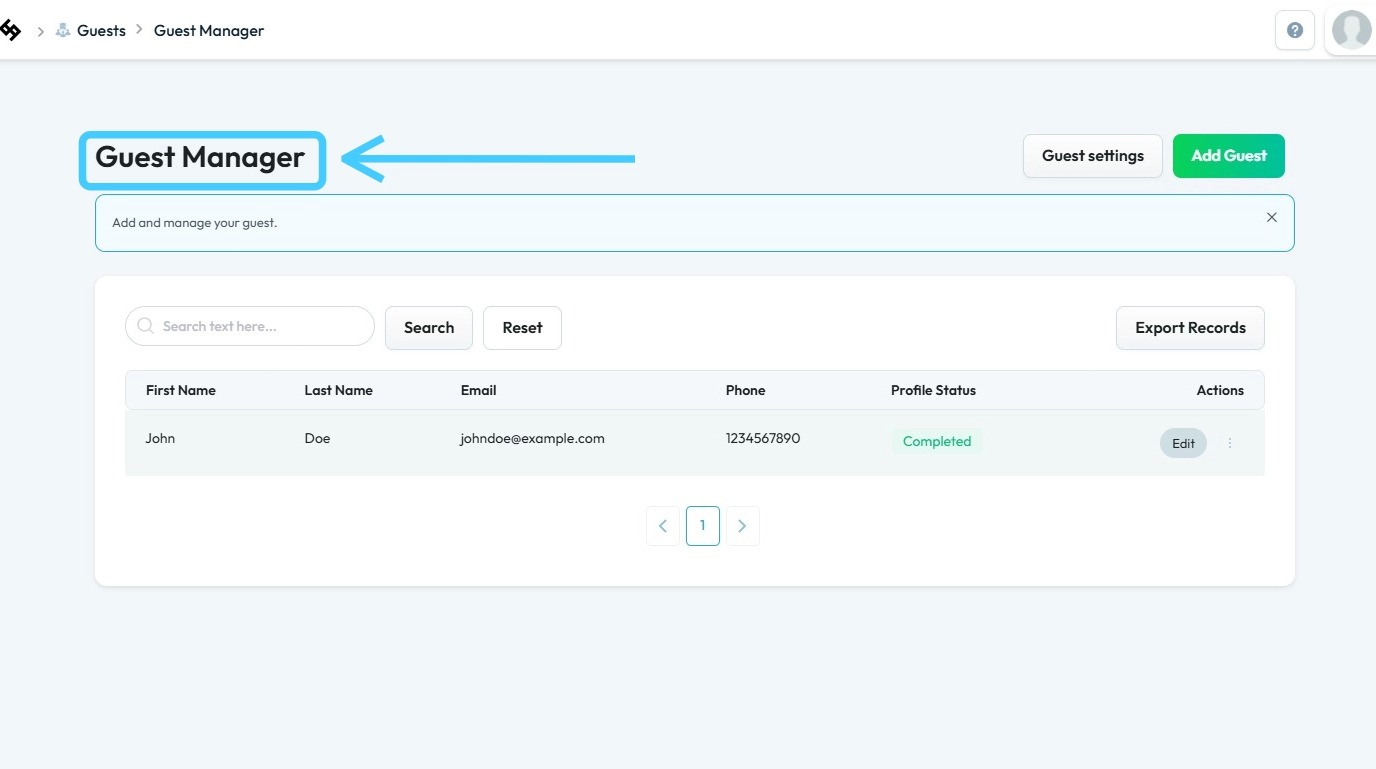
5. Click "Add Guest"
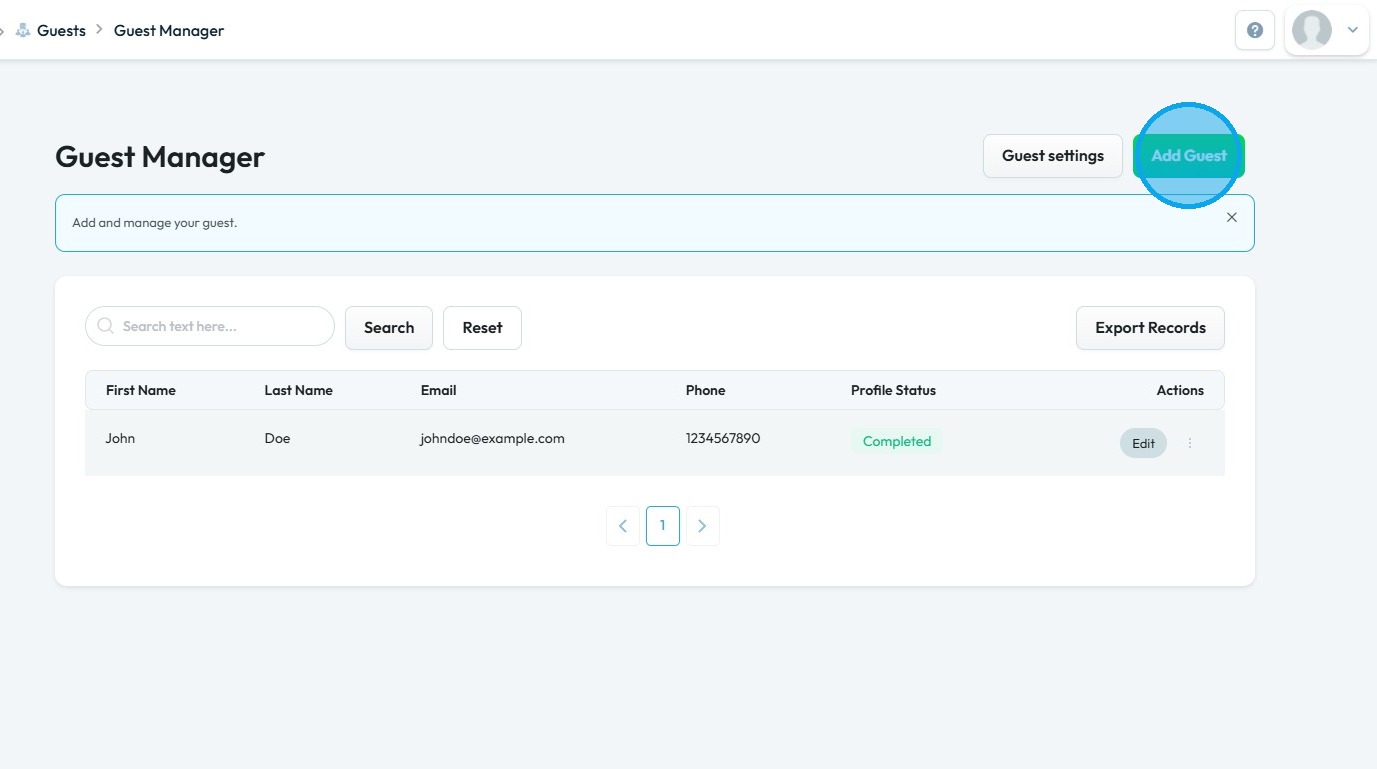
6. This will open your “Add Guest” page
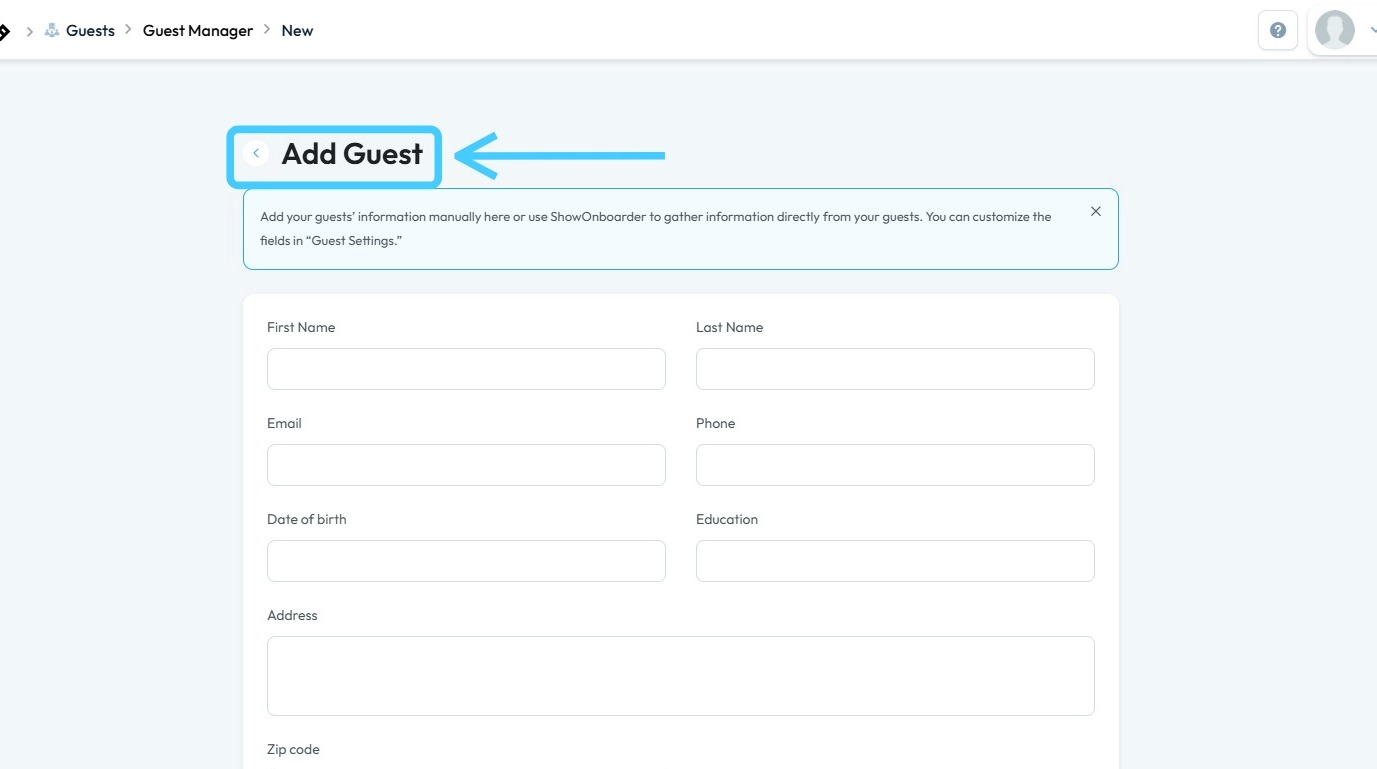
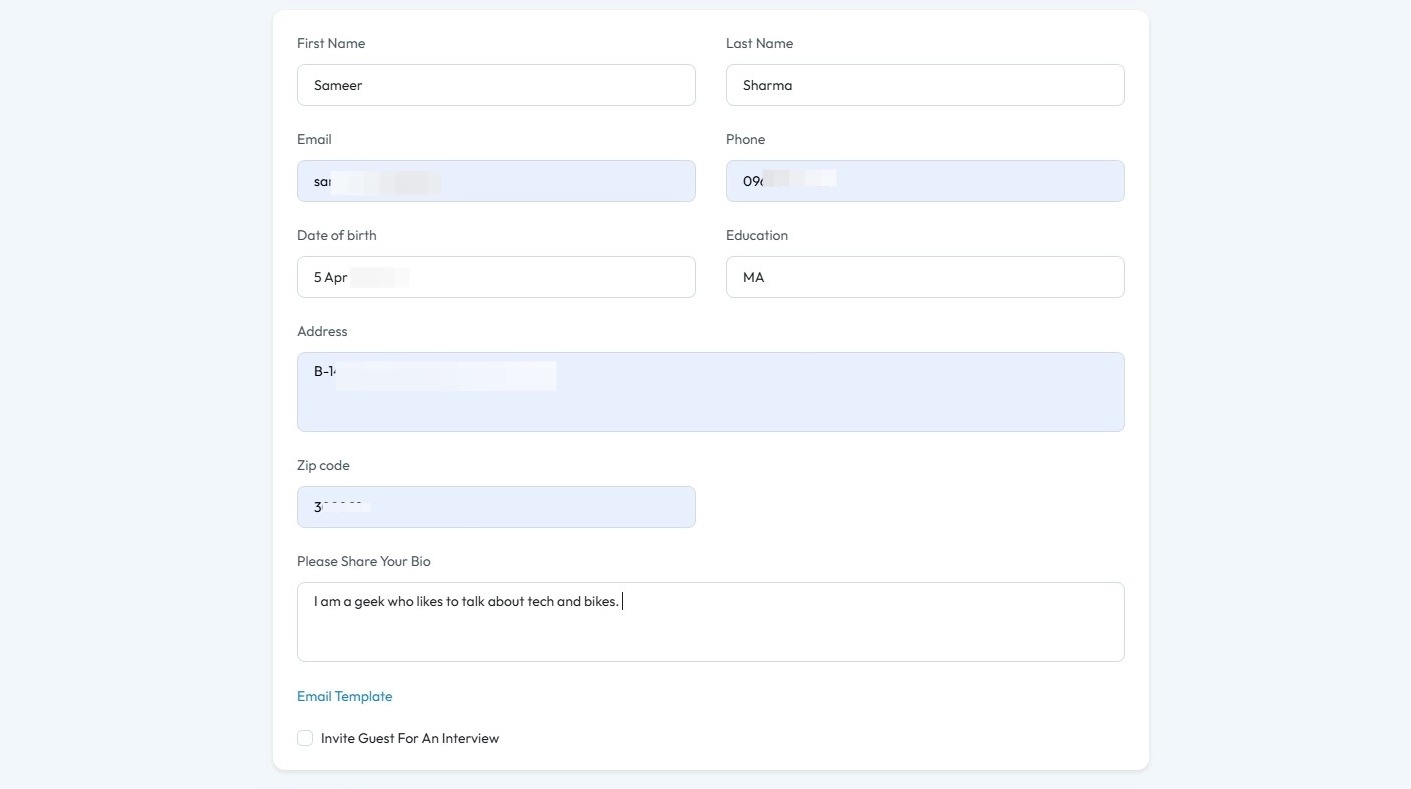
7. Enter the required details
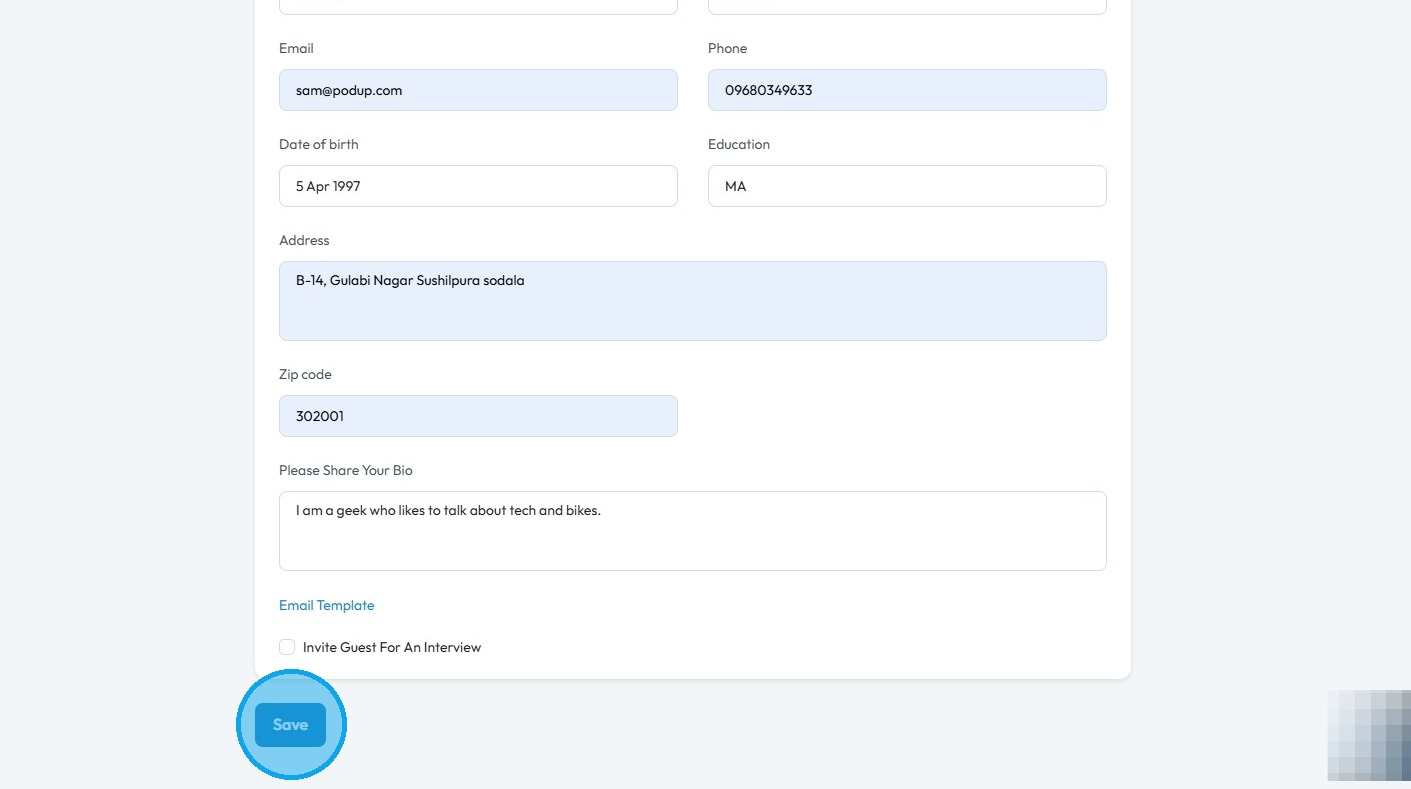
8. Scroll down and click “Save”
9. The message “Success! Guest User Added Successfully” will be displayed, granting access to Guest Manager, where you can add, manage, search, reset, and export guest records.
Related Articles
How To Import My Existing Youtube Channel to PodUp
This guide shows you how to import your YouTube channel to PodUp. Follow the steps to move your content smoothly and manage everything in one place. 1. Navigate to https://app.podup.com/home 2. Click "Migrations" in "Favorite Modules" on the ...How to Import My Existing Podcast to PodUp
This guide shows podcasters how to move their show to PodUp. It covers how to import content, confirm ownership, and keep your audience while switching platforms. 1. Navigate to https://app.podup.com/home 2. Click "Migrations" in "Favorite Modules" ...How to Import My Existing Blog to PodUp Using RSS Feed
This guide shows you how to easily import your blog into PodUp using an RSS feed. The simple steps help you move your content without losing anything. Whether you're combining platforms or growing your audience, this guide makes the switch quick and ...How to Import My Existing Blog to PodUp Using Wordpress Post
This guide provides a straightforward process for seamlessly migrating your existing blog to PodUp using WordPress. It the steps needed to import all your content, ensuring you retain ownership and control over your work. By following these ...How to Navigate Guest Manager (Detailed)
This guide provides a straightforward process for adding guests to the PodUp application, ensuring you can efficiently manage guest information and invitations. By following the steps outlined, users can easily input necessary details and customize ...