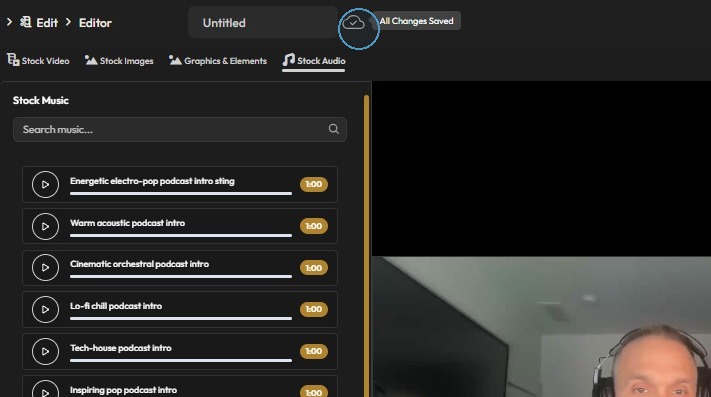
How Can I Add Music to My Video?
Learn how to add music to your videos with PodUp’s Editor. This easy guide walks you through importing and adjusting audio to create more dynamic, polished content.
1. Navigate to https://app.podup.com/home
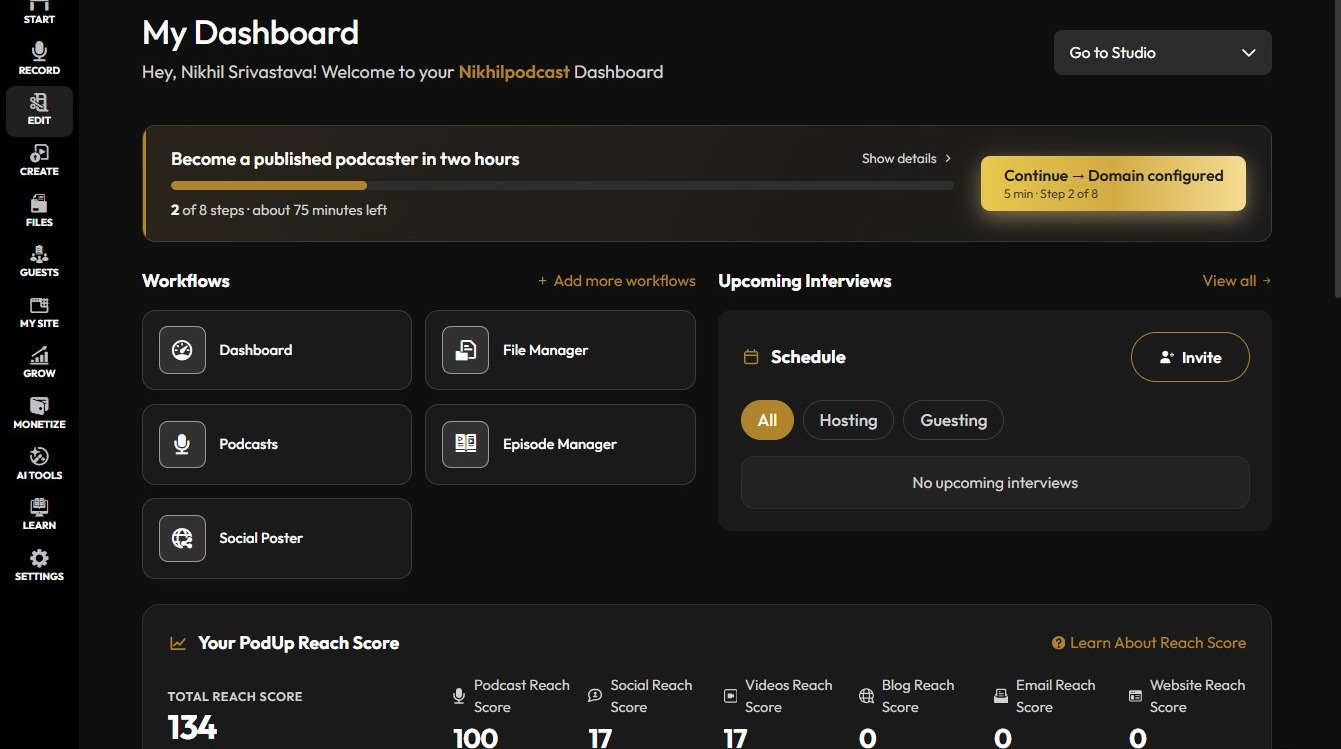
Open the Editor
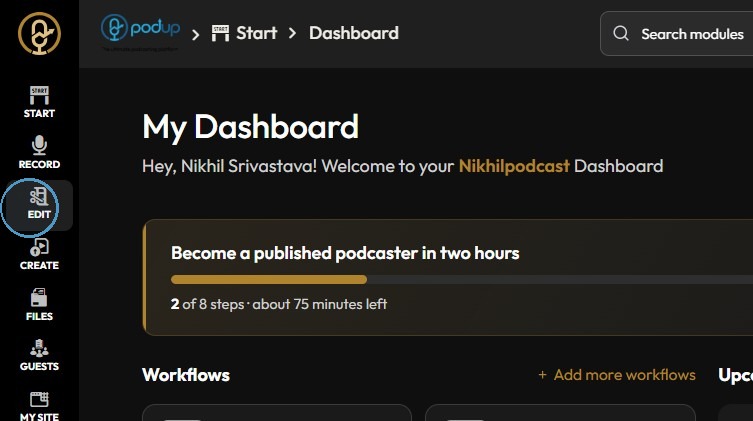
2. Click "Edit"
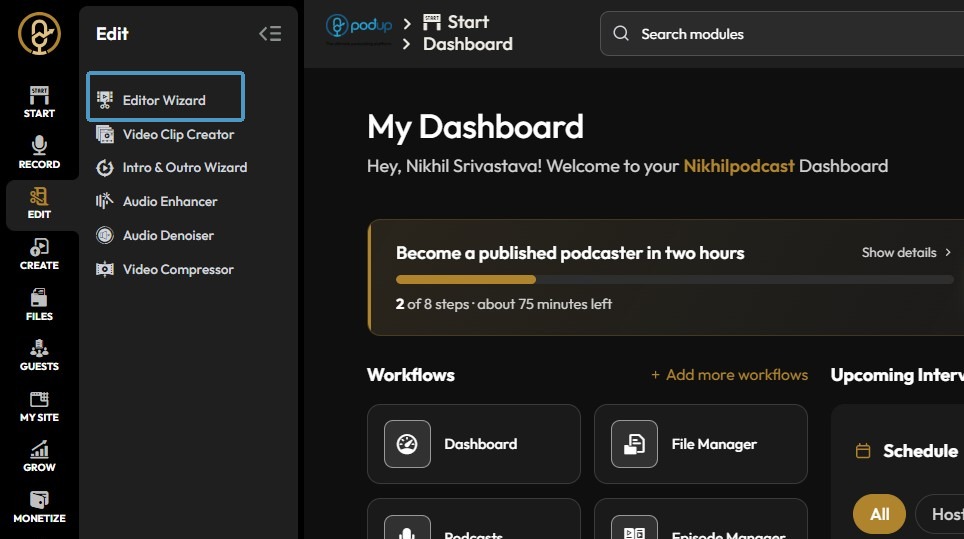
3. Click "Editor Wizard"
Choose a Project
4. Select the video, Click "View Project"
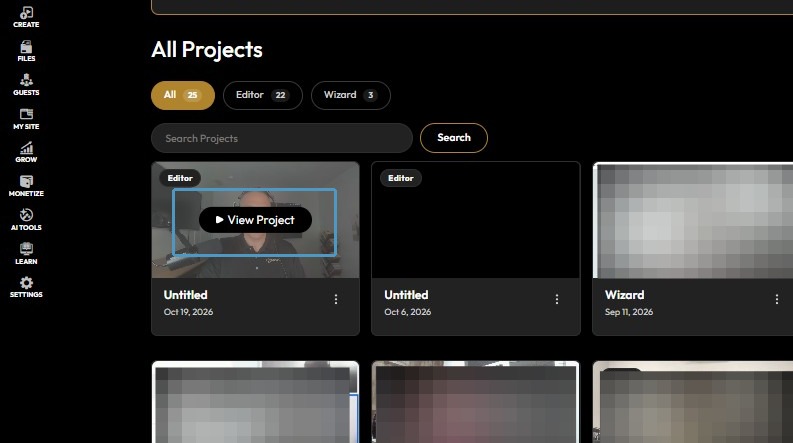
5. Click Stock Files.
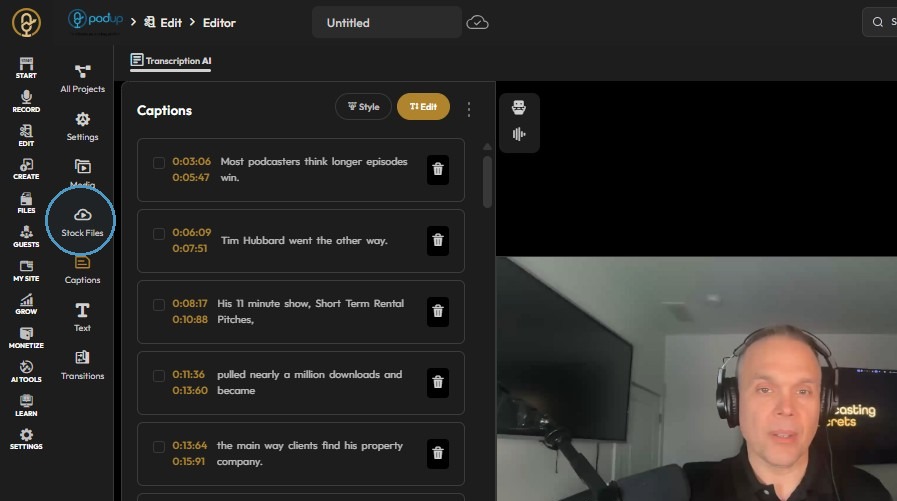
Add Audio
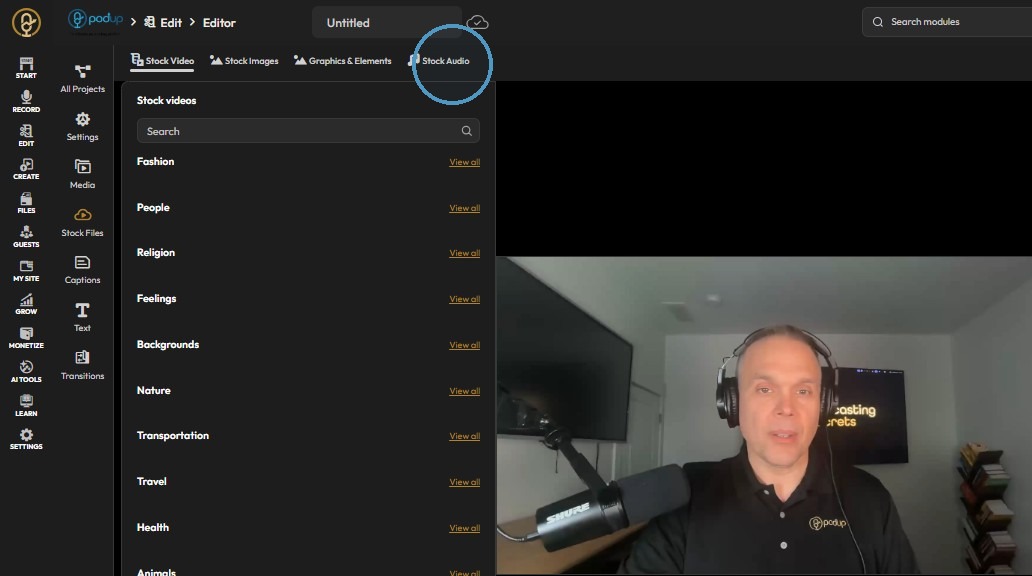
6. Click Stock Audio.
7. Select a stock music track.
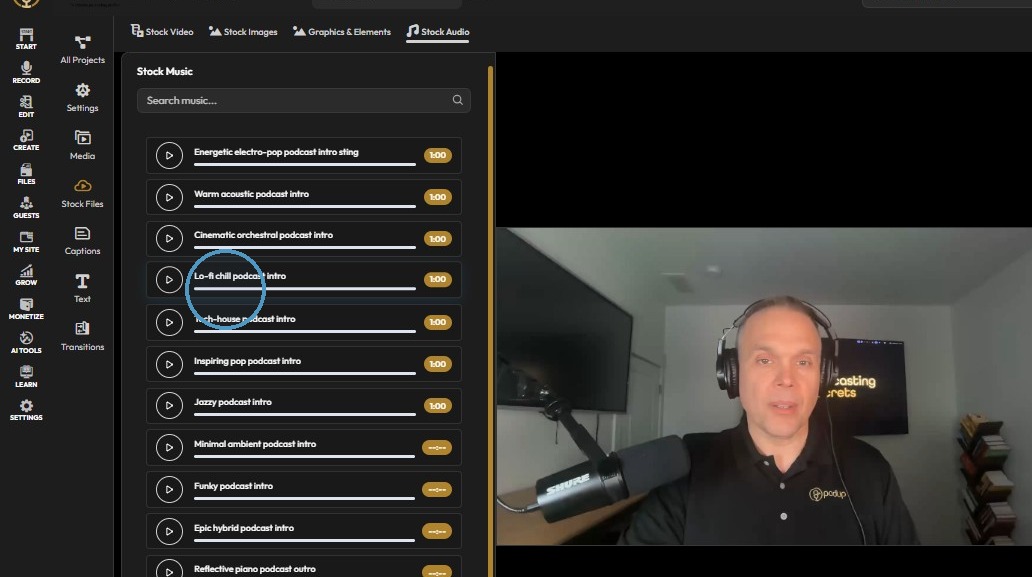
8. Add the selected stock music track to the timeline.
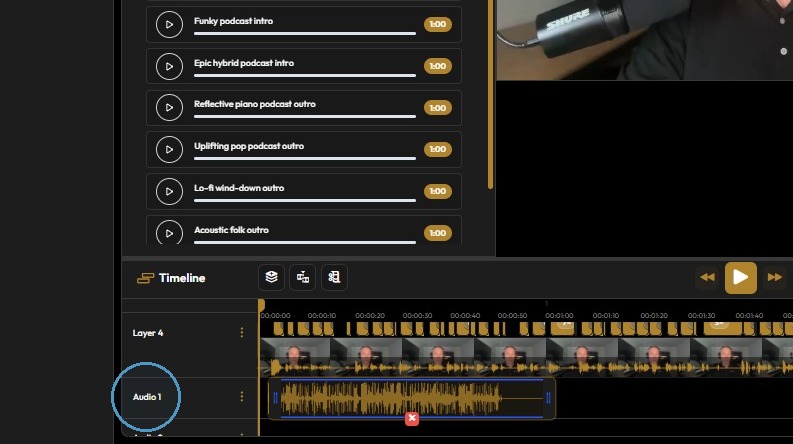
9. Click here to alter the speed, volume of the audio.
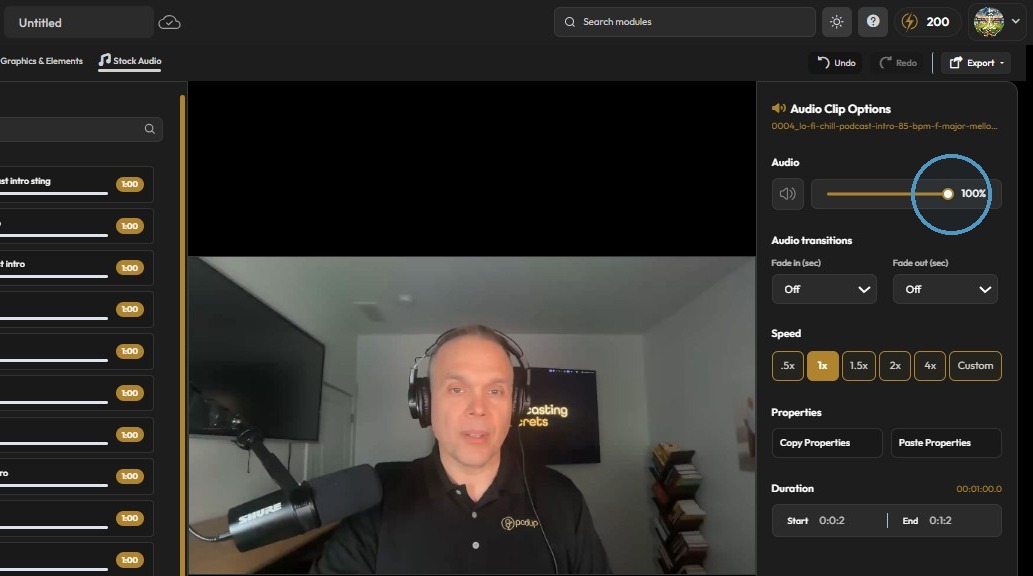
10. Click this image to save changes