How Can I Add An Image to My Podcast?
This guide shows you how to easily add images to your podcast, making it more visual and engaging allowing you to easily create a simple video from your audio file. Great for beginners and anyone looking to improve their content.
1. Navigate to https://editor.podup.com/#
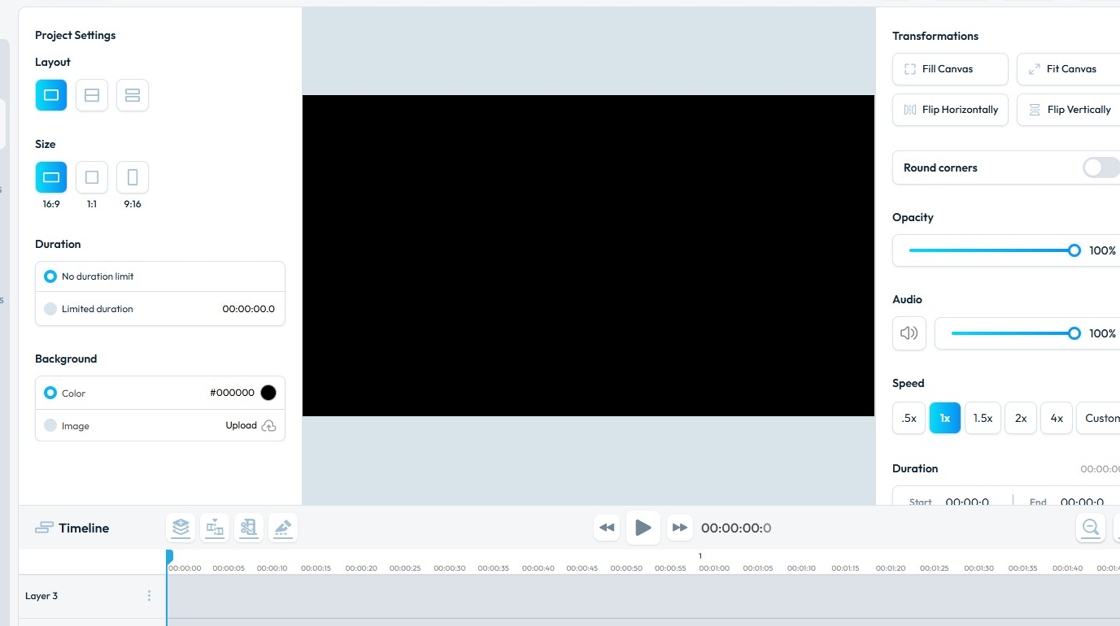
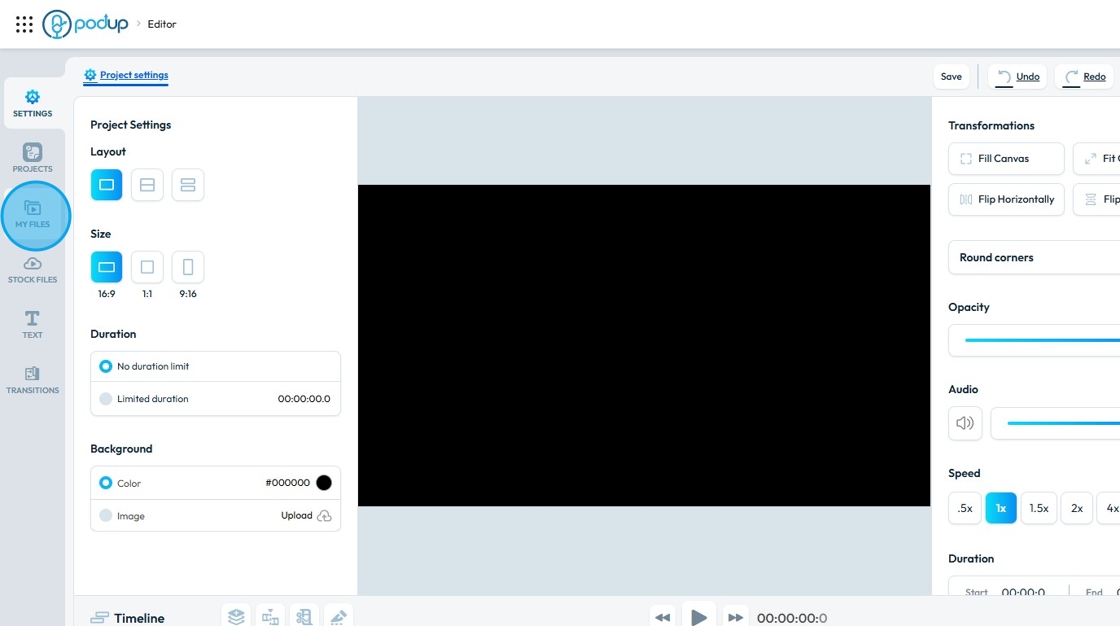
2. Click "My Files".
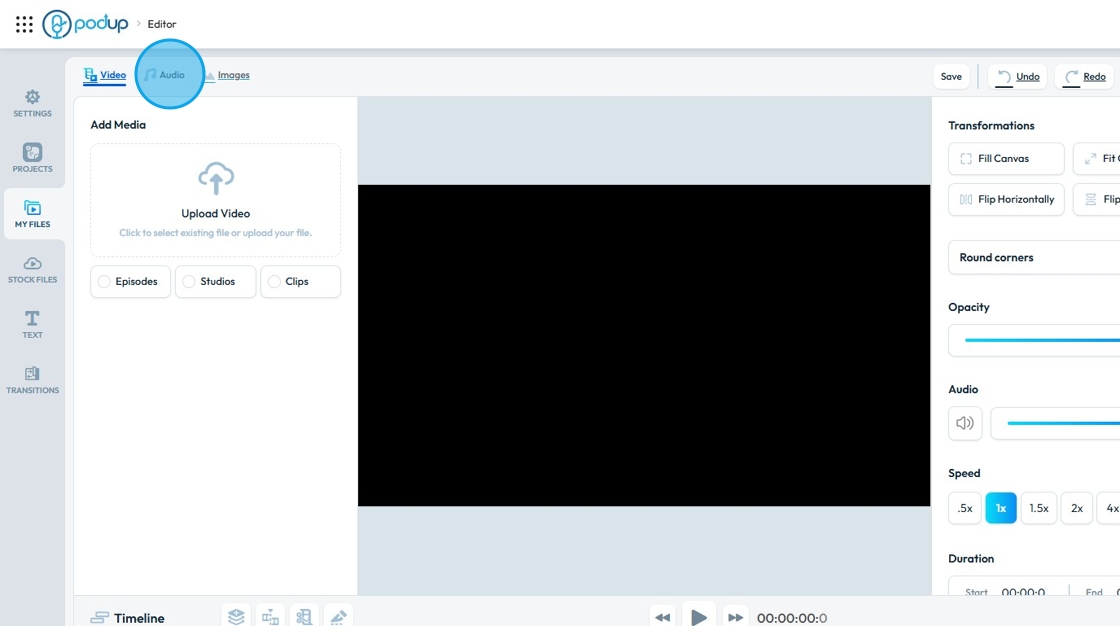
3. Click "Audio"
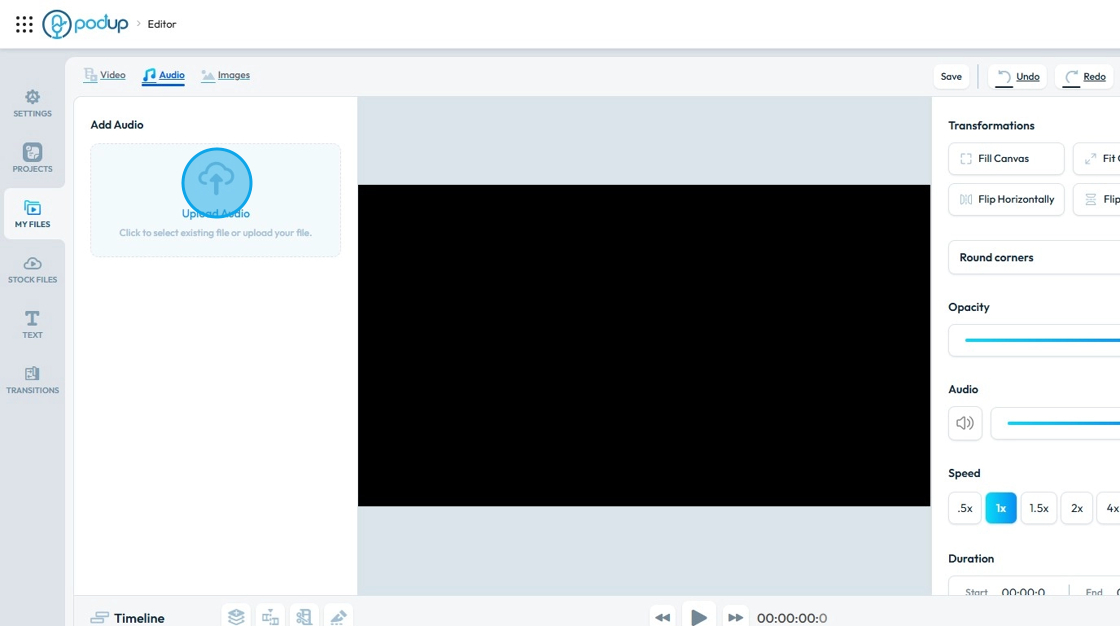
4. Click "Upload Audio"
5. Click "Audio" you want to import.
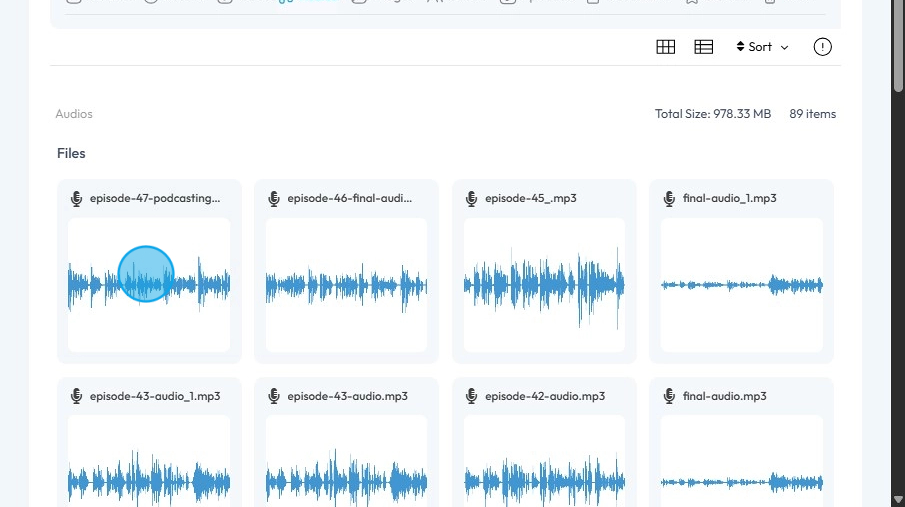
6. Click "Select"
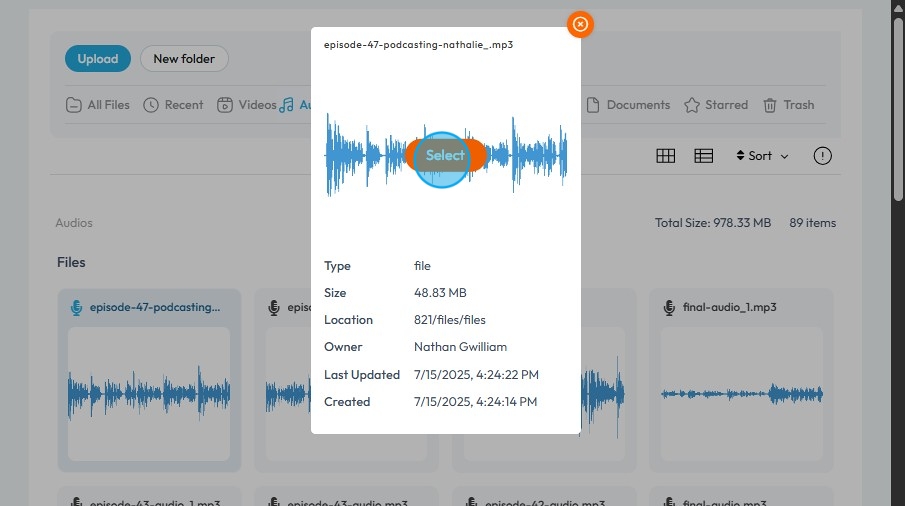
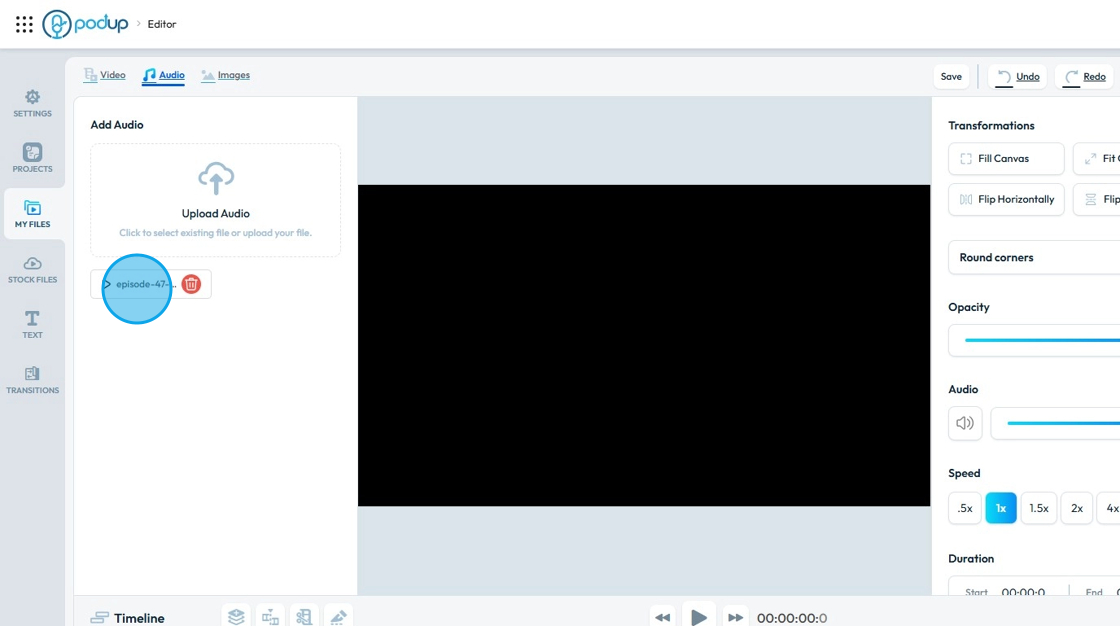
7. Make sure the "Audio" file has been imported.
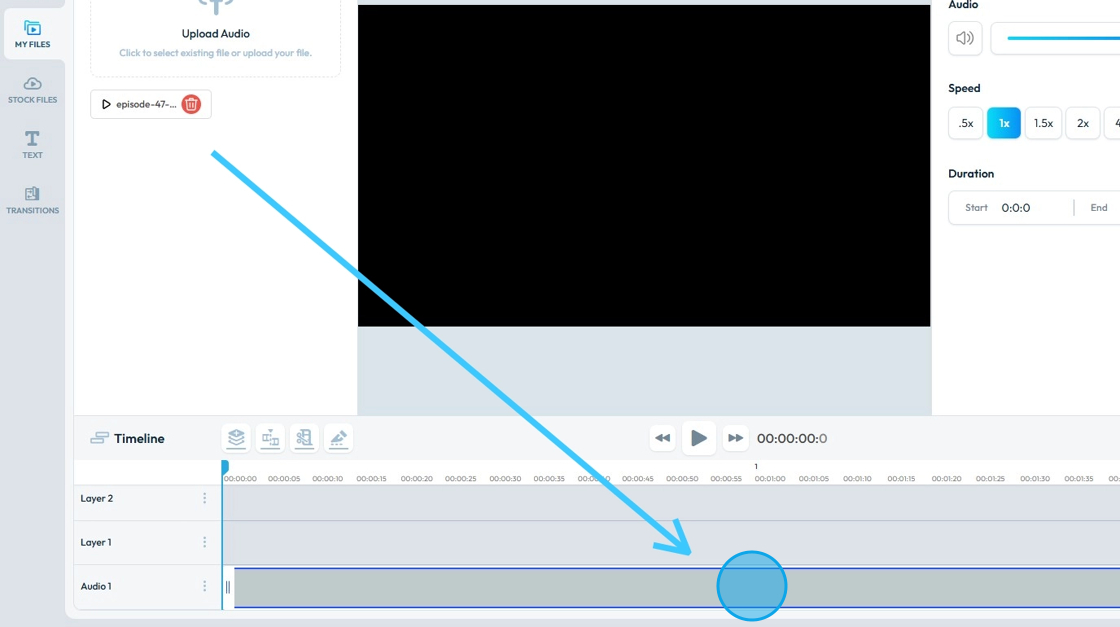
8. Drag and Drop the "Audio" file in the "Audio Layer" of the "Timeline".
9. Click "Images"
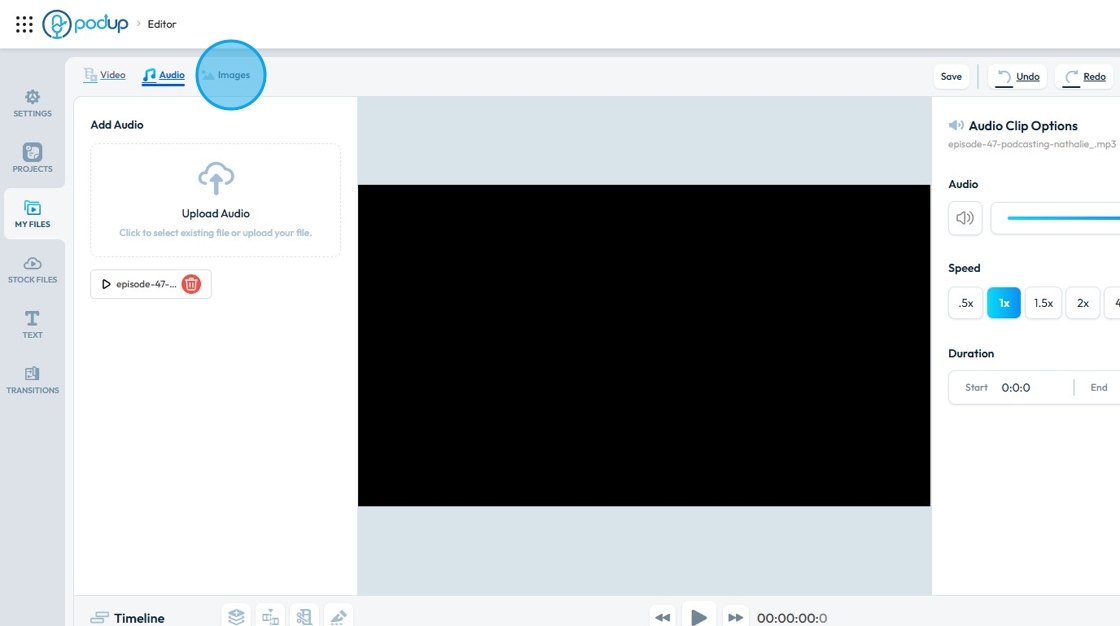
10. Click "Upload Image"
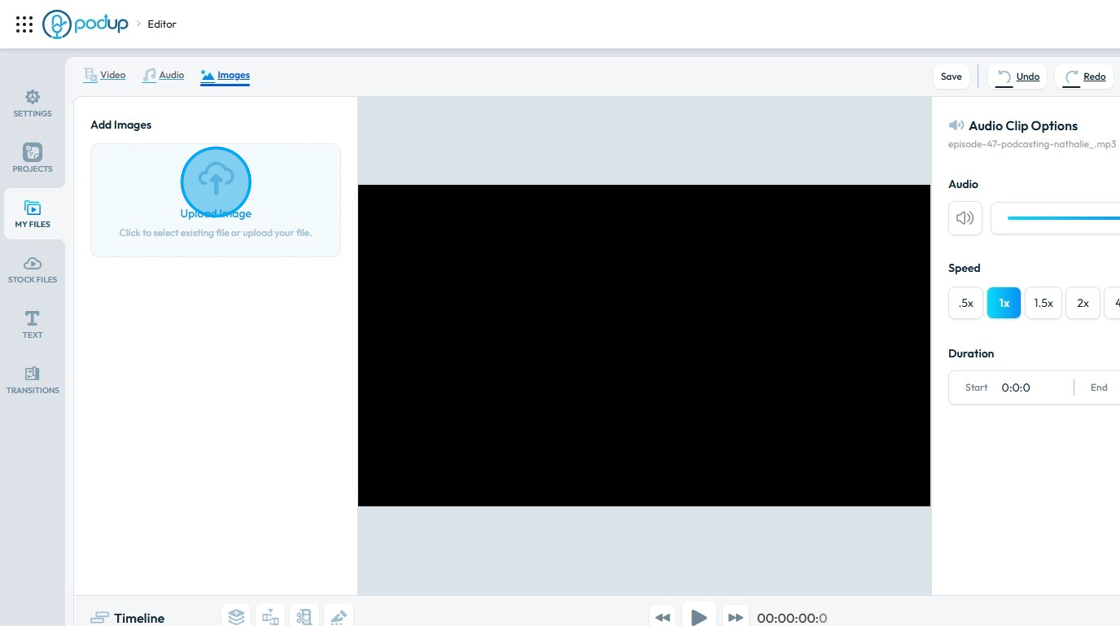
11. Click on the "Image" you want to import.
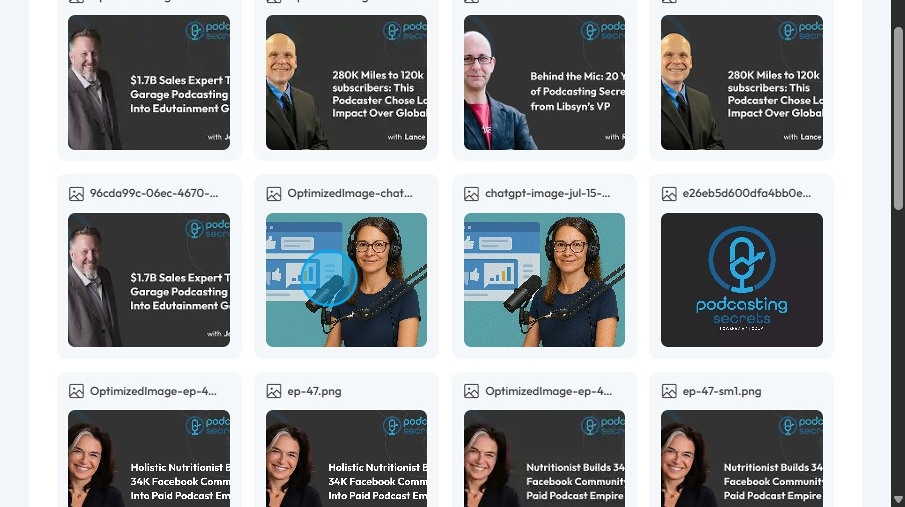
12. Click "Select"
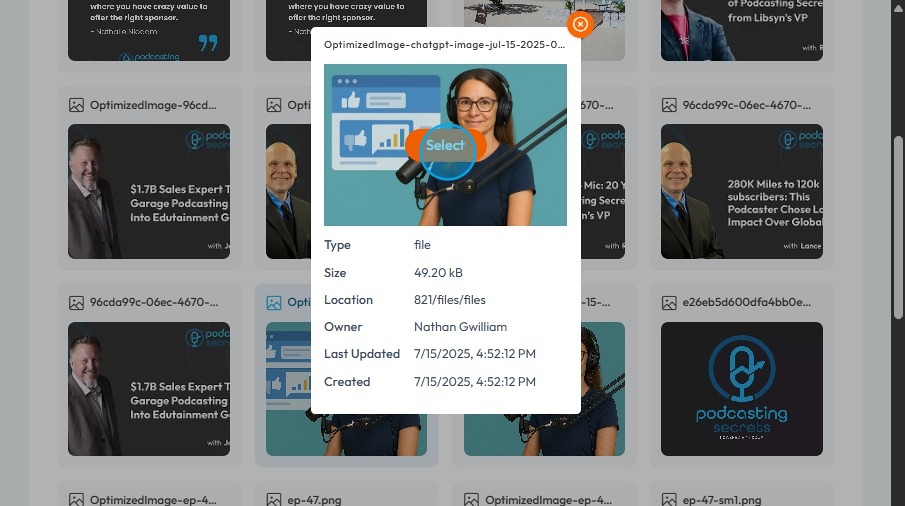
13. The "Image" will be imported in the "Editor"
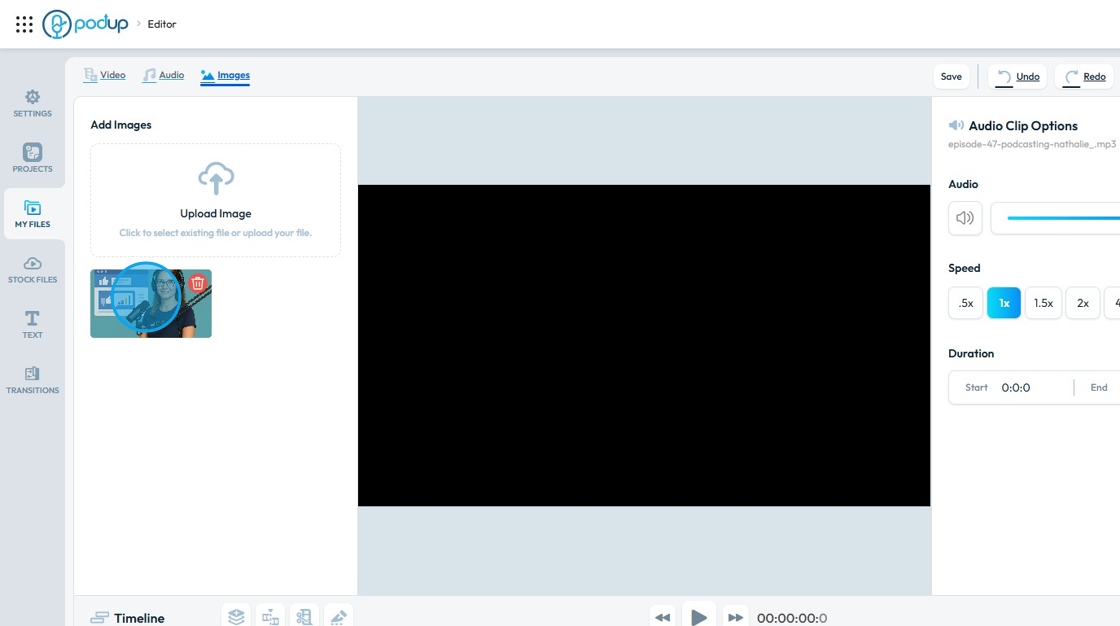
14. Drag and Drop the "Image" on a Layer in the Timeline.
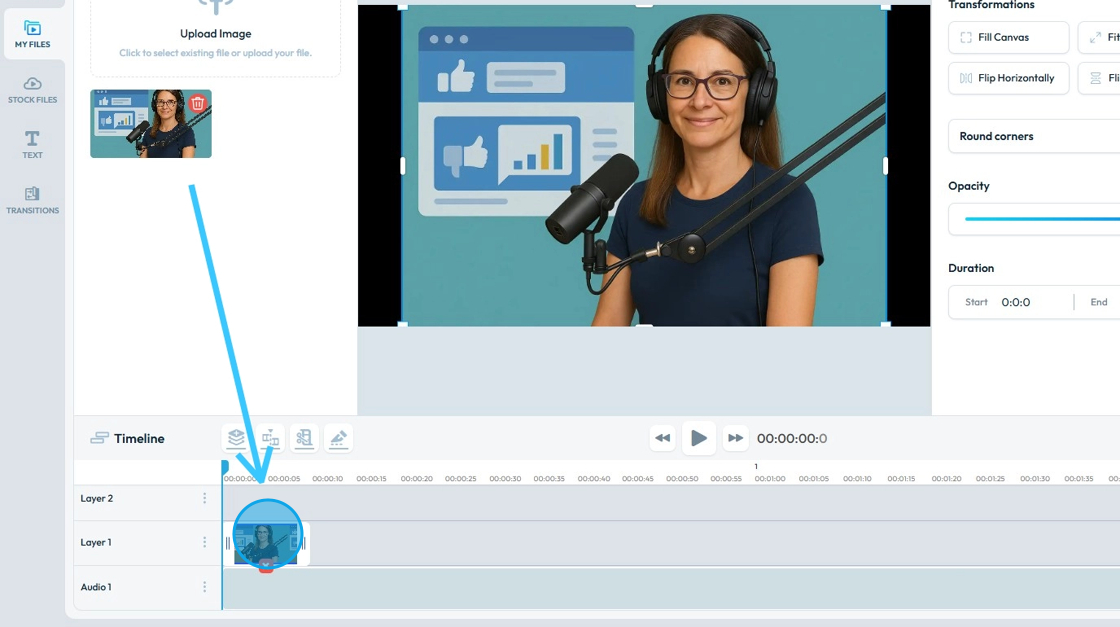
15. Re-size the "Image" accordingly.
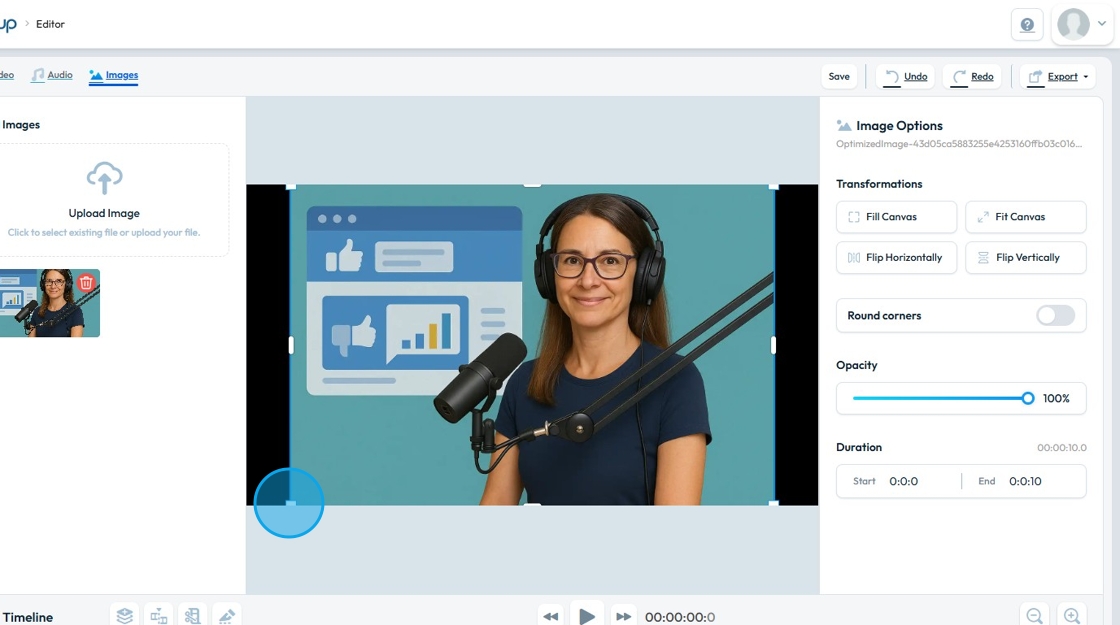
16. The image will then be in the frame how you desire
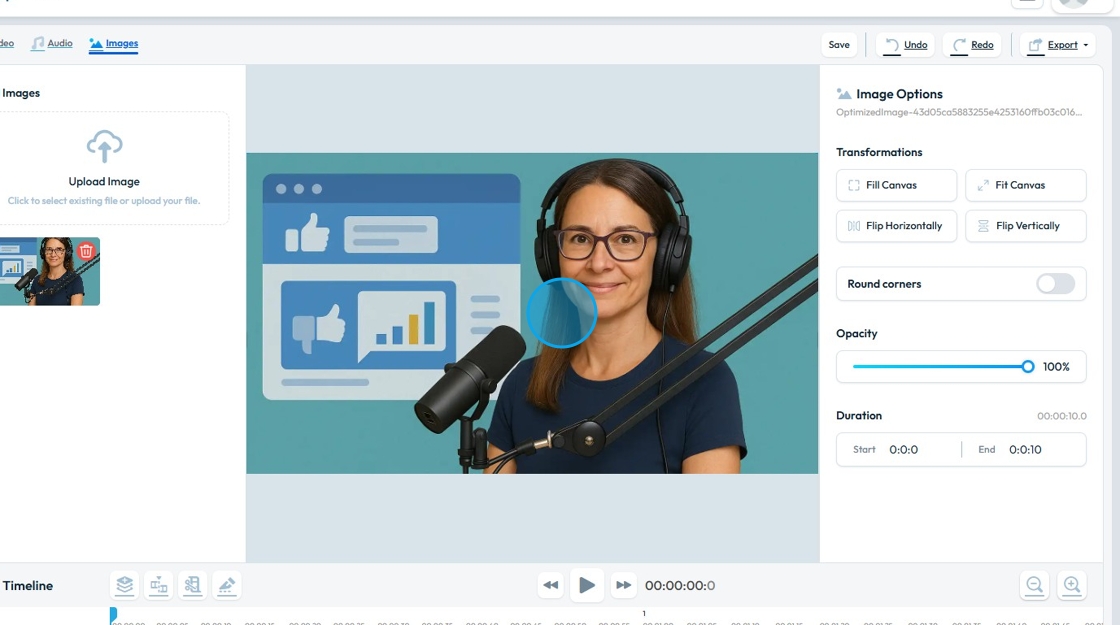
17. Click on the "Container Bracket" of the Image.
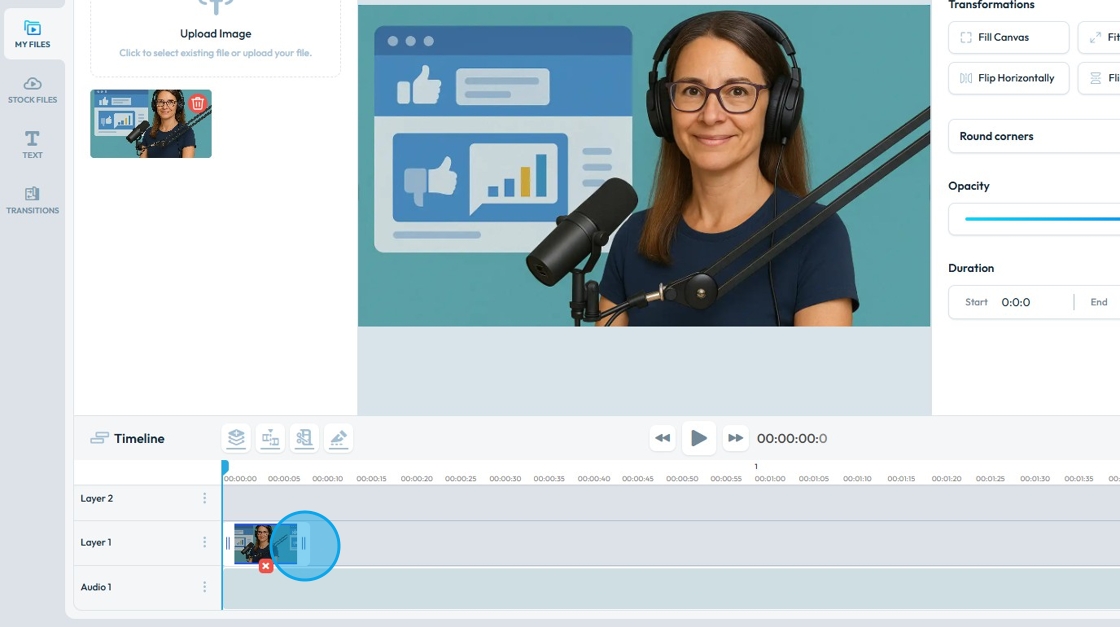
18. Stretch the "Image" to match the "Audio" length.
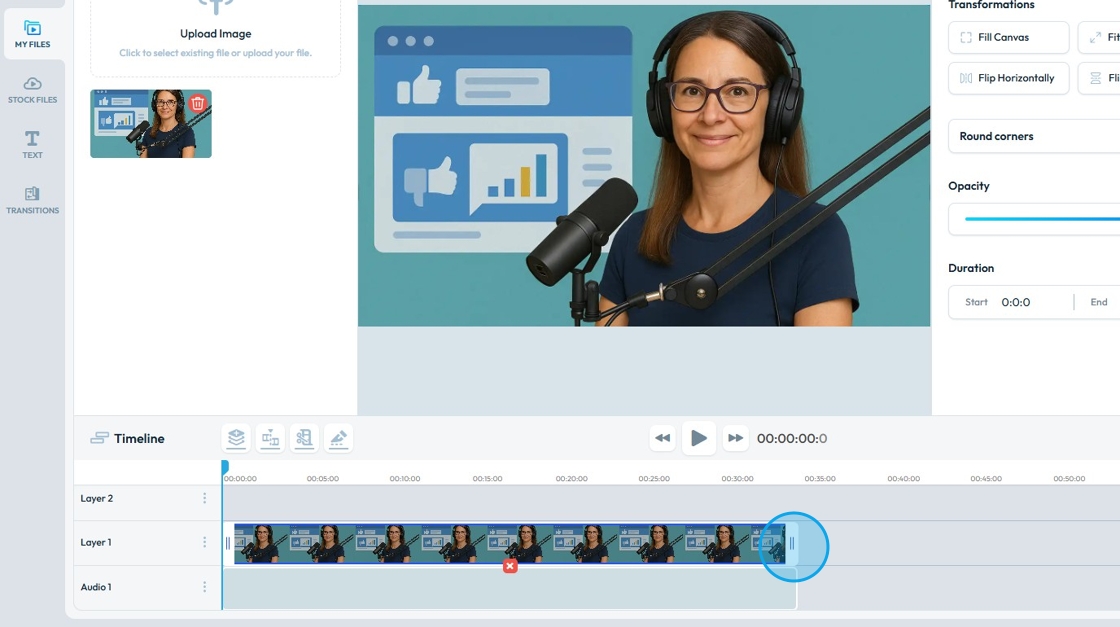
19. Now you have an image in your podcast
Related Articles
How To Navigate Podcast Episode (Detailed)
This guide offers a step-by-step approach to creating and publishing a podcast episode on Podup, making it accessible even for beginners. It emphasizes the importance of SEO and categorization to enhance discoverability and engagement. By following ...How To Set Up Podcast Details Using PodUp Integrations
This guide is essential for anyone looking to set up their podcast on Podup efficiently. It provides a step-by-step breakdown of the integration process, ensuring that users can easily enter their podcast details, select appropriate categories, and ...How To Set Up Podcast Details Using PodUp Integrations
This guide is essential for anyone looking to set up their podcast on Podup efficiently. It provides a step-by-step breakdown of the integration process, ensuring that users can easily enter their podcast details, select appropriate categories, and ...How Can I Add An Image to My Video?
Learn how to add images to your videos using PodUp's Editor. This quick guide covers two ways to access the Editor and simple steps to upload and place images—helping you create more engaging, polished videos. 1. Navigate to ...How To Add an Image to My Website?
This guide offers a straightforward process for adding images to your website using PodUp, making it accessible even for beginners. By following the simple steps outlined, users can enhance their web pages visually, improving overall aesthetics and ...