Difference between Page Builder and Post Page Builder
Understand Page Builder vs. Post Page Builder to manage your site effectively
1. Page Builder structures entire website pages, including navigation, layouts, SEO configuration, and site elements.
Page Builder is ideal for pages such as Home, About, and Pricing, as well as campaigns that require custom layouts, menus, and SEO.
Page Builder lets you create multi-page sites with custom menus, drag‑and‑drop blocks, responsive layouts, SEO tools, forms, and galleries.
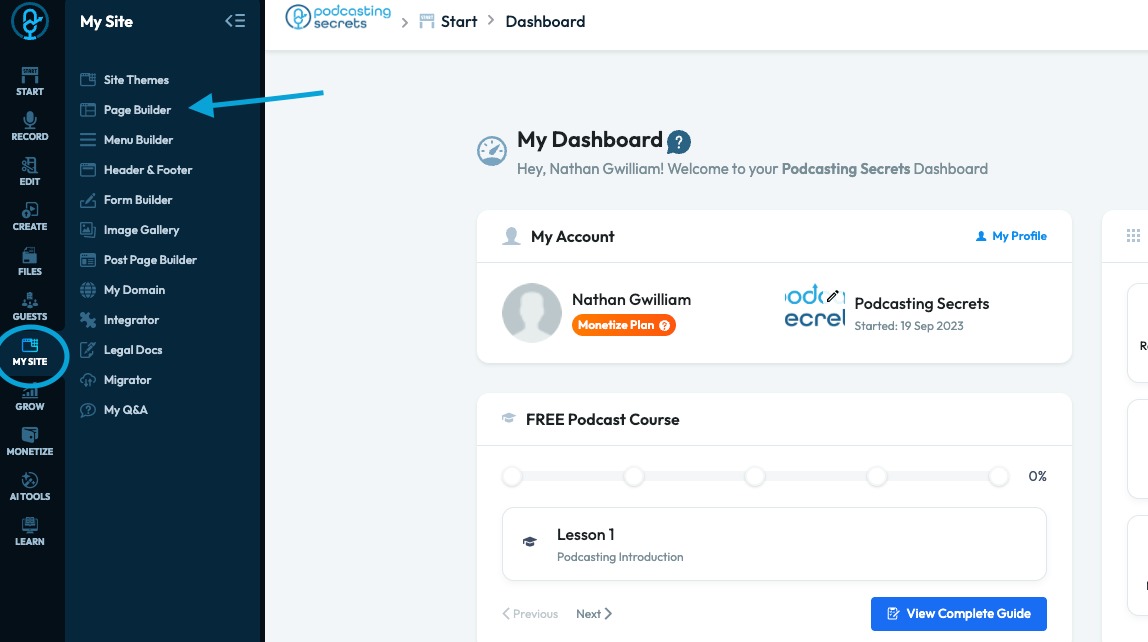
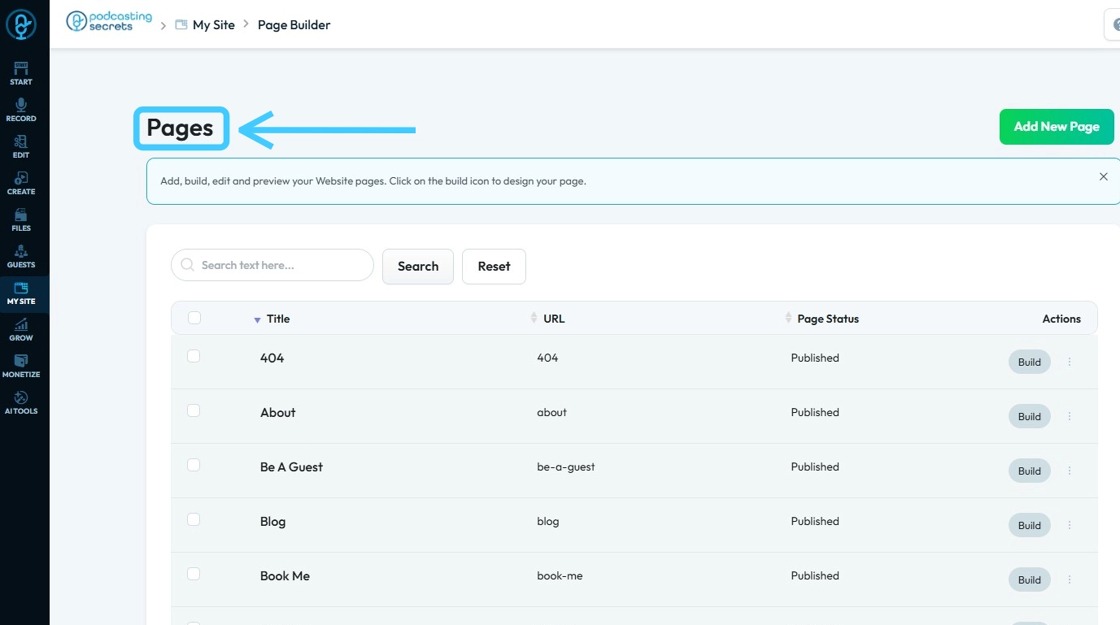
2. You will see "Pages"
3. Post Page Builder lets you design individual posts with drag-and-drop blocks, using the same visual tools as pages.
Use Post Page Builder for blogs, news, episodes, or announcements to design a single post with visual blocks instead of full site pages.
“Use Post Page Builder to design and format post content with drag-and-drop, no coding needed.
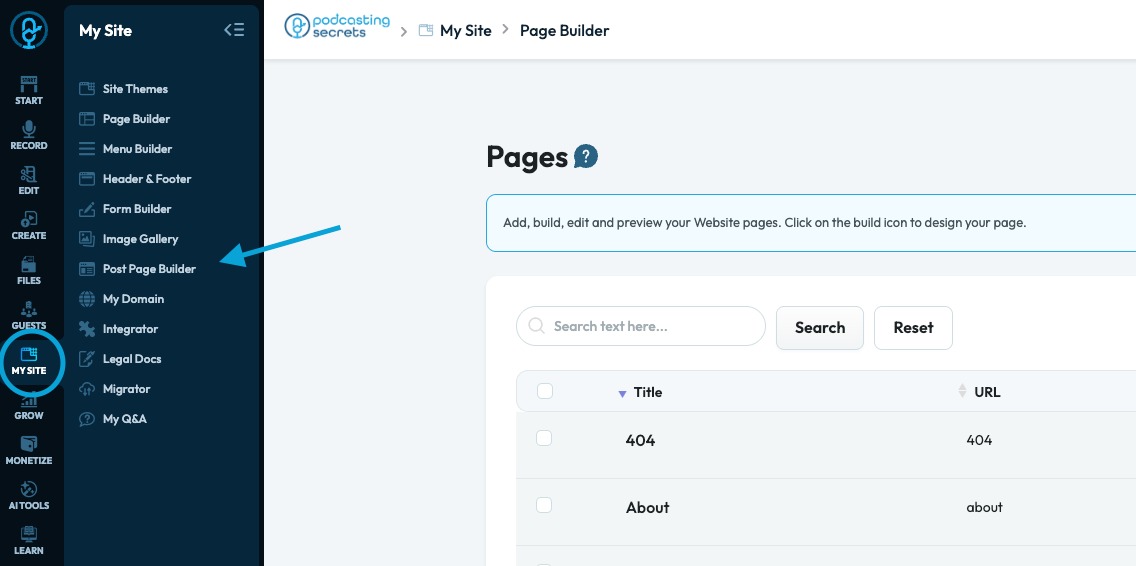
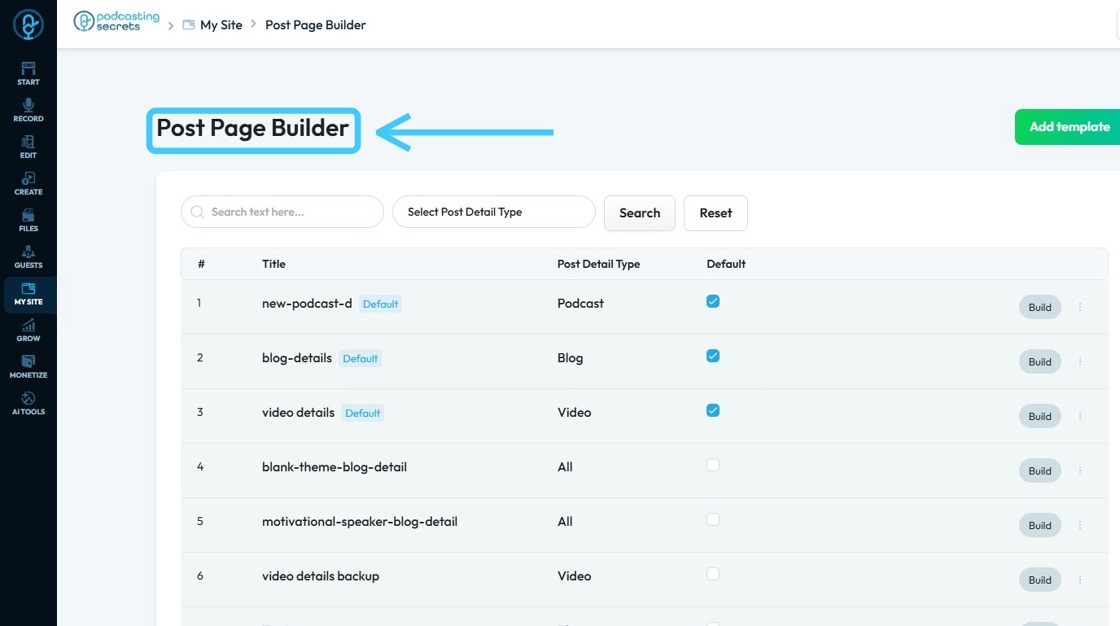
4. You will see "Post Page Builder."
Related Articles
How to Navigate Post Page Builder (Detailed)
This guide offers a straightforward approach to creating and customizing post pages using PodUp's Post Page Builder, making it ideal for bloggers, video creators, and podcasters. It provides step-by-step instructions for adding and enhancing post ...Difference between Navigation bar and Header
Use this guide to learn the difference between a navigation bar and a header to improve your site’s design. 1. A Menu Builder (navigation bar) is used for navigation, helping users move between pages. It’s often part of the website header 2. A header ...Creating a New Page in PodUp's Page Builder
This guide offers a straightforward process for creating a new webpage using PodUp's Page Builder, making it accessible even for beginners. By following the simple steps, users can efficiently design and customize their pages to meet their specific ...How to Navigate Page Builder (Detailed)
This guide provides a straightforward method for creating and customizing website pages using PodUp's Page Builder, making it ideal for users of all skill levels. It outlines each step in the process, from accessing the page builder to editing ...How to Navigate Nav Builder (Detailed)
This guide provides a step-by-step approach to creating a navigation menu in PodUp, essential for enhancing user experience on your website. It simplifies the process of organizing and managing your site's links, making it easier for visitors to ...