Can you pin a video in the recorder?
You can use this guide to pin a video during recording to focus on key participants and make sessions more engaging.
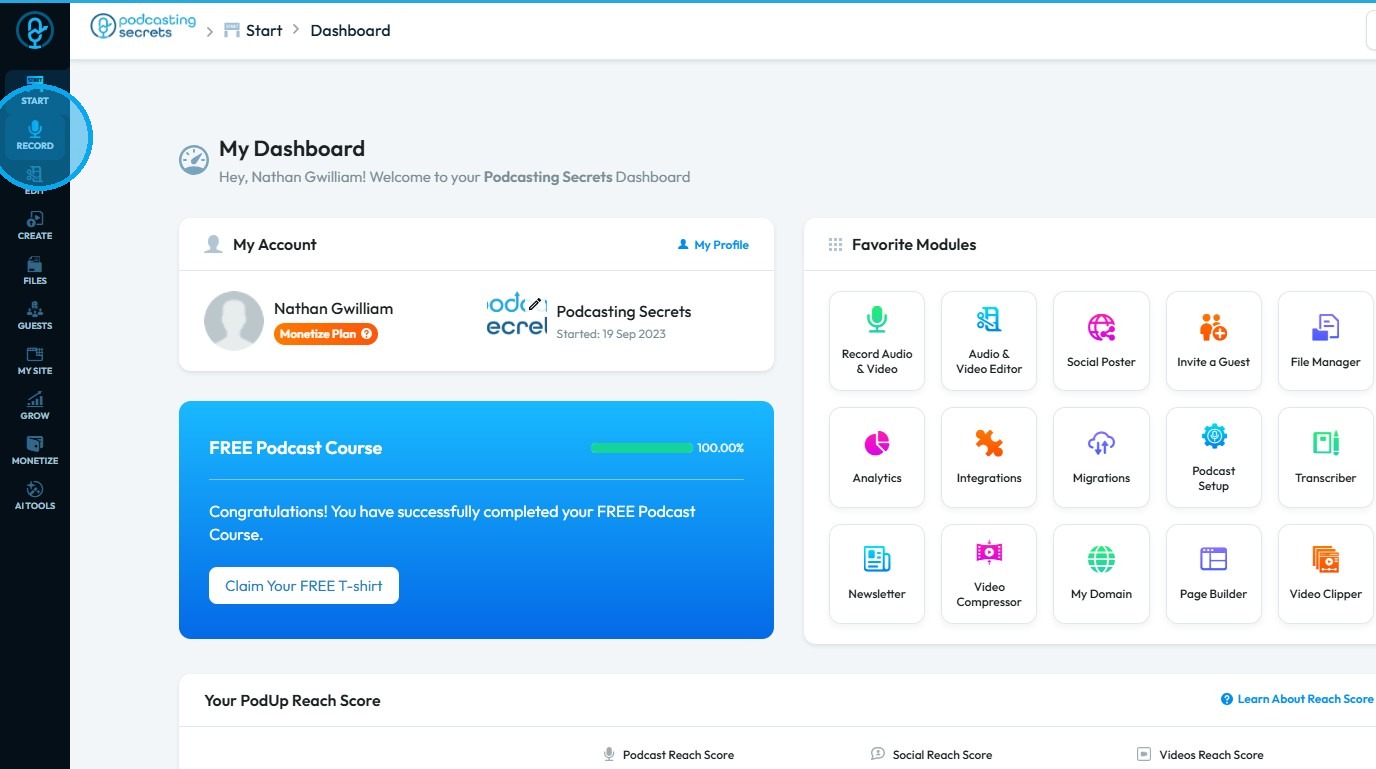
2. Click "Record"
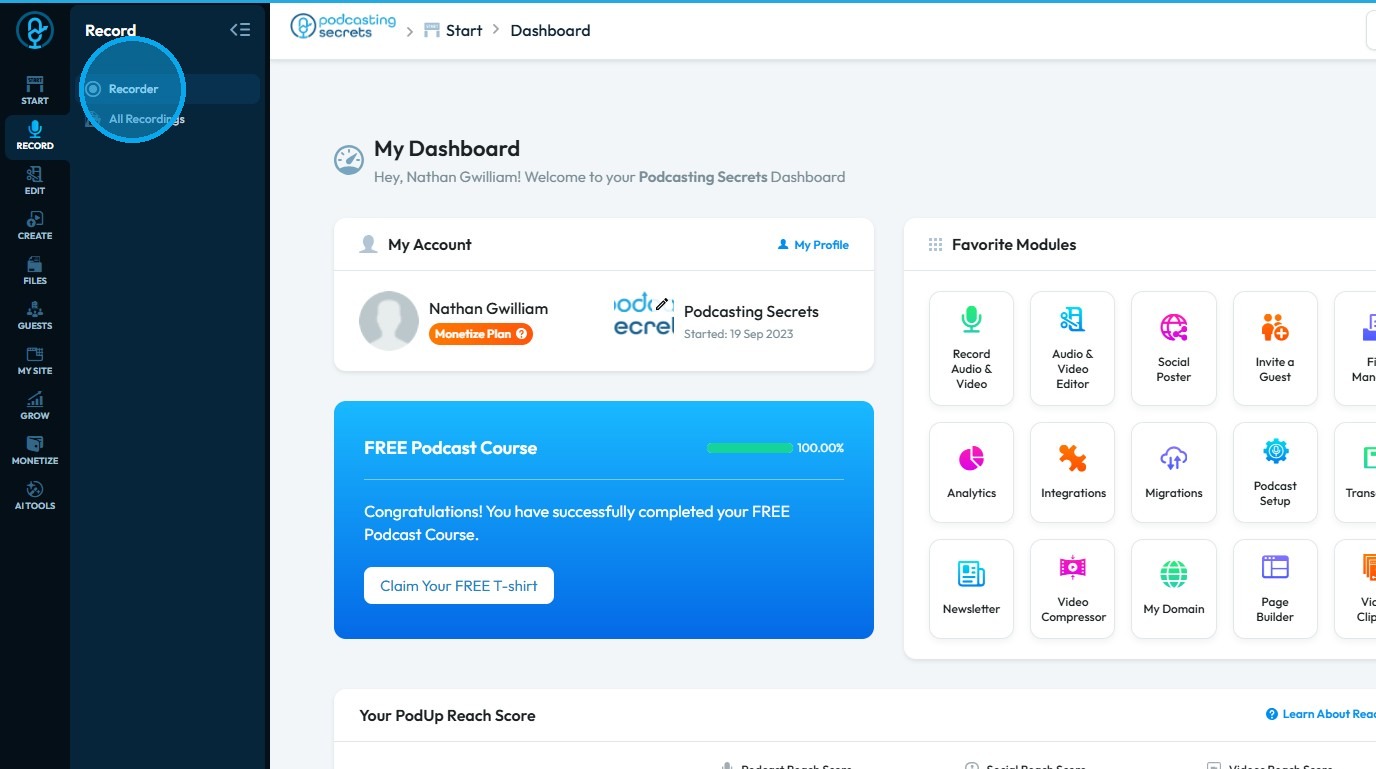
3. Select "Recorder"
4. The “List of Studios” page will open
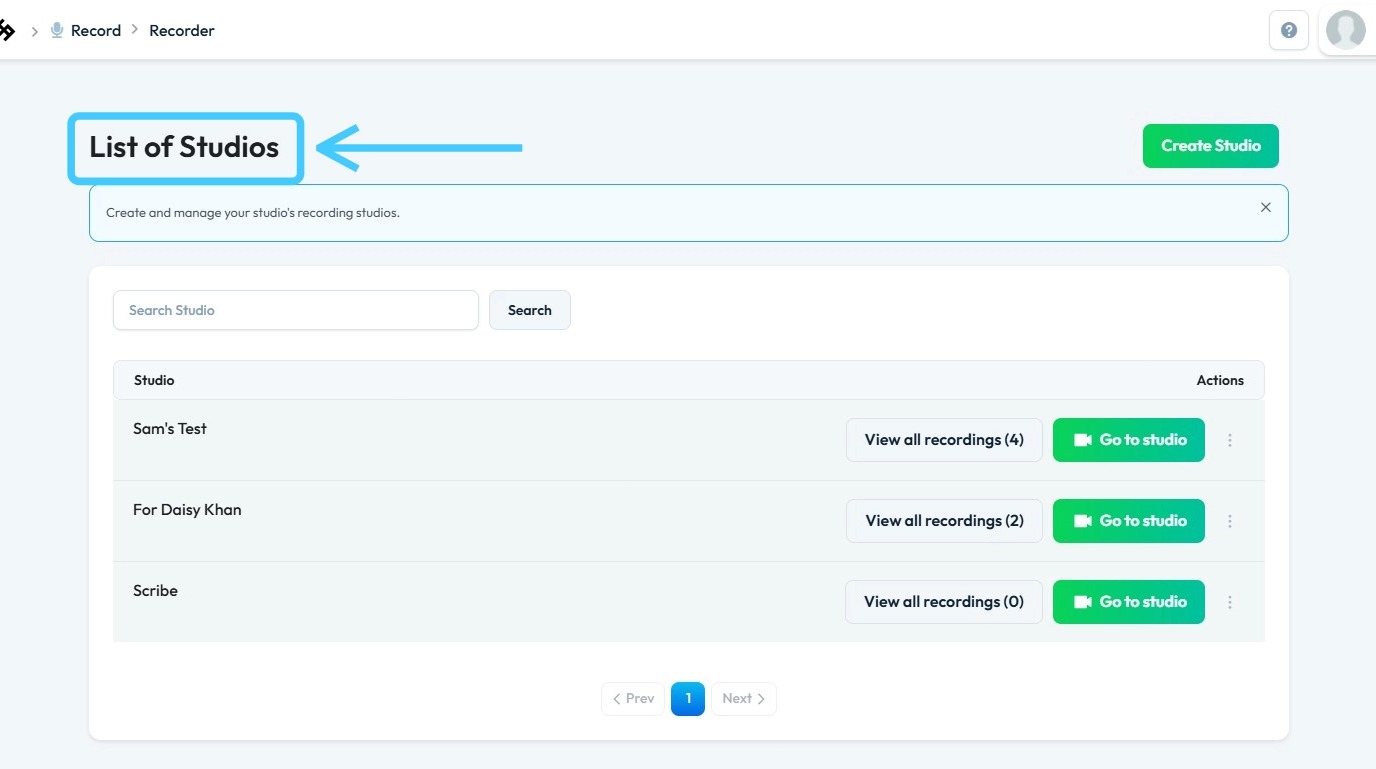
5. Click the “Go to Studio” button to enter the desired studio
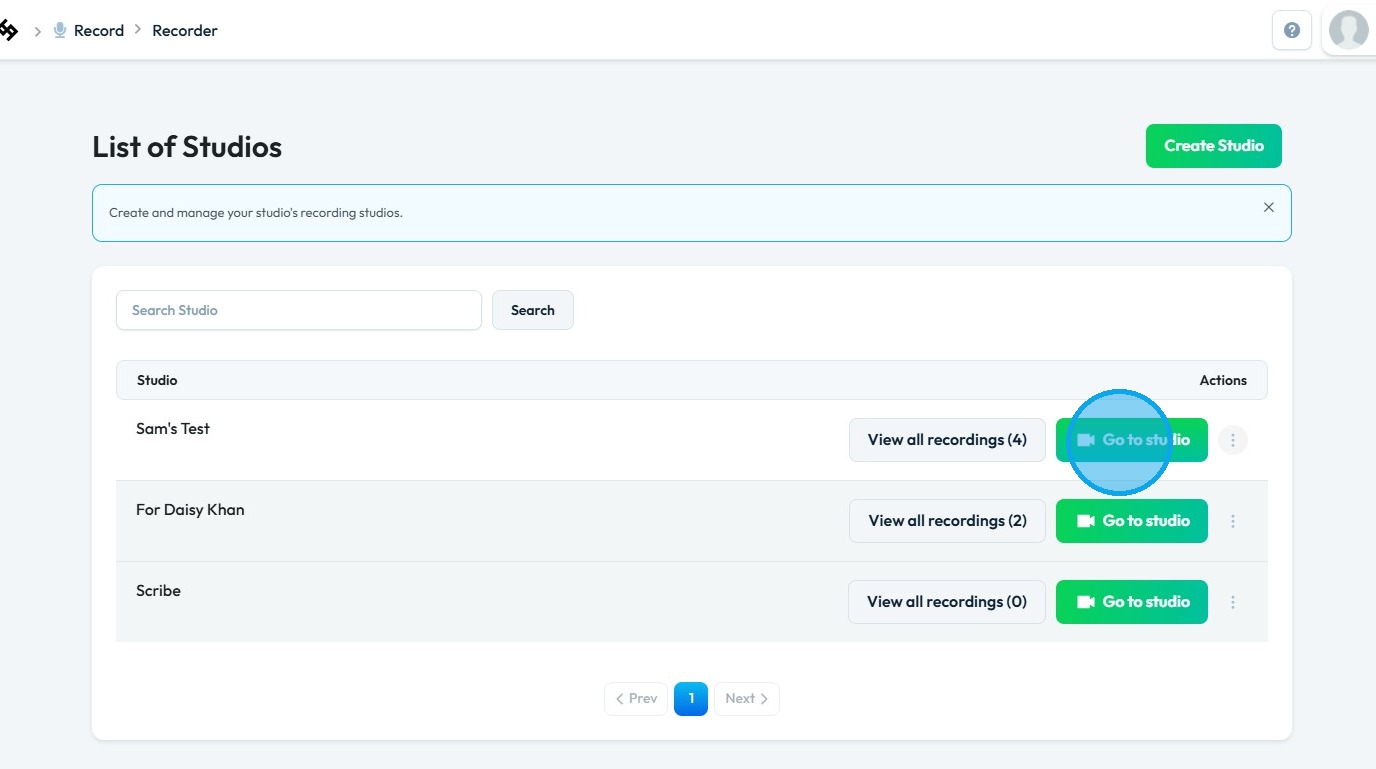
6. Click "Enter Studio"
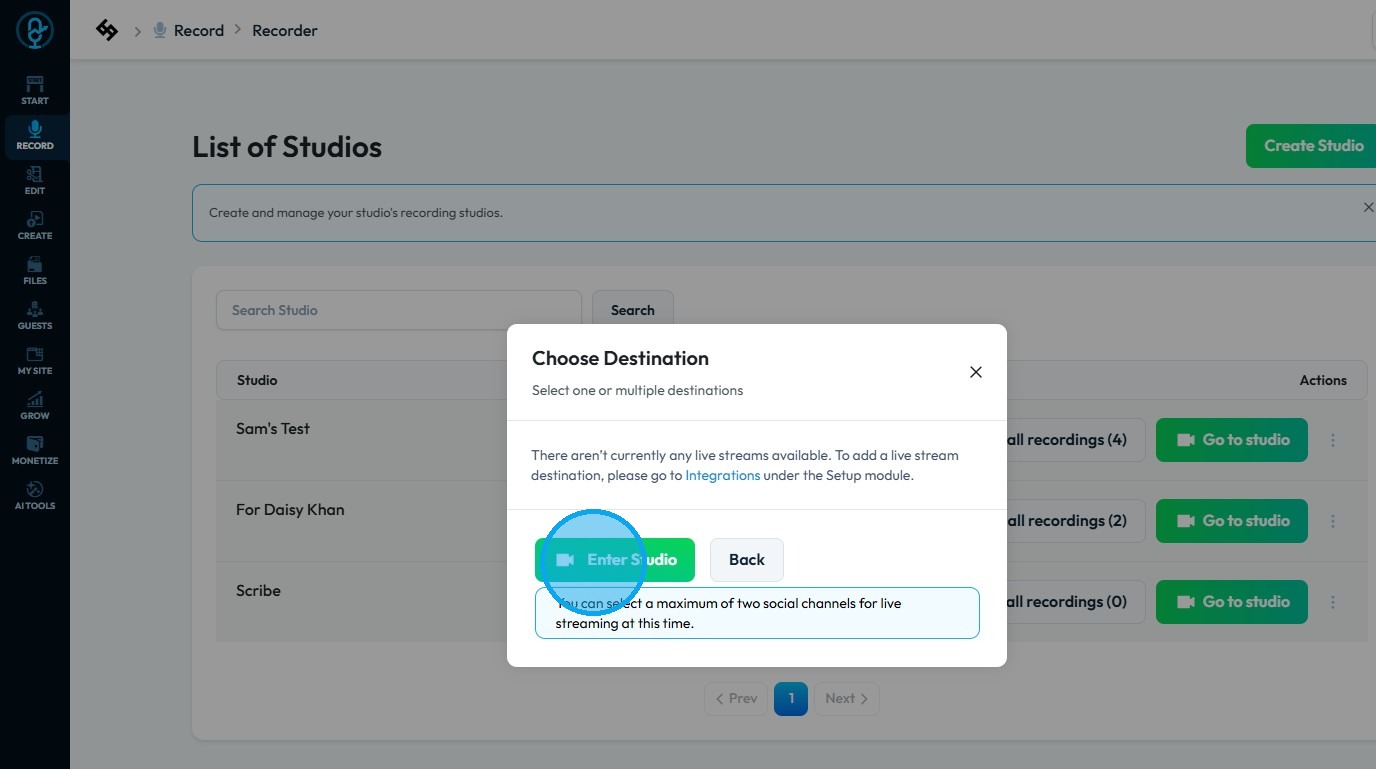
7. Before entering the studio, you will be prompted to select the appropriate equipment
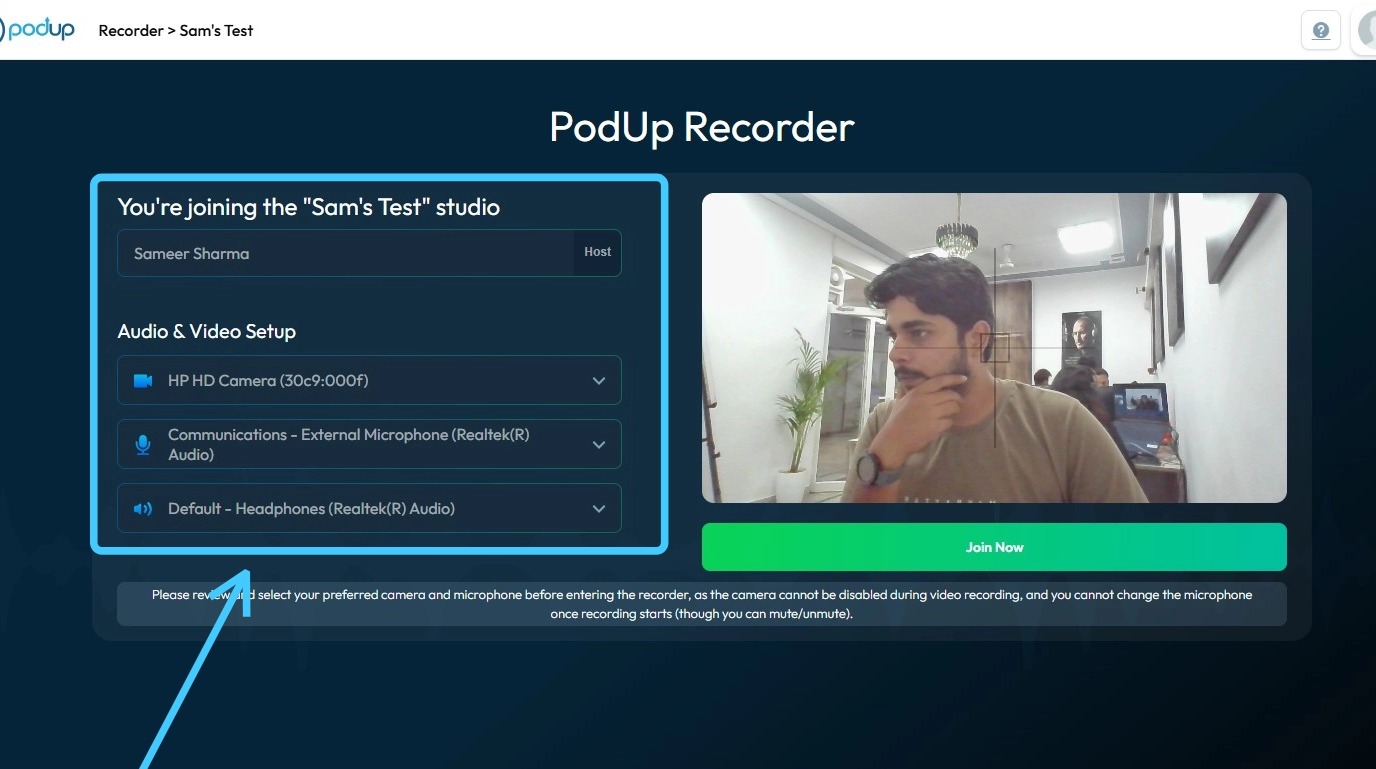
8. Once complete, click “Join Now”
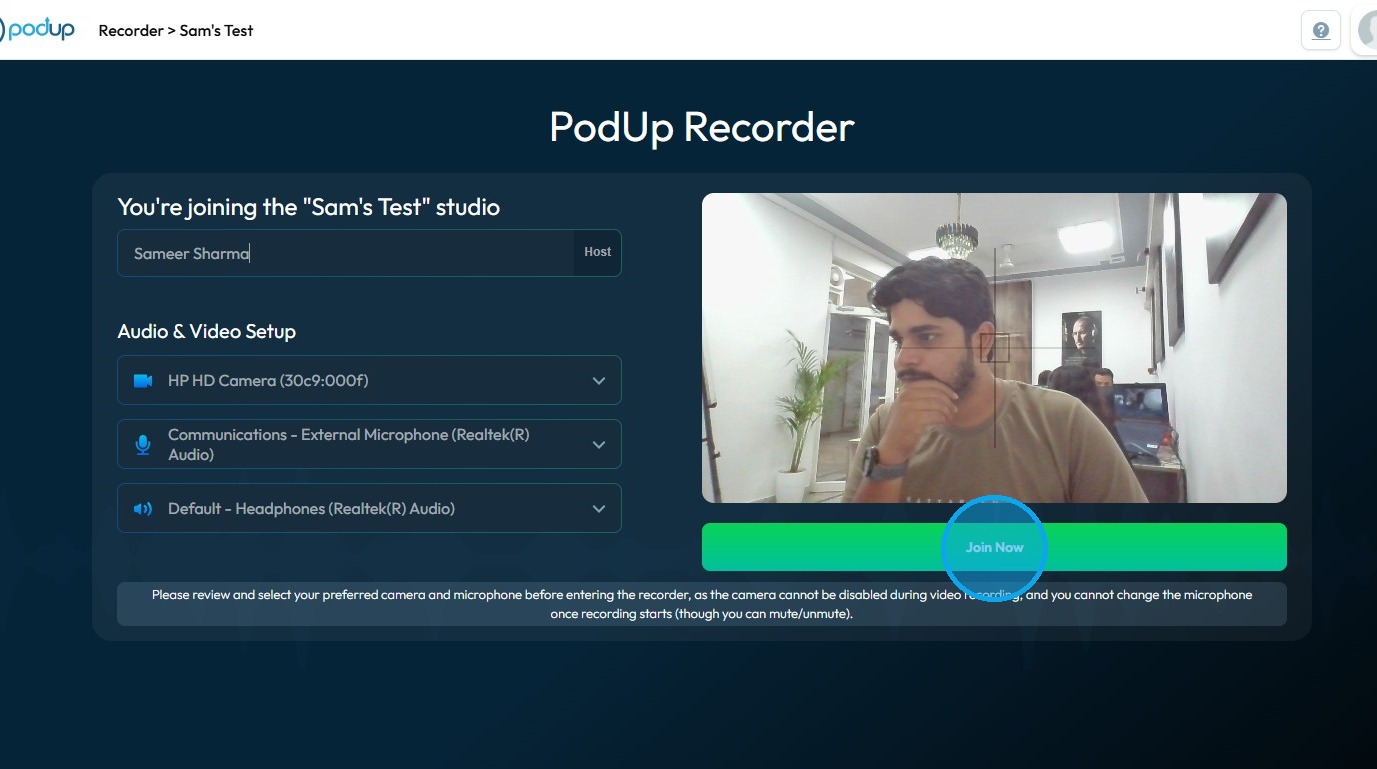
9. The recorder will launch
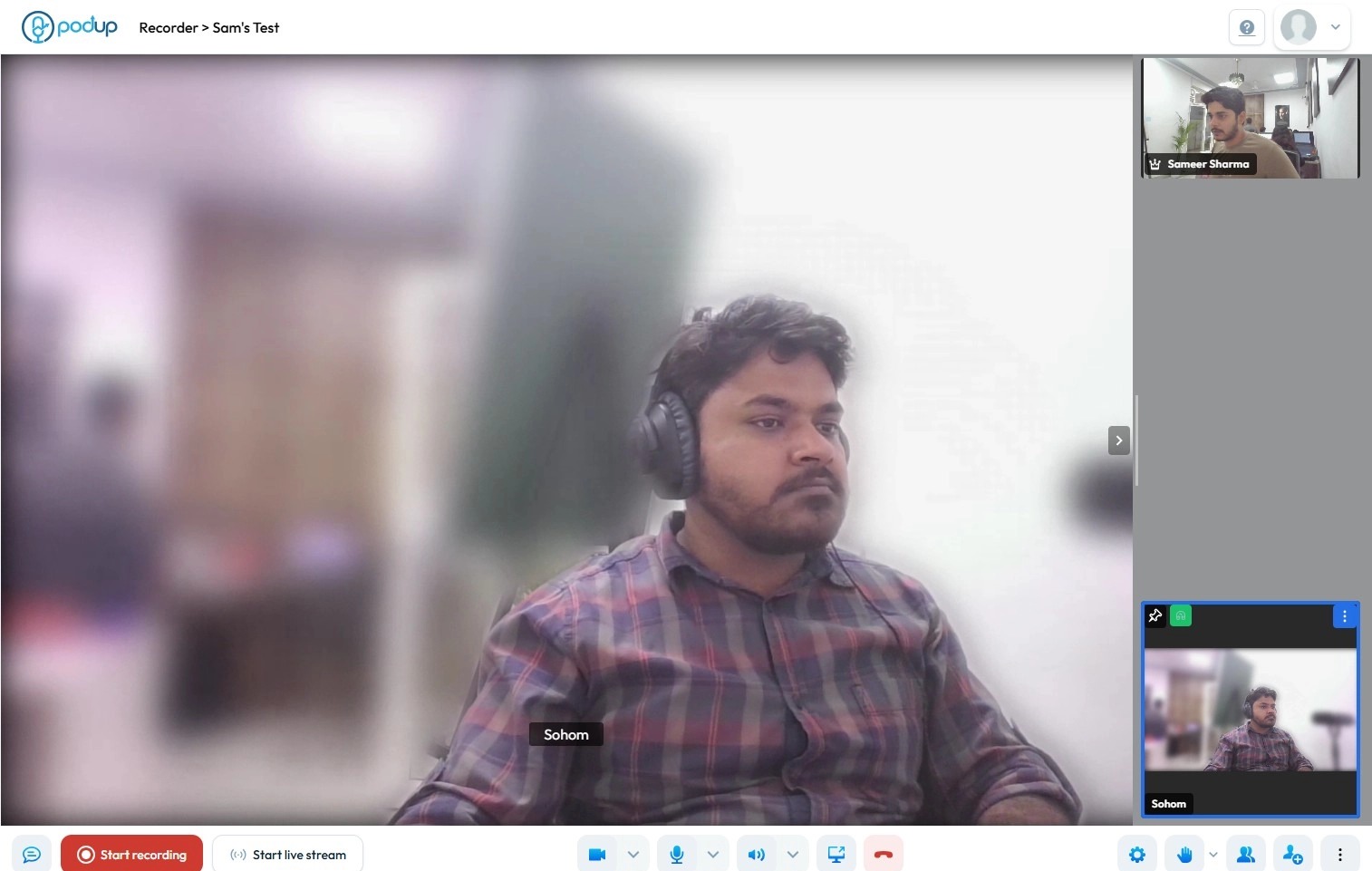
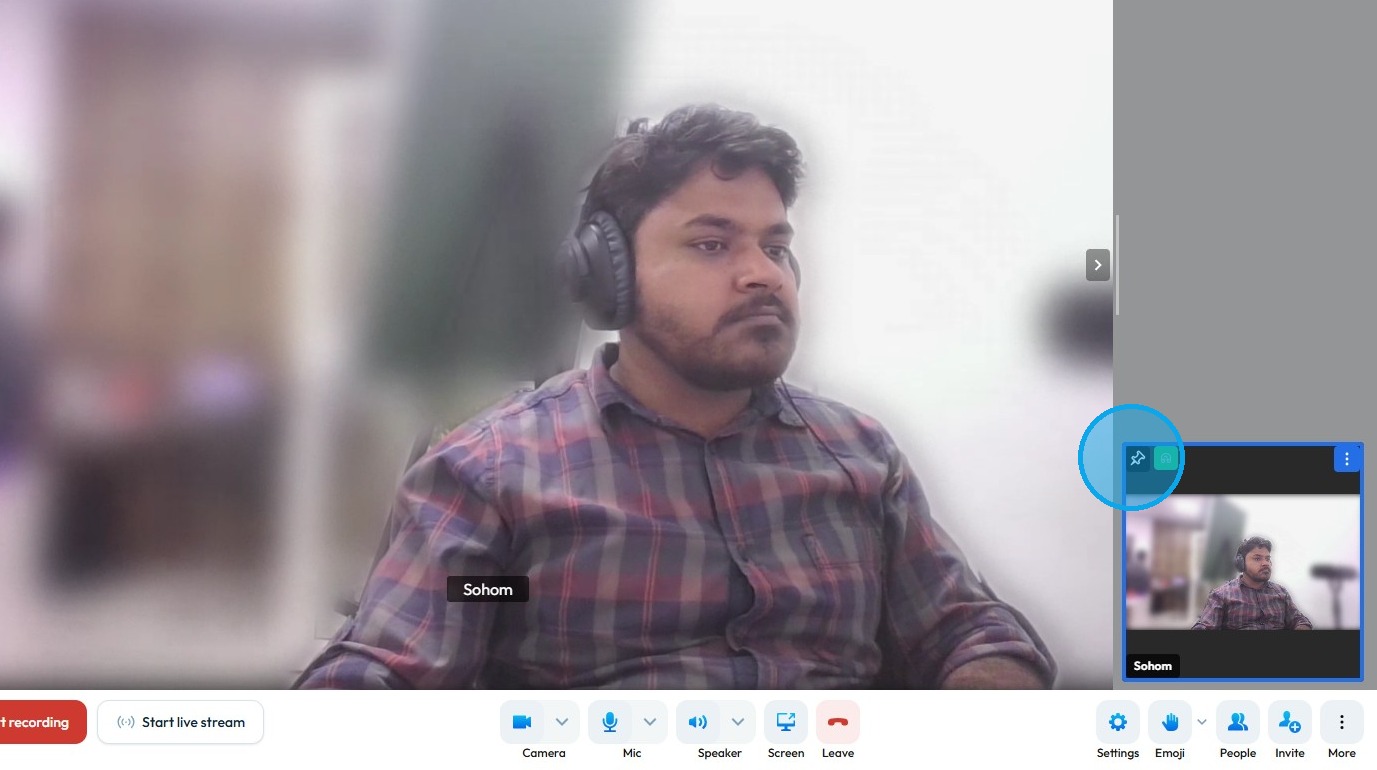
10. In the “Participant Panel” on the right side, hover over the participant you want to pin
Click the “Thumb Pin” icon to pin the participant
Related Articles
How To Navigate Recorder (Detailed)
This guide gives you clear steps to record and manage a podcast studio. It covers setup, adding guests, recording, and editing. With this easy-to-follow resource, you can improve your podcast quality and work more efficiently. Tip: Words to know ...Recorder Quick Video
Hide your self-view in recorder
By following this guide, you can join a PodUp recording and manage self-view settings to focus on content without distractions. 1. Navigate to app.podup.com/home 2. Click on Record, Select Recorder 3. Select Studio 4. Navigate to ...How Can I Check Who has Access to Recorder
By following the steps outlined, users can easily identify roles and permissions, ensuring proper access management. 1. Navigate to https://app.podup.com/home 2. Click "Start" 3. Click "My Team" 4. The ‘My Team’ page will open, where you can check ...How to Record a Video in PodUp - Simple
This guide offers a straightforward approach to recording videos in PodUp, making it ideal for anyone looking to create professional content effortlessly. It breaks down the process step-by-step, ensuring users can navigate the platform with ease, ...