Can I have multiple copies of a page?
Use this guide to quickly copy pages on your website, making content management easier and saving you time.
Tip: Yes, you can have multiple copies of a page.
1. Navigate to https://app.podup.com/home
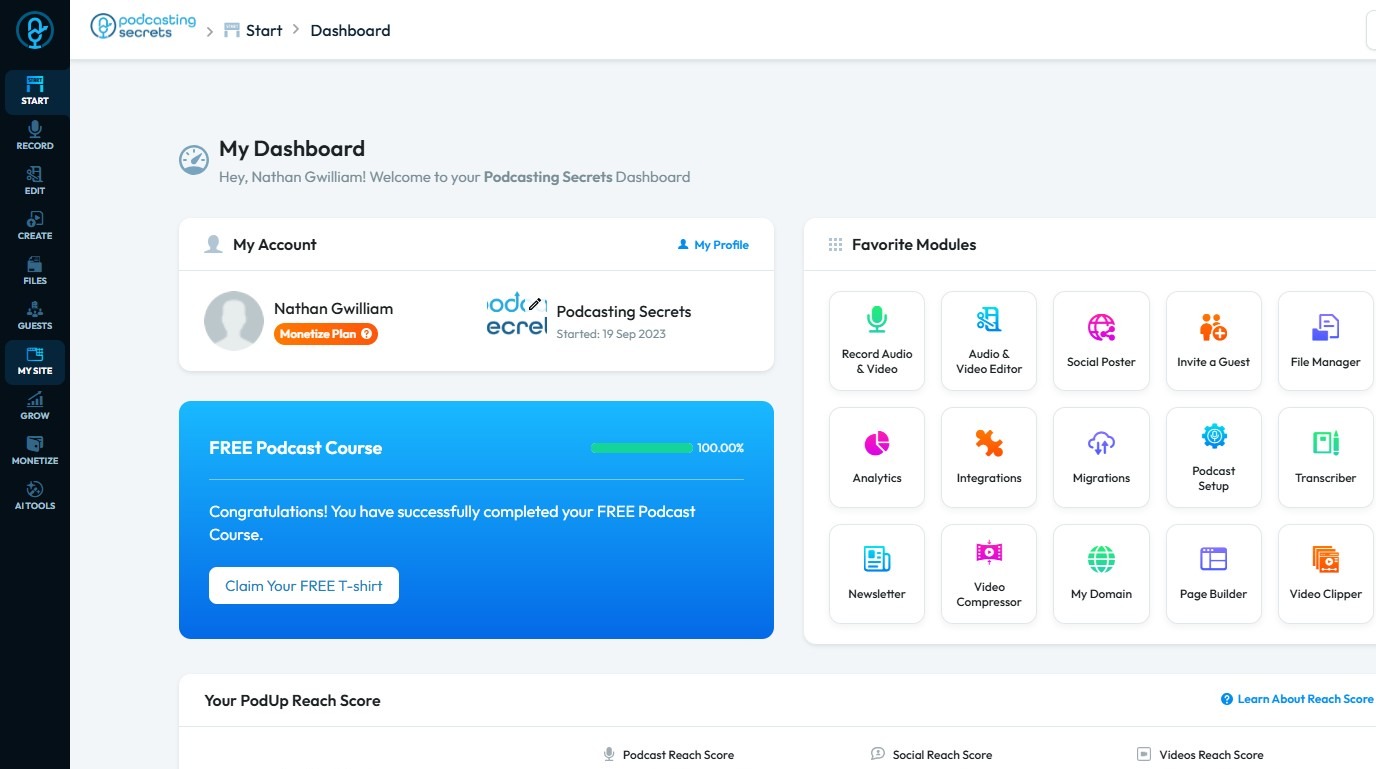
2. Click "My Site"
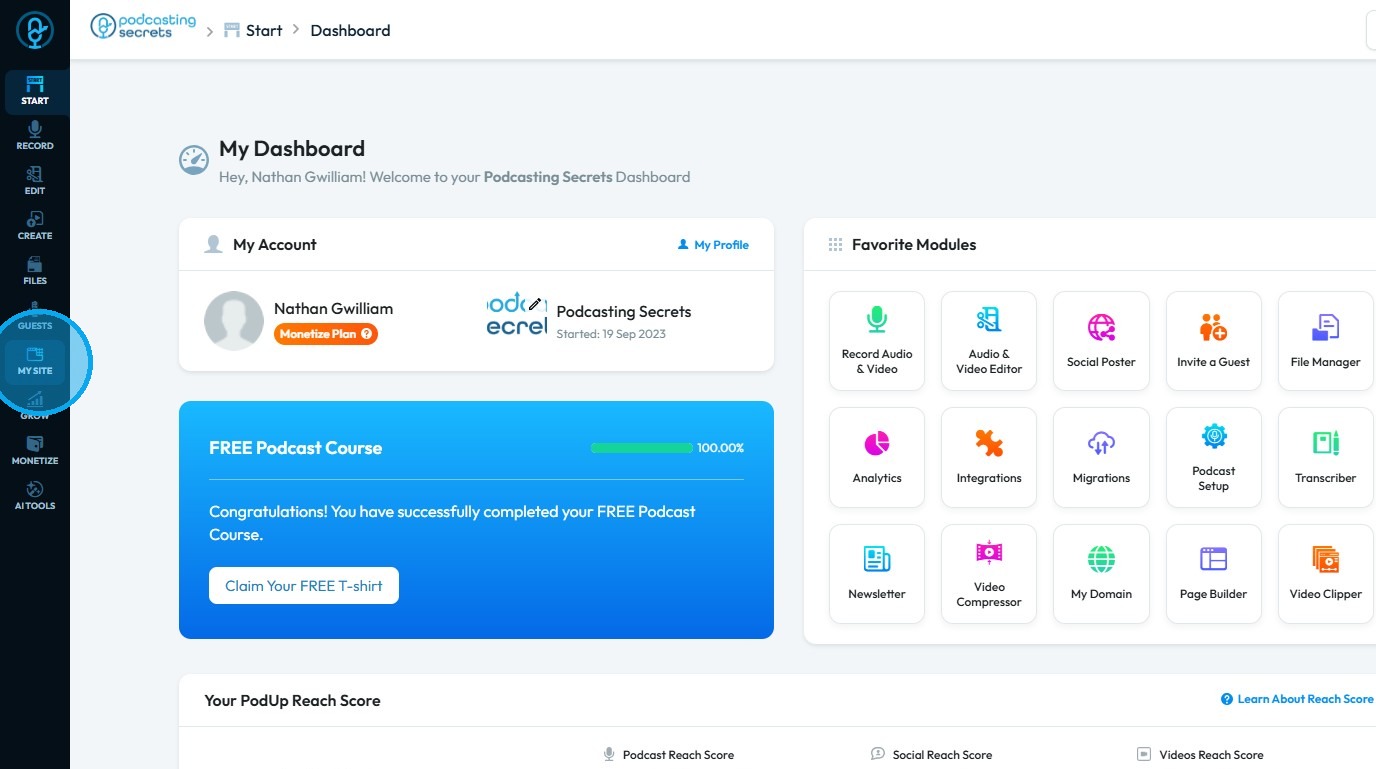
3. Select "Page Builder"
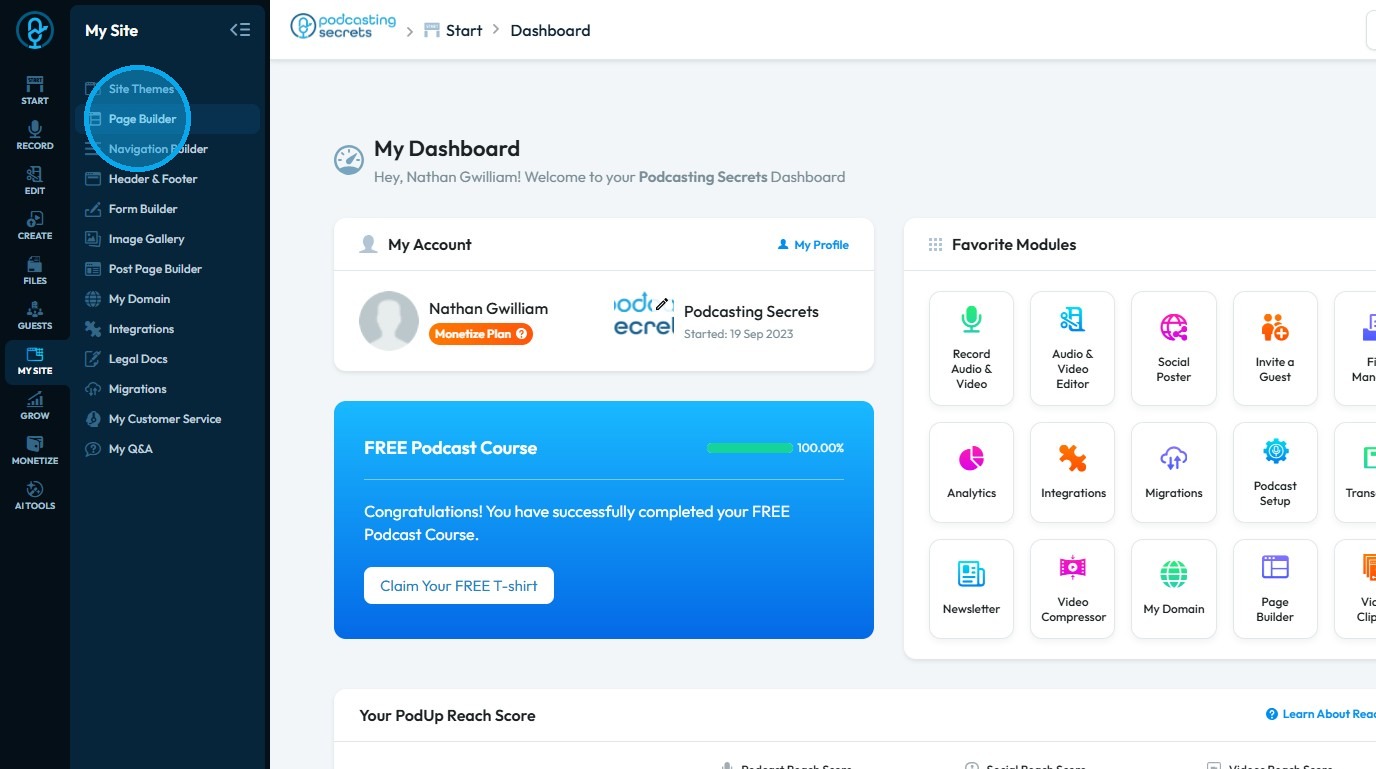
4. In the “Pages” section, you can view all the pages of your website
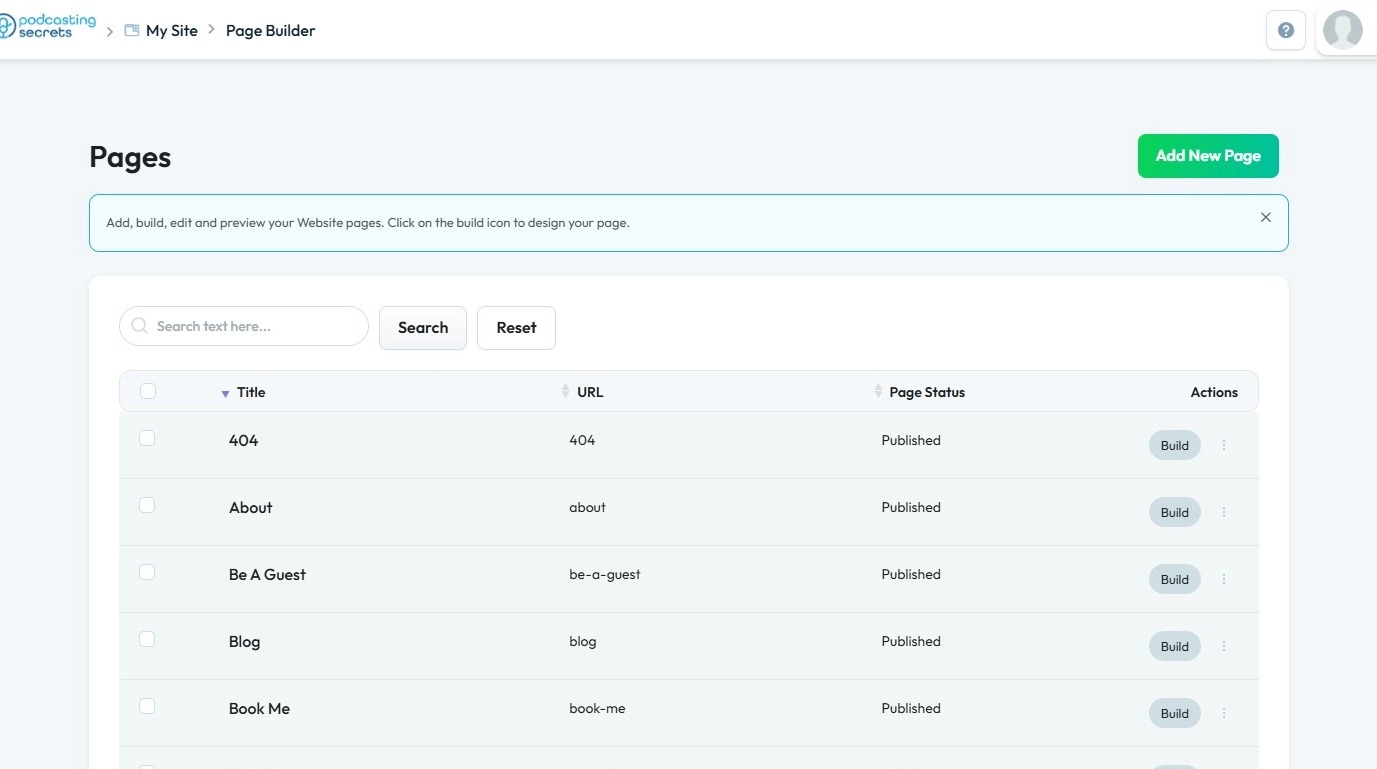
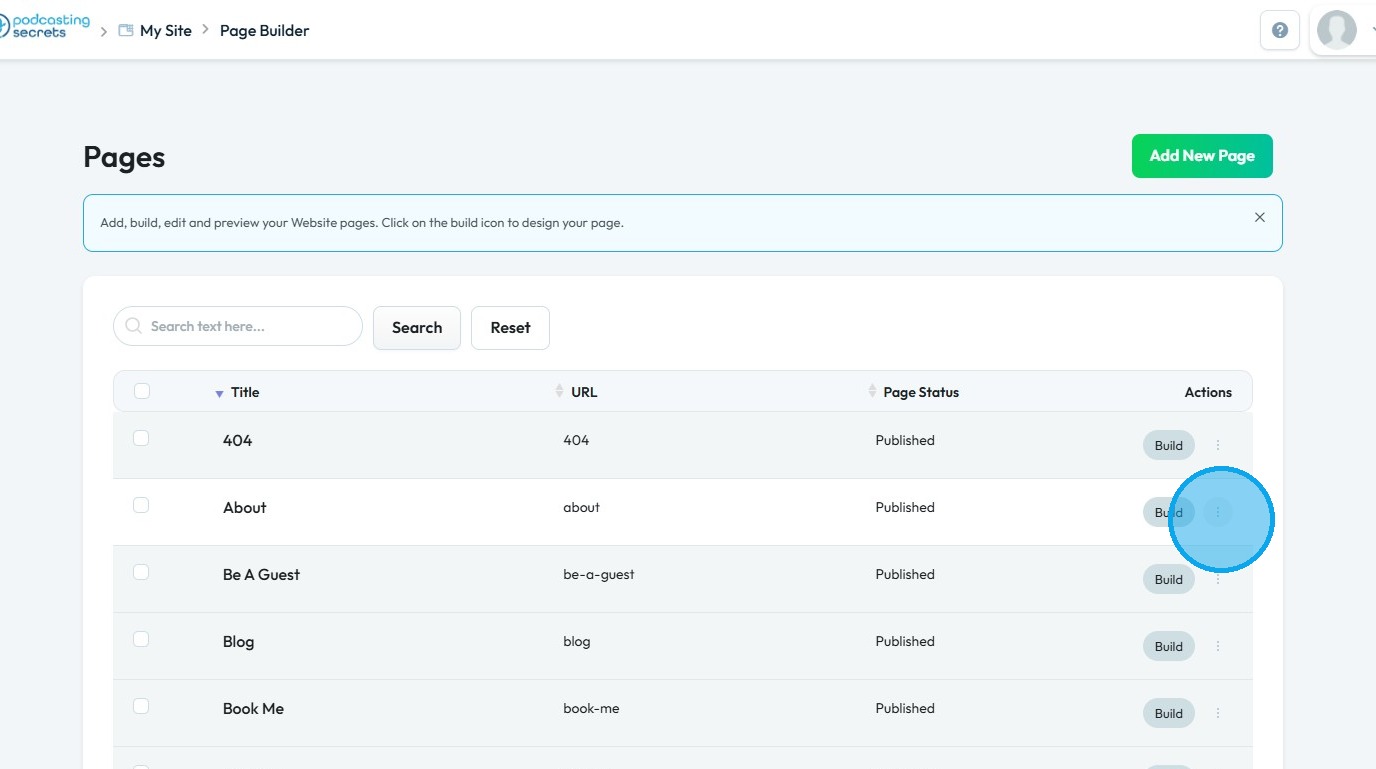
5. Click the three dots next to the page you wish to duplicate
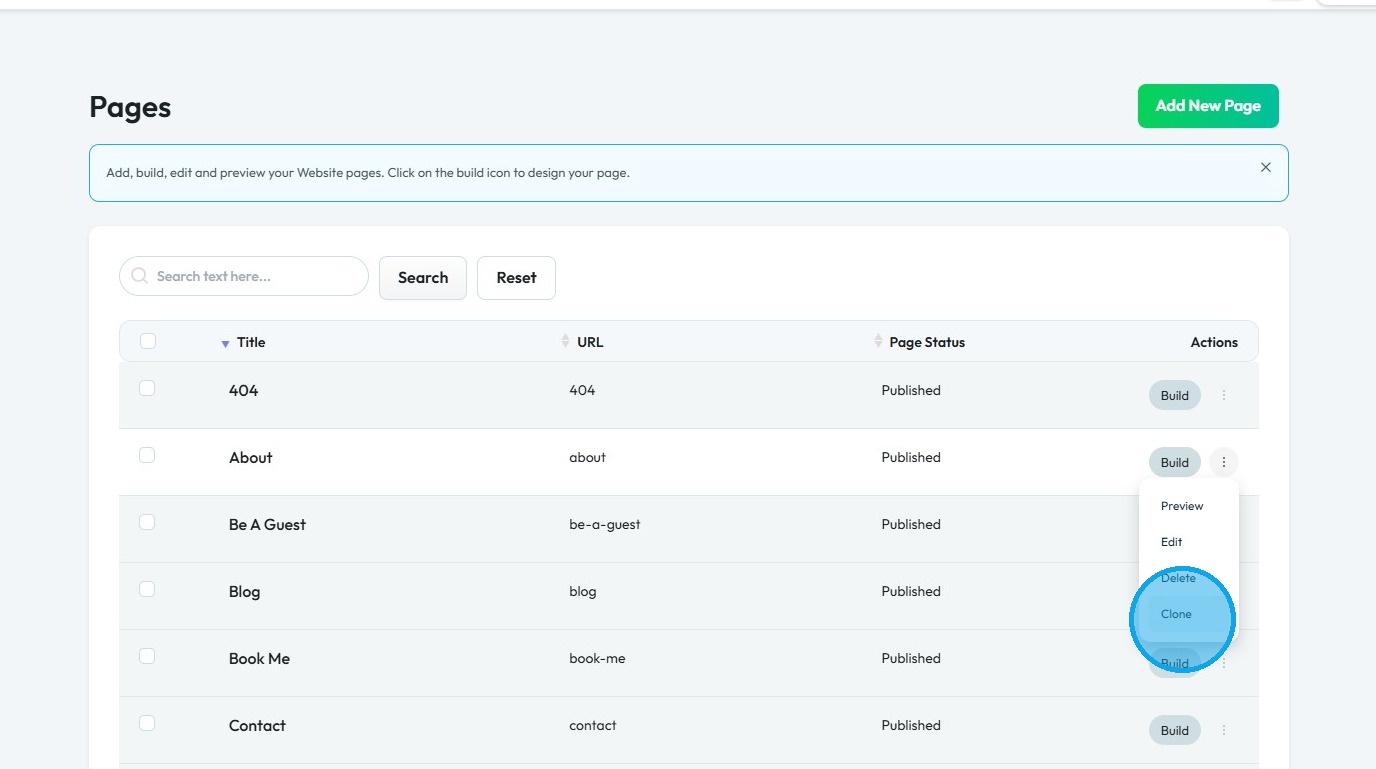
6. Select "Clone"
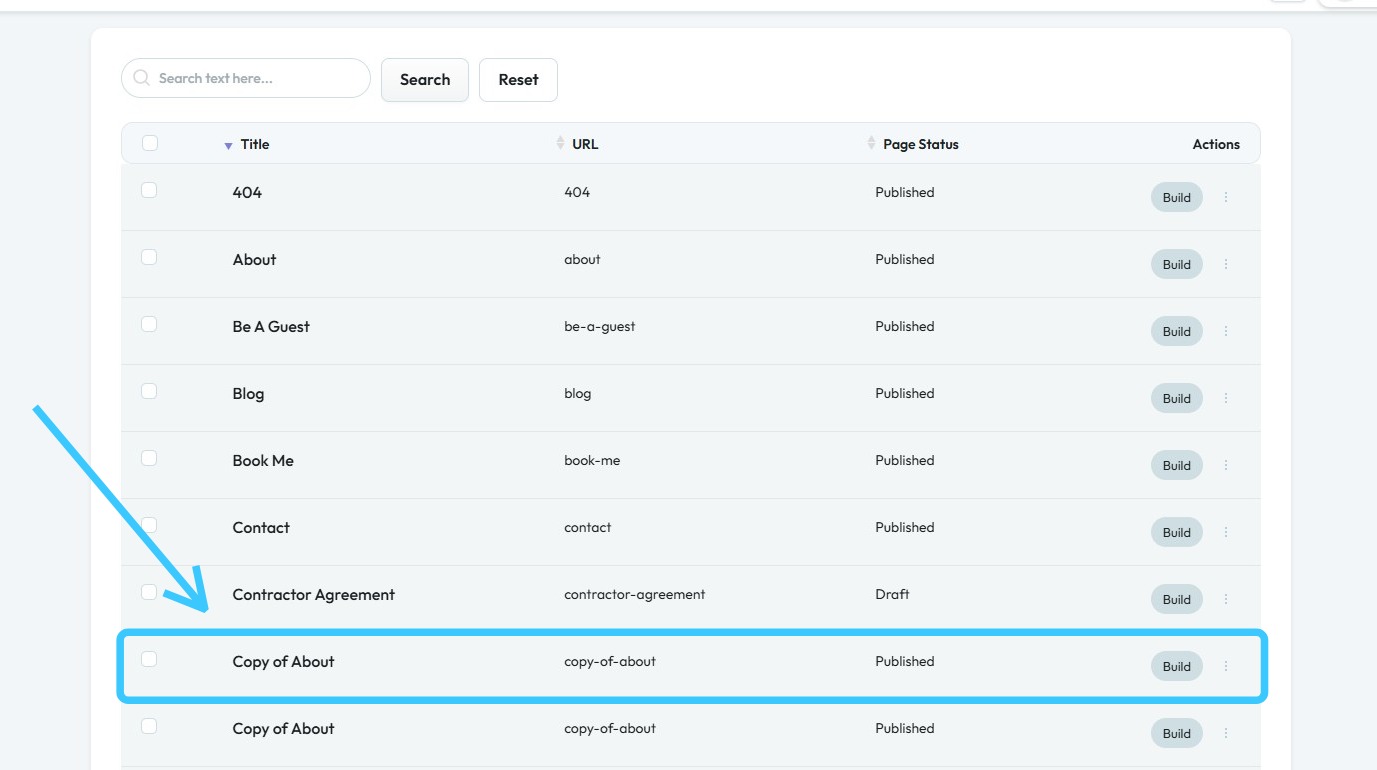
7. Copy of that page will be made
Related Articles
How to Navigate Page Builder (Detailed)
This guide provides a straightforward method for creating and customizing website pages using PodUp's Page Builder, making it ideal for users of all skill levels. It outlines each step in the process, from accessing the page builder to editing ...How to Navigate Post Page Builder (Detailed)
This guide offers a straightforward approach to creating and customizing post pages using PodUp's Post Page Builder, making it ideal for bloggers, video creators, and podcasters. It provides step-by-step instructions for adding and enhancing post ...Creating a New Page in PodUp's Page Builder
This guide offers a straightforward process for creating a new webpage using PodUp's Page Builder, making it accessible even for beginners. By following the simple steps, users can efficiently design and customize their pages to meet their specific ...Difference between Page Builder and Post Page Builder
Understand Page Builder vs. Post Page Builder to manage your site effectively 1. Page Builder structures entire website pages, including navigation, layouts, SEO configuration, and site elements. Page Builder is ideal for pages such as Home, About, ...Why does the File Manager manage 2 copies of my file?
This guide shows you how to manage files in PodUp’s File Manager, so you can keep high-quality originals while using optimized versions for faster performance. Tip: PodUp File Manager stores two versions of each file: the original, uncompressed ...